HelloGrowthCRM software
Built for real small-business sales teams
HelloGrowthCRM helps reps qualify faster, follow up on time, and close more deals—with practical automation in one place.
- AI lead scoring and pipeline visibility
- Built-in dialer, WhatsApp, and email automation
- Sales forecasting and RevOps-ready reporting
To reject a quotation politely in an email, begin with a courteous thank you for the quotation and the effort made by the sender. Clearly state your decision to decline the offer without ambiguity. If suitable, give a brief, honest reason such as budget constraints or choosing another provider. End the email on a positive note, expressing willingness to consider future opportunities or maintain a good relationship.
Why this comes up / what goes wrong
Small-business owners frequently receive quotations from suppliers or service providers and need to respond promptly and professionally. Rejecting a quotation can feel uncomfortable, but failing to reply or responding brusquely can harm business relationships. Owners often struggle with what tone to use or how much detail to provide. A polite rejection email preserves goodwill and keeps doors open for future negotiations or partnerships.
Many small businesses run sales and vendor communications through email, text messages, or spreadsheets, which can make tracking quotations and responses difficult. This sometimes leads to missed replies or unclear communication. Using a CRM helps organize quotations, follow-ups, and team visibility to avoid these issues.
Step-by-step
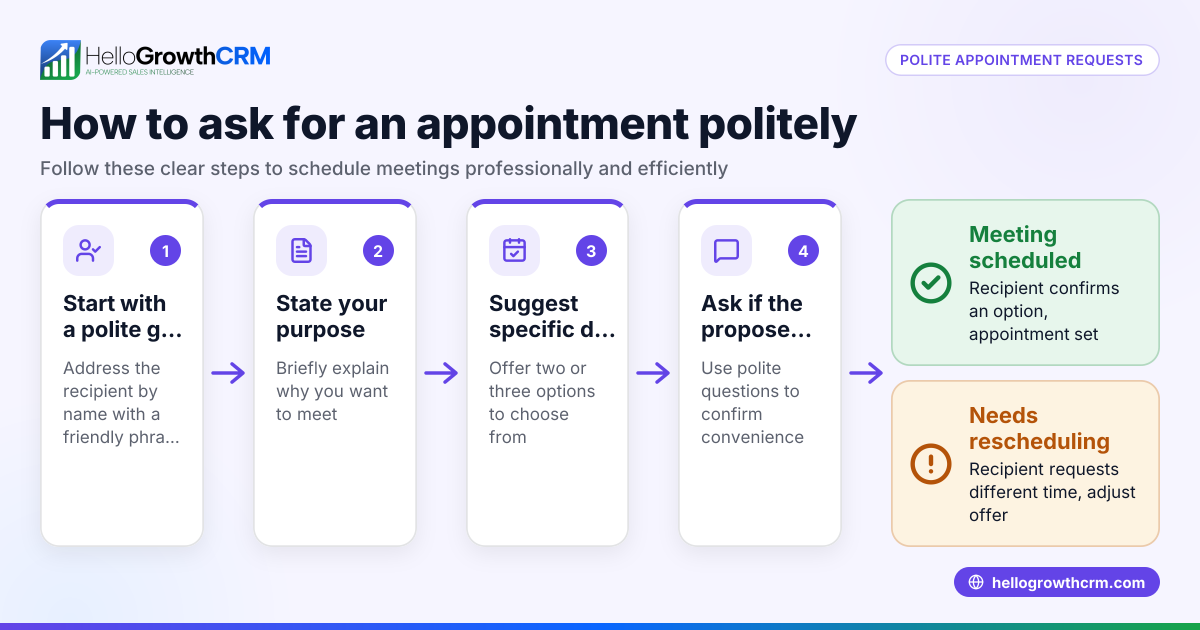
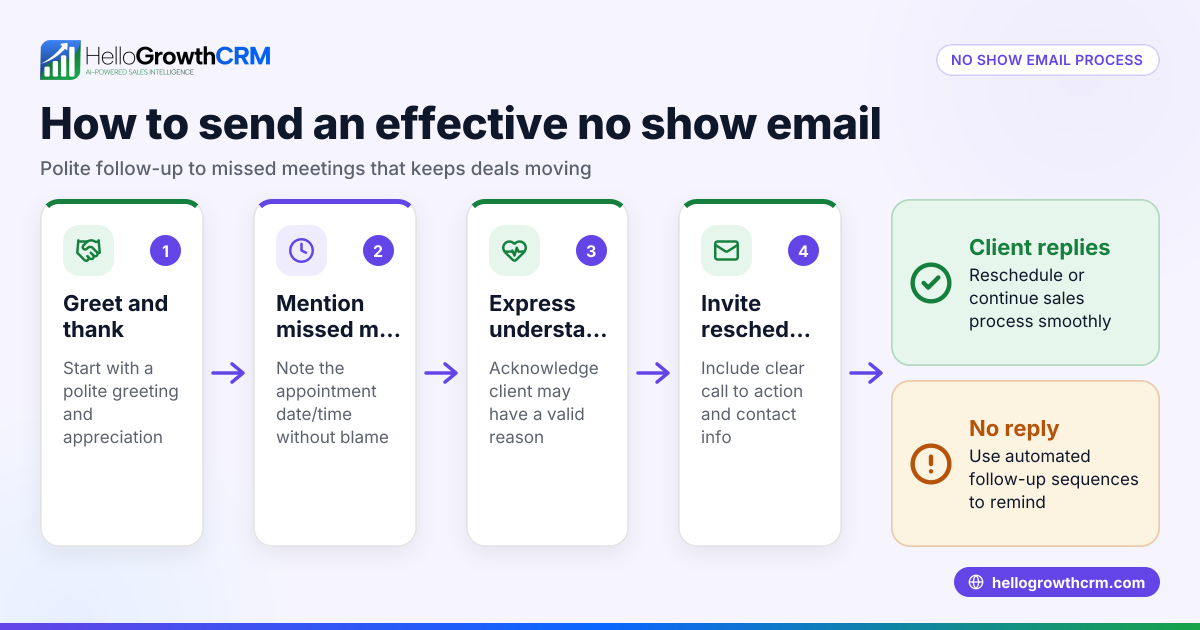
- Start with a greeting and thank you. Address the sender by name and thank them for the quotation and their time. This shows respect and appreciation.
- State your decision clearly. Use straightforward language to say you will not be accepting the quotation. Avoid ambiguous phrases like "not now" that can cause confusion.
- Provide a brief reason if appropriate. For example, budget limitations, project scope changes, or choosing a different proposal. Keep it professional and positive. You don’t need to go into great detail.
- Express appreciation and future openness. Indicate you value their effort and would consider them for future opportunities. This helps maintain a good business relationship.
- Close politely. Use a friendly closing such as "Best regards" or "Sincerely" followed by your name and contact details.
- Review your email for tone and clarity. Make sure it sounds courteous and leaves no ambiguity. Avoid negative language or too much detail.
- Send the email promptly. Respond within a few business days to show professionalism and respect for the provider’s time.
Throughout, keep the email concise and professional. Avoid negative or overly detailed explanations.
Example (fictional figures)
Subject: Thank You for Your Quotation – Office Renovation Project
Dear Ms. Johnson,
Thank you very much for your detailed quotation dated 06/01/2026 regarding the office renovation services. We appreciate the time and effort you invested in preparing the proposal.
After careful consideration, we have decided not to proceed with your quotation as it exceeds our current budget allocation of $25,000 for this project. Your quotation totaled $29,500.
$25,000 (budget) - $29,500 (quoted price) = -$4,500 (over budget)
We value your expertise and hope to have the opportunity to work together on future projects where our budget aligns better.
Thank you again for your understanding.
Best regards,
Mark Thompson Operations Manager BrightSpace Interiors
Common mistakes
- Being vague or non-responsive. Always respond to a quotation to maintain professionalism. Ignoring a quotation can damage relationships and cause confusion. Using a shared inbox like HelloMail ensures your team sees replies promptly. See more on email automation and sequences.
- Using negative or harsh language. Keep the tone polite and appreciative to preserve relationships. Avoid words that sound dismissive or critical.
- Giving too much detail. A brief, honest reason is enough; avoid lengthy justifications that may complicate the message.
- Not proofreading. Errors can appear unprofessional; review your email carefully before sending.
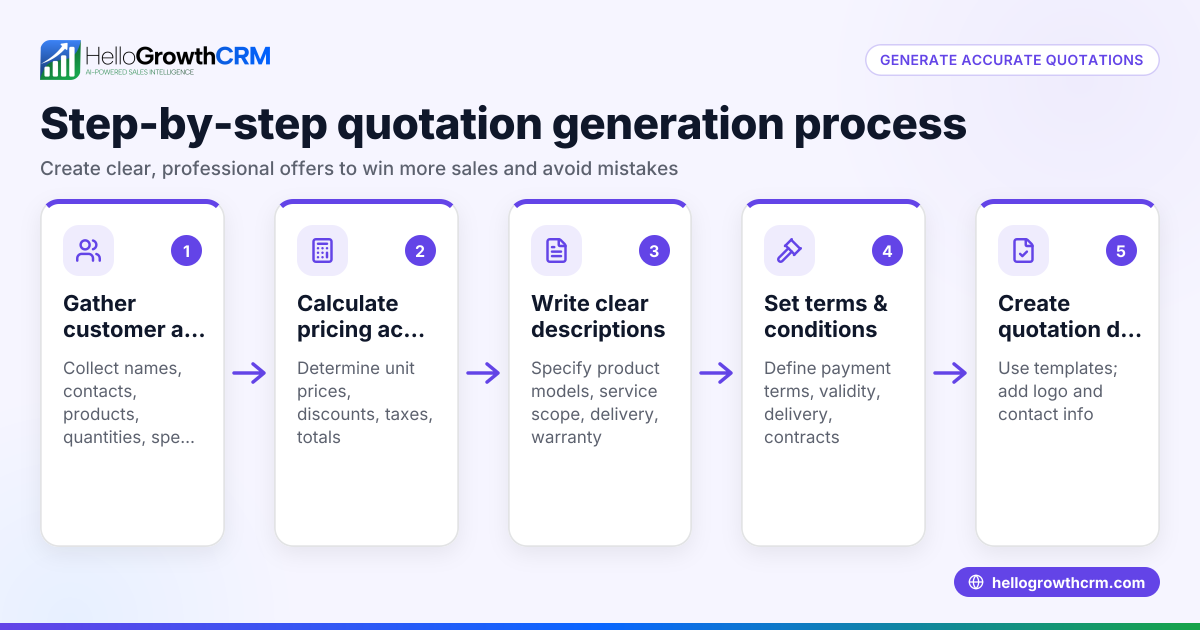
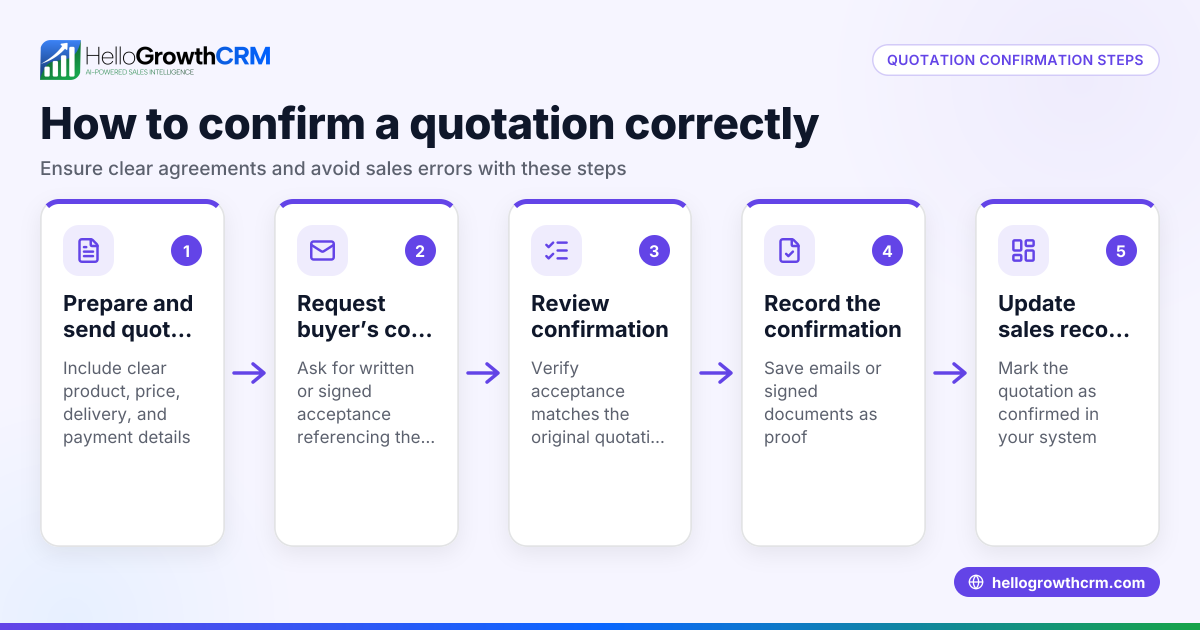
- Failing to track the quotation status. Use a CRM’s quotes and proposals feature to monitor if the quotation was sent, viewed, or accepted. This helps plan your follow-ups effectively. See WhatsApp and SMS CRM for managing follow-ups.
- Delaying the response. Waiting too long to reply can frustrate the provider and slow your project timeline.
Doing this in HelloGrowthCRM
HelloGrowthCRM offers tools to manage quotations and communications efficiently for small and mid-sized businesses. The Quotes, proposals, invoices and payments feature lets you send quotations directly from the deal screen and track their status (sent, viewed, accepted) alongside follow-up tasks. Replies to quotation emails appear in the HelloMail shared inbox, visible to your whole team, so no response is missed. If you prefer calling, the built-in dialer logs call outcomes directly on the lead, improving follow-up accuracy. Learn more about HelloGrowthCRM’s capabilities on HelloGrowthCRM for the United States.
Frequently asked questions
How long should I wait before rejecting a quotation? Respond within a reasonable time, ideally within a few business days of receiving the quotation, to show respect for the provider’s effort and maintain professionalism.
Is it necessary to give a reason when rejecting a quotation? While not mandatory, providing a brief reason can help maintain goodwill. Keep it professional and concise to avoid misunderstandings.
Can I negotiate instead of rejecting outright? Yes, if you want to explore options, you can reply expressing interest but requesting adjustments. This keeps the conversation open and may lead to a better deal.
Should I keep a record of rejected quotations? Yes, tracking quotations helps in future budgeting and vendor relationships. Using a CRM’s quotes and proposals feature simplifies organizing and referencing past quotations.
How can I manage follow-ups after rejecting a quotation? Using email automation and sequences helps schedule and manage follow-ups efficiently. HelloGrowthCRM provides tools to automate these processes. See email automation and sequences.
Key takeaways
- Always start your rejection email with a thank you to show appreciation.
- Clearly and politely state your decision to decline the quotation.
- Provide a brief, professional reason if appropriate to maintain goodwill.
- Keep the tone positive and open for future opportunities.
- Respond promptly to show professionalism.
- Use CRM features to track quotations and manage team communications efficiently.
Manage your quotations and communications professionally with HelloGrowthCRM. Start on the Free Forever plan (200 leads, no credit card).
Ready to put this into practice?
Set up your pipeline, WhatsApp follow-ups, and AI lead scoring in minutes — free, no credit card.
Try HelloGrowthCRM freeGet CRM tips in your inbox
Join thousands of sales professionals who get weekly insights on CRM strategy, AI automation, and pipeline optimization.

The HelloGrowthCRM team publishes guides on CRM strategy, AI sales tools, and revenue operations for small business sales teams.