HelloGrowthCRM software
Built for real small-business sales teams
HelloGrowthCRM helps reps qualify faster, follow up on time, and close more deals—with practical automation in one place.
- AI lead scoring and pipeline visibility
- Built-in dialer, WhatsApp, and email automation
- Sales forecasting and RevOps-ready reporting
To run effective marketing campaigns in India, segmenting your customers into meaningful groups is essential. Segmentation helps tailor your messaging, improve response rates, and save resources by targeting the right audience. This article explains why segmentation matters for Indian small businesses, provides a step-by-step method to segment customers, offers a worked example using realistic Indian figures, highlights common mistakes, and shows how HelloGrowthCRM supports segmentation and campaigns.
Why this comes up / what goes wrong
Many small business owners in India collect customer data but struggle to use it effectively for campaigns. Without segmentation, campaigns become generic and less effective, leading to wasted effort and lost sales. Common issues include:
- Running campaigns on entire customer lists without filtering.
- Not knowing which customers are most likely to respond.
- Using spreadsheets or WhatsApp alone, which lack automation and tracking.
- Missing follow-up opportunities because of manual processes.
Segmenting customers helps solve these by identifying groups with similar needs or behaviours, allowing personalised and timely communication.
Step-by-step
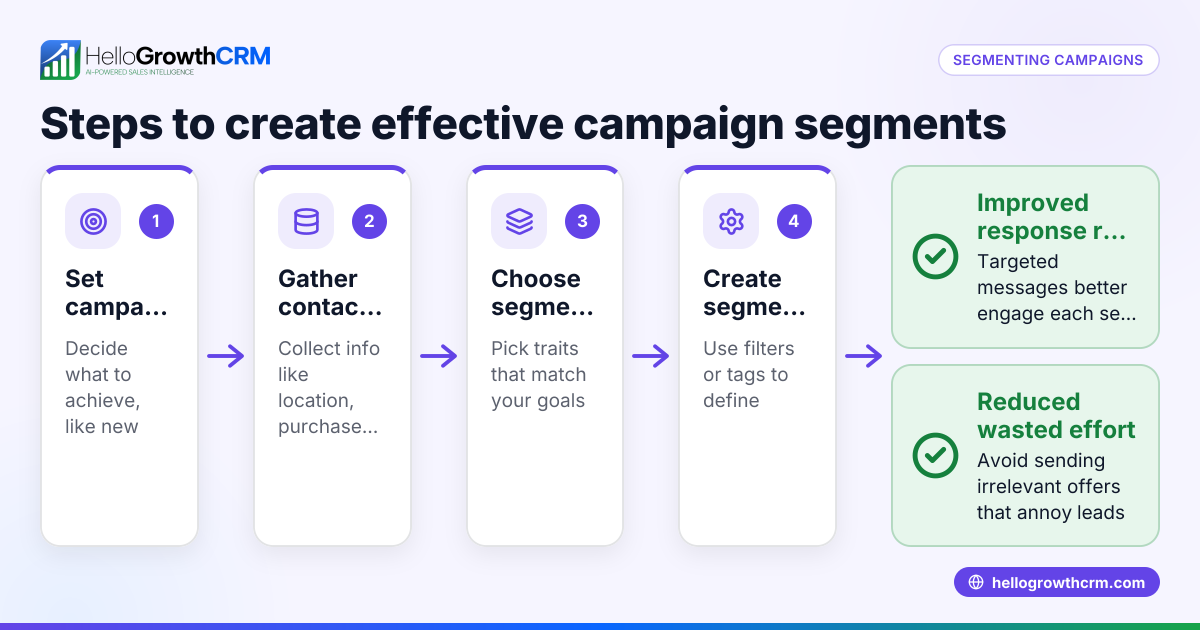
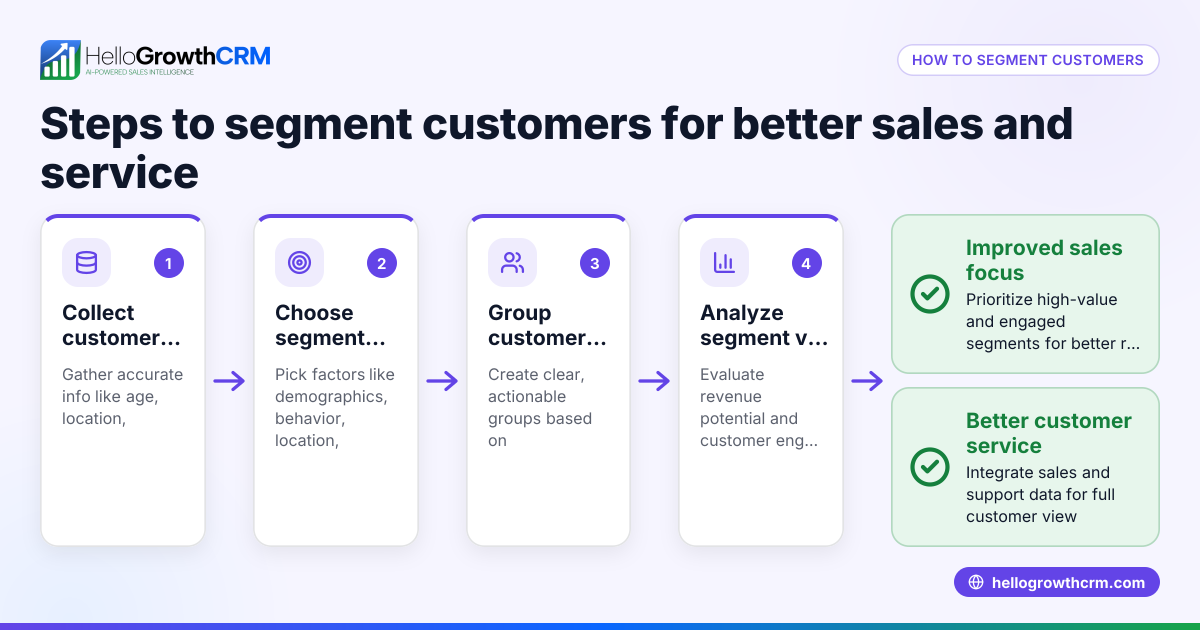
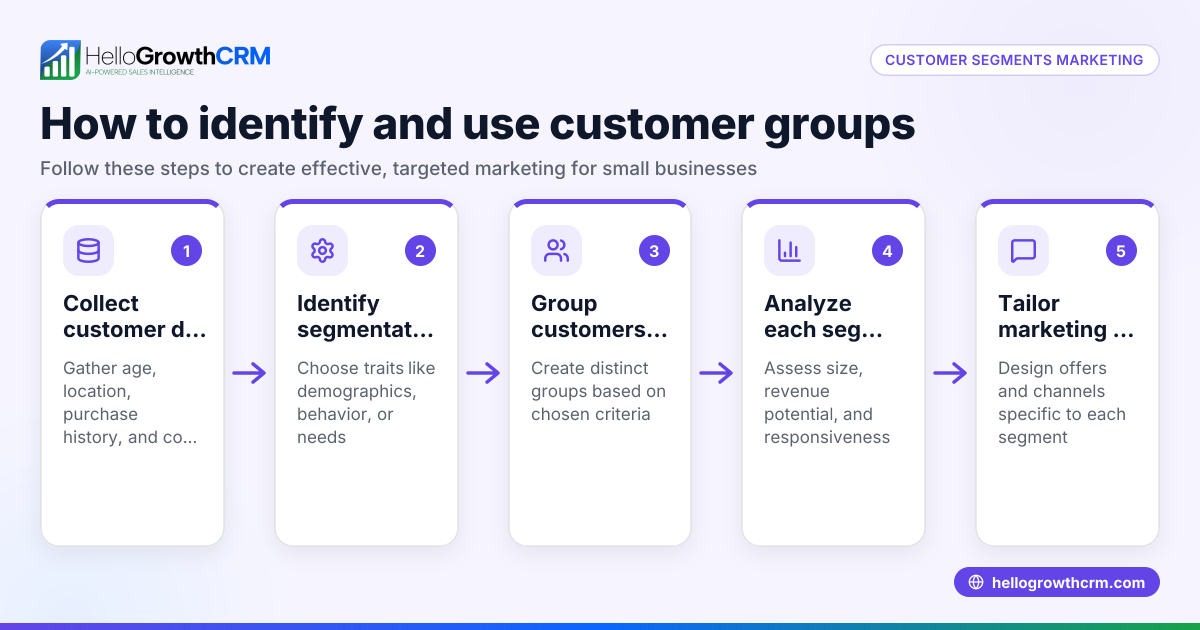
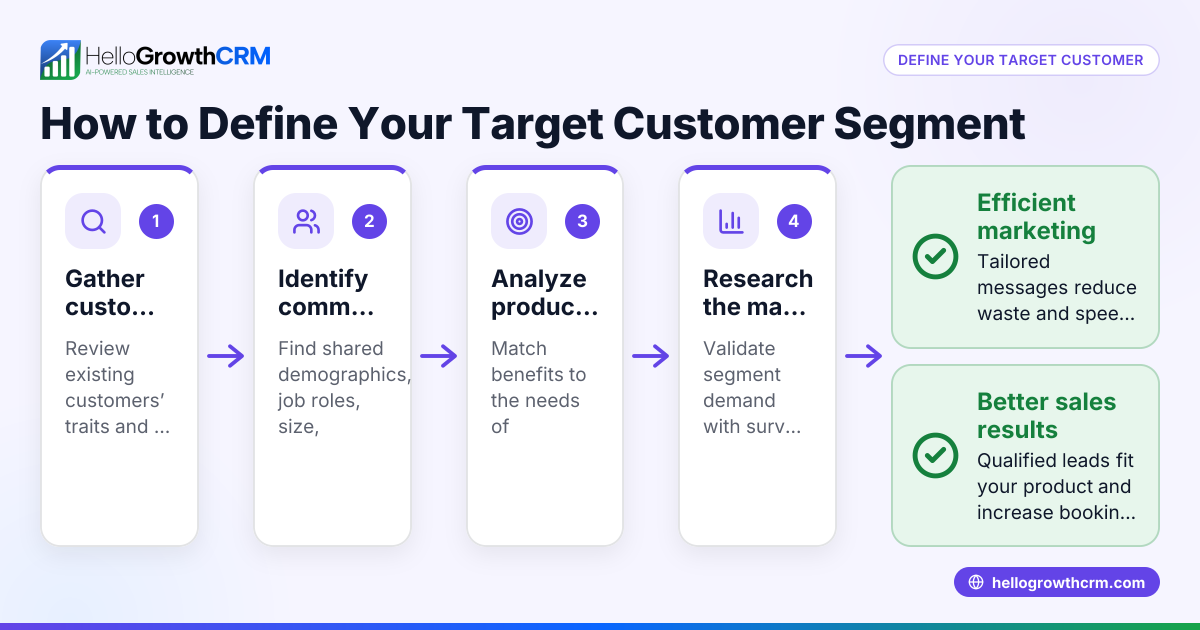
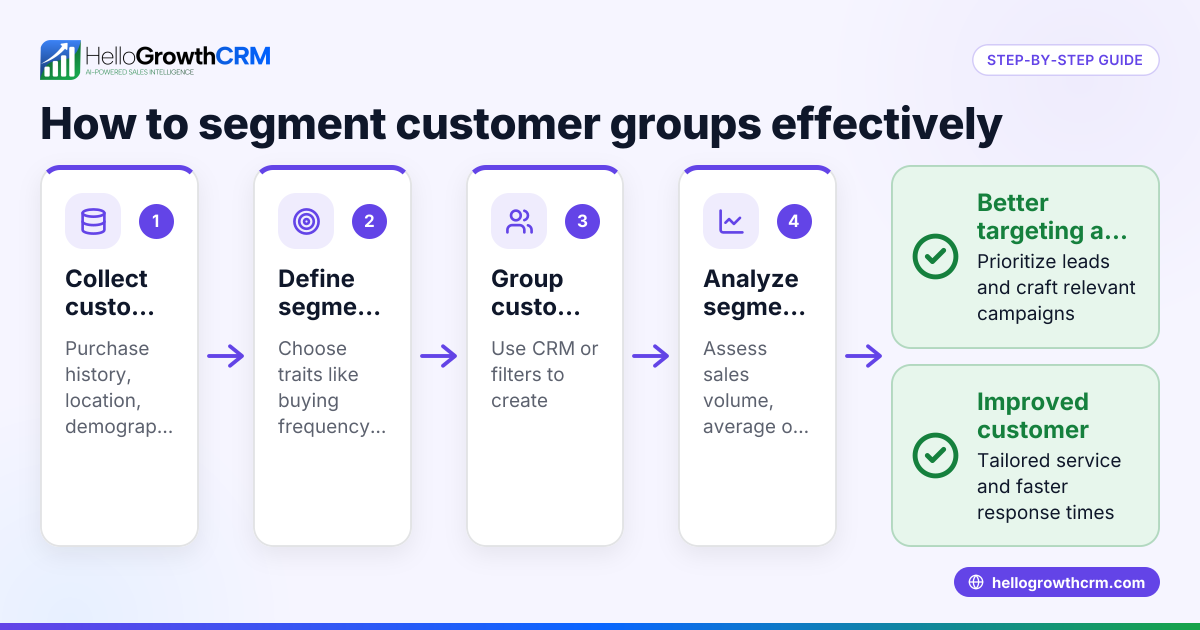
- Gather customer data
- Collect details like purchase history, location (city/state), demographics (age, gender if available), and engagement (last contact date).
- Check your data source for completeness and accuracy.
- Define segmentation criteria
- Choose criteria based on your campaign goal. For example:
- High-value customers (those with purchases over a threshold)
- Recent buyers (purchased in last 3 months)
- Location-based (customers in Mumbai or Delhi)
- Product interest or category
- Verify that these criteria align with your campaign message.
- Create customer groups
- Use filters or queries in your CRM or spreadsheet to group customers by chosen criteria.
- Check group sizes to ensure they are neither too small nor too large.
- Label or tag each segment clearly
- Use simple, descriptive names like “High-Value Mumbai Customers”.
- Confirm labels match the group characteristics.
- Plan campaign messaging for each segment
- Tailor your message to the segment’s needs or behaviour.
- Prepare follow-up sequences if applicable.
- Test and refine segments
- Run a small pilot campaign on a segment.
- Track responses and adjust criteria or messaging as needed.
- Execute full campaigns and monitor
- Use tools that automate sending and stopping messages when customers reply.
- Monitor engagement and update segments periodically.
Example (fictional figures)
A Mumbai-based electronics retailer wants to run a campaign offering a discount on mobile accessories to customers who spent over ₹5,000 in the last 6 months.
- Total customers: 1,000
- Filter customers with purchase amount > ₹5,000 in last 6 months:
- 200 customers qualify
Calculation:
- Customer A spent ₹7,200 in last 6 months → included
- Customer B spent ₹4,800 → excluded
Segment size = 200 customers
The retailer labels this segment “High-Value Mumbai Customers”. They prepare a WhatsApp message sequence offering a 10% discount on accessories.
This focused segment ensures the campaign targets likely buyers, improving conversion chances and optimising marketing spend.
Common mistakes
- Using too broad segments: Leads to generic messages that don’t engage. Prevent by defining clear, relevant criteria.
- Ignoring data quality: Incomplete or outdated data causes wrong segmentation. Prevent by regularly cleaning and updating customer data.
- Not updating segments: Customer behaviour changes, so stale segments reduce campaign effectiveness. Prevent by reviewing segments monthly.
- Manual follow-up delays: Losing leads due to slow responses. Prevent by using automated sequences that pause when customers reply, such as those in HelloGrowthCRM’s WhatsApp and SMS CRM.
- No clear labels: Confusing segment names cause errors in campaign targeting. Prevent by using simple, descriptive tags.
Doing this in HelloGrowthCRM
HelloGrowthCRM offers automated sequences and campaigns that help you segment and reach customers efficiently. You can set up a five-step follow-up sequence over two weeks that runs on its own and stops the moment the prospect replies, ensuring timely engagement. After the sale, service requests stay on the same customer record as the deal, helping your team keep track of customer interactions via the customer portal. If you don’t have a sales manager, the Managed RevOps service assigns someone to work your follow-up queue weekly, keeping your pipeline active and clean. Learn more about HelloGrowthCRM for India.
Frequently asked questions
How often should I update my customer segments? Update segments at least once a month to reflect recent purchases, engagement, or changes in customer data. This keeps campaigns relevant and effective.
Can I segment customers by location and purchase amount together? Yes, combining criteria like location and purchase amount creates precise segments, such as “High-Value Customers in Delhi.” This helps tailor campaigns better.
What data fields are most useful for segmentation in India? Common fields include purchase history, location (city/state), last contact date, and product category. Depending on your business, demographic data like age or gender may also help.
How does automation improve campaign follow-up? Automation sends messages at scheduled intervals and stops when a customer replies, preventing over-contacting and saving manual effort. HelloGrowthCRM’s sequences feature this.
Can I track campaign results by segment? Yes, tracking responses and conversions by segment helps refine future campaigns. Use CRM reports to monitor segment performance.
Key takeaways
- Segment customers by relevant criteria like purchase history, location, and engagement.
- Use clear labels and keep data updated to maintain segment accuracy.
- Automate follow-ups with sequences that stop on customer reply to save time.
- Test segments with pilot campaigns before full rollout.
- HelloGrowthCRM supports segmentation, automated campaigns, and follow-up management.
Start segmenting your customers today to improve campaign success and sales efficiency. To try automated sequences and campaigns without risk, Start on the Free Forever plan (200 leads, no credit card).
Ready to put this into practice?
Set up your pipeline, WhatsApp follow-ups, and AI lead scoring in minutes — free, no credit card.
Try HelloGrowthCRM freeGet CRM tips in your inbox
Join thousands of sales professionals who get weekly insights on CRM strategy, AI automation, and pipeline optimization.

The HelloGrowthCRM team publishes guides on CRM strategy, AI sales tools, and revenue operations for small business sales teams.