HelloGrowthCRM software
Built for real small-business sales teams
HelloGrowthCRM helps reps qualify faster, follow up on time, and close more deals—with practical automation in one place.
- AI lead scoring and pipeline visibility
- Built-in dialer, WhatsApp, and email automation
- Sales forecasting and RevOps-ready reporting
To send timed messages, you must choose the exact date and time for delivery, write your message content, then schedule it through a messaging tool or CRM that supports message scheduling. Confirm your settings so the message sends automatically at the planned time without manual intervention.
Why this comes up / what goes wrong
Small-business owners frequently need to send messages at specific times to customers or leads—for example, appointment reminders, promotional offers, or follow-ups after inquiries. Without the ability to schedule messages, owners often send messages manually, which can lead to sending too early or too late. This results in missed opportunities to engage customers effectively.
Many small businesses rely on texting, email, or spreadsheets to track outreach, but these methods lack automation. This causes delays, forgotten messages, or inconsistent communication, which can lead to lost leads, missed sales, and a poor customer experience.
Scheduling timed messages helps you stay organized, maintain consistent communication, and save time by automating outreach. It also allows you to plan campaigns or reminders in advance and reach customers at the best times.
Step-by-step
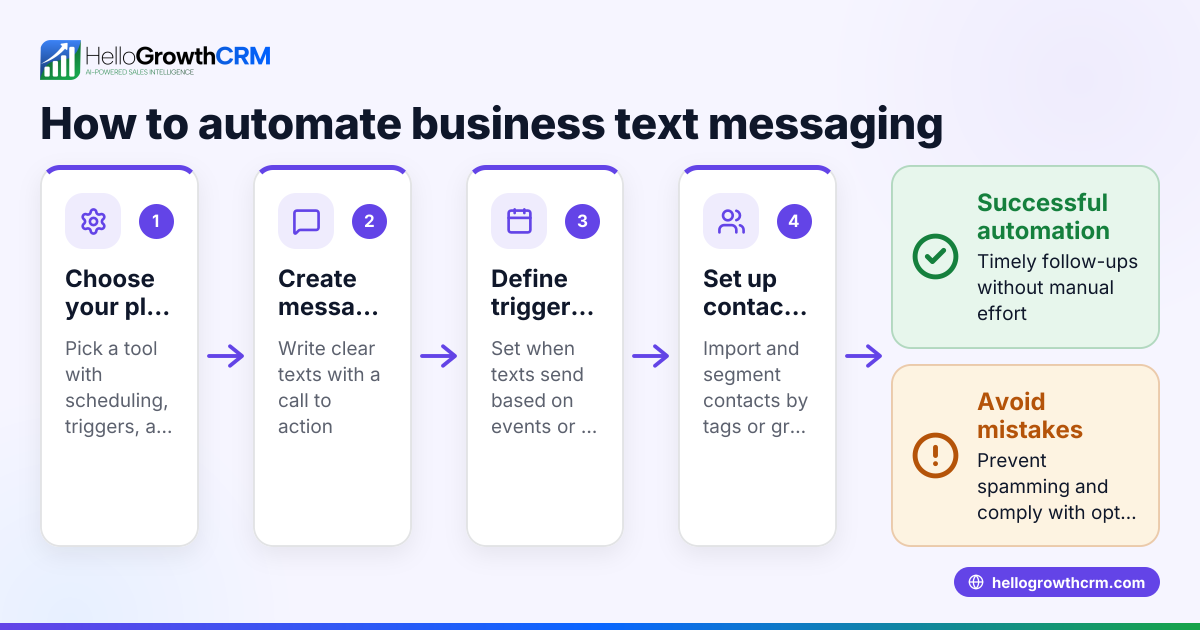
- Choose your messaging platform or CRM: Select a tool that supports scheduling messages by date and time. Confirm it supports your preferred channels such as SMS, email, or WhatsApp.
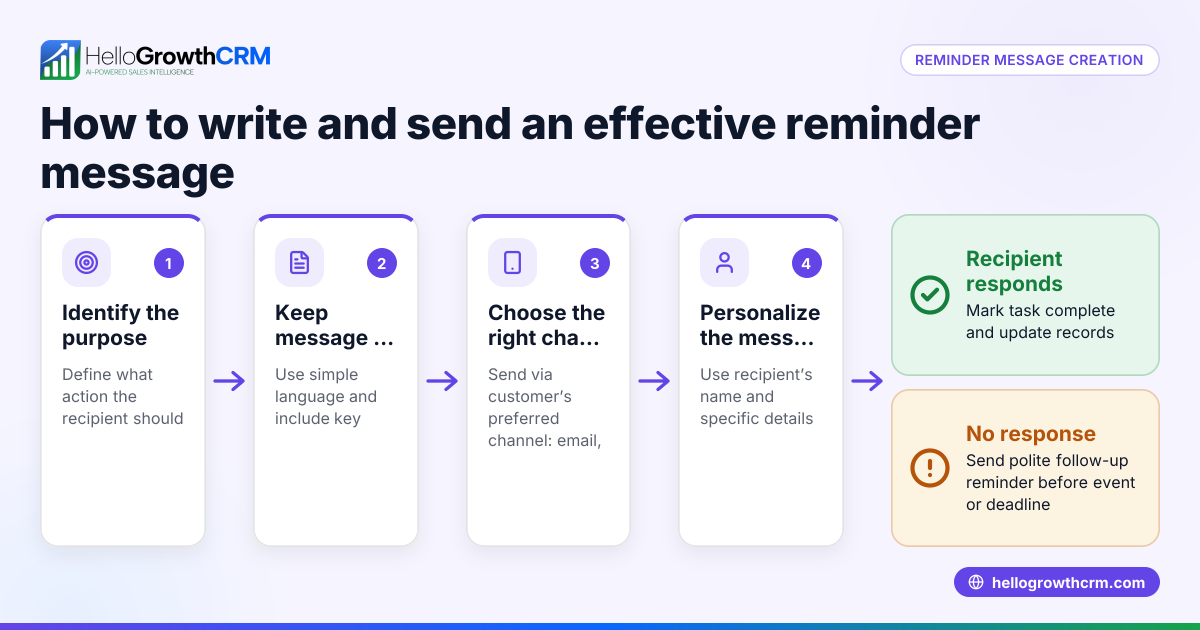
- Create your message content: Write the message you want to send. Keep it clear, concise, and personalize it if possible.
- Select your recipients: Define who will receive the message. This could be a list of contacts, leads, or customers.
- Set the delivery date and time: Enter the exact date (MM/DD/YYYY) and time (including AM/PM) you want the message to be sent. Double-check the time zone settings to make sure the message goes out at the right moment.
- Review all details carefully: Double-check the message text, recipient list, and scheduled time for accuracy.
- Activate or schedule the message: Confirm the scheduling command so the platform queues your message for automatic sending.
- Monitor delivery status: After the scheduled time, verify if the message was sent successfully. Check delivery reports or notifications for any failures.
Using a WhatsApp and SMS CRM can simplify managing contacts and scheduling messages. A built-in CRM dialer may help you follow up with calls after sending timed messages. For US businesses, consider solutions like HelloGrowthCRM for the United States tailored to local sales teams.
Example (fictional figures)
A residential real-estate team in Phoenix, Arizona, wants to send a follow-up SMS to 100 leads on 09/15/2026 at 10:00 AM. They use a CRM with SMS scheduling.
- Number of leads: 100
- Cost per SMS: $0.05
- Total cost calculation:
100 × $0.05 = $5.00
Steps:
- Compose the message: “Hi, just checking in on your home search. Let me know if you have questions!”
- Select 100 leads as recipients.
- Set delivery date and time: 09/15/2026, 10:00 AM.
- Confirm and schedule the message.
At 10:00 AM on 09/15/2026, the CRM sends all 100 messages automatically, costing $5.00 total.
Common mistakes
- Wrong time zone settings: Prevent this by confirming your platform’s time zone matches your local or target audience’s time zone.
- Incorrect recipient list: Prevent by verifying your contact group before scheduling the message.
- Not previewing the message: Prevent by sending yourself a test message to check for errors.
- Scheduling too far in advance and forgetting to update: Prevent by regularly reviewing and updating scheduled messages.
- Ignoring delivery reports: Prevent by checking status after send time to catch any failures and reschedule if needed.
Using a WhatsApp and SMS CRM helps avoid these mistakes by centralizing your messaging and contacts. A built-in CRM dialer can support follow-up calls after timed messages to increase engagement.
Frequently asked questions
Can I send timed messages via WhatsApp? Yes, many CRMs and messaging platforms support scheduling WhatsApp messages. You prepare your message, select contacts, set the date and time, then schedule it. Make sure your platform supports WhatsApp Business API or native messaging.
Is it possible to edit a timed message after scheduling? Most platforms allow you to edit or cancel scheduled messages before they send. Check your platform’s interface for options to modify or delete scheduled messages.
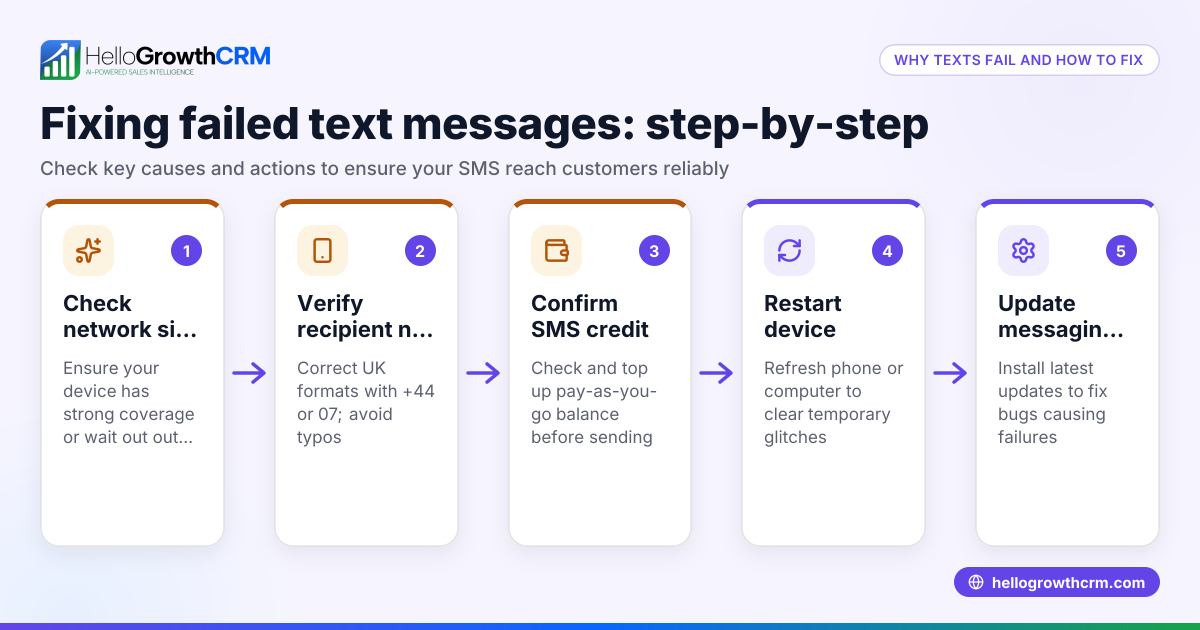
What if my message fails to send at the scheduled time? Failures can happen due to connectivity issues, platform errors, or incorrect settings. Monitor delivery reports and reschedule if needed. Keep your contact information current.
Do I need special software to send timed SMS? Yes, manual texting does not support scheduling. Use a CRM or messaging tool that includes scheduling features for SMS, email, or WhatsApp.
How do I handle different time zones for recipients? If your recipients are in multiple time zones, use a platform that supports time zone-specific scheduling or segment your contact lists by time zone to schedule messages accordingly.
Key takeaways
- Use a platform with scheduling features to send timed messages.
- Prepare and review your message content and recipient list carefully.
- Set the exact delivery date, time, and verify time zones.
- Monitor delivery status and be ready to reschedule if needed.
- Avoid common mistakes like wrong time zones or incorrect recipient lists.
- Consider tools like a WhatsApp and SMS CRM or built-in CRM dialer to streamline messaging.
Start sending your timed messages today. Start on the Free Forever plan (200 leads, no credit card) and manage your leads with ease.
Ready to put this into practice?
Set up your pipeline, WhatsApp follow-ups, and AI lead scoring in minutes — free, no credit card.
Try HelloGrowthCRM freeGet CRM tips in your inbox
Join thousands of sales professionals who get weekly insights on CRM strategy, AI automation, and pipeline optimization.

The HelloGrowthCRM team publishes guides on CRM strategy, AI sales tools, and revenue operations for small business sales teams.