HelloGrowthCRM software
Built for real small-business sales teams
HelloGrowthCRM helps reps qualify faster, follow up on time, and close more deals—with practical automation in one place.
- AI lead scoring and pipeline visibility
- Built-in dialer, WhatsApp, and email automation
- Sales forecasting and RevOps-ready reporting
Sending WhatsApp appointment reminders is an effective way to reduce missed appointments and keep your clients informed. Here’s a clear, step-by-step guide to sending them in Canada.
Why this comes up / what goes wrong
Many small business owners in Canada struggle with missed or late appointments because their reminder process is manual, inconsistent, or slow. They often rely on text messages, emails, or phone calls that require back-and-forth communication and take time. Without a clear, reliable process, reminders can be delayed or forgotten, leading to lost time and revenue. WhatsApp is popular in Canada for personal and business communication, so using it for appointment reminders meets clients where they already respond.
Step-by-step
- Collect customer WhatsApp numbers clearly and legally. When clients book an appointment, ask them to provide their WhatsApp-enabled phone number. Confirm that the number is correct and that they consent to receive appointment reminders via WhatsApp. This consent is important for compliance and customer trust.
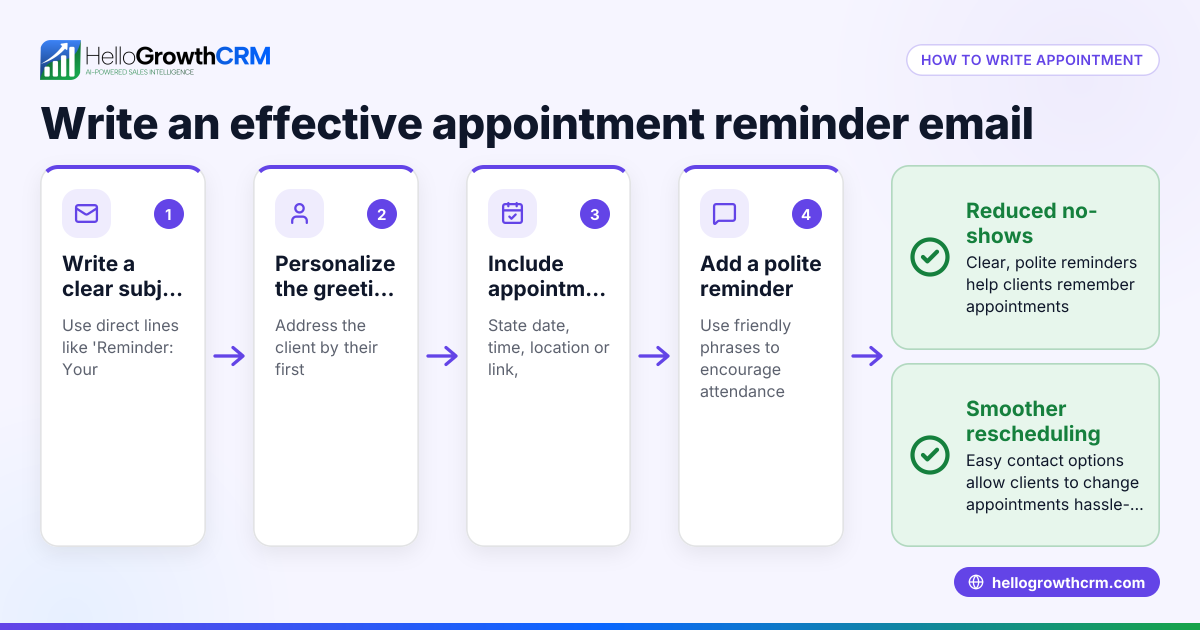
- Create a concise, polite reminder message. Your message should include the appointment date, time, location, and any preparation instructions. For example: "Hello [Name], this is a reminder for your appointment on 2024-07-15 at 14:00 at our Toronto office. Reply if you need to reschedule."
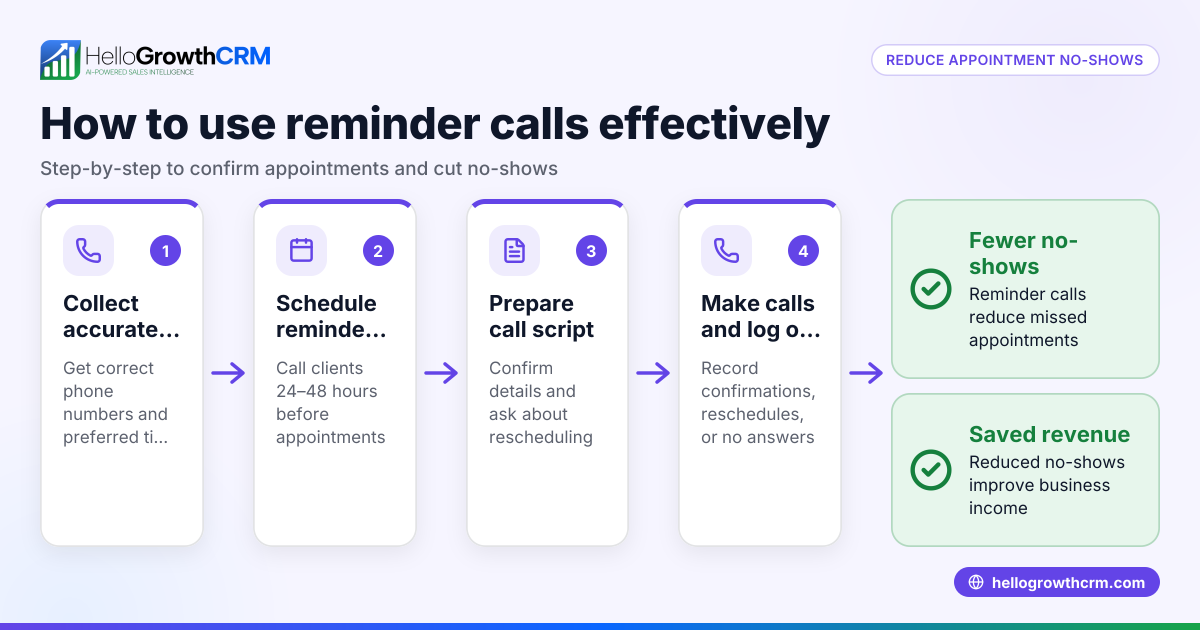
- Schedule the reminder timing. Send reminders 24 to 48 hours before the appointment. This timing gives clients enough notice without being too early to forget.
- Send the reminder message on WhatsApp. Use your phone or a CRM that supports WhatsApp messaging to send the message. Double-check the message content and recipient number before sending to avoid errors.
- Log the reminder sent. Keep a record of reminders sent, including date and time, so you know who received them and can follow up if needed.
- Follow up on replies promptly. If a client replies to reschedule or cancel, respond quickly to update the appointment and avoid no-shows.
Using a meeting scheduler can simplify this process by letting clients pick appointment slots via a link, reducing back-and-forth messages.
Example (fictional figures)
A bilingual insurance agency in Laval, Quebec, schedules an appointment reminder.
- Appointment date and time: 2024-08-10 at 10:00
- Client: Jean Tremblay
- WhatsApp number: +1 450-555-1234
- Appointment fee: C$150
The agency decides to send the reminder 48 hours before the appointment.
Reminder date and time = 2024-08-08 at 10:00
Reminder message: "Bonjour Jean, ceci est un rappel pour votre rendez-vous le 2024-08-10 à 10:00 chez Assurance Laval. Merci de répondre si vous devez changer la date."
They schedule the reminder for 2024-08-08 at 10:00 and send it exactly then.
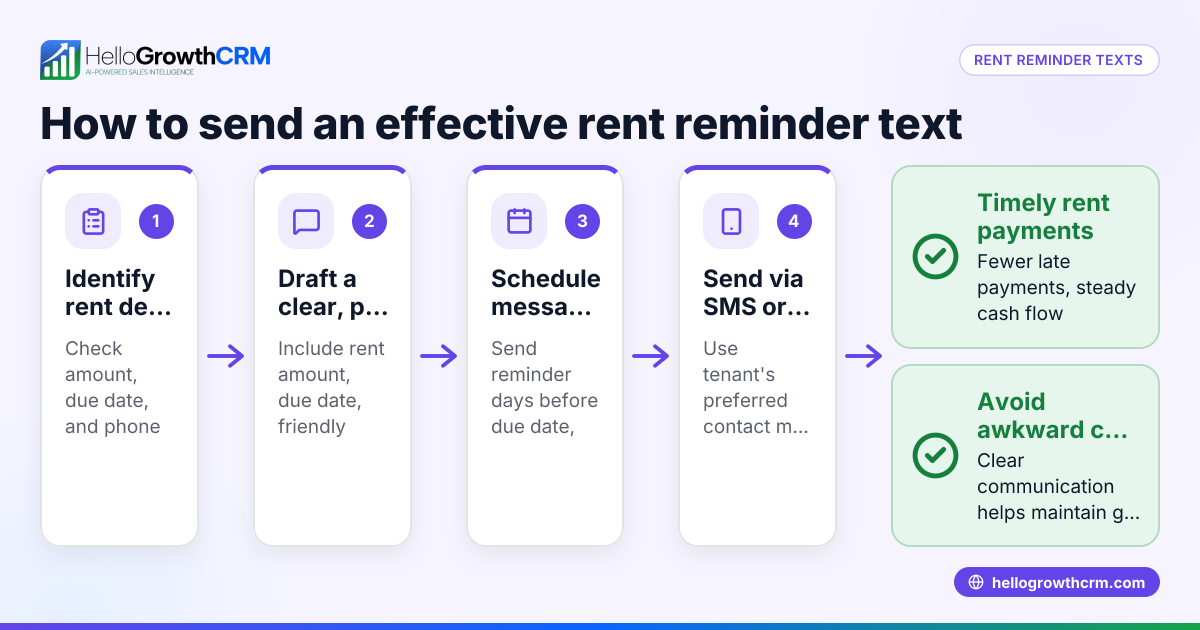
The agency also prepares a payment reminder for the appointment fee to send 24 hours before the appointment.
Payment reminder date and time = 2024-08-09 at 10:00
Payment amount = C$150
They send the payment reminder message: "Bonjour Jean, un rappel que votre paiement de C$150 est dû pour votre rendez-vous du 2024-08-10. Merci de payer à l'avance."
They log both reminders sent in their system to track communication.
Common mistakes
- Not verifying the WhatsApp number. Prevent this by confirming the number during booking and asking for consent.
- Sending reminders too late or too early. Schedule reminders 24-48 hours before appointments for best results.
- Ignoring client responses. Always respond promptly to reschedule or cancel requests.
- Using unclear or overly long messages. Keep reminders simple, clear, and polite.
- Not logging reminders sent. Track all reminders to manage follow-ups and avoid confusion.
Avoid these mistakes by following the step-by-step process and using tools like WhatsApp and SMS CRM to automate message logging.
Doing this in HelloGrowthCRM
HelloGrowthCRM supports WhatsApp conversations logged on lead records, letting you send follow-up messages directly as WhatsApp texts. Its scheduling and booking feature allows prospects to pick appointment slots via a link, reducing back-and-forth messages. This simplifies sending timely appointment reminders and managing replies in one place.
Frequently asked questions
How do I get consent to send WhatsApp reminders? Ask clients explicitly when they provide their phone number if they agree to receive reminders via WhatsApp. Keep a record of this consent.
Can I automate sending WhatsApp appointment reminders? Yes, with CRM tools that support WhatsApp messaging and scheduling, you can automate reminders to send at set times before appointments.
What if a client does not use WhatsApp? Use alternative contact methods like SMS or email for reminders. Confirm preferred contact channels during booking.
How far in advance should I send appointment reminders? Typically, 24 to 48 hours before the appointment is best to give clients enough notice without being forgotten.
Can I send payment reminders on WhatsApp too? Yes, the process is similar. Create clear messages about payment due dates and send them via WhatsApp or SMS.
For more on managing messages and tasks, see sales task boards.
Key takeaways
- Collect and confirm WhatsApp numbers with consent.
- Send clear appointment reminders 24-48 hours before.
- Log reminders sent and track client responses.
- Use scheduling links to reduce back-and-forth messaging.
- Respond promptly to reschedule or cancel requests.
- Avoid common mistakes by following a clear process.
Start sending effective WhatsApp appointment reminders today to reduce no-shows and improve client communication. Try HelloGrowthCRM to manage WhatsApp messages and scheduling in one place. Start on the Free Forever plan (200 leads, no credit card).
Ready to put this into practice?
Set up your pipeline, WhatsApp follow-ups, and AI lead scoring in minutes — free, no credit card.
Try HelloGrowthCRM freeGet CRM tips in your inbox
Join thousands of sales professionals who get weekly insights on CRM strategy, AI automation, and pipeline optimization.

The HelloGrowthCRM team publishes guides on CRM strategy, AI sales tools, and revenue operations for small business sales teams.