HelloGrowthCRM software
Built for real small-business sales teams
HelloGrowthCRM helps reps qualify faster, follow up on time, and close more deals—with practical automation in one place.
- AI lead scoring and pipeline visibility
- Built-in dialer, WhatsApp, and email automation
- Sales forecasting and RevOps-ready reporting
To send WhatsApp appointment reminders in New Zealand, you need to collect your customer's WhatsApp number, prepare a concise message with the appointment date, time, and location, and send it via WhatsApp or a CRM that supports WhatsApp messaging. This article explains why appointment reminders matter, provides detailed steps to send reminders, highlights common mistakes, offers a worked example, and shows how HelloGrowthCRM supports this process.
Why this comes up / what goes wrong
Small business owners in New Zealand often lose appointments or face last-minute cancellations because customers forget their booked times. Sending reminders by WhatsApp is popular since many customers use the app daily. However, without a clear process, reminders can be late, incomplete, or sent to the wrong number. Some businesses rely on manual texting, which is time-consuming and prone to error. Others struggle with back-and-forth scheduling messages. Having a reliable, step-by-step method to send WhatsApp appointment reminders ensures customers are informed, reduces no-shows, and saves time.
Step-by-step
- Collect the customer's WhatsApp number
- Confirm the number is correct and includes the New Zealand country code (+64).
- Check the number is active on WhatsApp.
- Prepare the appointment details
- Include the date (DD/MM/YYYY), time, and location of the appointment.
- Add any instructions or requirements (e.g., bring ID, arrive 10 minutes early).
- Compose a clear reminder message
- Keep it concise and polite.
- Example: "Hi [Name], this is a reminder of your appointment on 15/07/2024 at 10:00 AM at our Auckland office, 123 Queen Street. Please reply if you need to reschedule."
- Send the reminder via WhatsApp
- Use your phone’s WhatsApp app or a CRM with WhatsApp messaging.
- Double-check the message content and recipient number before sending.
- Confirm delivery and follow up if needed
- Check if the message was delivered and read.
- If no response, consider a follow-up message or call.
- Record the reminder sent
- Keep a log of reminders sent to avoid duplicate messages.
- Consider automating reminders
- Use scheduling tools or CRMs with WhatsApp integration to automate reminders and reduce manual work.
See also WhatsApp and SMS CRM and meeting scheduler for tools that help automate this.
Example (fictional figures)
A real-estate agency in Auckland has an appointment booked with a client for a property viewing.
- Client: Sarah Wilson
- Appointment date: 20/07/2024
- Appointment time: 14:30
- Location: 45 Victoria Street, Auckland
- Client WhatsApp number: +64 21 123 4567
Steps:
- Confirm Sarah's WhatsApp number is +64 21 123 4567.
- Prepare message: "Hi Sarah, this is a reminder of your property viewing appointment on 20/07/2024 at 2:30 PM at 45 Victoria Street, Auckland. Please reply if you need to reschedule."
- Send message via WhatsApp.
- Confirm delivery and note the reminder was sent.
This simple process helps the agency reduce no-shows and keeps communication clear.
Common mistakes
- Using incorrect or incomplete phone numbers
- Prevent by verifying the full number including country code before sending.
- Sending reminders too late or too early
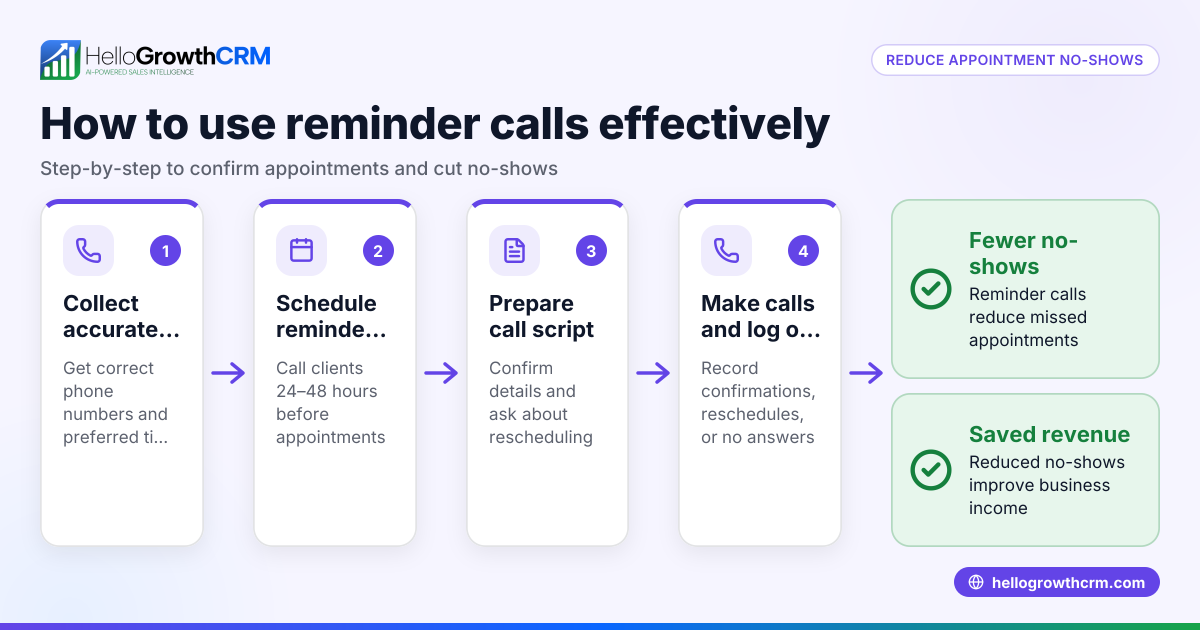
- Prevent by scheduling reminders 24-48 hours before the appointment.
- Messages lacking clear appointment details
- Prevent by including date, time, location, and contact instructions.
- Failing to log sent reminders
- Prevent by keeping a manual or digital log to avoid duplicate reminders.
- Ignoring customer responses
- Prevent by monitoring replies and responding promptly to reschedule requests.
- Manual sending causing delays or missed reminders
- Prevent by using scheduling and WhatsApp messaging tools like HelloGrowthCRM's sales task boards.
Doing this in HelloGrowthCRM
HelloGrowthCRM supports WhatsApp conversations logged on the lead record, allowing follow-ups and appointment reminders to be sent as WhatsApp messages. Its scheduling and booking feature lets prospects pick appointment slots from a link, reducing back-and-forth messages. This streamlines sending appointment reminders and follow-ups directly via WhatsApp, saving time and improving customer engagement. Learn more about WhatsApp and SMS CRM and the meeting scheduler.
Frequently asked questions
Can I send WhatsApp appointment reminders without a CRM? Yes, you can manually send reminders using the WhatsApp app on your phone. However, this requires more time and increases the chance of errors or missed reminders. Using a CRM helps automate and log reminders.
When is the best time to send appointment reminders on WhatsApp? Sending reminders 24 to 48 hours before the appointment is generally best. It gives customers enough notice but is close enough to the date to be remembered.
Do I need customer consent to send WhatsApp reminders? Yes, it is good practice to obtain explicit consent from customers to contact them via WhatsApp for appointment reminders to comply with privacy expectations.
How do I handle rescheduling requests via WhatsApp? Respond promptly by offering alternative times. Using a scheduling tool like HelloGrowthCRM’s meeting scheduler can simplify this by letting customers pick new slots themselves.
Can I automate appointment reminders with HelloGrowthCRM? Yes, HelloGrowthCRM’s WhatsApp and SMS features allow you to automate follow-ups and reminders, reducing manual effort.
Key takeaways
- Collect and verify the customer's WhatsApp number with country code.
- Prepare clear, concise messages with date, time, and location.
- Send reminders 24-48 hours before the appointment.
- Log sent reminders and monitor customer replies.
- Avoid manual errors by using scheduling and WhatsApp CRM tools.
- HelloGrowthCRM supports WhatsApp messaging and scheduling to simplify reminders.
Start sending timely WhatsApp appointment reminders today to reduce no-shows and improve customer communication. To try automated reminders and scheduling, start on the Free Forever plan (200 leads, no credit card).
Ready to put this into practice?
Set up your pipeline, WhatsApp follow-ups, and AI lead scoring in minutes — free, no credit card.
Try HelloGrowthCRM freeGet CRM tips in your inbox
Join thousands of sales professionals who get weekly insights on CRM strategy, AI automation, and pipeline optimization.

The HelloGrowthCRM team publishes guides on CRM strategy, AI sales tools, and revenue operations for small business sales teams.