HelloGrowthCRM software
Built for real small-business sales teams
HelloGrowthCRM helps reps qualify faster, follow up on time, and close more deals—with practical automation in one place.
- AI lead scoring and pipeline visibility
- Built-in dialer, WhatsApp, and email automation
- Sales forecasting and RevOps-ready reporting
To send WhatsApp appointment reminders in the UAE, you need to gather the customer's correct WhatsApp number, confirm the appointment date and time, and send a reminder message in advance, typically 24 hours before the appointment. This helps reduce no-shows and keeps your customers informed. This article explains why appointment reminders are important, gives a step-by-step guide, a worked example, common mistakes, and how HelloGrowthCRM supports this process.
Why this comes up / what goes wrong
Small-business owners in the UAE often rely on WhatsApp for customer communication but struggle with timely appointment reminders. Without a system, reminders may be forgotten or sent late, leading to lost appointments and revenue. Manually tracking appointments on spreadsheets or notes increases errors and wastes time. Customers also expect quick, clear reminders on WhatsApp, the platform they use daily. Without reminders, businesses risk no-shows, unhappy customers, and inefficient scheduling.
Step-by-step
- Collect the customer's WhatsApp number: Ask for the mobile number they use on WhatsApp and confirm it is correct. Include the UAE country code +971 if needed.
- Confirm the appointment details: Note the date, time, location, and service to remind the customer precisely.
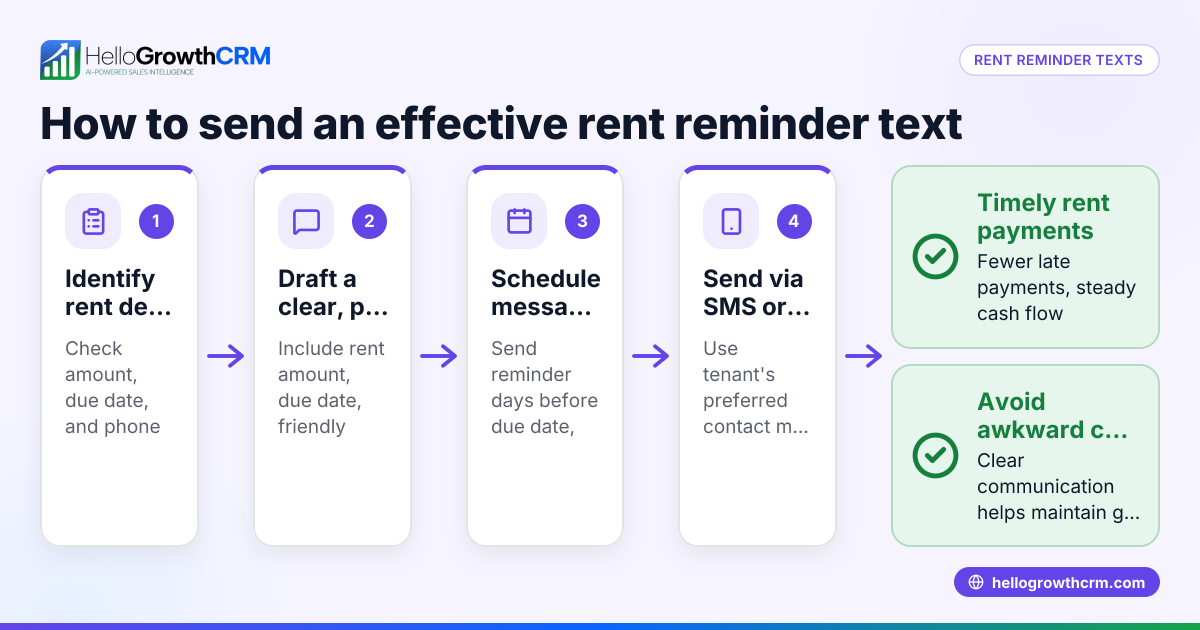
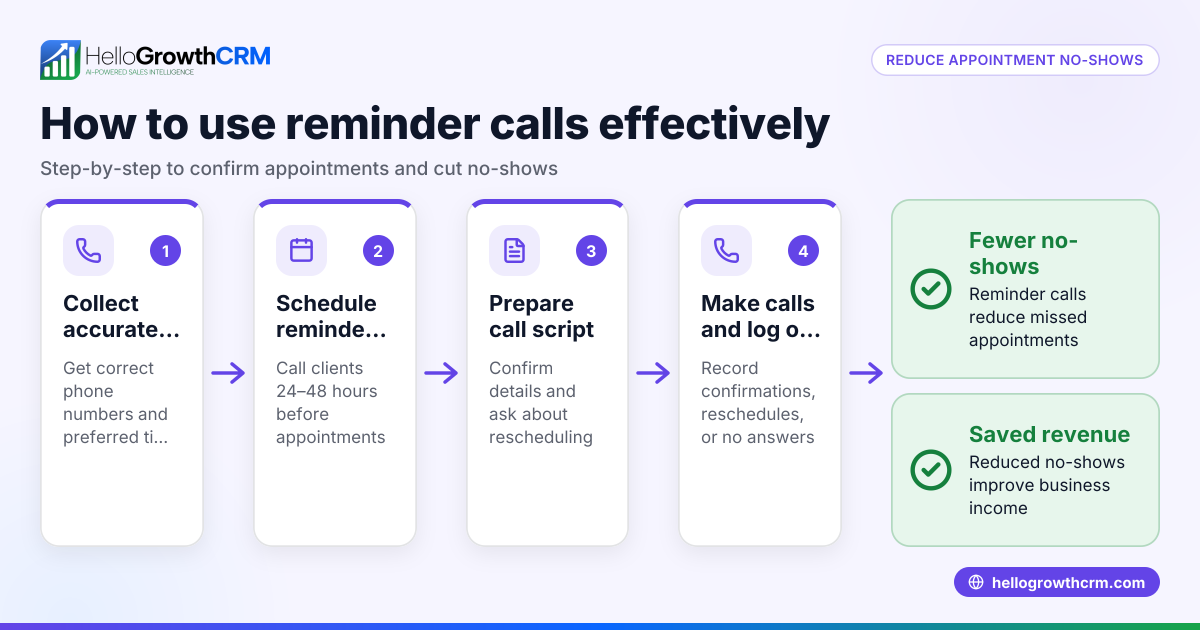
- Choose the reminder time: Typically send the reminder 24 hours before the appointment. You can also send a second reminder 1 hour before if needed.
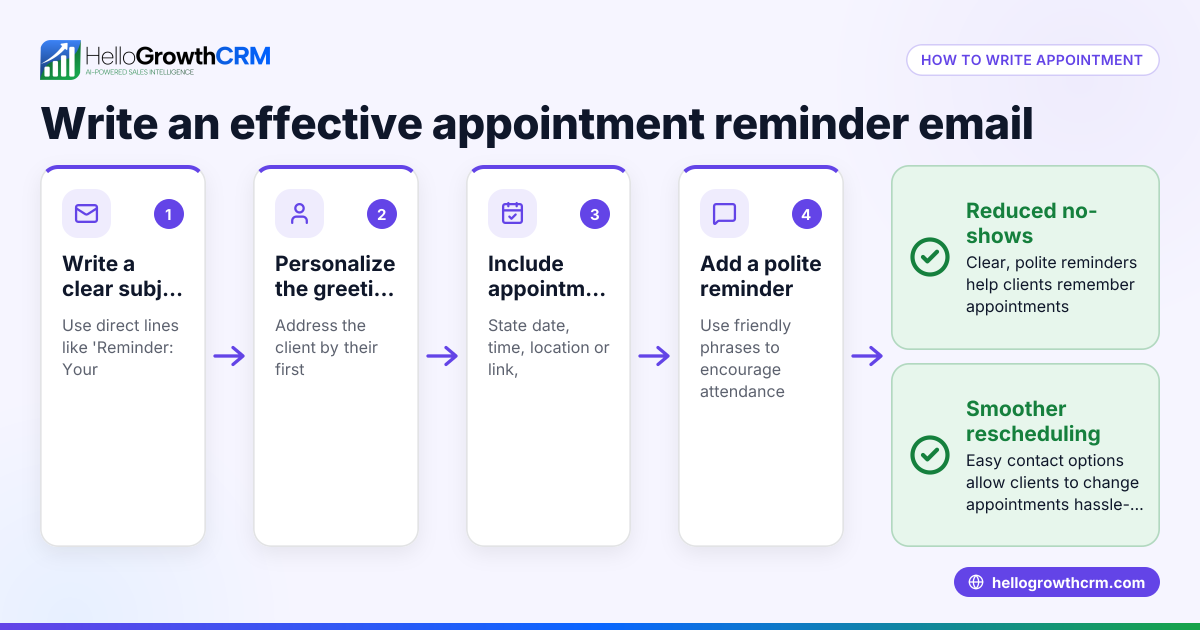
- Compose the reminder message: Keep it clear and polite. Include the appointment date, time, location, and any preparation instructions.
- Send the reminder on WhatsApp: Use WhatsApp directly or a CRM system with WhatsApp messaging to send the message.
- Log the reminder sent: Track when reminders are sent to follow up if needed.
- Follow up if no confirmation: If the customer does not respond, send a polite follow-up message or call.
Check the customer's time zone and working hours to avoid sending reminders outside business hours. Use message templates to speed up sending consistent reminders.
Example (fictional figures)
Sharjah Interiors, an interior fit-out contractor in Sharjah, schedules a client appointment on 15/07/2024 at 10:00 AM.
- Appointment date and time: 15/07/2024 10:00 AM
- Reminder time: 24 hours before = 14/07/2024 10:00 AM
- Customer WhatsApp number: +971 50 123 4567
Sharjah Interiors drafts this reminder message: "Hello, this is a reminder for your appointment with Sharjah Interiors on 15/07/2024 at 10:00 AM at our Sharjah office. Please bring any design ideas you have. Reply YES to confirm."
At 14/07/2024 10:00 AM, the message is sent via WhatsApp.
If the customer replies YES, the appointment is confirmed. If no reply by 14/07/2024 4:00 PM, a follow-up message is sent: "Just checking in to confirm your appointment tomorrow at 10:00 AM. Please reply YES or contact us if you need to reschedule."
This process reduces no-shows and improves communication.
Common mistakes
- Not confirming the WhatsApp number: Leads to messages not delivered. Always verify the number and country code.
- Sending reminders too late or too early: Too late means no time for the customer to prepare; too early means they may forget. Aim for 24 hours before.
- Unclear messages: Vague reminders confuse customers. Include date, time, location, and clear instructions.
- No follow-up if no response: Missing follow-up risks no-shows. Schedule a polite follow-up message or call.
- Manual tracking errors: Using spreadsheets or notes can cause missed reminders. Use a CRM with WhatsApp messaging and scheduling features to automate.
To avoid these mistakes, consider using WhatsApp and SMS CRM and meeting scheduler tools to streamline reminders and bookings.
Doing this in HelloGrowthCRM
HelloGrowthCRM helps you send WhatsApp appointment reminders by logging WhatsApp conversations on each lead's record. Follow-ups can be sent directly as WhatsApp messages, reducing manual effort. Its scheduling and booking feature allows prospects to pick an appointment slot from a link, eliminating back-and-forth messages. This means reminders can be sent automatically based on booked slots, improving efficiency and customer experience. Learn more about the WhatsApp and SMS CRM and meeting scheduler features.
Frequently asked questions
Can I send appointment reminders to WhatsApp numbers outside the UAE? Yes, you can send reminders internationally if you include the correct country code and the customer uses WhatsApp. Make sure to consider time zone differences when scheduling reminders.
How far in advance should I send a WhatsApp appointment reminder? It is best to send the first reminder 24 hours before the appointment to give customers enough notice. A second reminder 1 hour before can help reduce last-minute no-shows.
What if the customer does not respond to the reminder? Send a polite follow-up message or call to confirm. If you use HelloGrowthCRM, follow-ups can be scheduled and logged automatically.
Is it legal to send appointment reminders on WhatsApp in the UAE? Sending appointment reminders to customers who have provided their WhatsApp number for communication is generally acceptable. Always respect customer privacy and avoid unsolicited messages. NEEDS EXPERT REVIEW
Can I automate WhatsApp appointment reminders? Yes, with tools like HelloGrowthCRM, you can automate reminders based on booked appointments, reducing manual work and ensuring timely messages.
Key takeaways
- Collect and verify the customer's WhatsApp number including country code.
- Send clear appointment reminders 24 hours before the appointment.
- Follow up politely if the customer does not confirm.
- Avoid manual tracking errors by using CRM tools with WhatsApp messaging and scheduling.
- HelloGrowthCRM simplifies reminders by logging conversations and enabling booking links.
Start sending timely WhatsApp appointment reminders today to reduce no-shows and improve customer satisfaction. You can try HelloGrowthCRM on the Free Forever plan (200 leads, no credit card) to get started immediately.
Ready to put this into practice?
Set up your pipeline, WhatsApp follow-ups, and AI lead scoring in minutes — free, no credit card.
Try HelloGrowthCRM freeGet CRM tips in your inbox
Join thousands of sales professionals who get weekly insights on CRM strategy, AI automation, and pipeline optimization.

The HelloGrowthCRM team publishes guides on CRM strategy, AI sales tools, and revenue operations for small business sales teams.