HelloGrowthCRM software
Built for real small-business sales teams
HelloGrowthCRM helps reps qualify faster, follow up on time, and close more deals—with practical automation in one place.
- AI lead scoring and pipeline visibility
- Built-in dialer, WhatsApp, and email automation
- Sales forecasting and RevOps-ready reporting
To send WhatsApp appointment reminders in the UK, you need to gather your customers’ WhatsApp contact numbers with explicit consent, prepare a clear and polite message including the appointment date, time, and location, and schedule the message to be sent about 24 hours before the appointment. This reduces no-shows and improves customer service. This guide covers why reminders are needed, step-by-step instructions, a realistic UK example with calculations, common errors to avoid, and how HelloGrowthCRM can assist.
Why this comes up / what goes wrong
UK small businesses often manage appointments manually using phone calls, emails, or WhatsApp chats. This can cause delays or missed reminders, leading to customers forgetting appointments, lost income, and wasted staff time. WhatsApp is popular because many customers use it daily, but without a structured system, reminders may be inconsistent or sent too late. Business owners want a reliable way to send reminders that customers see promptly, without repetitive manual work or mixing up contacts.
Step-by-step
- Collect WhatsApp numbers with consent: Always get explicit permission to contact customers via WhatsApp. Record their full phone number including the UK country code (+44), for example +44 7712 345678.
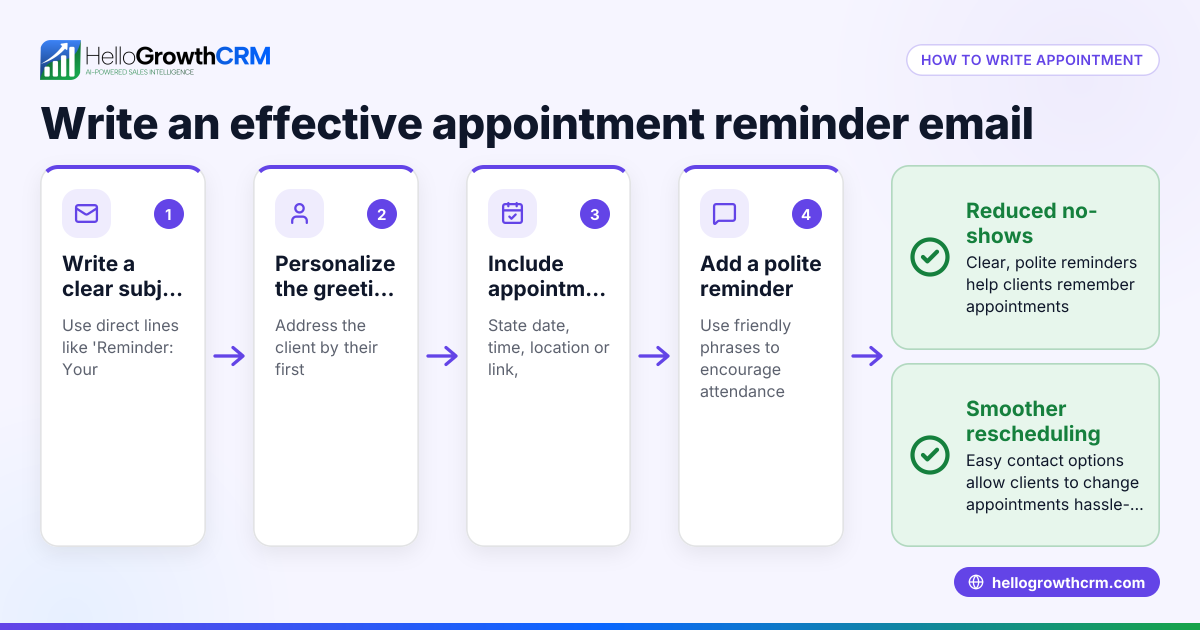
- Write a clear reminder message: Include the customer’s name, appointment date, time, location, and any instructions. Keep the tone polite and professional.
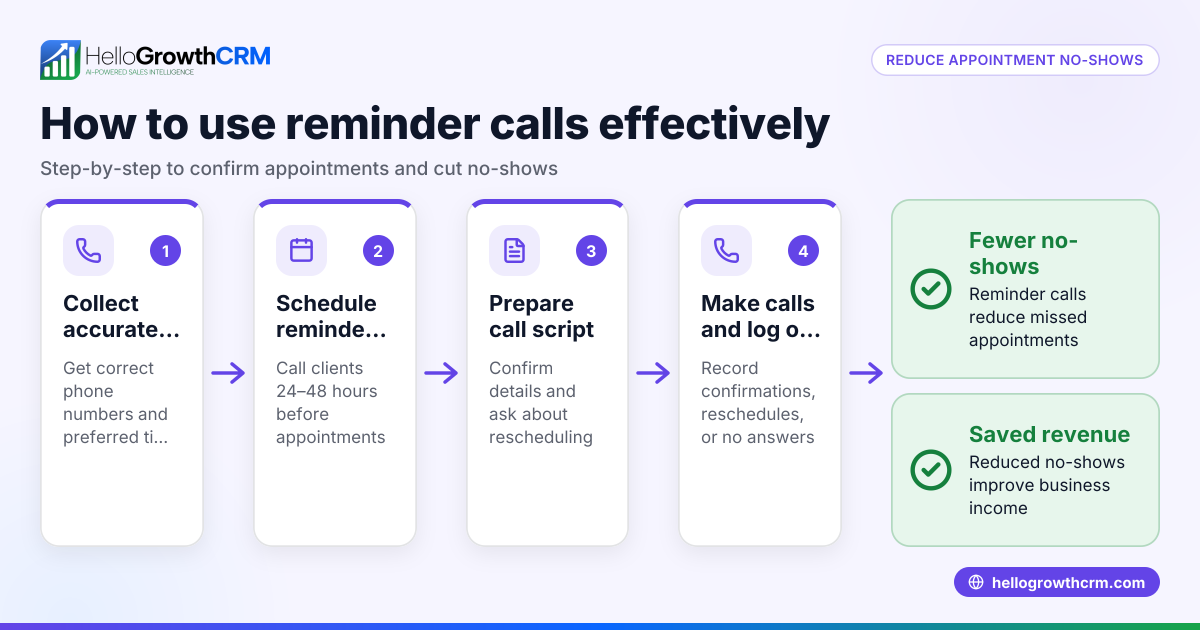
- Decide when to send the reminder: Usually 24 hours before the appointment works well. You can also send a second reminder a few hours before if needed.
- Use a tool or CRM that supports WhatsApp messaging: This avoids manual sending and helps track message delivery and replies.
- Schedule or automate the reminders: Set messages to send automatically based on the appointment date and time.
- Check message delivery and responses: Confirm the message was delivered and reply promptly to any customer queries or rescheduling requests.
- Keep records of reminders sent: For compliance and to measure effectiveness.
Using a meeting scheduler can let clients pick appointment slots directly, reducing back-and-forth communication.
Example (fictional figures)
A solar-panel installer in Glasgow books an appointment with Mrs Smith for 15/07/2024 at 14:00.
- Appointment date and time: 15/07/2024 14:00
- Reminder send time: 24 hours before = 14:00 on 14/07/2024
Reminder message: "Hello Mrs Smith, this is a reminder of your solar panel installation appointment on 15/07/2024 at 14:00 in Glasgow. Please ensure access to the property. Contact us if you need to reschedule."
Steps and calculations:
- Collect Mrs Smith's WhatsApp number: +44 7712 345678
- Schedule message to send at 14:00 on 14/07/2024
- Confirm message sent and delivered
Cost example: Assuming the cost per WhatsApp message is £0.05, Number of reminders sent: 1 Total cost = 1 × £0.05 = £0.05
This process helps reduce missed appointments and improves customer satisfaction.
Common mistakes
- Not obtaining consent for WhatsApp messages: Always get explicit permission to avoid complaints or legal issues.
- Sending reminders too late or too early: Too late means customers may miss them; too early they might forget again. Aim for about 24 hours before.
- Using informal or unclear language: Keep messages professional and include all necessary details.
- Manually sending reminders without tracking: This can cause errors or missed messages. Use tools with logging.
- Ignoring customer replies: If customers respond to reschedule or cancel, update records and confirm promptly.
Using a CRM with WhatsApp and SMS features and a sales task board can help organise follow-ups and message history to avoid these mistakes.
Doing this in HelloGrowthCRM
HelloGrowthCRM supports WhatsApp and SMS messaging where conversations with leads are logged on their records. You can send follow-ups as messages directly from the CRM, ensuring reminders are not missed. The built-in meeting scheduler lets prospects pick appointment slots, reducing scheduling confusion and speeding up the booking process.
Frequently asked questions
How do I legally send WhatsApp appointment reminders in the UK? You must have the customer's consent to contact them via WhatsApp. Obtain consent when booking or through opt-in forms. Always respect privacy and data protection laws by only messaging those who agree.
Can I send WhatsApp payment reminders too? Yes, WhatsApp is suitable for payment reminders. Use clear, polite messages stating the amount due and payment methods. Automate these alongside appointment reminders for efficiency.
What is the best time to send appointment reminders on WhatsApp? Sending reminders about 24 hours before the appointment is standard. A second reminder a few hours before can help reduce no-shows.
Can I automate WhatsApp reminders without manual effort? Using a CRM that integrates WhatsApp messaging and scheduling, like HelloGrowthCRM, lets you automate reminders based on appointment dates, saving time and reducing errors.
How do I handle customers who don’t use WhatsApp? Offer alternative contact methods such as SMS or email reminders. HelloGrowthCRM supports both channels for flexible communication.
Key takeaways
- Collect WhatsApp numbers with explicit consent and UK country code.
- Send clear, polite reminders about 24 hours before appointments.
- Use tools to automate scheduling and message sending.
- Track message delivery and customer replies carefully.
- Avoid common pitfalls like late messages or ignoring responses.
- HelloGrowthCRM’s WhatsApp and scheduling features simplify reminders and booking.
To start sending WhatsApp appointment reminders easily, try HelloGrowthCRM’s free plan with up to 200 leads and no credit card required at Start on the Free Forever plan.
Ready to put this into practice?
Set up your pipeline, WhatsApp follow-ups, and AI lead scoring in minutes — free, no credit card.
Try HelloGrowthCRM freeGet CRM tips in your inbox
Join thousands of sales professionals who get weekly insights on CRM strategy, AI automation, and pipeline optimization.

The HelloGrowthCRM team publishes guides on CRM strategy, AI sales tools, and revenue operations for small business sales teams.