HelloGrowthCRM software
Built for real small-business sales teams
HelloGrowthCRM helps reps qualify faster, follow up on time, and close more deals—with practical automation in one place.
- AI lead scoring and pipeline visibility
- Built-in dialer, WhatsApp, and email automation
- Sales forecasting and RevOps-ready reporting
HubSpot vs Pipedrive in Australia comes down to this: HubSpot usually fits SMBs that want broader marketing, service, and reporting depth, while Pipedrive often suits sales-first teams that need faster setup and lower upfront cost, but neither is automatically the best fit for Xero, MYOB, or Australian compliance needs.
Key Takeaways
- For many Australian SMBs, Pipedrive is easier to launch and cheaper to start, especially for small sales teams in Sydney, Melbourne, and Brisbane.
- HubSpot usually offers stronger native breadth across CRM, marketing, service, and analytics, but total cost can rise quickly as automation and reporting needs grow.
- Xero and MYOB fit depends less on logo-level integration claims and more on what data must sync, who owns it, and how finance and sales workflows should run.
- Privacy Act 1988, the Australian Privacy Principles, and the Spam Act 2003 affect how your team captures consent, stores contact data, and runs outbound programs.
- If you want a middle ground between simplicity and RevOps control, HelloGrowthCRM is worth evaluating alongside both products.
HubSpot vs Pipedrive in Australia: which CRM fits most SMBs better?
HubSpot vs Pipedrive in Australia is really a choice between breadth and simplicity: HubSpot fits teams needing multi-function growth systems and deeper analytics, while Pipedrive fits teams wanting quick pipeline adoption, lower friction, and a sales-led workflow without heavy admin or long implementation cycles.
Australian buyers should compare six things first:
- Total cost in AUD over 12 to 24 months
- Ease of setup for local teams
- Pipeline flexibility and reporting depth
- Automation limits and add-on needs
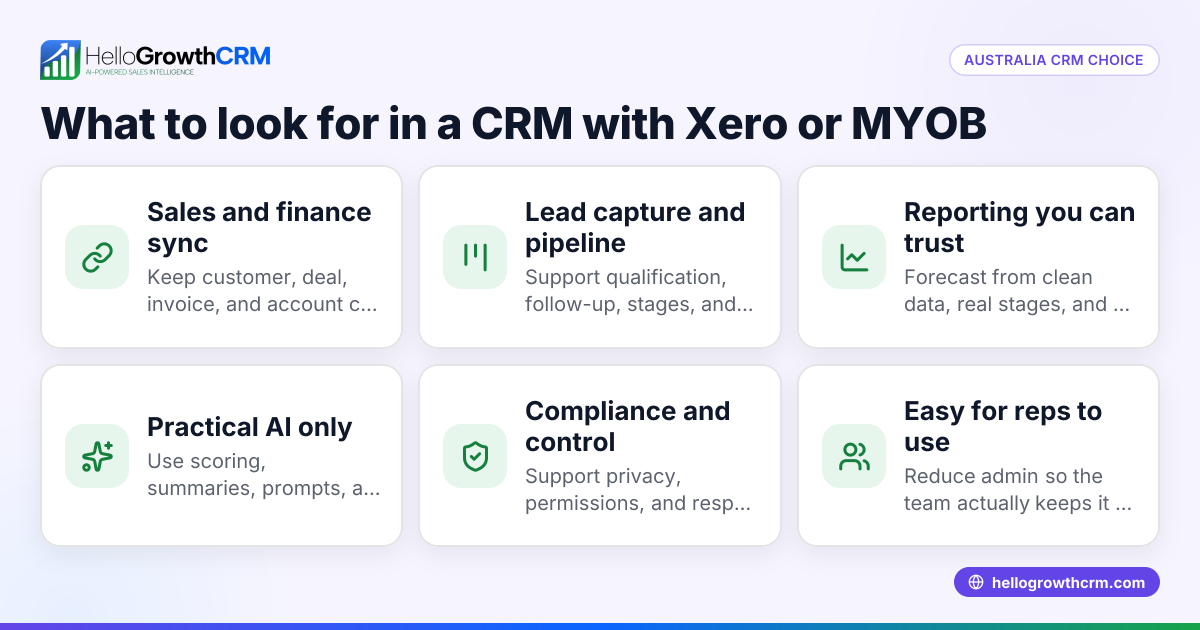
- Xero and MYOB workflow fit
- Compliance controls for APPs and outbound messaging
If you are a growing B2B team, the wrong choice usually shows up in month three, not week one. The CRM looks fine at launch. Then reporting breaks, fields become messy, and finance asks why invoice or customer data does not line up.
I have seen this in sales ops audits more than once. In one rollout we did with a 12-person sales team in Melbourne, the original CRM selection focused too much on trial experience. The team ignored user permissions, lifecycle stages, and finance handoff rules. Six months later, pipeline reports were trusted by nobody.
That is why this comparison uses a buyer lens, not a feature checklist alone. It also reflects the reality that Australian teams often need Revenue Attribution, finance visibility, and compliant outreach in one operating system.
Quick comparison table: HubSpot vs Pipedrive for Australian SMBs
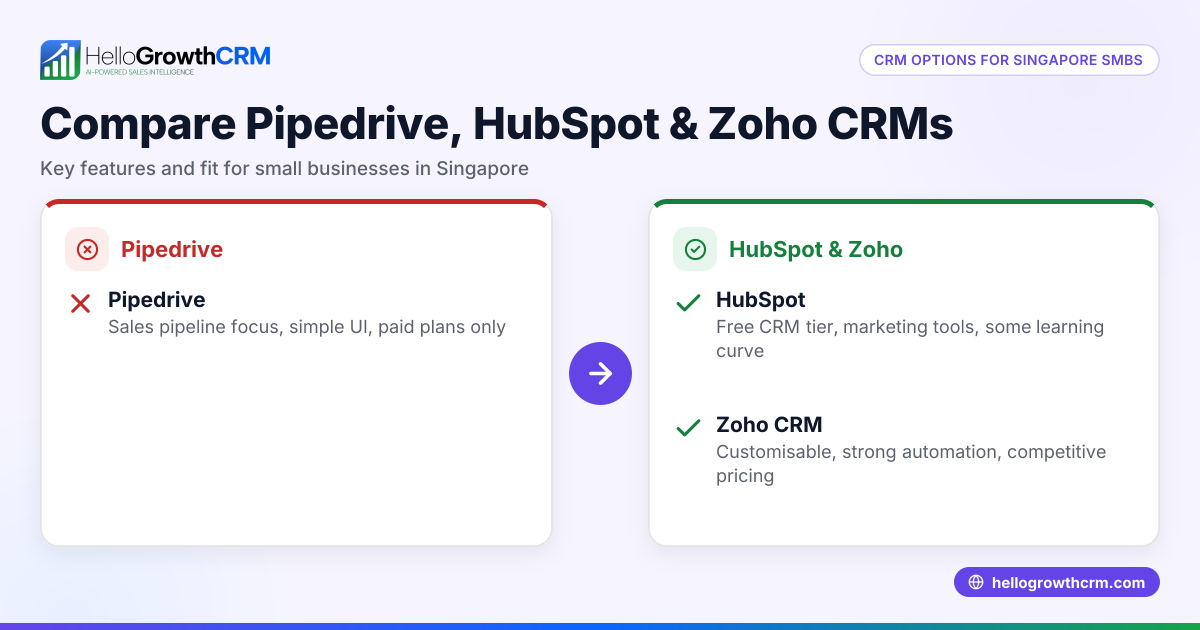
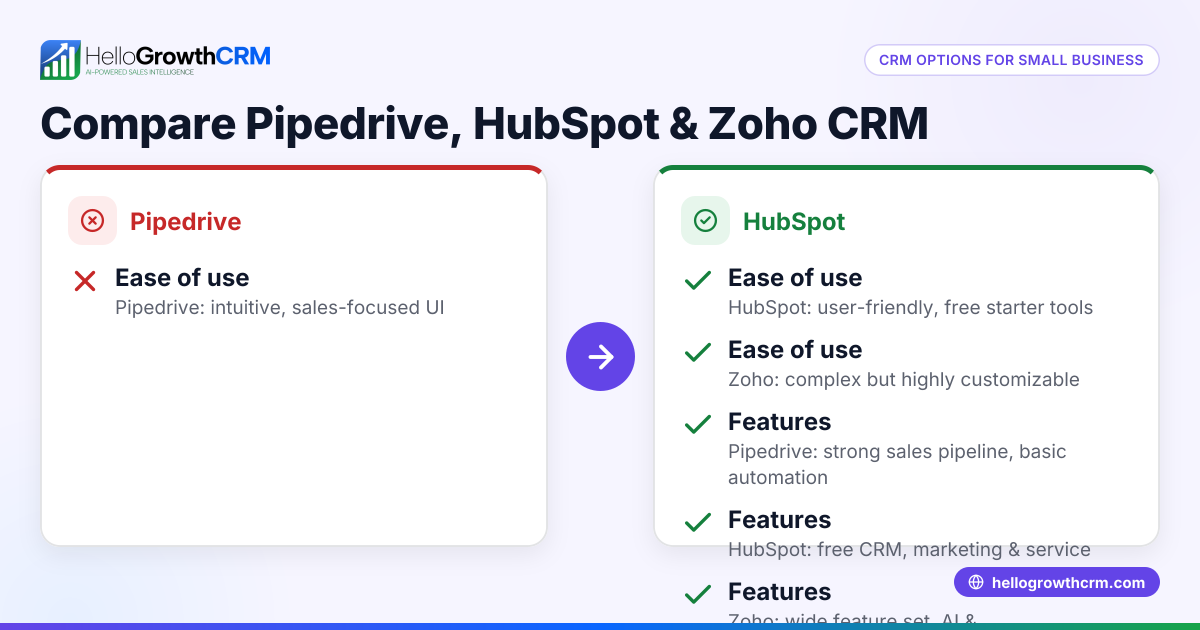
HubSpot vs Pipedrive for Australian SMBs can be summarised simply: HubSpot is broader and more scalable across functions, while Pipedrive is lighter, more focused, and usually faster for pure sales teams to adopt. The better option depends on whether your bottleneck is complexity, reporting, or cross-team coordination.
| Criteria | HubSpot | Pipedrive |
|---|---|---|
| Best for | SMBs needing sales, marketing, service, and reporting in one platform | Sales-led SMBs needing quick pipeline management |
| Starting experience | More guided but more layered | Faster and simpler |
| Pipeline management | Strong, with broader object model and customisation | Very intuitive and rep-friendly |
| Reporting | Better for cross-funnel reporting and dashboards | Good for pipeline reporting, lighter for advanced RevOps |
| Automation | Strong, but advanced needs may push higher plans | Solid for sales workflows, less broad across teams |
| Xero/MYOB fit | Possible via apps/connectors; check field mapping carefully | Possible via apps/connectors; often simpler use cases |
| Marketing capability | Much stronger native capability | Limited compared with HubSpot |
| Total cost growth | Can increase sharply as needs expand | Usually lower entry cost |
| Admin overhead | Moderate to high as complexity grows | Lower for small teams |
| Best fit in Australia | Scaling SMBs with multi-team operations | Lean sales teams under pressure to move fast |
A practical shortlist should also include Pricing, implementation effort, and whether you need help from Managed RevOps rather than software alone.
How do HubSpot and Pipedrive differ on pricing and total cost in AUD?
HubSpot and Pipedrive differ on pricing because Pipedrive usually has a lower entry point for core sales use, while HubSpot’s cost often rises with advanced automation, reporting, and multi-team needs. Australian SMBs should model total cost, not just seat price, before choosing either CRM.
The headline lesson is simple: cheap to buy is not always cheap to run.
What Australian SMBs should include in total cost
When you compare in AUD, include:
- Base subscription and user seats
- Onboarding and migration effort
- Admin time each month
- Integration app costs
- Reporting or BI workarounds
- Training for reps and managers
- Extra tools for email, calling, or scheduling
HubSpot often looks stronger if you want one suite for sales, service, and marketing. Pipedrive often looks better if your team just wants pipeline visibility, activity tracking, and straightforward deal management.
In practice, many teams also need adjacent tools like Meeting Scheduler, Email Automation, and CRM Dialer. The more point solutions you add, the more “lower-cost” platforms can become expensive in hidden admin time.
Where buyers miscalculate
The most common pricing mistake is comparing only month-one spend. The real question is: what will this stack cost once your Sydney or Melbourne team needs:
- Automated lead routing
- Multi-touch reporting
- Role-based dashboards
- Quote or proposal workflows
- Finance sync with Xero or MYOB
- Better forecasting
When I have audited pipelines like this, the biggest cost driver was not licenses. It was rework. Teams lost hours cleaning duplicate records, fixing handoffs, and rebuilding reports in spreadsheets.
If you want to estimate payback before changing systems, a CRM ROI Calculator gives a better decision frame than vendor pricing pages alone.
Which CRM is easier to set up and adopt for teams in Sydney and Melbourne?
For teams in Sydney and Melbourne, Pipedrive is usually easier to set up and adopt because its interface is more sales-focused and lighter to configure, while HubSpot takes longer but can support more complex lifecycle, automation, and reporting needs as the business grows.
Ease of setup matters because CRM failure is usually an adoption problem first.
Pipedrive setup strengths
Pipedrive often works well when you need:
- A simple pipeline in days, not weeks
- Minimal admin support
- Fast rep adoption
- Activity-based sales management
- Clear deal ownership
For a five to fifteen person outbound team, that can be enough. If your sales motion is founder-led or SDR-to-AE without much marketing complexity, Pipedrive can feel cleaner.
HubSpot setup strengths
HubSpot is often better when you need:
- Contacts, companies, deals, and tickets in one model
- Lifecycle stages tied to marketing and sales
- Stronger form capture and inbound handling
- Better cross-functional reporting
- More room for process maturity
This matters if your team already runs inbound campaigns, webinars, or partner channels. If that sounds like your motion, AI CRM platforms that unify sales work and data quality may be more useful than a pure pipeline tool.
Adoption reality for Australian SMBs
Australian SMBs often have lean ops coverage. One person may own CRM, reporting, basic marketing ops, and finance coordination. In that context, a platform that is theoretically more powerful can still fail if nobody has time to maintain it.
This works best for teams under 50 reps. Above that, expect stronger governance needs, clearer field ownership, and more formal RevOps processes.
Which platform handles reporting, automation, and pipeline management better?
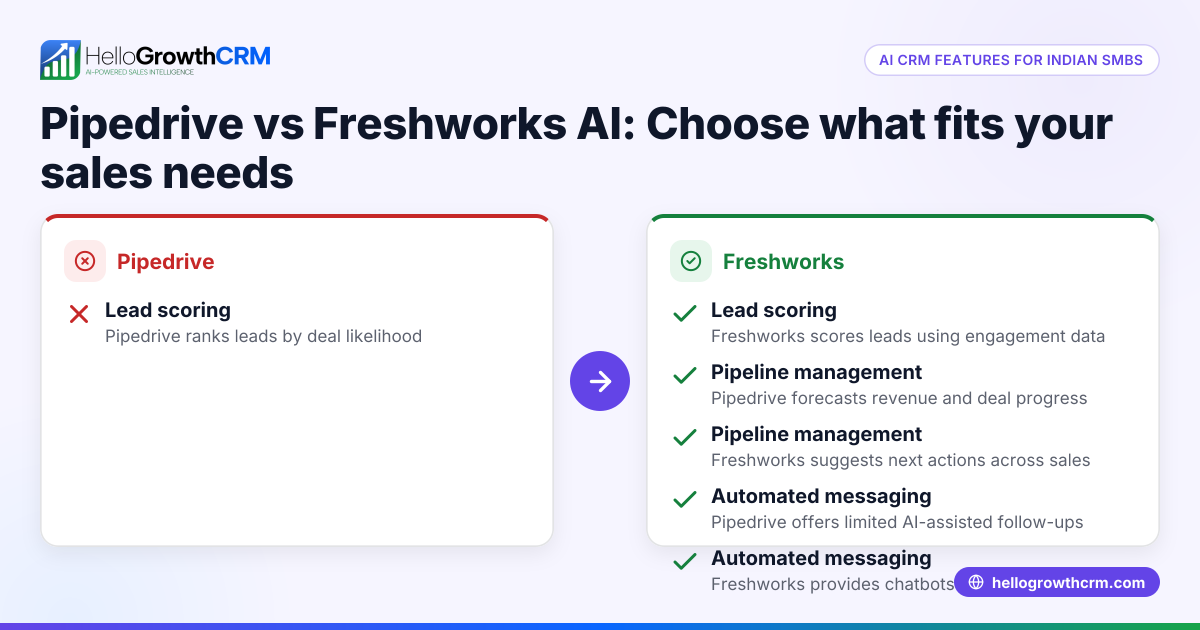
HubSpot generally handles reporting and cross-functional automation better, while Pipedrive often handles day-to-day pipeline management more simply for frontline sellers. If your buying priority is manager reporting and scalable workflows, HubSpot often wins; if it is rep usability and speed, Pipedrive is often the easier fit.
This is the section most buyers should spend the longest on.
Pipeline management
Pipedrive’s pipeline view is one of its strongest selling points. Reps usually understand it quickly. Managers can spot stalled deals fast. For teams that live by stage movement, next activity, and close dates, this is a real advantage.
HubSpot’s pipeline tools are also capable, but the platform is built around a broader CRM model. That can be a strength if you need AI Pipeline Management tied to lifecycle, attribution, and account history.
Reporting depth
HubSpot usually does better when leadership asks questions like:
- Which source created the highest win rate?
- How long does each stage take in days?
- Which owner has the best MEDDPICC conversion rate?
- What is forecast coverage by quarter?
- Where are handoff delays between marketing and sales?
Pipedrive can report well on core sales process metrics. But once you need deeper funnel analysis, custom lifecycle logic, or board-level reporting, teams often hit limits sooner.
Automation capability
Automation is not just about sending emails. Good automation should:
- Route leads by territory
- Create tasks based on stage risk
- Trigger notifications in Slack
- Sync handoff data to finance systems
- Flag stalled deals with AI Deal Insights
If automation is central to your growth plan, compare what each platform can do natively versus what needs paid apps, Zapier, or custom work. Zapier can help, but too many patched workflows create fragility.
How do HubSpot and Pipedrive compare for Xero, MYOB, and finance workflows?
HubSpot and Pipedrive can both connect to finance workflows, but neither should be judged by integration availability alone. Australian SMBs should compare sync direction, field accuracy, invoice visibility, customer status rules, and whether the CRM supports finance handoffs cleanly for Xero or MYOB.
This is where many CRM projects quietly go wrong.
What to check for Xero and MYOB
Ask these questions before signing:
- Which records sync: contacts, companies, invoices, payments, products, or all?
- Is the sync one-way or two-way?
- Who owns the source of truth for billing data?
- How are duplicates handled?
- Can sales see invoice status without editing finance records?
- Will GST-related data or legal entity structure create mapping issues?
For many Australian SMBs, Xero is the default. MYOB remains common in established businesses and operationally conservative teams. If your CRM must support renewals, collections visibility, or account-based selling, finance sync becomes strategic.
Practical advice from RevOps rollouts
In one Brisbane implementation, the CRM choice looked fine until finance asked for customer status by unpaid invoice band. The original setup only synced basic contact records. Sales could not prioritise expansion or at-risk accounts correctly. We had to redesign the account object and reporting layer after go-live.
That is why I suggest testing one real workflow, not just reading app marketplace descriptions:
- Create a deal
- Convert it to customer
- Send invoice in Xero or MYOB
- Update payment status
- Confirm what the rep sees in CRM
If you want stronger operating visibility, Customer Health Score and Sales Forecasting become more useful when finance and sales data align.
Which CRM is better for Privacy Act, APPs, Spam Act, and ACMA expectations?
Neither HubSpot nor Pipedrive is automatically “Privacy Act compliant” by itself, because compliance depends on your configuration, consent process, data handling, and outbound practices. Australian SMBs should choose the platform that makes APP-aligned data governance, consent capture, and unsubscribe management easier to enforce operationally.
That means software helps, but process matters more.
The Australian Privacy Principles are set out by the Office of the Australian Information Commissioner.
Australia’s Spam Act is enforced by ACMA.
What to look for in either CRM
Check whether your chosen setup supports:
- Clear consent fields and lawful collection records
- Segmentation for opt-in and opt-out status
- Audit trails for record changes
- Role-based permissions
- Easy suppression management
- Clean deletion or retention workflows
Compliance is operational, not just contractual
HubSpot may give you broader tooling for forms, preferences, and multi-team workflows. Pipedrive may be sufficient if your outbound motion is simpler and tightly managed. But in both cases, your team still needs a documented process.
For outbound, the risk usually sits in list quality and consent controls, not the CRM brand. If your team uses email, calling, SMS, or WhatsApp, ensure suppression logic works across channels. Tools like WhatsApp & SMS CRM and Smart Inbox should be configured with consent and channel rules in mind.
A reported 47% of Australian adults experienced a data breach in the previous 12 months, according to the OAIC’s 2023 Australian Community Attitudes to Privacy Survey summary page at oaic.gov.au.
How to choose between HubSpot, Pipedrive, and HelloGrowthCRM: Step-by-Step
To choose between HubSpot, Pipedrive, and HelloGrowthCRM, map your revenue process first, then test each option against cost, adoption, reporting, finance sync, and compliance controls. The best decision comes from one realistic workflow test, not a generic demo or feature scorecard.
- Map your revenue workflow
Write out lead capture, qualification, pipeline stages, quote flow, closed-won handoff, and finance sync. Include owners and systems. - Define your must-have metrics
List the reports leadership needs every week. Include stage-velocity in days, win rate, forecast coverage, and source-to-revenue visibility. - Test one live use case
Use a real scenario from your business. For example, create a Sydney inbound lead, route it, progress the deal, and pass customer data to Xero or MYOB. - Review compliance controls
Check consent fields, unsubscribe handling, data access permissions, and retention rules against the Privacy Act, APPs, and Spam Act obligations. - Model 24-month total cost
Convert subscription, setup, integration, and admin effort into AUD. Do not ignore spreadsheet workarounds or consultant time. - Compare adoption risk
Ask how quickly frontline reps will use the system daily. A simple CRM used well beats a powerful CRM used badly. - Shortlist your final option
If you need broad suite depth, HubSpot may fit. If you need quick sales execution, Pipedrive may fit. If you want modern AI-assisted execution with stronger RevOps practicality, review HelloGrowthCRM and start a Free Trial.
For many Australian SMBs, HelloGrowthCRM sits in the practical middle. It gives growing teams AI-assisted selling, automation, and pipeline visibility without pushing them into disconnected tools too early. Features like AI Lead Scoring, AI Sales Copilot, and Proposal Builder are especially relevant for lean B2B teams.
If your team is comparing HubSpot vs Pipedrive in Australia and wants a CRM built for execution, reporting clarity, and local operating reality, try HelloGrowthCRM for Australian teams. Book a Demo or start a Free Trial to test your real workflow with Xero, MYOB, and compliant outbound processes in mind.
About the author
Liam Carter is a Sales Operations Lead at HelloGrowthCRM with 11 years of experience in B2B SaaS, CRM implementation, and revenue operations. He has led CRM selection and rollout projects for Australian SMBs across Sydney, Melbourne, and Brisbane. One project that shaped this article was a 12-user migration for a services company that needed cleaner pipeline governance, Xero handoff visibility, and reporting the leadership team could finally trust.
Frequently Asked Questions
Q: Is HubSpot or Pipedrive better for small businesses in Australia?
Ready to put this into practice?
Set up your pipeline, WhatsApp follow-ups, and AI lead scoring in minutes — free, no credit card.
Try HelloGrowthCRM freeGet CRM tips in your inbox
Join thousands of sales professionals who get weekly insights on CRM strategy, AI automation, and pipeline optimization.

The HelloGrowthCRM team publishes guides on CRM strategy, AI sales tools, and revenue operations for small business sales teams.