HelloGrowthCRM software
Built for real small-business sales teams
HelloGrowthCRM helps reps qualify faster, follow up on time, and close more deals—with practical automation in one place.
- AI lead scoring and pipeline visibility
- Built-in dialer, WhatsApp, and email automation
- Sales forecasting and RevOps-ready reporting
Location based scheduling means arranging appointments, meetings, or jobs according to the physical location of customers or employees. The purpose is to group visits geographically so travel time between appointments is minimized, saving time and reducing costs.
Why this comes up / what goes wrong
Small business owners often manage multiple appointments or service calls spread across a large area. Without location based scheduling, teams may drive inefficient routes, causing delays, missed meetings, and unhappy customers. For example, a residential real estate team in Phoenix, Arizona, might schedule showings all over the city without clustering them by neighborhood. This wastes time on the road, limits the number of appointments possible in a day, and slows sales follow-up. Without a method to organize appointments by location, scheduling becomes inefficient and costly.
Step-by-step
- Map your service area and customer locations: Use tools like Google Maps to plot where your customers or job sites are. Identify clusters or neighborhoods where appointments are close together.
- Group appointments by location: Schedule visits in the same neighborhood or nearby areas on the same day to reduce travel. Avoid mixing distant locations in one day.
- Add travel time buffers: Include realistic travel time between appointments to prevent overlaps and late arrivals. Check typical traffic conditions for accuracy.
- Communicate the location-based schedule clearly: Share the grouped itinerary with your team so everyone understands their assigned areas and timings.
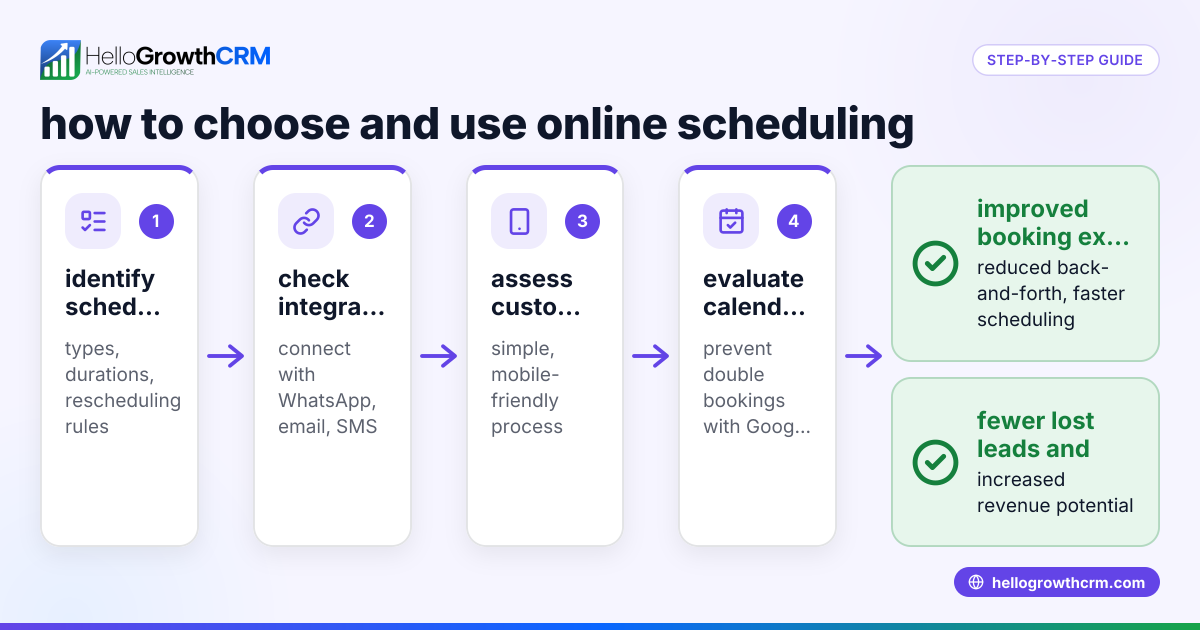
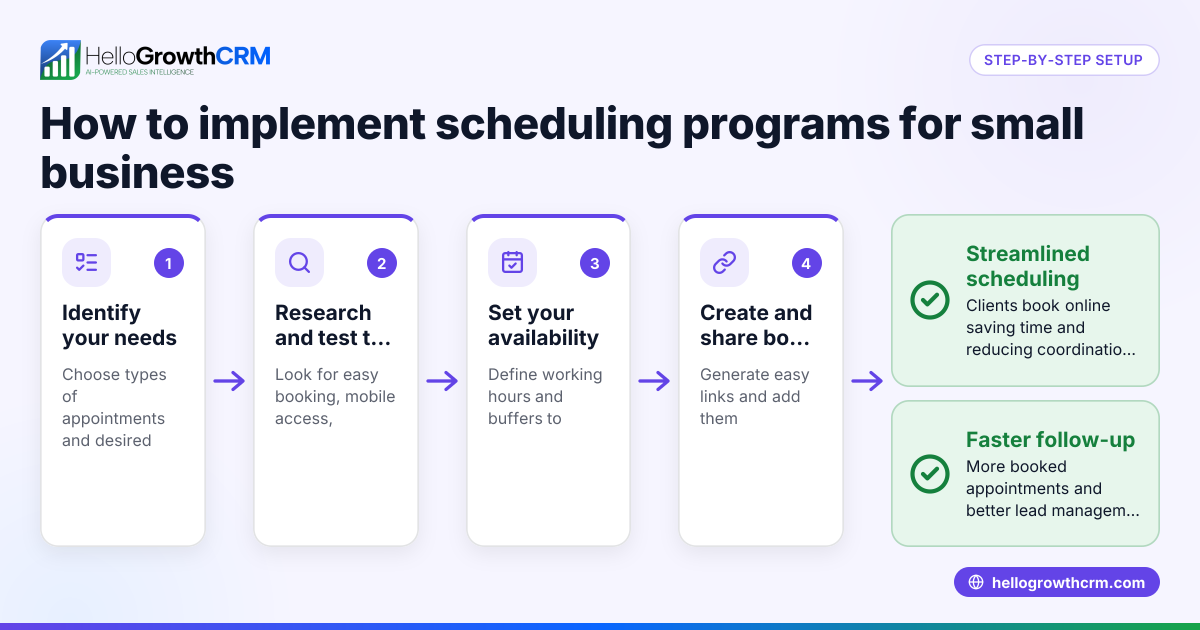
- Use scheduling tools with booking links: Let prospects pick appointment slots from a link to avoid back-and-forth messages. This speeds up booking and reduces errors.
- Review and adjust schedules regularly: Monitor how well your location based scheduling works. Update routes or groupings as customer locations or priorities change.
Example (fictional figures)
A residential real estate team in Phoenix, Arizona, has 10 property showings to schedule on 08/15/2026 across three neighborhoods: Arcadia, Downtown, and North Phoenix.
- 4 showings in Arcadia, 3 in Downtown, and 3 in North Phoenix.
- Each showing lasts 1 hour.
- Travel time between neighborhoods is 30 minutes.
Schedule breakdown:
Arcadia: 9:00 AM to 1:00 PM (4 hours) Travel to Downtown: 1:00 PM + 0:30 = 1:30 PM Downtown: 1:30 PM to 4:30 PM (3 hours) Travel to North Phoenix: 4:30 PM + 0:30 = 5:00 PM North Phoenix: 5:00 PM to 8:00 PM (3 hours)
Total work and travel time = 4 + 0.5 + 3 + 0.5 + 3 = 11 hours
If appointments were scheduled randomly without location grouping, travel time could easily double, causing delays and missed appointments. For example, doubling travel time to 1 hour between neighborhoods would add an extra 2 hours, making the total 13 hours.
Common mistakes
- Ignoring travel times: Scheduling back-to-back appointments without travel buffers causes late arrivals. Prevent this by always adding realistic travel time between visits.
- Scheduling without geographic grouping: Scattered appointments increase travel time and reduce daily capacity. Prevent by clustering appointments by location.
- Poor communication of schedules: If the team does not receive clear, location-based itineraries, confusion and missed appointments result. Prevent by sharing detailed schedules.
- Relying solely on manual scheduling: Manual methods are error-prone and time-consuming. Prevent by using scheduling tools with booking links.
- Not updating schedules dynamically: Last-minute changes or cancellations disrupt plans. Prevent by using tools that allow easy rescheduling and send notifications.
How to Know if Location Based Scheduling Is Working for You
To make sure your location based scheduling is effective, keep an eye on a few key signs. First, track whether your team is arriving on time more consistently. If late arrivals decrease, your travel buffers and grouping are working.
Next, notice if your team can fit more appointments into their day without feeling rushed. More appointments completed usually means better route planning.
Also, listen to customer feedback. Happier customers often reflect smoother scheduling and fewer delays.
Finally, review travel times regularly. If total travel time is shrinking or staying stable despite adding appointments, you’re improving efficiency.
If these indicators aren’t improving, revisit your clusters, travel time estimates, and communication methods to fine-tune your approach.
Doing this in HelloGrowthCRM
HelloGrowthCRM offers a scheduling and booking feature where prospects can pick a meeting slot from a link instead of the usual back-and-forth on WhatsApp. This simplifies appointment setting and supports efficient meeting organization. Learn more about the scheduling feature at HelloGrowthCRM Meeting Scheduler.
Frequently asked questions
What is location based scheduling? It is the practice of arranging appointments or tasks according to geographic locations to minimize travel time and improve efficiency.
How can location based scheduling help my small business? By grouping appointments geographically, it reduces travel costs, increases the number of daily appointments, and improves customer satisfaction by reducing delays.
Can I do location based scheduling without software? Yes, but it requires manual effort to map, group, and schedule appointments, which is time-consuming and prone to errors. Scheduling tools with booking links simplify this process.
Does HelloGrowthCRM support location based scheduling? HelloGrowthCRM’s scheduling feature lets prospects select appointment slots from a link, reducing scheduling friction. While it does not automate geographic grouping, you can organize appointments by location in your calendar. See WhatsApp and SMS CRM for related communication features.
How do I manage last-minute changes in location based schedules? Use scheduling tools that allow quick rescheduling and send notifications to all involved. HelloGrowthCRM’s built-in CRM dialer helps with fast follow-ups. More details at built-in CRM dialer.
Key takeaways
- Location based scheduling groups appointments by geographic area to save travel time.
- Including travel time buffers prevents appointment overlaps and delays.
- Clear communication of schedules to your team is essential.
- Scheduling tools with booking links reduce manual effort and errors.
- Regularly reviewing and adjusting schedules improves efficiency.
Start organizing your appointments by location to improve efficiency and customer satisfaction. To get started with easy scheduling and booking, try HelloGrowthCRM’s meeting scheduler.
Start on the Free Forever plan (200 leads, no credit card) at HelloGrowthCRM Free CRM.
Ready to put this into practice?
Set up your pipeline, WhatsApp follow-ups, and AI lead scoring in minutes — free, no credit card.
Try HelloGrowthCRM freeGet CRM tips in your inbox
Join thousands of sales professionals who get weekly insights on CRM strategy, AI automation, and pipeline optimization.

The HelloGrowthCRM team publishes guides on CRM strategy, AI sales tools, and revenue operations for small business sales teams.