HelloGrowthCRM software
Built for real small-business sales teams
HelloGrowthCRM helps reps qualify faster, follow up on time, and close more deals—with practical automation in one place.
- AI lead scoring and pipeline visibility
- Built-in dialer, WhatsApp, and email automation
- Sales forecasting and RevOps-ready reporting
An outbound sales CRM is a tool that helps sales teams manage leads and deals generated by reaching out to potential customers directly. It organizes contacts, tracks conversations, schedules follow-ups, and keeps deals moving through the sales pipeline.
Why this comes up / what goes wrong
Small-business owners often struggle with outbound sales because leads can be lost or forgotten without a system to track calls, messages, and next steps. Many teams rely on text messages, emails, and spreadsheets, which don’t sync automatically and make it hard to keep everyone on the same page. This leads to slow follow-up, missed opportunities, and lost revenue. When evaluating an outbound sales CRM, owners want a tool that their sales team will actually use and that fits their workflow.
Step-by-step
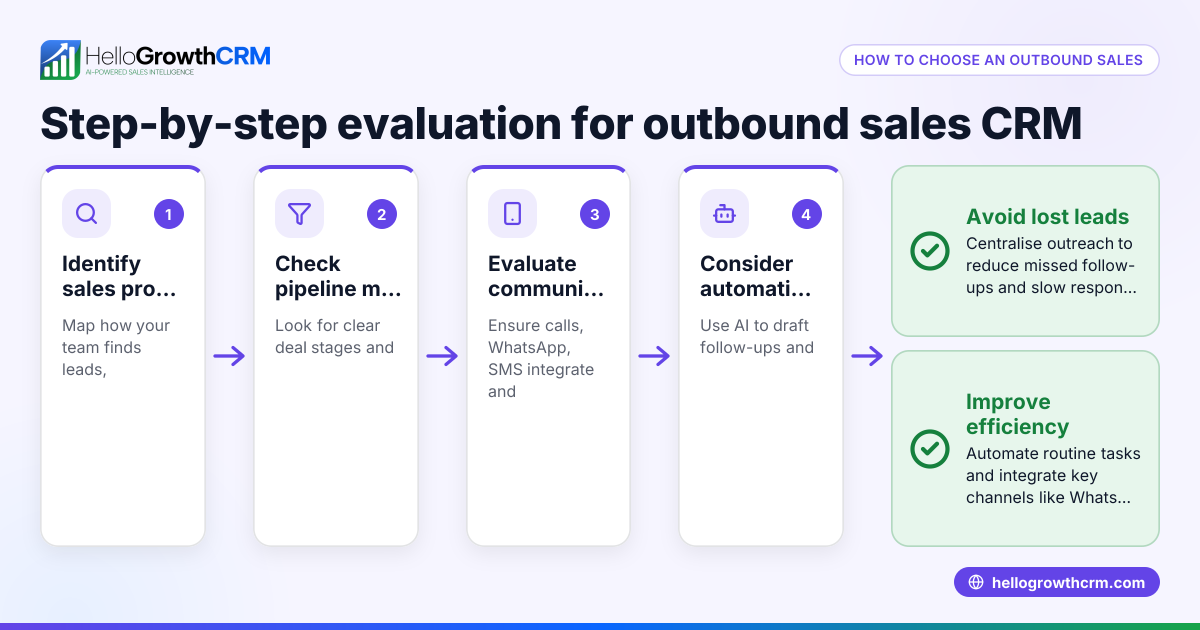
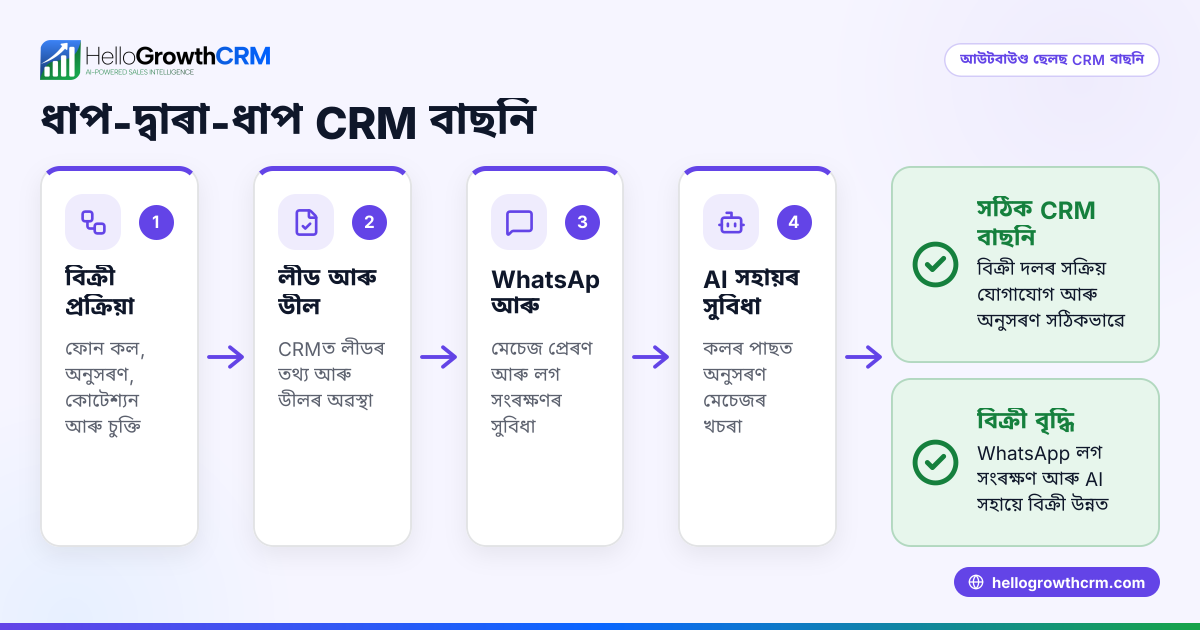
- Identify your sales process needs
- Define how your team finds leads, reaches out, and follows up.
- Check if the CRM supports your communication channels (e.g., WhatsApp, SMS, email).
- Look for pipeline management features
- Ensure the CRM tracks deals through stages (e.g., contacted, quote sent, negotiation).
- Confirm it allows setting follow-up dates to avoid forgetting leads.
- Evaluate messaging integration
- Check if the CRM logs WhatsApp and SMS conversations automatically.
- Verify if it can send sequences or follow-up messages directly.
- Consider automation and AI support
- See if the CRM offers AI agents to draft follow-ups and update records.
- Determine if automation can reduce manual data entry and speed up outreach.
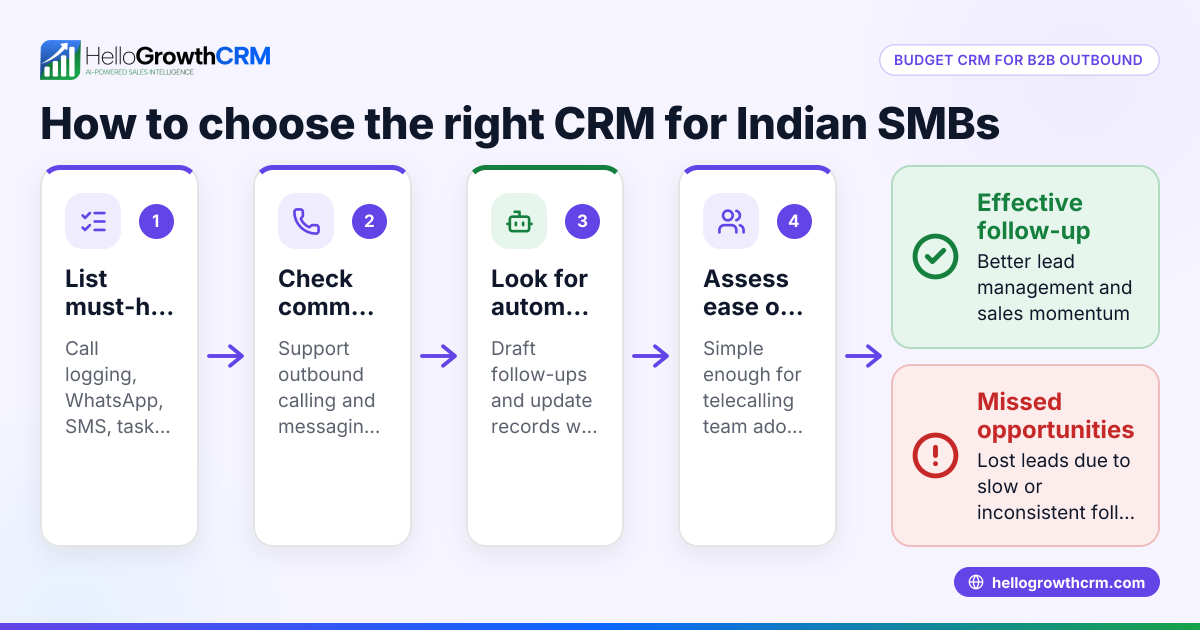
- Assess ease of use and adoption
- Choose a CRM with a simple interface to encourage team adoption.
- Look for mobile-friendly features if your team works remotely or on the go.
- Check integration with web forms and other tools
- Confirm it captures leads automatically from your website or marketing tools.
- Review reporting and forecasting
- Ensure the CRM provides insights into sales performance and pipeline health.
- Test the CRM with your team
- Run a trial or demo to see how it fits your daily sales workflow.
Example (fictional figures)
A bilingual insurance agency in Laval, Quebec, with 10 sales reps, wants to improve outbound sales follow-up. They send a quote to a lead on 2024-04-15 worth C$12,000 and want to track it.
- Deal value = C$12,000
- Quote sent date = 2024-04-15
- Follow-up scheduled 7 days later = 2024-04-22
Using the CRM pipeline, the deal moves to "quote sent" stage with a follow-up date:
C$12,000 (deal value) tracked in "quote sent" stage Follow-up date set = 2024-04-22
On 2024-04-22, the sales rep receives a reminder and sends a WhatsApp message drafted by an AI agent for review. The conversation is logged automatically, keeping the lead record updated.
This process prevents losing the lead and helps close deals faster.
Common mistakes
- Relying on multiple disconnected tools: Prevent by choosing a CRM that integrates messaging and pipeline tracking, like WhatsApp and SMS CRM features that log conversations automatically.
- Not scheduling follow-ups: Prevent by using deal stages with follow-up dates to get timely reminders and avoid lost leads.
- Ignoring team adoption: Prevent by selecting a user-friendly CRM and involving the sales team in testing to ensure they use it daily.
- Overlooking automation potential: Prevent by exploring AI agents that draft messages and update records to save time.
- Failing to capture leads automatically: Prevent by integrating web forms with your CRM to avoid manual data entry errors.
Doing this in HelloGrowthCRM
HelloGrowthCRM supports outbound sales with a pipeline that tracks deals from first contact through to close. For example, a quotation sent last week appears as a deal at the "quote sent" stage with a follow-up date, so it is not forgotten. WhatsApp conversations with a lead are logged on the lead record, and follow-ups can be sent as WhatsApp or SMS messages. Additionally, an AI agent drafts follow-up messages after calls, so reps only need to review and send, reducing manual work. Learn more about HelloGrowthCRM’s WhatsApp and SMS CRM, built-in CRM dialer, and how it fits HelloGrowthCRM for Canada.
Frequently asked questions
What is an outbound sales CRM? An outbound sales CRM is software designed to manage leads generated by proactive outreach efforts, such as cold calls, emails, and messaging. It helps track contacts, schedule follow-ups, and move deals through sales stages.
How is an outbound sales CRM different from other CRMs? Outbound sales CRMs focus on managing and automating the proactive outreach process, including tools for messaging, calling, and pipeline tracking. Other CRMs may focus more on inbound leads or customer support.
Can I use WhatsApp for outbound sales with a CRM? Yes, some CRMs, including HelloGrowthCRM, integrate WhatsApp messaging directly. Conversations are logged automatically, and you can send follow-ups via WhatsApp or SMS from the CRM.
What should I look for when choosing a CRM for outbound sales? Look for pipeline management, messaging integration (WhatsApp, SMS, email), automation features like AI agents, ease of use, and reporting capabilities. Also, consider how well it fits your team’s workflow.
How can AI agents help in outbound sales CRM? AI agents can draft follow-up messages, update records, and execute workflow steps automatically. This reduces manual work for sales reps and speeds up lead engagement.
Key takeaways
- An outbound sales CRM organizes leads and follow-ups to prevent lost opportunities.
- Pipeline management with follow-up dates keeps deals on track.
- Messaging integration with WhatsApp and SMS streamlines communication.
- AI agents can draft messages and update records to save time.
- Choose a CRM that your sales team will use daily and that fits your workflow.
Explore how HelloGrowthCRM’s features support outbound sales. See Canadian pricing to get started.
Ready to put this into practice?
Set up your pipeline, WhatsApp follow-ups, and AI lead scoring in minutes — free, no credit card.
Try HelloGrowthCRM freeGet CRM tips in your inbox
Join thousands of sales professionals who get weekly insights on CRM strategy, AI automation, and pipeline optimization.

The HelloGrowthCRM team publishes guides on CRM strategy, AI sales tools, and revenue operations for small business sales teams.