HelloGrowthCRM software
Built for real small-business sales teams
HelloGrowthCRM helps reps qualify faster, follow up on time, and close more deals—with practical automation in one place.
- AI lead scoring and pipeline visibility
- Built-in dialer, WhatsApp, and email automation
- Sales forecasting and RevOps-ready reporting
The purchase order (PO) to invoice process is essential for small businesses to confirm orders, fulfill them correctly, and get paid on time. It ensures that the invoice matches the buyer’s original order, reducing disputes and speeding up payment.
Why this comes up / what goes wrong
Many small business owners struggle with managing orders and invoices, especially when sales happen through texts, emails, or spreadsheets. Without a clear process, orders can be fulfilled incorrectly, invoices may not align with purchase orders, or payments get delayed. This causes cash flow problems and complicates bookkeeping. Keeping track of which POs have been invoiced and paid becomes difficult, especially as the business grows.
Step-by-step
- Receive and review the purchase order: Check the PO carefully for correct item descriptions, quantities, prices, and delivery terms. Confirm that these match what your business can supply.
- Confirm order acceptance: Notify the buyer promptly that you accept the PO and will process the order. This confirmation can be via email or a message.
- Fulfill the order: Deliver the goods or services exactly as specified in the PO.
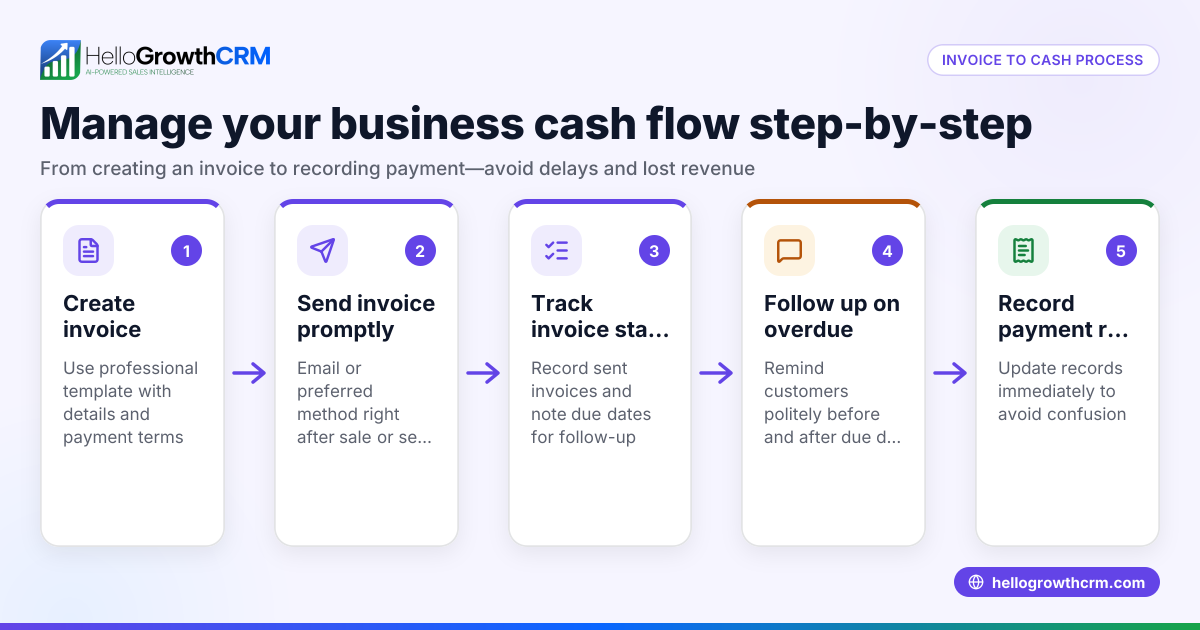
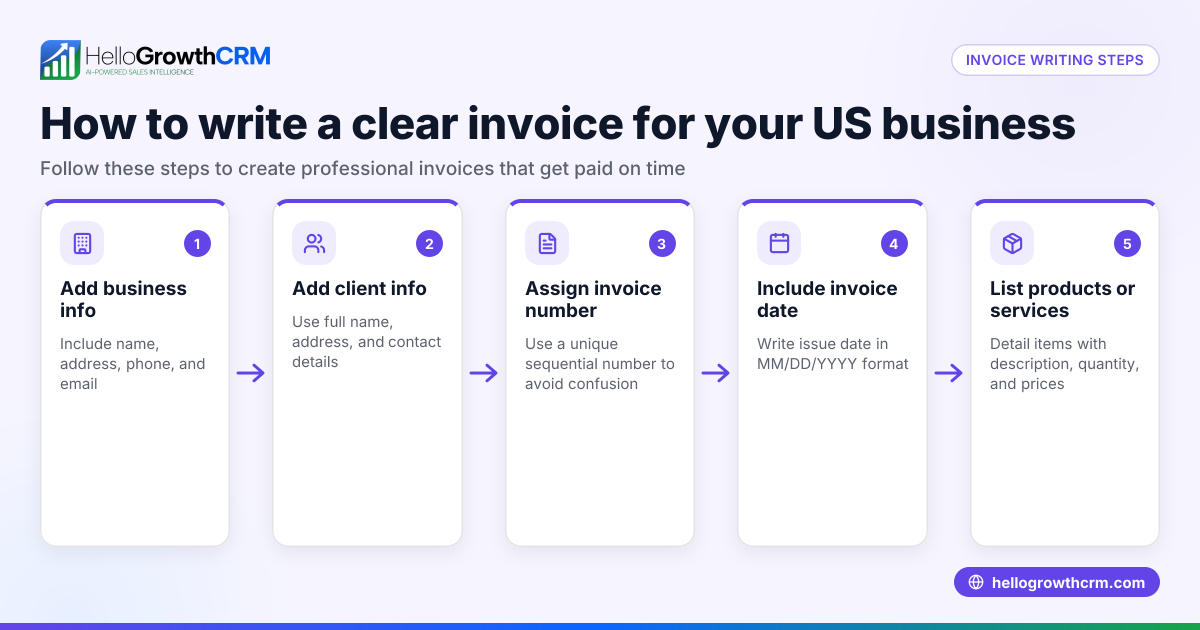
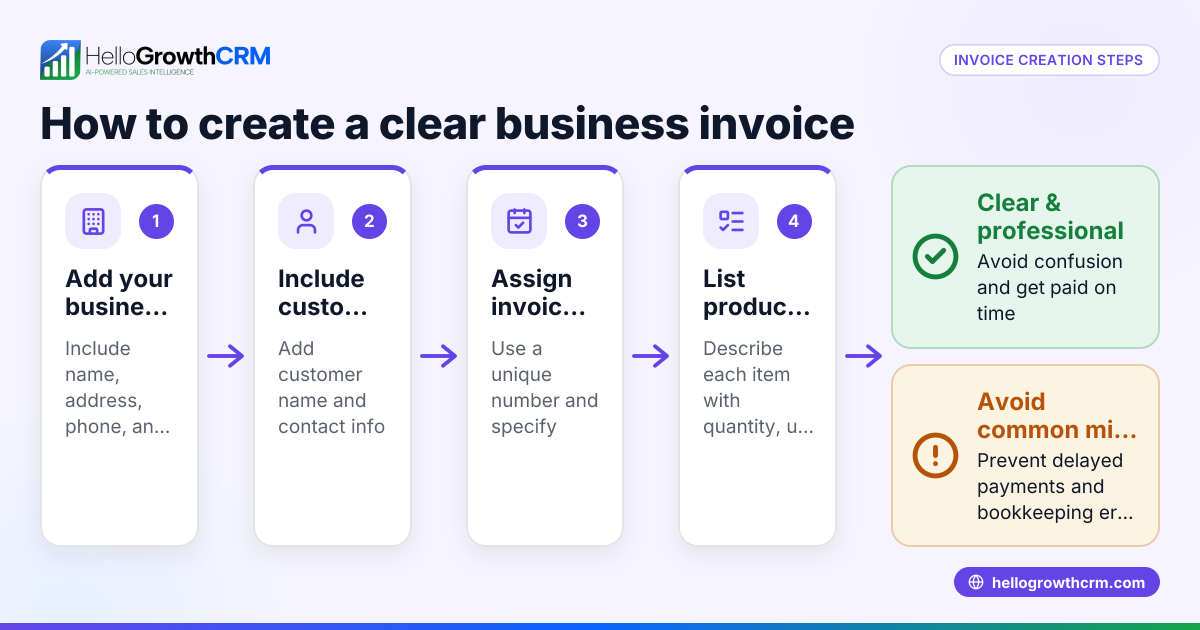
- Prepare the invoice: Create an invoice referencing the PO number. Include all items delivered, quantities, unit prices, any taxes, and the total amount due.
- Send the invoice to the buyer: Use email or the agreed communication channel. Make sure the buyer can easily match the invoice to the PO.
- Track payment status: Monitor when payment is due based on terms agreed. Follow up with reminders if payment is late.
- Reconcile payments: When payment arrives, mark the invoice as paid and update your records to keep accounts accurate.
Using a CRM like HelloGrowthCRM can help you track these steps and keep your sales organized. It supports quoting and invoicing directly from deals and shows follow-up tasks on the same screen.
Example (fictional figures)
A B2B software reseller in Denver, Colorado, receives a purchase order on 05/10/2026 for 50 software licenses.
- PO quantity: 50 licenses
- Unit price: $1,200
- Total PO amount: $1,200 × 50 = $60,000
The reseller confirms the order and delivers the licenses on 05/15/2026.
They prepare an invoice on 05/16/2026 referencing PO #12345:
- Invoice amount = $60,000
The invoice is sent to the buyer on 05/16/2026.
Payment terms are net 30 days, so payment is due by 06/15/2026.
When payment arrives on 06/14/2026, the reseller records the payment and closes the invoice.
Common mistakes
- Ignoring PO details: Not verifying the PO can lead to shipping wrong items or wrong quantities. Prevent this by double-checking every detail before fulfilling the order.
- Delaying invoice sending: Sending invoices late delays payment. Prevent this by preparing and sending invoices promptly after delivery.
- Mismatch between PO and invoice: Differences in quantities, prices, or items cause disputes and slow payment. Prevent this by referencing the PO number and matching line items exactly.
- Poor follow-up on payments: Missing or late payments hurt cash flow. Prevent this by tracking due dates and sending reminders as needed.
- Manual tracking errors: Using spreadsheets or texts increases the risk of lost or incorrect data. Prevent this by using a CRM with quoting and invoicing features.
Doing this in HelloGrowthCRM
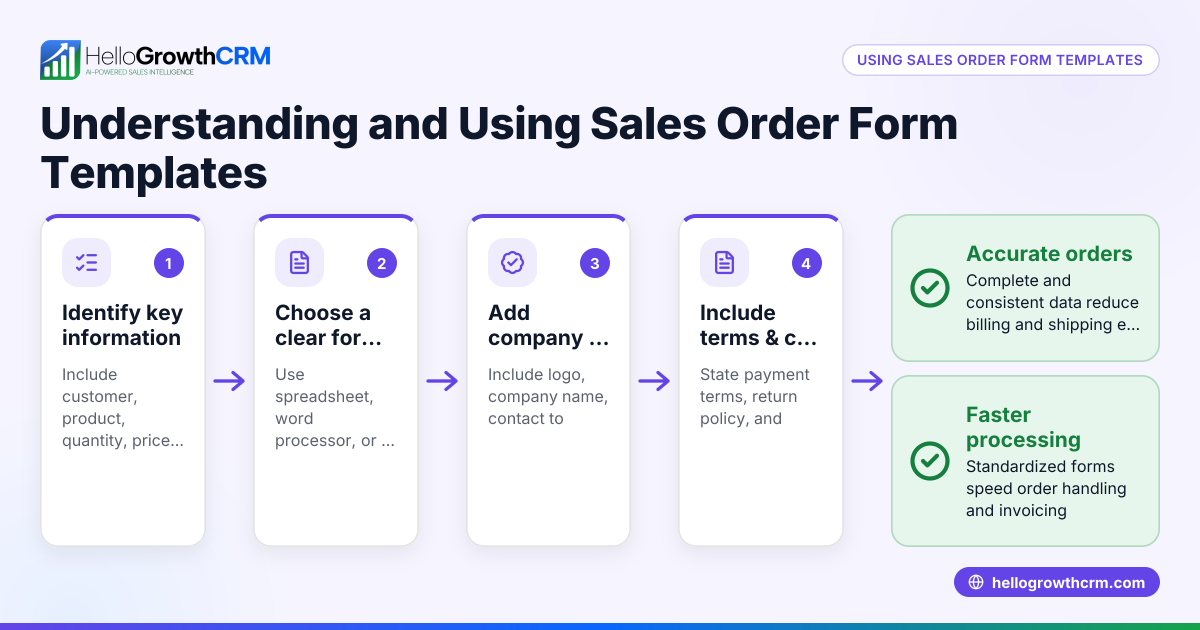
HelloGrowthCRM lets you create and send quotes and proposals directly from a deal record. You can track the status of your quotations—sent, viewed, or accepted—on the same screen as your follow-up tasks, helping you stay organized. When a deal closes, you can generate invoices tied to that deal and reconcile payments received. This centralizes all commercial documents and payment status in one place. Explore HelloGrowthCRM’s built-in CRM dialer and WhatsApp and SMS CRM features to improve your sales communication and follow-up efficiency.
Frequently asked questions
What is the difference between a purchase order and an invoice? A purchase order is a buyer’s document confirming the products or services they want to purchase. An invoice is the seller’s request for payment after delivering those goods or services. The invoice references the PO to ensure both parties agree on the transaction.
How long should I wait after sending an invoice to expect payment? Payment terms typically range from 15 to 30 days after the invoice date. It’s best to agree on payment terms upfront and track due dates to follow up promptly if payment is late.
Can I invoice without a purchase order? Yes, but having a PO helps confirm the buyer’s intent and reduces disputes. For small or repeat customers, a PO may not always be required, but it is a best practice for clear communication and record-keeping.
How can a CRM help manage the purchase order to invoice process? A CRM can track quotes, orders, and invoices in one place, send reminders for follow-up tasks, and keep payment status updated. This reduces errors and speeds up cash flow.
Is it necessary to match the invoice exactly to the purchase order? Yes, matching line items, quantities, and prices helps prevent disputes and payment delays. Any changes should be communicated clearly and documented.
Key takeaways
- Start by reviewing and confirming the purchase order details carefully.
- Fulfill the order as agreed and prepare an invoice referencing the PO.
- Send the invoice promptly and track payment due dates.
- Avoid common mistakes like mismatches and late invoicing by using organized processes.
- HelloGrowthCRM helps manage quotes, proposals, invoices, and payments in one place.
Start managing your sales documents more efficiently with HelloGrowthCRM. Start on the Free Forever plan (200 leads, no credit card) today.
Ready to put this into practice?
Set up your pipeline, WhatsApp follow-ups, and AI lead scoring in minutes — free, no credit card.
Try HelloGrowthCRM freeGet CRM tips in your inbox
Join thousands of sales professionals who get weekly insights on CRM strategy, AI automation, and pipeline optimization.

The HelloGrowthCRM team publishes guides on CRM strategy, AI sales tools, and revenue operations for small business sales teams.