HelloGrowthCRM software
Built for real small-business sales teams
HelloGrowthCRM helps reps qualify faster, follow up on time, and close more deals—with practical automation in one place.
- AI lead scoring and pipeline visibility
- Built-in dialer, WhatsApp, and email automation
- Sales forecasting and RevOps-ready reporting
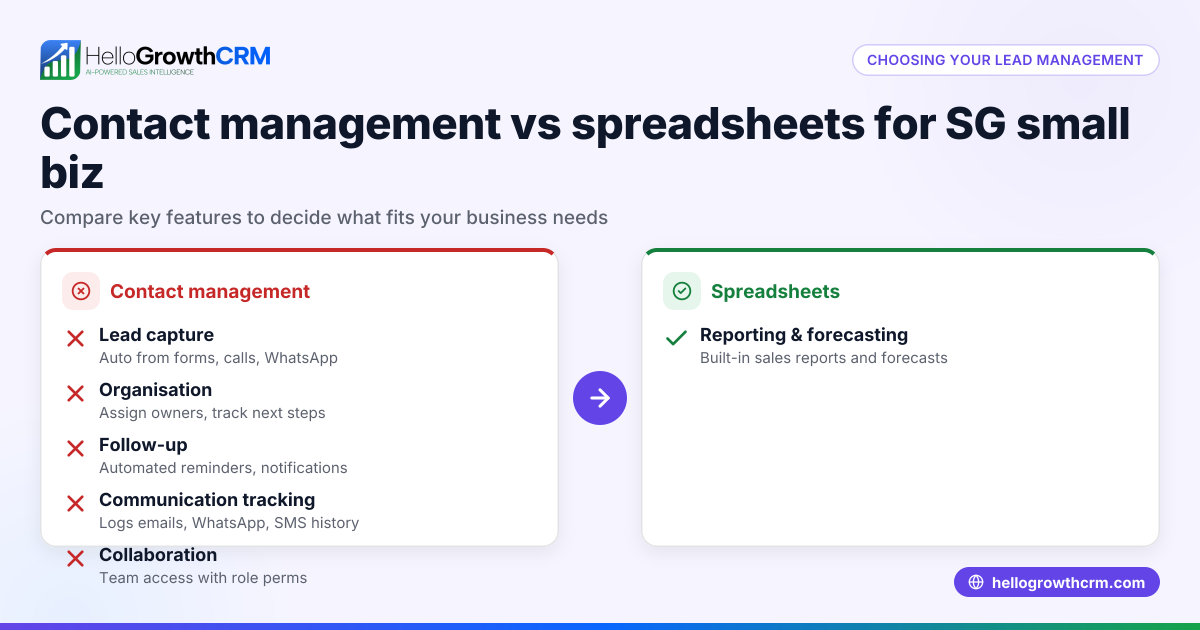
Many small businesses in Singapore start managing quotations and sales leads with spreadsheets because they are familiar and free to use. However, spreadsheets can become difficult to maintain and prone to errors as sales volume and team size grow. A CRM system designed for quotations and customer management can centralise communication, automate follow-ups, and improve team collaboration.
Why this comes up / what goes wrong
Small business owners often choose spreadsheets initially due to zero cost and ease of setup. But as more leads come in and multiple team members get involved, spreadsheets can cause problems such as lost or outdated lead information, missed follow-ups, and scattered communication across WhatsApp and email. Running sales processes on WhatsApp, email, and spreadsheets can lead to lost leads due to slow responses and lack of task management.
This leads owners to consider whether adopting a CRM that handles quotations, lead tracking, and communication is worth the investment.
Step-by-step
| Criteria | Quotations & CRM | Spreadsheets |
|---|---|---|
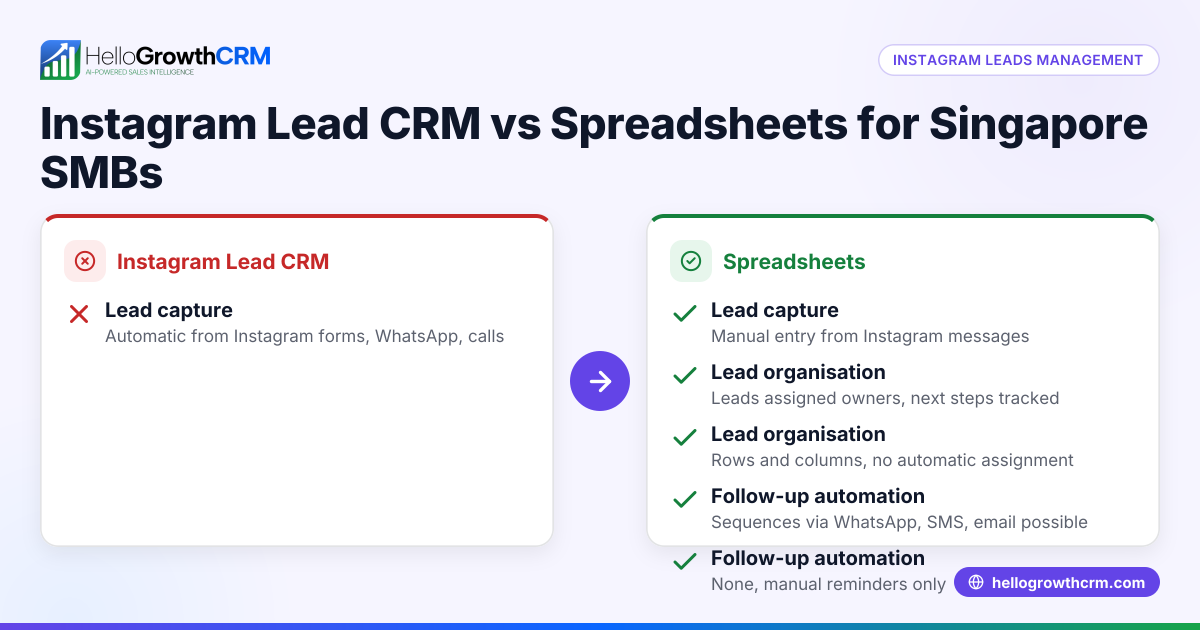
| Lead Management | Centralised lead records with history and notes | Separate files or tabs, prone to data loss |
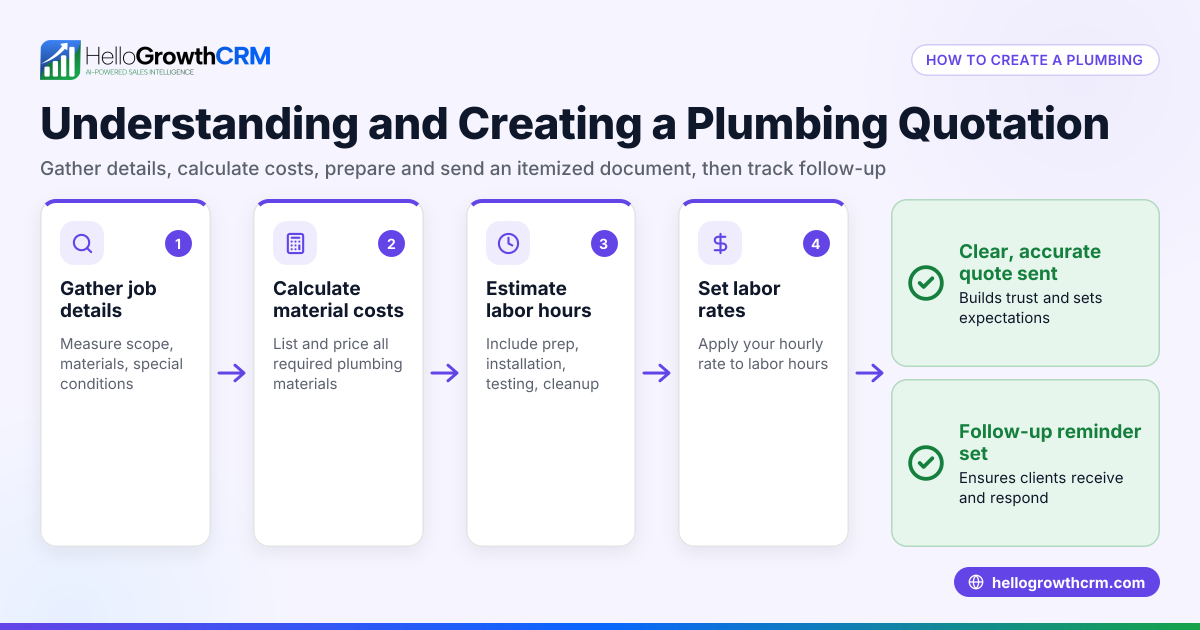
| Quotation Tracking | Linked to leads and deals, status updates | Manual updates, prone to errors |
| Communication | WhatsApp and SMS messages logged on lead records | Communication scattered across apps |
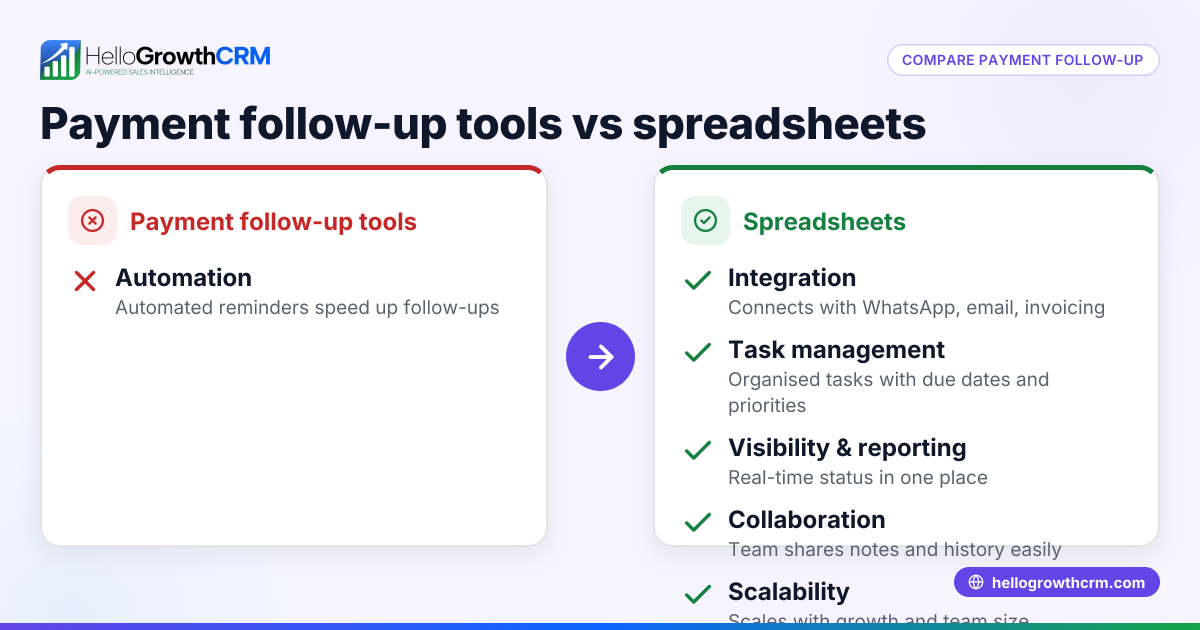
| Follow-up Tasks | Automated tasks with due dates and reminders | Manual reminders, easy to forget |
| Automation | Sequences for multi-step follow-ups | No automation, all manual |
| Team Collaboration | Shared boards and records, real-time updates | Version control issues, no real-time collaboration |
| Scalability | Grows with your sales team and customers | Becomes unwieldy as data grows |
Who should pick which?
- Use quotations and CRM if you have a growing sales team, need timely follow-ups, want to centralise communication (especially WhatsApp), and require automation to save time.
- Stick with spreadsheets if your sales volume is low, your process is simple, and you prefer no additional software costs or training.
Example (fictional figures)
A tuition centre in Tampines sends 100 quotations monthly and closes 25 sales at an average deal size of S$1,200.
Using spreadsheets:
- Time spent updating quotations and following up: 10 hours/month
- Estimated lost leads due to slow follow-up: 10 leads
- Lost revenue: 10 leads × S$1,200 = S$12,000
Using CRM:
- Time spent on updates and follow-ups reduced to 4 hours/month
- Estimated lost leads reduced to 2 leads due to automated follow-ups
- Lost revenue: 2 leads × S$1,200 = S$2,400
Time saved: 10 hours - 4 hours = 6 hours/month
Revenue saved: S$12,000 - S$2,400 = S$9,600/month
This example shows how a CRM can reduce lost leads and save time, directly impacting revenue.
Common mistakes
- Relying solely on spreadsheets for growing sales – Leads and quotations get lost or outdated. Prevent by switching to a CRM with task management and communication logging.
- Not tracking communication history – Makes follow-ups inconsistent. Prevent by using a CRM that logs WhatsApp and SMS conversations on lead records.
- Manual follow-up reminders fail – Leads slip through cracks. Prevent by automating follow-up sequences in a CRM.
- Multiple team members editing spreadsheets simultaneously – Causes version conflicts. Prevent by using shared CRM boards with real-time updates.
- Ignoring automation opportunities – Missing chances to save time. Prevent by using CRM sequences and campaigns for outreach.
Doing this in HelloGrowthCRM
HelloGrowthCRM helps Singapore small businesses manage quotations and leads effectively with WhatsApp and SMS integration, where conversations with leads are logged on their records and follow-ups can be sent as messages. Activities and task boards turn every follow-up into a task with due dates, making daily calls a manageable list instead of a memory test. Automated sequences run multi-step follow-ups over two weeks, stopping immediately when a prospect replies. Learn more about HelloGrowthCRM’s WhatsApp and SMS CRM, activities and task boards, and email automation.
Frequently asked questions
What are the advantages of email CRM vs spreadsheets in Singapore? Email CRM centralises communication, automates follow-ups, and tracks engagement, unlike spreadsheets where emails are separate and manual. This helps teams respond faster and manage leads better. See email automation.
How does CRM analytics compare to spreadsheets? CRM analytics provide real-time insights on sales performance and pipeline health, while spreadsheets require manual data compilation and are prone to errors, making analytics less reliable and timely.
Is a CRM for teams better than spreadsheets? Yes. CRMs allow multiple users to collaborate on leads with shared access, task assignments, and communication history, preventing conflicts common in spreadsheet sharing. HelloGrowthCRM supports this with shared task boards activities and task boards.
What benefits does an AI CRM have over spreadsheets? AI CRM can score leads, predict sales outcomes, and automate personalised outreach, capabilities that spreadsheets cannot provide without complex add-ons. Learn more about HelloGrowthCRM’s AI features at AI CRM.
Can a CRM integrate with WhatsApp better than spreadsheets? CRMs like HelloGrowthCRM log WhatsApp conversations directly on lead records and enable follow-ups via WhatsApp messages, while spreadsheets cannot handle messaging integration. See WhatsApp and SMS CRM.
How does a CRM with calling features compare to spreadsheets? CRMs with built-in dialers organise call lists and log call outcomes automatically, improving follow-up efficiency compared to manual call tracking in spreadsheets. HelloGrowthCRM offers a built-in CRM dialer.
Key takeaways
- CRM systems centralise quotations, leads, and communication, reducing errors common with spreadsheets.
- Automated follow-ups and task boards in CRM prevent lost leads and improve sales efficiency.
- WhatsApp and SMS integration in CRM keeps all conversations logged and accessible.
- Spreadsheets may suit very small or simple sales processes but become inefficient as sales grow.
- Choosing a CRM depends on your team size, sales volume, and need for automation.
Start managing your quotations and leads more efficiently by trying HelloGrowthCRM. You can start on the Free Forever plan (200 leads, no credit card).
Ready to put this into practice?
Set up your pipeline, WhatsApp follow-ups, and AI lead scoring in minutes — free, no credit card.
Try HelloGrowthCRM freeGet CRM tips in your inbox
Join thousands of sales professionals who get weekly insights on CRM strategy, AI automation, and pipeline optimization.

The HelloGrowthCRM team publishes guides on CRM strategy, AI sales tools, and revenue operations for small business sales teams.