HelloGrowthCRM software
Built for real small-business sales teams
HelloGrowthCRM helps reps qualify faster, follow up on time, and close more deals—with practical automation in one place.
- AI lead scoring and pipeline visibility
- Built-in dialer, WhatsApp, and email automation
- Sales forecasting and RevOps-ready reporting
A sales call tracker is a system that records every sales call made, capturing details like who was called, the outcome, and any follow-up actions needed. It helps businesses avoid losing leads due to missed calls or forgotten next steps. This article covers why small-business owners search for sales call trackers, how to implement one effectively, common pitfalls, and how HelloGrowthCRM can simplify this process.
Why this comes up / what goes wrong
Small-business owners and sales teams often lose track of their sales calls because they rely on scattered notes, text messages, or spreadsheets. Without a dedicated system, it’s easy to forget who you called, what was discussed, or when to follow up. This leads to missed opportunities and slower sales cycles. For example, a sales rep might call a prospect and forget to log the conversation or schedule the next step, causing the lead to go cold. A sales call tracker centralizes call information so the team can act faster and keep prospects engaged.
Step-by-step
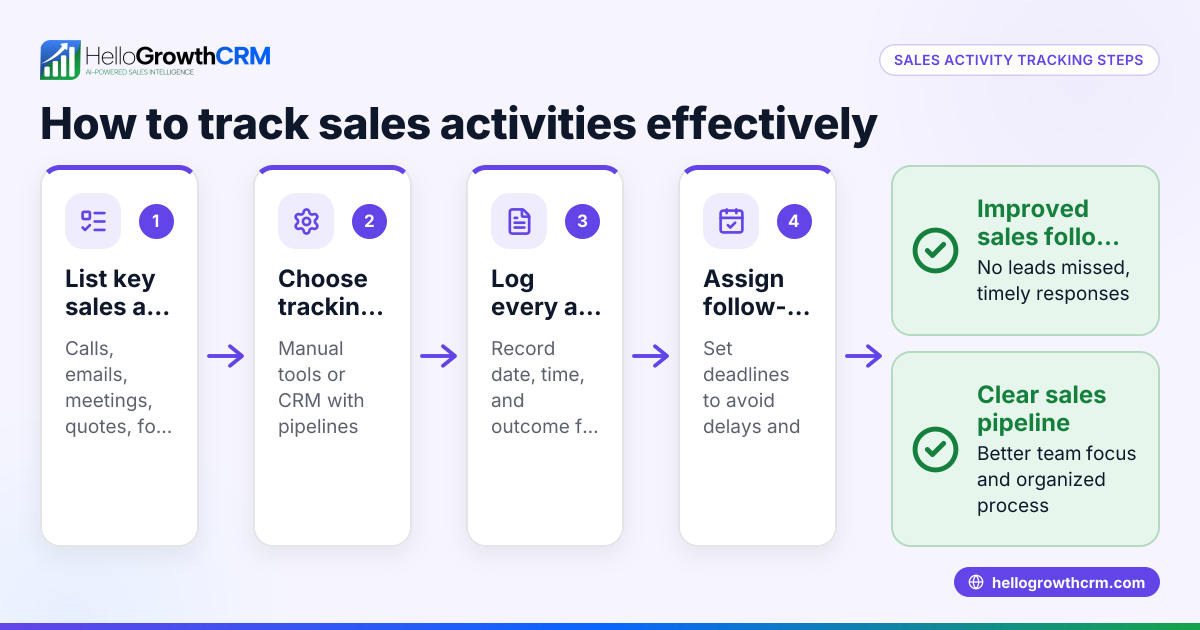
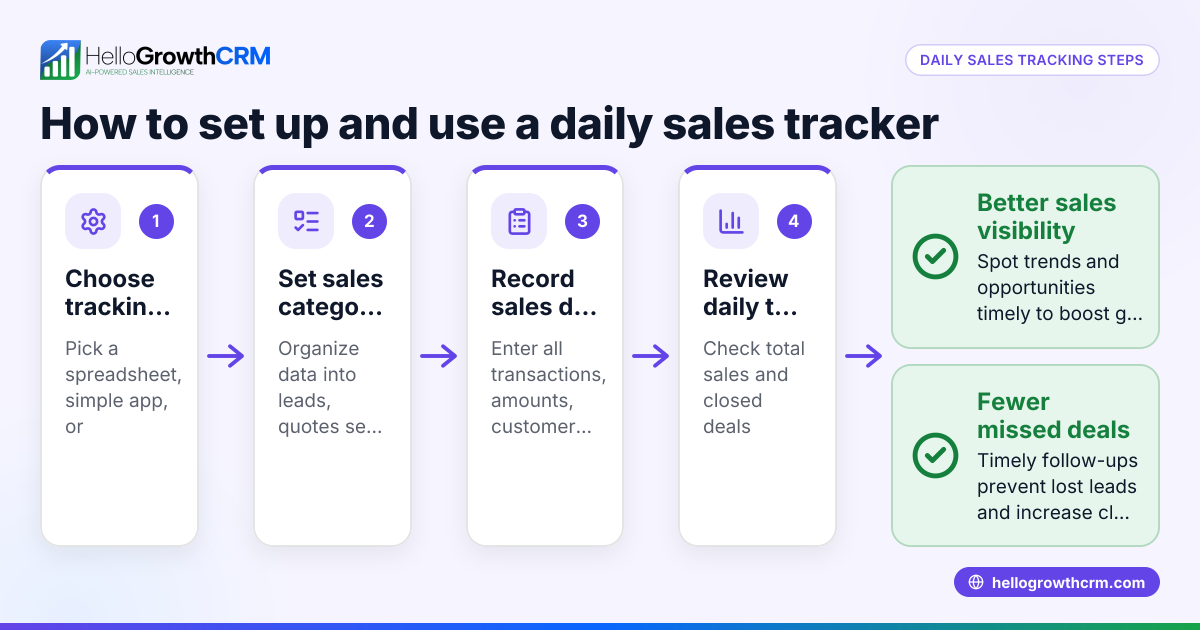
- Choose your tracking method: Decide whether to use a simple spreadsheet, dedicated software, or a CRM with call tracking features. Check that it can log calls, outcomes, and follow-up tasks.
- Set up call logging fields: Ensure you can record key details such as contact name, phone number, call date/time, call outcome (e.g., interested, no answer), and next action.
- Train your team: Make sure everyone understands how and when to log calls immediately after each conversation. Consistency is key.
- Schedule follow-ups: Use the tracker to set reminders or tasks for follow-up calls or emails. This keeps leads warm and moves deals forward.
- Regularly review call data: Check call outcomes and follow-up completion weekly to spot leads slipping through the cracks or to identify patterns.
- Adjust your process: Based on insights, refine call scripts, timing, or follow-up sequences to improve conversion rates.
- Integrate communication channels: If possible, use a system that supports calls, texts, and emails in one place for easier tracking and follow-ups.
Example (fictional figures)
A B2B software reseller in Denver, Colorado, uses a CRM to track sales calls. On 04/10/2026, the sales rep calls a prospect and logs the call outcome as "Interested, send quote." The next step is to send a quote and schedule a follow-up call.
- Call outcome logged on 04/10/2026
- Quote sent on 04/11/2026
- Follow-up call scheduled for 04/14/2026
On 04/14/2026, the rep calls back and the prospect agrees to buy a $15,000 software license.
Calculations:
$15,000 (deal value) × 1 (deal closed) = $15,000 (revenue)
Tracking the call and follow-up ensured the deal was closed on time without losing the lead.
Common mistakes
- Not logging calls immediately: Leads to forgotten details and missed follow-ups. Prevent by training reps to log calls right after each conversation.
- Using multiple unconnected tools: Causes data loss and confusion. Use a unified system like a CRM with integrated call tracking.
- Ignoring follow-up scheduling: Missed follow-ups lose deals. Set reminders in the tracker and assign tasks.
- Not reviewing call data regularly: Missed chances to improve. Review call outcomes weekly to adjust sales tactics.
- Overcomplicating the tracker: Too many fields or steps discourage use. Keep it simple, relevant, and user-friendly.
- Failing to integrate communication channels: Managing calls, texts, and emails separately wastes time. Choose a CRM that supports all channels.
Doing this in HelloGrowthCRM
HelloGrowthCRM provides a built-in dialer where reps work a list from inside the CRM and each call’s outcome is logged on the lead automatically. Deals appear in the pipeline showing stages like 'quote sent' with follow-up dates, ensuring no opportunity is forgotten. For field sales, reps can log visits from their phones, and managers see the daily activity. This helps sales teams track calls, follow-ups, and field visits efficiently. Learn more about the built-in CRM dialer and how HelloGrowthCRM supports WhatsApp and SMS CRM for seamless communication. Explore HelloGrowthCRM tailored for the United States.
Frequently asked questions
What is the main benefit of a sales call tracker? A sales call tracker helps you organize and record every sales call, ensuring you never miss follow-ups and can monitor your sales pipeline effectively. It keeps your team accountable and your leads engaged.
Can I use a spreadsheet as a sales call tracker? Yes, spreadsheets can work for very small teams but they often lack automation and integration. This makes it harder to keep data updated and follow-ups timely, especially as your team grows.
How often should sales call data be reviewed? Ideally, review call outcomes and follow-ups weekly. This helps identify trends, spot issues early, and adjust your sales approach for better results.
Does HelloGrowthCRM support logging calls directly? Yes, it has a built-in dialer that logs call outcomes and keeps the call history tied to contacts and deals, making call tracking seamless.
How does a sales call tracker improve follow-up? By setting reminders and tracking call outcomes, a sales call tracker ensures follow-ups happen on time, keeping leads engaged and moving deals forward.
Can a sales call tracker help field sales teams? Yes, with features like visit logging and territory management, field reps can track their visits and managers can monitor daily activities to ensure coverage and performance.
Key takeaways
- A sales call tracker records call details and outcomes to prevent lost leads.
- Use a simple, consistent system to log calls and schedule follow-ups.
- Regularly review call data to improve sales effectiveness.
- Avoid scattered tools by using integrated CRM features.
- Integrate communication channels like calls, WhatsApp, and SMS for better tracking.
- HelloGrowthCRM’s built-in dialer, deal pipeline, and field sales tools help track calls and next steps.
Start managing your sales calls more effectively with HelloGrowthCRM. Start on the Free Forever plan (200 leads, no credit card).
Ready to put this into practice?
Set up your pipeline, WhatsApp follow-ups, and AI lead scoring in minutes — free, no credit card.
Try HelloGrowthCRM freeGet CRM tips in your inbox
Join thousands of sales professionals who get weekly insights on CRM strategy, AI automation, and pipeline optimization.

The HelloGrowthCRM team publishes guides on CRM strategy, AI sales tools, and revenue operations for small business sales teams.