HelloGrowthCRM software
Built for real small-business sales teams
HelloGrowthCRM helps reps qualify faster, follow up on time, and close more deals—with practical automation in one place.
- AI lead scoring and pipeline visibility
- Built-in dialer, WhatsApp, and email automation
- Sales forecasting and RevOps-ready reporting
A sales activity tracker records every action your sales team takes, including calls made, emails sent, meetings held, and follow-ups scheduled. It gives you a clear view of what is happening with each lead and deal, so no opportunity gets lost. For small businesses, this means faster responses, better customer management, and a clearer sales pipeline.
Why this comes up / what goes wrong
Small business owners often rely on scattered tools like text messages, emails, and spreadsheets to manage sales activities. This leads to lost leads, missed follow-ups, and inefficient sales processes. Without a centralized sales activity tracker, it’s difficult to know which leads need attention, what the next step is, or how the team is performing. This causes slow responses and lost revenue.
Sales teams working remotely or juggling multiple communication channels can especially struggle to keep track of all activities. As a result, leads go cold, deals stall, and sales growth suffers.
Step-by-step
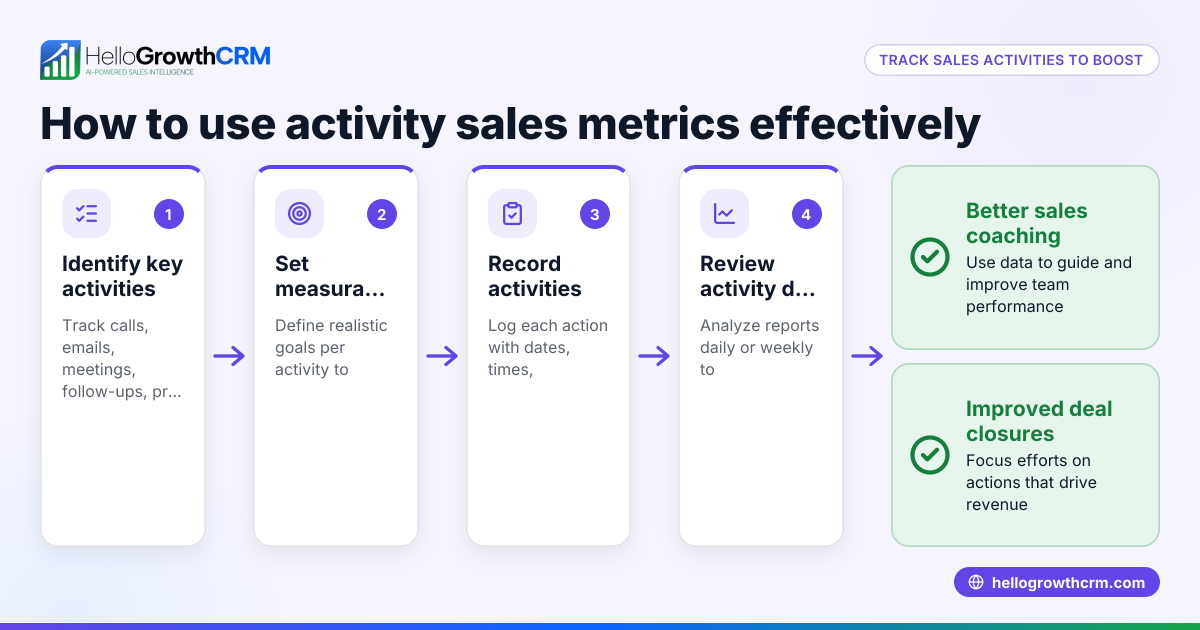
- List all sales activities to track: Identify key actions such as calls, emails, meetings, quotes sent, and follow-up tasks. This ensures you capture every important step.
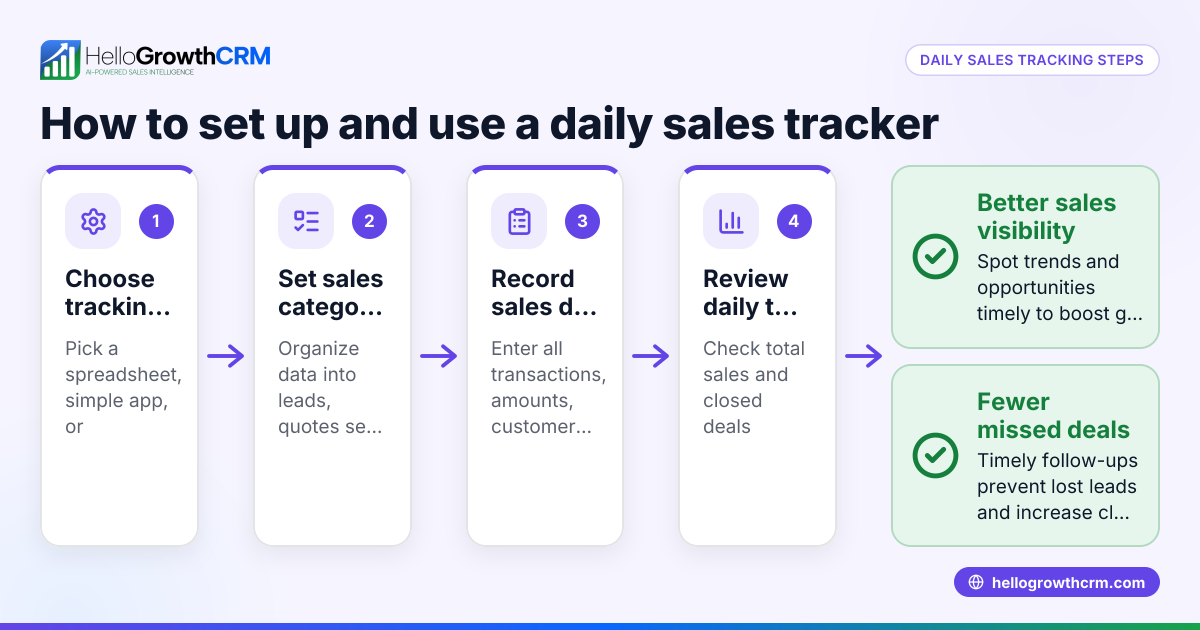
- Choose a tracking method: Decide if you want to use manual tools like spreadsheets or a CRM with task boards and pipelines that automate and organize tracking.
- Set up a system to log activities: Record every call, email, and meeting with date, time, and outcome. Consistency is essential.
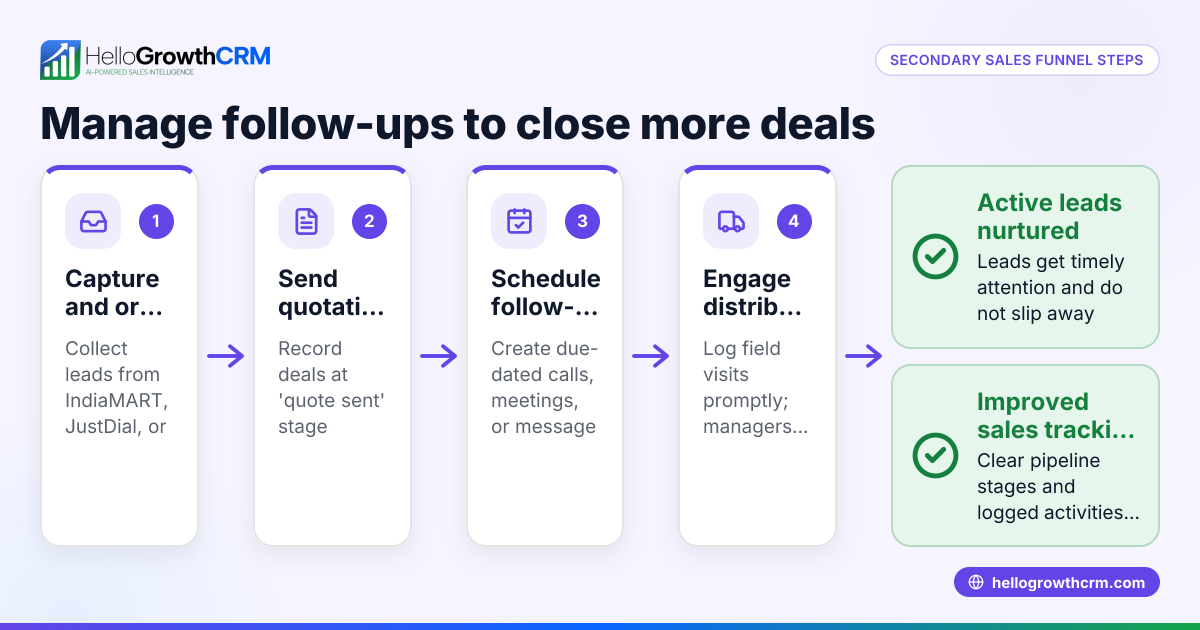
- Assign due dates for follow-ups: Turn each follow-up into a task with a clear deadline to prevent delays and lost leads.
- Organize leads into a pipeline: Group leads by sales stages such as new lead, contacted, quote sent, negotiation, and closed. This visualizes progress.
- Review daily sales activities: Check the list of calls and tasks scheduled for the day to stay focused and on track.
- Analyze sales activity reports regularly: Identify bottlenecks, missed follow-ups, or stages where leads stall to improve your process.
Using a CRM with features like task boards and pipelines can simplify these steps. For example, HelloGrowthCRM provides Activities and task boards to turn follow-ups into tasks with due dates, and Deals (pipeline) to track quotations and deal stages.
Example (fictional figures)
A plumbing company in Austin, Texas, wants to track sales activities for April 2026.
- On 04/01/2026, they call 15 leads.
- They email 10 leads with quotes.
- They schedule 5 follow-up tasks for calls within 3 days.
Tracking:
- Calls made: 15
- Emails sent: 10
- Follow-ups scheduled: 5
Assuming each call has a 10% chance to convert and each email 15%, expected conversions are:
Calls: 15 × 10% = 1.5 Emails: 10 × 15% = 1.5 Total expected conversions = 1.5 + 1.5 = 3
If the average deal value is $2,000:
3 × $2,000 = $6,000 expected revenue from tracked activities.
This tracking helps the company focus on timely follow-ups and measure sales effectiveness to increase revenue.
Common mistakes
- Not logging every activity: Leads to missed follow-ups and lost deals. Prevent this by making logging mandatory and easy.
- No deadlines for follow-ups: Causes delays and cold leads. Assign due dates to every follow-up task.
- Using multiple disconnected tools: Causes confusion and inefficiency. Use an integrated system like a CRM with task boards and pipelines.
- Ignoring daily activity reviews: Leads to lost opportunities. Review daily calls and tasks to stay organized.
- Failing to analyze activity data: Misses chances to improve. Regularly review reports to identify bottlenecks and optimize your process.
Doing this in HelloGrowthCRM
HelloGrowthCRM helps small and mid-sized businesses track sales activities with features like Activities and task boards, where each follow-up becomes a task with a due date, and the day's calls are presented as a list, not a memory test. Deals (pipeline) show quotations sent at the 'quote sent' stage with a follow-up date, so no deal is forgotten. For businesses with field sales, Territories, field operations and commissions tools let reps log visits from their phones, and managers see the day's activity. Learn more about HelloGrowthCRM's WhatsApp and SMS CRM, built-in CRM dialer, and HelloGrowthCRM for the United States.
Frequently asked questions
What exactly does a sales activity tracker do? It records and organizes all sales-related actions like calls, emails, meetings, and follow-ups. This helps sales teams stay on top of leads and manage their pipeline efficiently.
Can I use a spreadsheet as a sales activity tracker? Yes, but spreadsheets can be error-prone and hard to update in real time. A CRM with task boards and pipelines offers better organization and automation.
How often should I review sales activities? Daily reviews of calls and follow-ups help keep the team focused. Weekly or monthly reports can identify trends and areas for improvement.
What if my sales team works remotely or in the field? Using a CRM with mobile capabilities allows field reps to log visits and activities from their phones, keeping managers informed in real time.
How does setting deadlines improve sales activity tracking? Deadlines ensure follow-ups happen promptly, preventing leads from going cold and improving conversion chances.
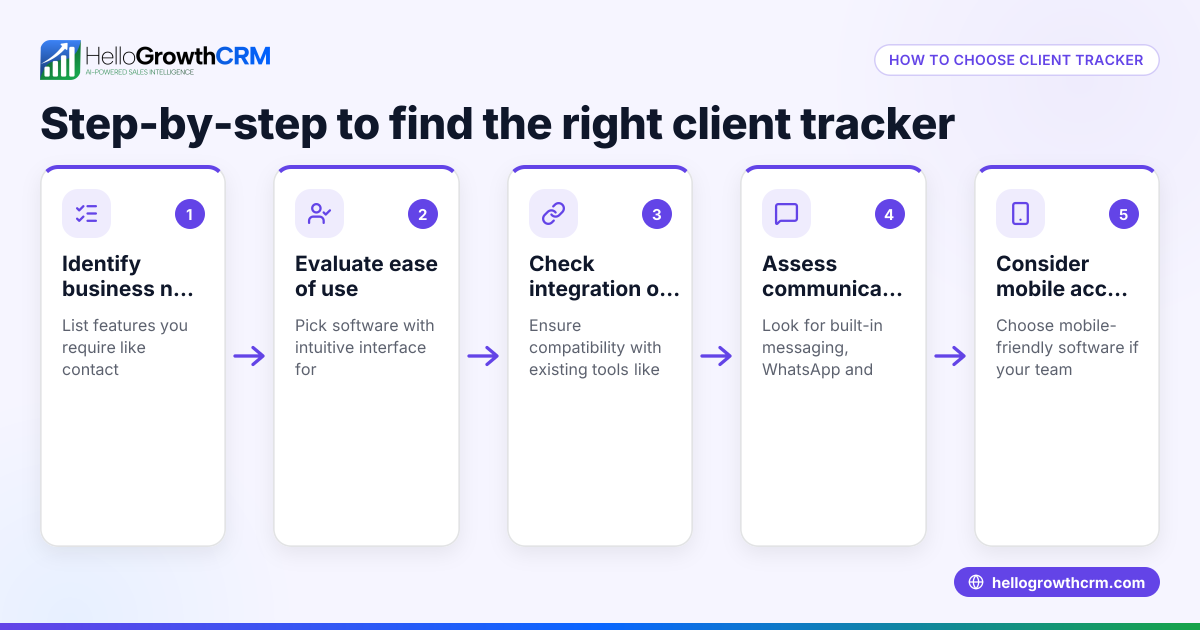
What features should I look for in a sales activity tracker? Look for tools that log calls, emails, meetings, assign tasks with due dates, and organize leads in a pipeline. Mobile access and reporting are also important.
Key takeaways
- A sales activity tracker records every sales action to prevent missed opportunities.
- Assign due dates to follow-ups to ensure timely responses.
- Use a unified system instead of scattered tools for better organization.
- Review daily activities and analyze reports to improve sales performance.
- HelloGrowthCRM offers task boards, pipelines, and field sales tools to support effective sales activity tracking.
Start organizing your sales activities today with HelloGrowthCRM. Start on the Free Forever plan (200 leads, no credit card).
Ready to put this into practice?
Set up your pipeline, WhatsApp follow-ups, and AI lead scoring in minutes — free, no credit card.
Try HelloGrowthCRM freeGet CRM tips in your inbox
Join thousands of sales professionals who get weekly insights on CRM strategy, AI automation, and pipeline optimization.

The HelloGrowthCRM team publishes guides on CRM strategy, AI sales tools, and revenue operations for small business sales teams.