HelloGrowthCRM software
Built for real small-business sales teams
HelloGrowthCRM helps reps qualify faster, follow up on time, and close more deals—with practical automation in one place.
- AI lead scoring and pipeline visibility
- Built-in dialer, WhatsApp, and email automation
- Sales forecasting and RevOps-ready reporting
An automated follow-up CRM for business development teams in Canada helps manage leads, schedule timely follow-ups, and maintain consistent communication without manual tracking. This article covers why small businesses seek such CRMs, how to evaluate them step-by-step, a realistic example from a Canadian business, common pitfalls to avoid, and how HelloGrowthCRM supports these needs.
Why this comes up / what goes wrong
Small and mid-sized Canadian businesses often lose leads or delay follow-ups because they rely on manual methods like spreadsheets, text messages, and email threads. Business development teams working without a centralized system face challenges such as missed calls, forgotten tasks, and inconsistent messaging. This slows down deal progression and reduces conversion rates. A CRM that automates follow-ups helps by creating reminders, logging all communications, and enabling quick, consistent outreach on channels like WhatsApp and SMS.
Step-by-step
- Identify your team’s communication channels. Check if your team uses WhatsApp, SMS, email, or calls primarily. The CRM should support these channels natively or via integrations.
- Evaluate task and activity management features. Look for CRMs that convert each follow-up into a task with due dates and provide daily call lists to avoid memory overload.
- Check automation capabilities. Determine if the CRM can draft follow-up messages automatically after calls or meetings, reducing manual effort.
- Assess lead capture and pipeline management. The CRM should capture leads from web forms or integrations and provide visual pipeline boards to track progress.
- Review reporting and forecasting tools. Sales forecasting helps plan resources and set realistic targets.
- Consider ease of use and adoption. The system should be intuitive so your team actually uses it daily.
- Verify Canadian compliance and support. While not all CRMs specialize in Canadian market needs, check for local support or features tailored to Canadian businesses.
- Test integration with your existing tools. Confirm the CRM works well with your email, calendar, and other software.
- Try before you buy. Use free trials or free-tier plans to see if the CRM fits your workflow.
- Plan for scaling. Ensure the CRM can handle growth in leads and team size without excessive cost or complexity.
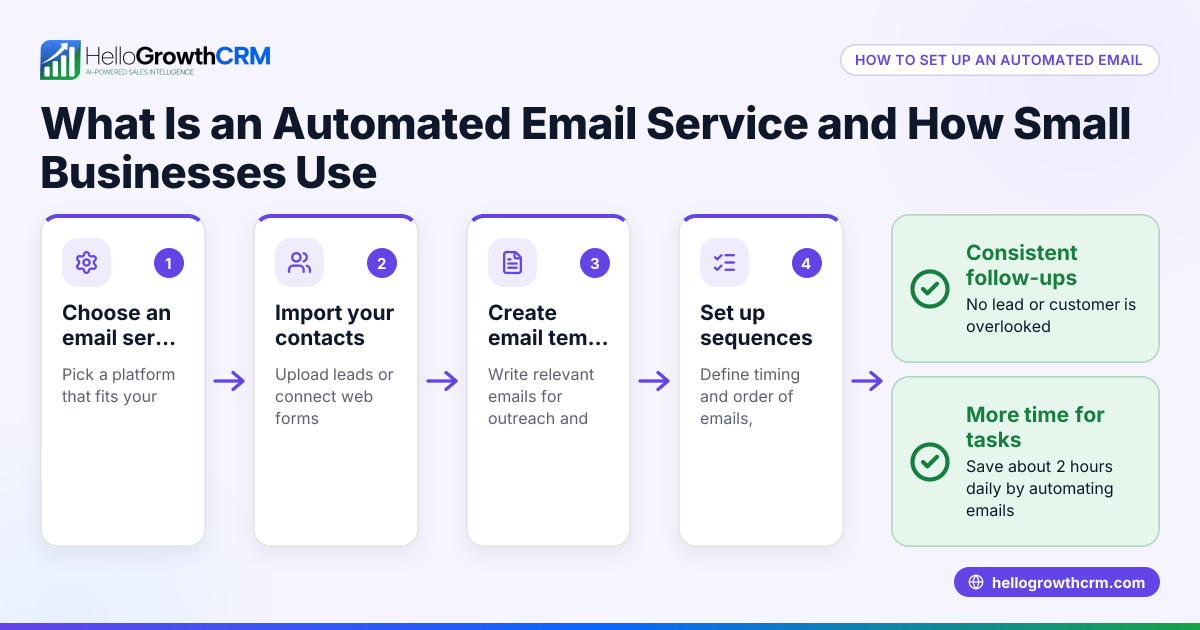
For more on managing follow-ups via email, see email automation and sequences.
Example (fictional figures)
An HVAC company in Surrey, British Columbia, called "CoolAir Solutions," wants to improve follow-ups with new leads.
- Monthly new leads: 150
- Conversion rate before CRM: 10%
- Average deal size: C$5,000
- Revenue before CRM: 150 × 10% × C$5,000 = C$75,000
After implementing an automated follow-up CRM:
- Follow-up task completion improved from 60% to 95%
- Conversion rate increased to 15%
- Revenue after CRM: 150 × 15% × C$5,000 = C$112,500
Revenue increase:
C$112,500 - C$75,000 = C$37,500
This example shows that timely, consistent follow-ups can significantly boost revenue by converting more leads.
Common mistakes
- Relying on manual reminders. Without automated tasks, reps forget follow-ups. Prevent this by using task boards that assign due dates and daily call lists.
- Ignoring mobile messaging channels. Many leads prefer WhatsApp or SMS. Choose a CRM that logs these conversations and automates messaging sequences.
- Overcomplicating automation. Too complex workflows discourage use. Start with simple follow-up drafts and gradually add automation.
- Not tracking follow-up history. Without a complete interaction log, reps miss context. Use CRMs that link all messages and notes to lead records.
- Skipping team training. Even the best CRM fails if the team doesn’t adopt it. Provide clear guidance and monitor usage.
- Choosing a CRM without pipeline visibility. Without visual boards, it’s hard to prioritize leads. Ensure your CRM includes pipeline and task boards.
Learn how to avoid these by exploring HelloGrowthCRM for Canada.
Doing this in HelloGrowthCRM
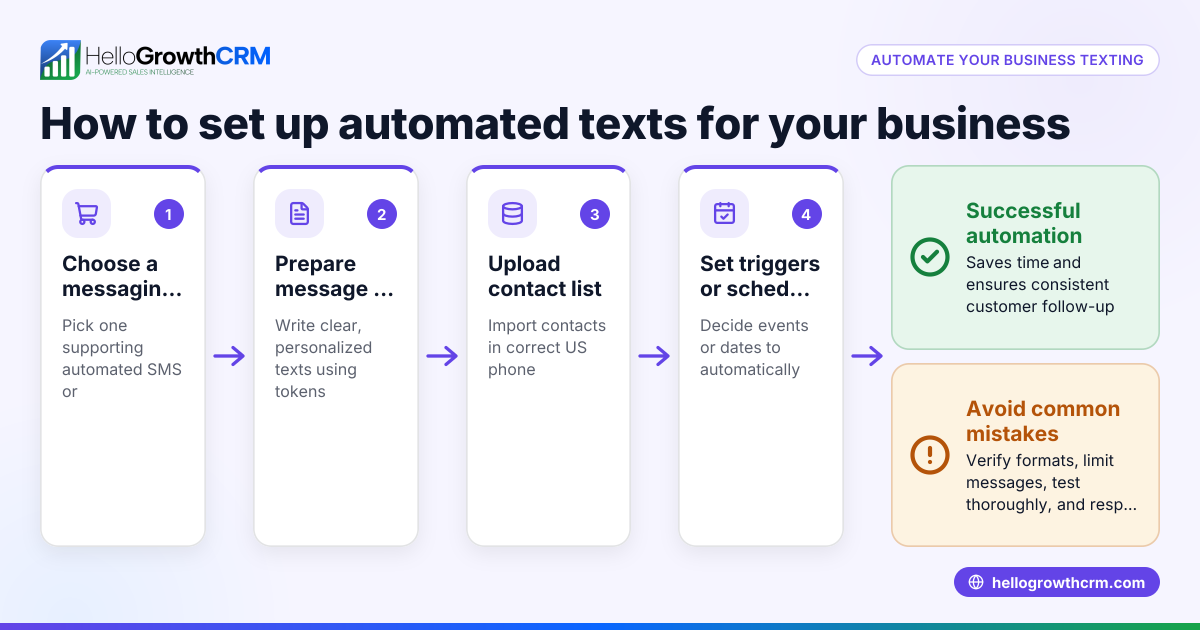
HelloGrowthCRM supports automated follow-ups through its activities and task boards, where each follow-up becomes a task with a due date, and the day’s calls appear as a list to reduce memory load. It logs WhatsApp and SMS conversations directly on the lead record, allowing follow-ups to be sent as messages on these channels. Its AI agents (in beta) draft follow-up messages after calls, so reps only need to review and send. These features help business development teams stay organized and consistent. Learn more about WhatsApp and SMS CRM.
Frequently asked questions
What is an automated follow-up CRM? An automated follow-up CRM schedules and reminds sales reps to contact leads at the right time, often creating tasks and drafting messages automatically. This ensures no lead is forgotten and communication stays consistent.
Why is automation important for business development teams? Automation reduces manual work, prevents missed follow-ups, and speeds up response times. This helps teams build relationships faster and close more deals.
Can I use WhatsApp and SMS for follow-ups in a CRM? Yes, some CRMs integrate WhatsApp and SMS messaging natively, logging conversations and enabling automated sequences. This meets leads where they prefer to communicate.
How do I know if a CRM will work for my Canadian business? Look for features that fit your communication style, support for local phone numbers, and customer support familiar with Canadian business practices. Testing free plans helps verify fit.
What common mistakes should I avoid when choosing a CRM? Avoid relying solely on manual reminders, neglecting mobile messaging, overcomplicating workflows, and skipping team training. These reduce CRM effectiveness.
Key takeaways
- Automated follow-up CRMs help business development teams maintain timely, consistent contact with leads.
- Essential features include task boards with due dates, WhatsApp/SMS messaging, and AI-assisted follow-up drafting.
- Avoid manual tracking and complex automation to ensure team adoption.
- Testing free or trial plans lets you evaluate CRM fit before commitment.
- HelloGrowthCRM offers these capabilities tailored for Canadian small and mid-sized businesses.
Start improving your follow-ups today by starting on the Free Forever plan (200 leads, no credit card).
Ready to put this into practice?
Set up your pipeline, WhatsApp follow-ups, and AI lead scoring in minutes — free, no credit card.
Try HelloGrowthCRM freeGet CRM tips in your inbox
Join thousands of sales professionals who get weekly insights on CRM strategy, AI automation, and pipeline optimization.

The HelloGrowthCRM team publishes guides on CRM strategy, AI sales tools, and revenue operations for small business sales teams.