HelloGrowthCRM software
Built for real small-business sales teams
HelloGrowthCRM helps reps qualify faster, follow up on time, and close more deals—with practical automation in one place.
- AI lead scoring and pipeline visibility
- Built-in dialer, WhatsApp, and email automation
- Sales forecasting and RevOps-ready reporting
An automated follow-up CRM helps business development teams in India manage leads and follow-ups efficiently by scheduling tasks, sending messages automatically, and logging interactions. This article covers why Indian SMBs need automation, steps to evaluate and implement such a CRM, a worked example, common mistakes, and how HelloGrowthCRM supports automated follow-ups.
Why this comes up / what goes wrong
Many small and mid-sized Indian businesses rely on manual follow-ups using WhatsApp chats, spreadsheets, or memory. Business development teams lose leads or delay responses because follow-ups are missed or forgotten. Teams also waste time switching between apps and duplicating data. Without automation, sales reps struggle to keep track of what to do next, leading to lost opportunities and inconsistent customer experience.
Business owners searching for an automated follow-up CRM want software that fits Indian SMB needs: easy WhatsApp integration, task reminders, and automated messages that reduce manual work. They want to improve speed and consistency without complex setups or expensive tools.
Step-by-step
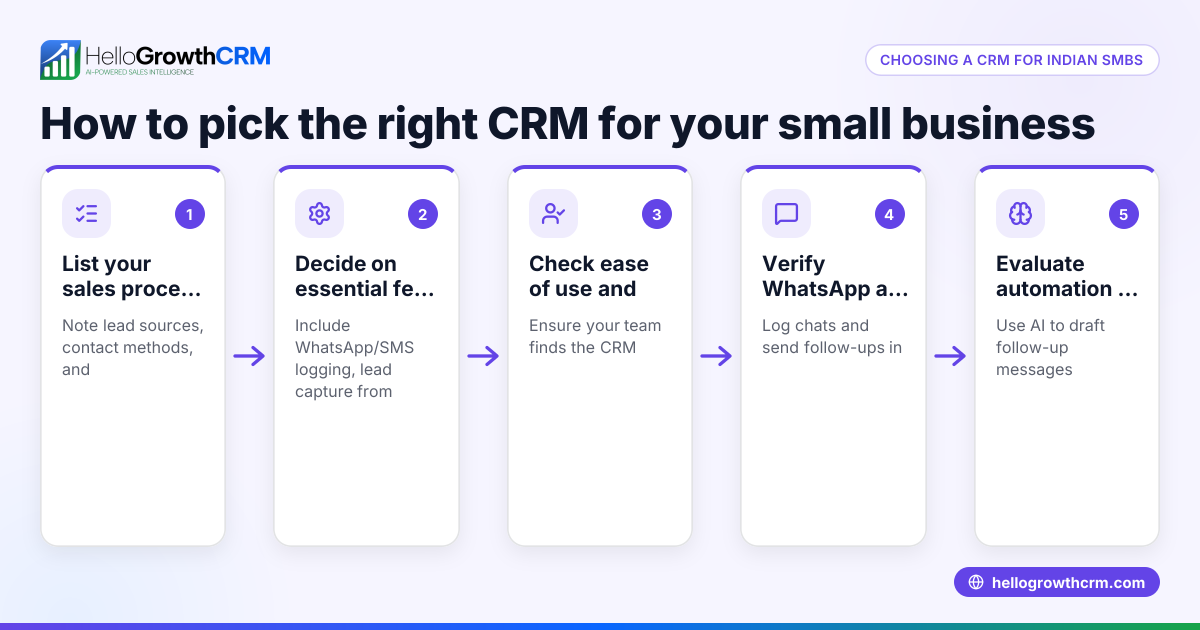
- Identify your follow-up process and pain points. Write down how your team currently tracks leads and follow-ups. Note delays, missed calls, or lost data.
- Check for WhatsApp and SMS integration. Since many Indian teams use WhatsApp, find a CRM that logs WhatsApp chats and can send follow-up messages automatically. This avoids switching apps and losing context.
- Look for task and activity boards. A good CRM should turn each follow-up into a task with a due date and show daily calls and tasks as a list. This helps reps know exactly what to do each day without relying on memory.
- Evaluate AI assistance features. Some CRMs offer AI agents that draft follow-up messages after calls, so reps just review and send. This saves time and keeps communication consistent.
- Test lead capture options. Check if the CRM can import leads automatically from popular Indian platforms like IndiaMART or JustDial, or from your website forms.
- Consider reporting and forecasting. Automated follow-ups should feed into sales pipeline views and reports, helping managers track progress and forecast revenue.
- Try a free plan or demo. Use free trials to see if the CRM fits your team's workflow and is easy to use.
- Train your team and set follow-up rules. Define how many follow-ups per lead, timing, and message templates to ensure consistency.
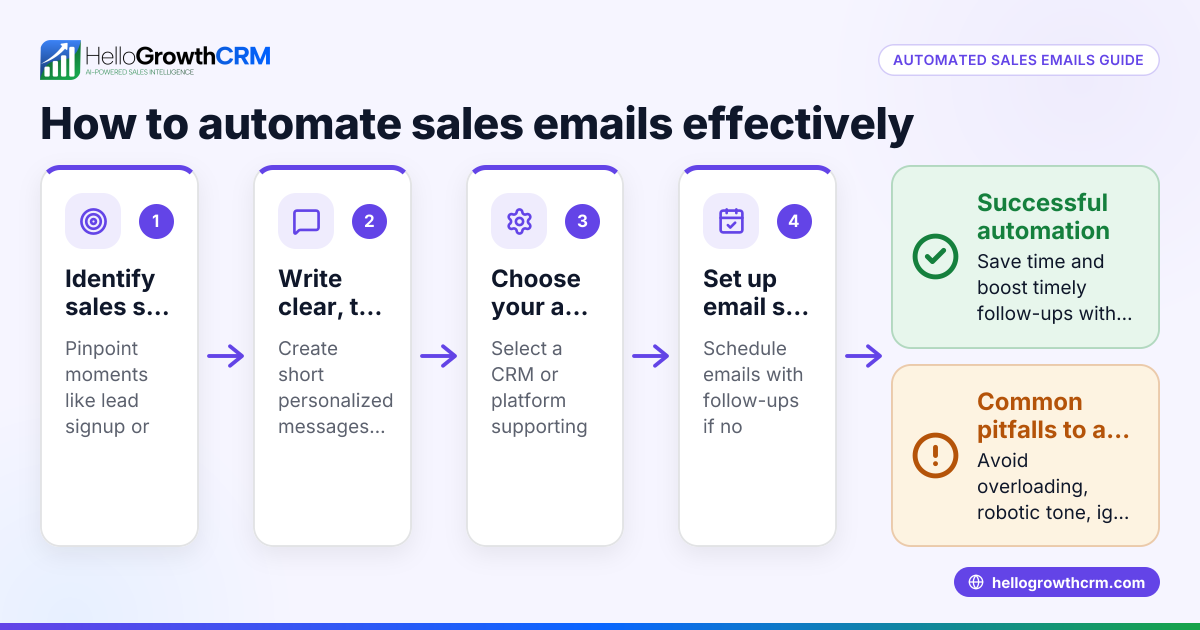
For more on automating messages beyond WhatsApp, see email automation and sequences.
Example (fictional figures)
A Pune-based SME receives 300 leads monthly from IndiaMART and website forms. Each sales rep handles 75 leads and aims for 3 follow-ups per lead.
- Leads per rep: 75
- Follow-ups per lead: 3
- Total follow-ups per rep: 75 × 3 = 225
- Time per follow-up call or message: 6 minutes
- Total follow-up time: 225 × 6 minutes = 1,350 minutes = 22.5 hours
By using an automated follow-up CRM, the rep automates 90 follow-ups monthly, saving 9 hours.
- Automated follow-ups: 90
- Time saved: 90 × 6 minutes = 540 minutes = 9 hours
This frees up time for reps to focus on closing deals rather than manual reminders and messaging.
Common mistakes
- Relying on memory or spreadsheets for follow-ups. Prevent by using task boards that schedule and remind you of each follow-up.
- Ignoring WhatsApp integration. Since many Indian customers prefer WhatsApp, missing this means lost conversations and slower responses. Choose a CRM with WhatsApp and SMS logging.
- Not defining follow-up frequency or templates. This causes inconsistent messaging and missed opportunities. Set clear rules and use AI or templates to standardize communication.
- Choosing a CRM without lead capture automation. Manually entering leads wastes time and risks errors. Use CRMs that import leads from IndiaMART, JustDial, or web forms.
- Skipping team training. Without training, reps may not use automation features fully. Train your team on task boards and message sequences.
For tips on WhatsApp and SMS workflows, see WhatsApp and SMS CRM.
Doing this in HelloGrowthCRM
HelloGrowthCRM supports automated follow-ups with task boards that convert each follow-up into a task with a due date, so reps see their daily calls as a clear list. WhatsApp conversations with leads are logged directly on the lead record, and follow-ups can be sent as WhatsApp or SMS messages. Additionally, AI agents (in beta) draft follow-up messages after calls, letting reps review and send without typing from scratch. Learn more about HelloGrowthCRM's features for Indian SMBs at HelloGrowthCRM for India.
Frequently asked questions
What is an automated follow-up CRM? An automated follow-up CRM schedules follow-up tasks, sends messages automatically, and logs interactions to help sales teams manage leads efficiently without manual tracking.
Why is WhatsApp integration important for Indian business development teams? WhatsApp is widely used by Indian customers. Integration ensures conversations stay in the CRM, follow-ups can be sent directly, and teams avoid switching apps, improving response time.
Can automated follow-ups be personalized? Yes, many CRMs use templates with variables or AI agents to draft personalized messages based on lead data and previous interactions.
How do I ensure my team uses the CRM for follow-ups? Set clear follow-up rules, train your team on task boards and message sequences, and use automation to reduce manual work and errors.
Does HelloGrowthCRM support SMS follow-ups as well as WhatsApp? Yes, HelloGrowthCRM supports both WhatsApp and SMS messaging workflows, allowing teams to engage leads on the channels they prefer.
How can automated follow-ups improve sales forecasting? Automated follow-ups keep the sales pipeline updated in real time, providing accurate data for forecasting and reporting.
For more on automating messaging sequences, visit email automation and sequences.
Key takeaways
- Automated follow-up CRMs help Indian SMBs avoid missed leads and slow responses by scheduling tasks and sending messages automatically.
- WhatsApp and SMS integration is crucial for Indian business development teams to maintain conversation context and speed.
- Task boards with due dates turn follow-ups into manageable daily lists, reducing reliance on memory.
- AI agents can draft follow-up messages, saving time and standardizing communication.
- Automated lead capture from IndiaMART, JustDial, and web forms reduces manual data entry.
- Training and clear follow-up rules ensure the team uses automation effectively.
Start managing your business development follow-ups better by trying HelloGrowthCRM’s Free Forever plan with 200 leads and no credit card at Start on the Free Forever plan (200 leads, no credit card).
Ready to put this into practice?
Set up your pipeline, WhatsApp follow-ups, and AI lead scoring in minutes — free, no credit card.
Try HelloGrowthCRM freeGet CRM tips in your inbox
Join thousands of sales professionals who get weekly insights on CRM strategy, AI automation, and pipeline optimization.

The HelloGrowthCRM team publishes guides on CRM strategy, AI sales tools, and revenue operations for small business sales teams.