HelloGrowthCRM software
Built for real small-business sales teams
HelloGrowthCRM helps reps qualify faster, follow up on time, and close more deals—with practical automation in one place.
- AI lead scoring and pipeline visibility
- Built-in dialer, WhatsApp, and email automation
- Sales forecasting and RevOps-ready reporting
If your B2B sales team lives in Outlook, Teams, and Excel, the best CRM for Microsoft 365 in the United States is one that fits those daily habits instead of fighting them. It should capture leads, sync communication, support compliant outreach, give clean pipeline visibility, and help your team act faster with AI.
Key takeaways
- The best CRM for Microsoft 365 B2B sales team United States buyers is one that reduces manual work inside the tools reps already use.
- Outlook email, calendar, contacts, and calling workflows matter more than flashy dashboards your team will ignore.
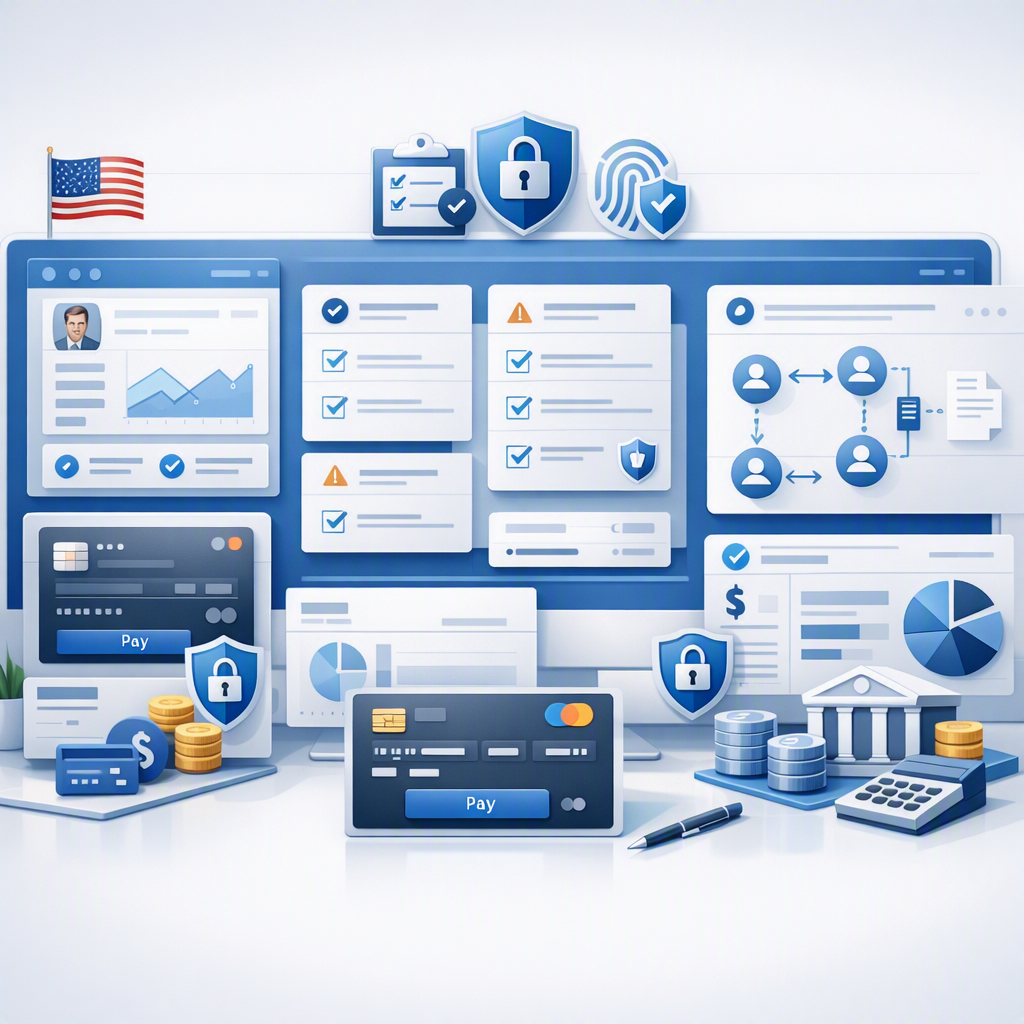
- US teams should look for support around CAN-SPAM, TCPA, SOC 2 expectations, and accurate sales forecasting in USD ($).
- AI helps most when it improves lead scoring, follow-up timing, data quality, and manager visibility.
- A strong rollout plan matters as much as the software itself, especially for small and mid-sized B2B companies.
- HelloGrowthCRM can be a fit when you want an AI CRM plus hands-on managed RevOps.
Why Microsoft 365 fit matters for US B2B sales teams
Most US B2B sales teams already spend the day in Microsoft 365. Reps work from Outlook inboxes. Managers review numbers in Excel. Meetings happen in Teams. Shared files live in OneDrive or SharePoint. If your CRM sits outside that flow, adoption drops fast.
That is why “best” should not mean the most features on a comparison page. It should mean the least friction for your actual sales process. A CRM that makes reps duplicate emails, copy calendar events, or update contacts by hand will create stale data within weeks.
For a growing company in Chicago, Houston, or Detroit, this gets expensive quickly. Bad CRM habits lead to missed follow-ups, weak forecasting, and poor handoffs between marketing, sales, and customer success. If your team sells six-figure annual contracts, one missed opportunity can cost far more than the software.
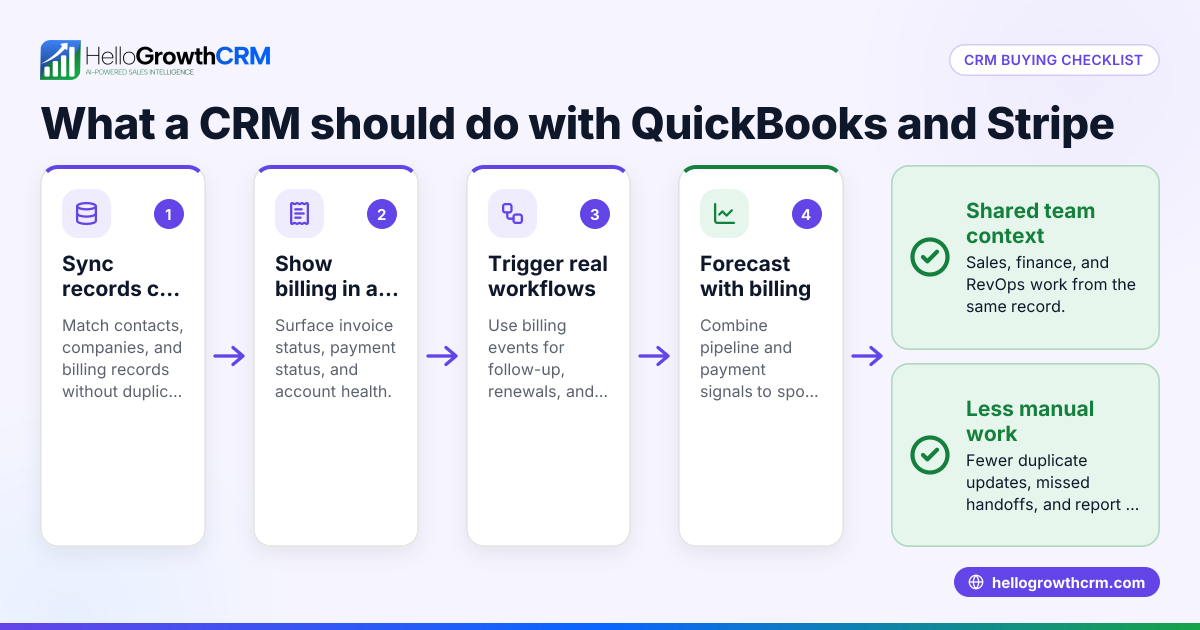
For US teams, there is another layer. Buyers often ask about security and process maturity. SOC 2 expectations come up in sales cycles. Finance may need clean data tied back to QuickBooks or Stripe. Leadership needs pipeline reporting in USD ($), not rough guesses in spreadsheets.
So when you evaluate CRM options, start with one question: will this system work naturally with how your team already sells inside Microsoft 365?
What should a Microsoft 365-friendly CRM do?
A Microsoft 365-friendly CRM should sync the work your reps already do in Outlook and calendars, keep customer data current, and make pipeline updates simple. It should save time, not create admin work.
From there, look deeper. A strong fit usually includes these basics:
Email and calendar sync that reps trust
This is table stakes. Reps should be able to see contact history, meetings, and tasks without hopping between tabs all day. If Outlook is the center of daily activity, the CRM should support that reality.
Good sync should help with:
- Contact and company records
- Email logging
- Calendar and meeting visibility
- Task creation and reminders
- Follow-up tracking
Trust matters here. If the sync is delayed or confusing, reps stop relying on the CRM. Then managers stop trusting the numbers.
Clear pipeline stages and ownership
A CRM should make your sales process visible. That means each deal has a stage, an owner, a next step, and an expected close date. This sounds simple. It often breaks in practice because the workflow is too complex.
For US B2B sales teams, pipeline clarity matters across multiple functions:
- Sales leaders need forecast visibility
- Founders need cash flow confidence
- Marketing needs feedback on lead quality
- Finance needs better revenue planning
If a CRM cannot support straightforward pipeline management, it will hurt the business no matter how good the interface looks.
AI that solves real sales problems
This is where many buyers get distracted. The phrase ai best crm gets thrown around often, but AI only helps when it improves actual execution. Useful AI should help your team prioritize, respond faster, and reduce data cleanup.
Look for practical AI in areas such as:
- Lead scoring
- Activity summaries
- Follow-up suggestions
- Data enrichment
- Risk flags on deals
- Forecast signals
A strong example is AI lead scoring. It helps reps focus on leads more likely to convert instead of treating every inbound form fill the same.
Which features matter most for a US B2B sales team?
Prioritize email sync, lead capture, pipeline visibility, follow-up automation, reporting, and forecasting. For US teams, also check for support around compliant outreach, buyer security expectations, and integrations with common finance and sales tools.
That short list is enough to narrow most options quickly. Once a CRM passes that test, look at the quality of each feature in the context of your sales motion.
Lead capture and routing
Every inbound lead should land in the CRM automatically and go to the right person fast. If your team relies on web forms, paid campaigns, referrals, or events, routing delays kill speed to lead.
A solid setup should cover:
- Form capture
- Contact and company matching
- Duplicate handling
- Territory or ownership routing
- Task creation
- Alerting the assigned rep
This is especially important for small and mid-sized teams. If one rep in Houston gets all the hot leads because they monitor email faster, your process is broken.
Outreach tools your reps will actually use
US B2B sales still runs heavily on email and phone. Some teams also use WhatsApp, but email and calling remain the primary channels in most business settings. The CRM should support these channels in a way that keeps activity tracked and follow-up consistent.
Useful capabilities include:
- Email sequencing
- Open and reply visibility
- Call logging
- Task reminders
- Templates
- Basic personalization
When evaluating outreach tools, ask whether they help your team respect CAN-SPAM and TCPA obligations. A CRM will not replace legal advice, but it should support consent-aware and organized communication practices.
If outbound email is important, email automation can reduce manual follow-up without losing control.
Reporting and forecasting
A CRM should tell you what happened, what is happening now, and what is likely next. Many systems handle the first part. Fewer do all three well.
For a US B2B sales team, the reporting basics should include:
- Pipeline by stage
- New opportunities created
- Win rate
- Average sales cycle
- Rep activity
- Source performance
- Forecast by month or quarter
Forecasts should be easy to review in leadership meetings. If your team still exports everything into Excel to rebuild the picture, the CRM is not doing enough. Good sales forecasting should help managers inspect assumptions early, not after the quarter slips.
How do you compare CRM options without wasting weeks?
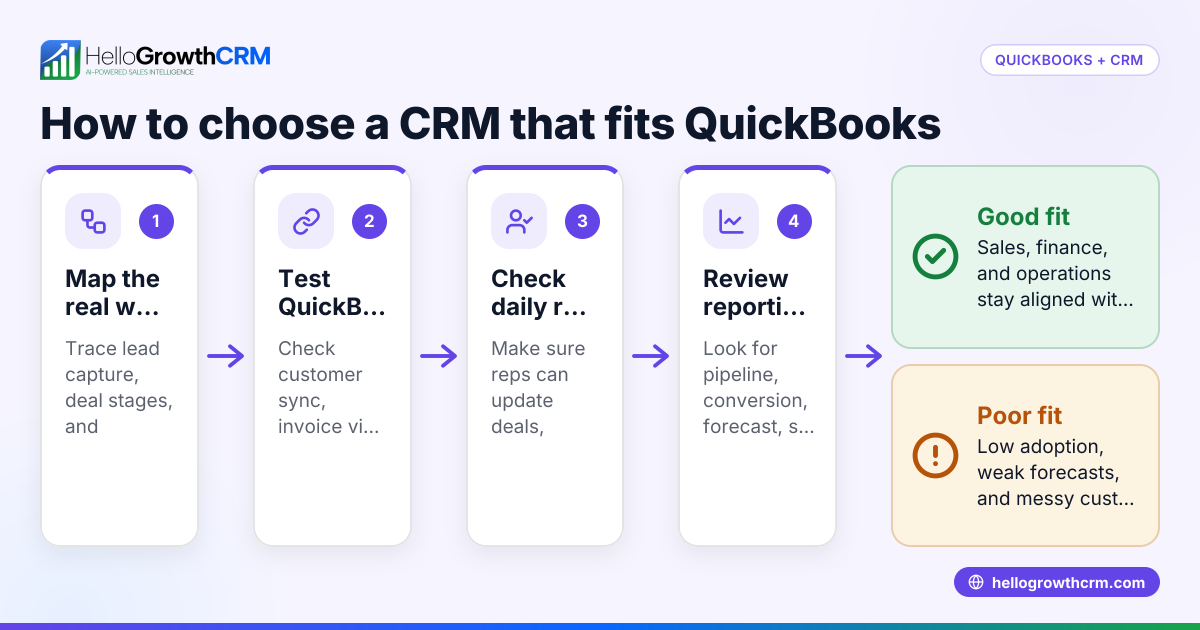
Use your real sales process as the test. Score each CRM on Microsoft 365 fit, adoption risk, reporting clarity, AI usefulness, integrations, and rollout effort. A short, structured evaluation beats a long feature checklist.
Here is a practical way to compare options.
1. Map your current workflow
Write down how a lead moves from first touch to closed deal. Keep it simple. Include these steps:
- Lead enters the system
- Rep gets notified
- First outreach happens
- Discovery is booked
- Opportunity is created
- Deal advances through stages
- Forecast is reviewed
- Closed-won handoff happens
Now mark where Microsoft 365 is used. Outlook usually shows up everywhere. That tells you where CRM friction will matter most.
2. Define the non-negotiables
Not every feature belongs on the must-have list. Focus on the items that directly affect revenue execution.
For most US B2B teams, non-negotiables include:
- Reliable Outlook and calendar workflows
- Easy pipeline updates
- Simple reporting
- Lead routing
- Activity tracking
- Core integrations
- Reasonable user adoption
If your buyer base asks security questions during procurement, add that too. Many US B2B teams now face SOC 2-related expectations from customers, especially in software and services.
3. Run a real-world demo script
Do not let vendors control the demo. Give them your exact scenario. For example:
- A website lead comes in
- It needs to route to a Chicago rep
- That rep emails from Outlook
- A meeting is booked
- An opportunity is created
- The manager checks next month’s forecast
- Finance wants a clean handoff to QuickBooks or Stripe reporting
This reveals much more than a generic product tour.
4. Involve the people who will use it
Ask one rep, one manager, and one RevOps or operations owner to score the system. Founders often overvalue high-level dashboards. Reps often spot adoption issues immediately. RevOps sees the hidden cleanup work.
A CRM only works if all three groups can live with it.
What integrations should US teams ask about?
Ask about Microsoft 365 first, then your revenue stack. For most US B2B companies, that means marketing forms, calling, QuickBooks, Stripe, and any ERP or product systems that affect quoting, invoicing, or customer data.
Integrations should support the full revenue process, not just contact sync.
Start with the systems your team uses every day
For many small and mid-sized companies, that includes:
- Outlook
- Calendar
- Teams
- QuickBooks
- Stripe
- Web forms
- Calling tools
- Marketing platforms
If you sell into manufacturing or distribution, ERP data may matter too. Product availability, pricing logic, quote details, and customer records often sit outside the CRM. If those systems never connect, reps end up working from old information.
Ask what happens when data conflicts
This is the question many buyers skip. Sync is only useful if ownership rules are clear. Ask:
- Which system is the source of truth?
- How are duplicates handled?
- How often does sync run?
- What happens when fields conflict?
- Can admins control mapping?
These details affect reporting more than the integration logo on the website. If you need connected systems, review available integrations with that lens.
What separates a CRM your team uses from one they ignore?
The best CRM feels easier than the old way. Reps can update deals fast, managers trust the pipeline, and leaders get answers without chasing people. Adoption comes from less friction, not more pressure.
This is the part many companies underestimate. Buying software is easy. Changing behavior is not.
Keep the setup simple at first
Do not launch with 40 required fields and nine deal stages. Start with the minimum process your team needs to execute consistently.
A practical starting point looks like this:
- Clear lead statuses
- Five to seven pipeline stages
- Required next step on active deals
- Basic activity tracking
- Weekly forecast review
- Standard dashboard for managers
You can add complexity later if the team earns it.
Train around workflows, not features
Reps do not need a full product education on day one. They need to know how to do the five tasks that matter most:
- Log in and find assigned leads
- Send follow-up
- Book meetings
- Update opportunities
- Set the next action
Managers need a different view. They need to inspect pipeline quality, forecast movement, and rep follow-up patterns.
Use AI where it reduces admin work
AI should remove friction, not create a new layer to manage. Good AI helps with prioritization and summarization. It should not force your team to learn a separate workflow.
That is why an AI CRM can be valuable for growing teams. The point is not novelty. The point is better speed, cleaner data, and more consistent follow-up with less manual effort.
A practical checklist for choosing the best CRM for Microsoft 365 B2B sales team United States buyers
Use this list during demos and trials.
Workflow fit
- Does it work naturally with Outlook-driven selling?
- Can reps update deals quickly?
- Are email, tasks, and meetings easy to track?
Sales process support
- Can you customize lead and opportunity stages?
- Is routing simple?
- Can managers inspect next steps and stalled deals?
AI usefulness
- Does AI improve lead prioritization?
- Can it surface risky deals or missing follow-up?
- Does it save time instead of adding complexity?
Reporting
- Can leaders see pipeline, conversion, and forecast clearly?
- Are dashboards easy to understand?
- Can you trust the data without exporting everything?
US business needs
- Does it support compliant outreach workflows?
- Will it help you answer buyer questions about security expectations?
- Can it connect with QuickBooks, Stripe, or ERP data if needed?
Rollout and support
- How long does implementation take?
- Who handles setup and cleanup?
- Will your team have help after go-live?
This last point matters more than most buyers expect. Many CRM projects fail because no one owns the process after launch. That is where software plus operational support can make a real difference. If your team wants more than just a tool, HelloGrowthCRM combines product features with hands-on support for setup, adoption, and ongoing revenue operations.
Choosing the right CRM is really choosing how your sales team will work every day. For a US B2B company using Microsoft 365, the best option is the one that matches your workflows, keeps data clean, improves forecasting, and gives reps fewer reasons to work outside the system.
Start a free trial or book a demo to see whether HelloGrowthCRM fits your Microsoft 365 sales workflow.
Frequently asked questions
Does a Microsoft 365 sales team need a CRM if reps already use Outlook?
Yes. Outlook handles communication, but it does not give you structured pipeline management, lead routing, forecasting, or shared reporting. A CRM turns scattered activity into a process the whole sales team can use.
Is AI important when choosing a CRM for a B2B sales team?
Yes, if the AI solves practical problems. Good AI helps reps prioritize leads, keep follow-up moving, and reduce manual updates. It should improve execution, not just add another feature to learn.
What is the biggest mistake US companies make when choosing a CRM?
They buy for feature volume instead of workflow fit. If the CRM does not work smoothly with Outlook, email, calling, and manager reviews, adoption will suffer. A simpler system that matches daily habits often performs better.
Should founders be involved in the CRM selection process?
Yes, but they should not decide alone. Founders understand revenue goals, while reps understand daily friction and managers understand forecast needs. The best decisions include all three perspectives.
How long does it take to switch CRMs for a small or mid-sized B2B team?
It depends on data quality, integrations, and process complexity. A basic rollout can move quickly if stages, fields, and ownership rules are clear. The bigger risk is poor setup, not the calendar timeline itself.
Can a CRM help with forecasting accuracy?
Yes. A good CRM improves forecasting by making stage definitions, next steps, and close dates visible and consistent. That gives managers a better way to inspect deals before forecast risk turns into missed revenue.
Frequently Asked Questions
Ready to put this into practice?
Set up your pipeline, WhatsApp follow-ups, and AI lead scoring in minutes — free, no credit card.
Try HelloGrowthCRM freeGet CRM tips in your inbox
Join thousands of sales professionals who get weekly insights on CRM strategy, AI automation, and pipeline optimization.

The HelloGrowthCRM team publishes guides on CRM strategy, AI sales tools, and revenue operations for small business sales teams.