HelloGrowthCRM software
Built for real small-business sales teams
HelloGrowthCRM helps reps qualify faster, follow up on time, and close more deals—with practical automation in one place.
- AI lead scoring and pipeline visibility
- Built-in dialer, WhatsApp, and email automation
- Sales forecasting and RevOps-ready reporting
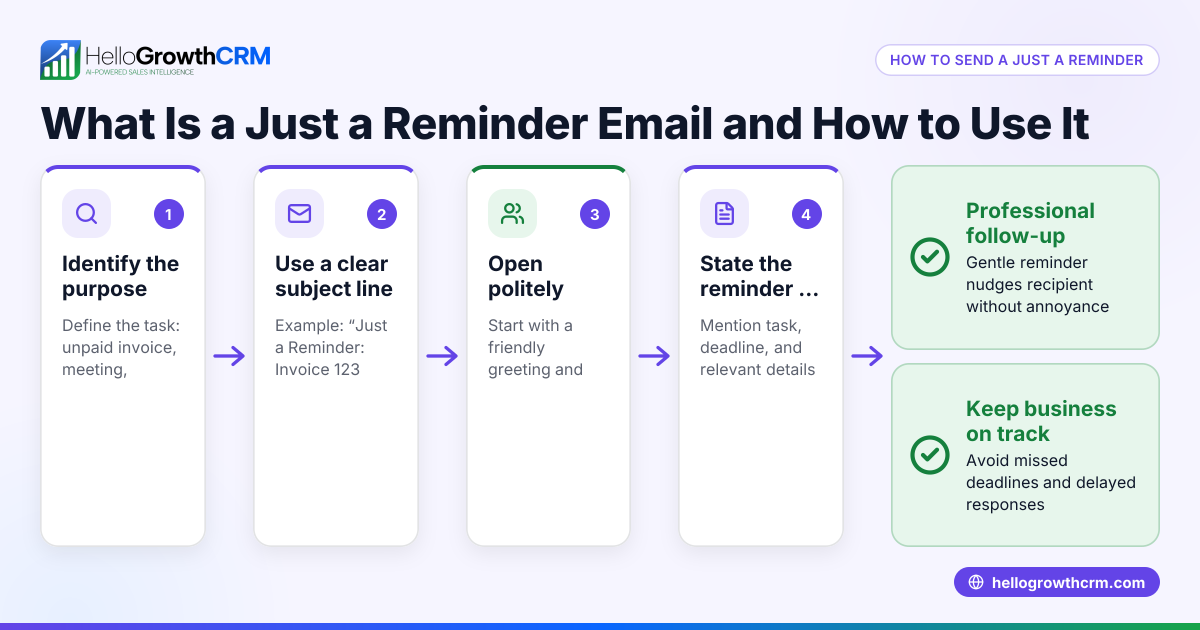
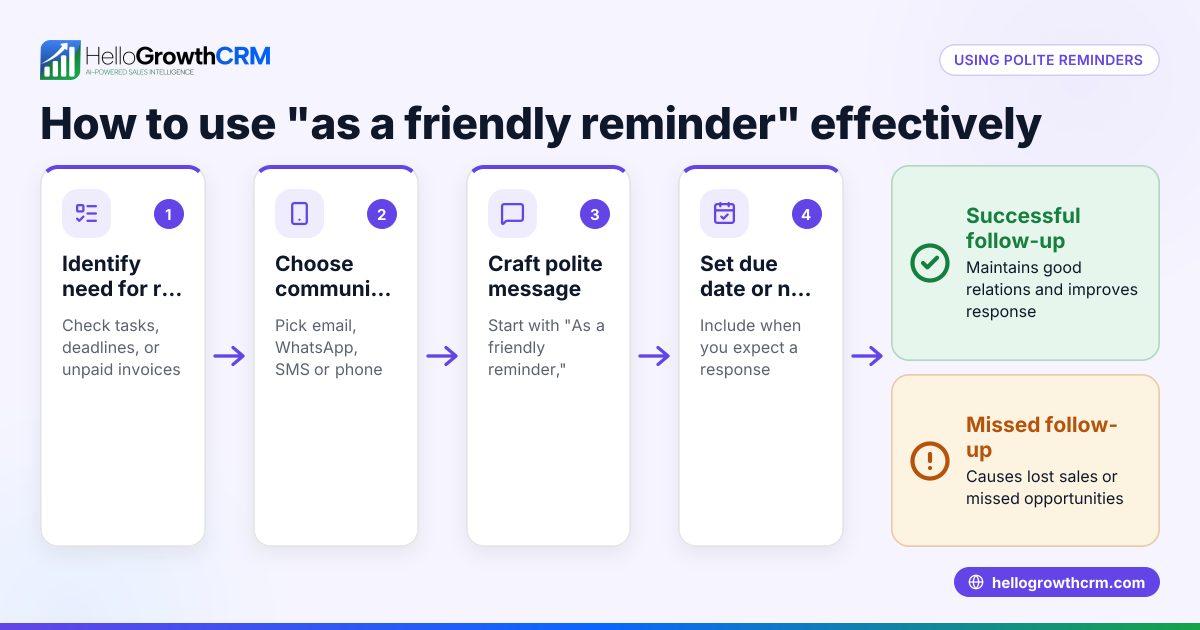
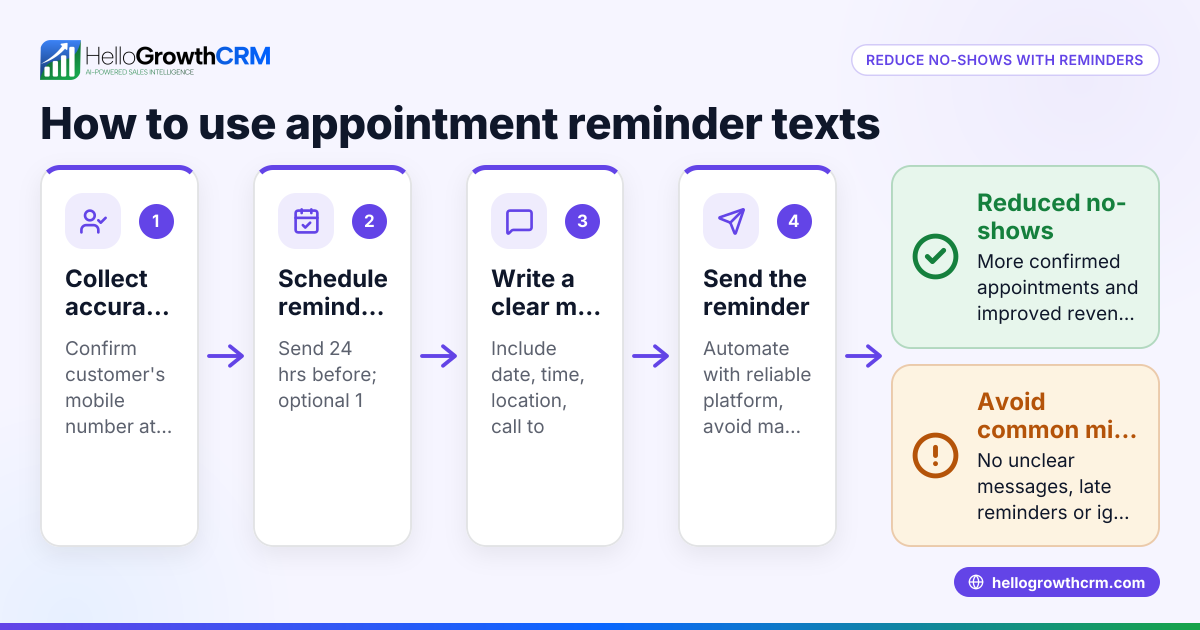
Creating reminders is essential for small business owners who juggle multiple tasks, deadlines, and follow-ups. A reminder helps you remember to complete a task at the right time, such as calling a lead, sending a proposal, or scheduling a meeting. Without reminders, important actions can be missed, leading to lost sales or delayed projects.
Why this comes up / what goes wrong
Small business owners often manage everything themselves or with a small team. They may rely on memory, sticky notes, text messages, or spreadsheets to track tasks. This scattered approach causes missed deadlines and forgotten follow-ups. Creating clear reminders ensures you act on time and keep your business running smoothly.
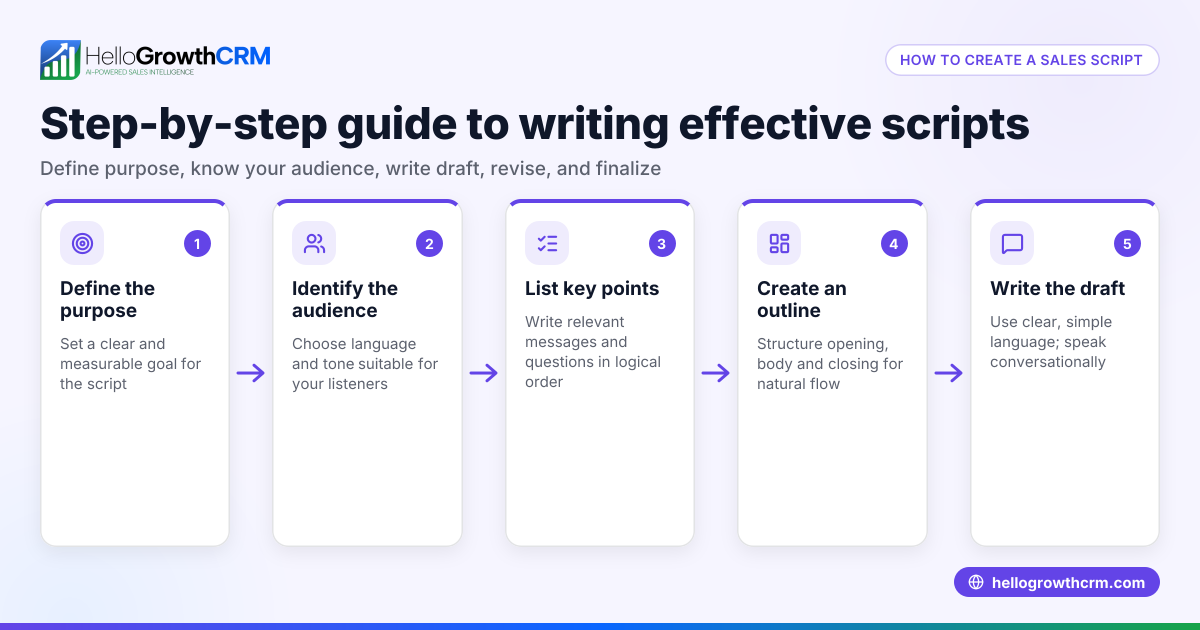
Step-by-step
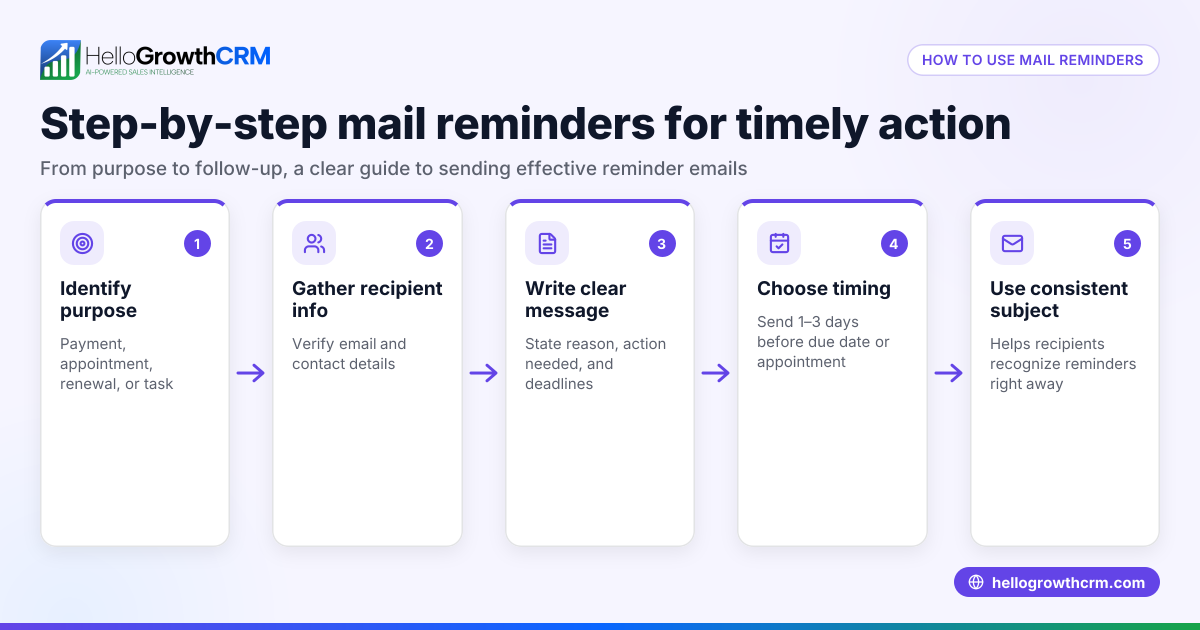
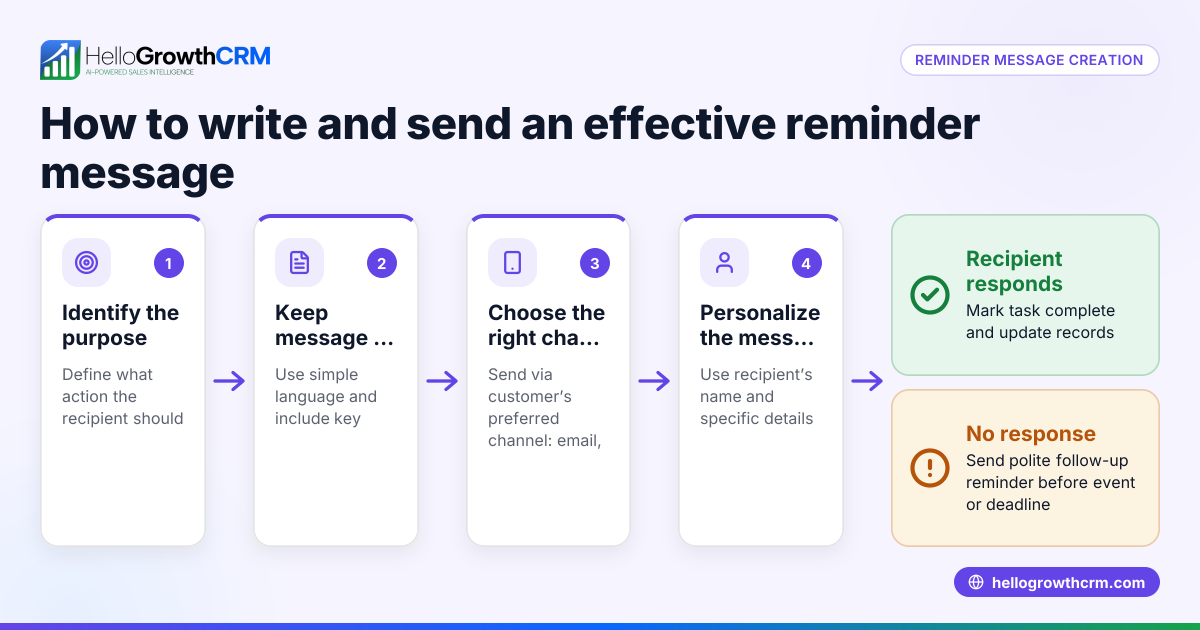
- Identify the task or event to remember: Write down exactly what you need to do, for example, "Call client to confirm contract details."
- Choose the reminder date and time: Pick when you want to be reminded. This should give you enough time to complete the task before any deadline.
- Select your reminder tool: Use a calendar app, notes app, or a CRM system that supports reminders. Ensure it sends notifications or you check it regularly.
- Create the reminder entry: Enter the task name, due date, time, and any relevant details like client name or phone number.
- Set notification preferences: If your tool allows, set alerts or notifications to pop up at the right time.
- Review reminders daily: Check your reminders every day to stay on top of tasks and update or reschedule if needed.
Using one organized system, such as a CRM with sales task boards, helps keep all reminders in one place and visible. See more about sales task boards.
Example (fictional figures)
A landscaping contractor in Charlotte, North Carolina, has a $12,000 garden renovation project. He wants to remind himself to call the potential client on 06/15/2026 at 10:00 AM.
- Task: Call client to discuss garden renovation
- Due date and time: 06/15/2026 at 10:00 AM
- Project value: $12,000
Steps:
- Identify the task: "Call client to discuss garden renovation"
- Choose date/time: 06/15/2026 10:00 AM
- Enter reminder in the calendar or CRM task board
- Set alert for 10:00 AM on 06/15/2026
This reminder ensures the contractor does not miss the call, increasing the chance to close the $12,000 project.
Common mistakes
- Vague task descriptions: Writing "Call client" without details can cause confusion. Specify what to discuss to prepare properly.
- No set date/time: Reminders without a specific time are easy to ignore. Always assign a due date and time.
- Using multiple tools: Scattered reminders across apps or notes lead to missed tasks. Consolidate reminders in one system.
- Ignoring reminders: Set notifications and review your task list daily to avoid overlooking reminders.
- Not updating reminders: When plans change, promptly update or reschedule reminders.
Using sales task boards helps prevent these mistakes by keeping tasks visible and organized in one place. Learn more about sales task boards.
Doing this in HelloGrowthCRM
HelloGrowthCRM offers activities and task boards where each follow-up becomes a task with a due date. The day's calls and tasks appear as a list, so you don't have to remember them manually. This helps sales teams and small businesses manage reminders efficiently, improving follow-up rates and organization. Learn more about WhatsApp and SMS CRM features that integrate with task management.
Frequently asked questions
How do I make a reminder on my phone? Most smartphones have built-in reminder or calendar apps where you can create a reminder by entering the task, date, and time. Set notifications to alert you. For business use, consider syncing reminders with your CRM or email calendar.
Can I create reminders for multiple tasks? Yes, you can create multiple reminders for different tasks. Organize them by priority or due date. Using a CRM with task boards, like HelloGrowthCRM, helps manage many reminders in one place.
What’s the difference between a reminder and a calendar event? A reminder is a prompt to do a task, often with notifications, while a calendar event is scheduled time blocked on your calendar. Both can be used together to manage your schedule and tasks.
How can I avoid missing reminders? Set clear notifications, review your task list daily, and use a centralized system like HelloGrowthCRM to keep reminders tied to your sales pipeline and activities. Check out HelloGrowthCRM for the United States for localized support.
How do I make a reminder for a follow-up call? Identify the client and purpose of the call, set a specific date and time, then create a reminder in your calendar or CRM task board. Include relevant details like phone number and notes to prepare.
Key takeaways
- Identify the exact task and set a clear due date and time.
- Use one organized system for all reminders to avoid confusion.
- Set notifications and review reminders daily.
- Avoid vague descriptions and update reminders as needed.
- HelloGrowthCRM task boards help manage reminders and daily calls efficiently.
Creating and managing reminders is simple but essential for small business success. Use clear steps and a reliable system to stay on top of your tasks.
Start managing your reminders and follow-ups better with HelloGrowthCRM. Start on the Free Forever plan (200 leads, no credit card).
Ready to put this into practice?
Set up your pipeline, WhatsApp follow-ups, and AI lead scoring in minutes — free, no credit card.
Try HelloGrowthCRM freeGet CRM tips in your inbox
Join thousands of sales professionals who get weekly insights on CRM strategy, AI automation, and pipeline optimization.

The HelloGrowthCRM team publishes guides on CRM strategy, AI sales tools, and revenue operations for small business sales teams.