HelloGrowthCRM software
Built for real small-business sales teams
HelloGrowthCRM helps reps qualify faster, follow up on time, and close more deals—with practical automation in one place.
- AI lead scoring and pipeline visibility
- Built-in dialer, WhatsApp, and email automation
- Sales forecasting and RevOps-ready reporting
A CRM Xero integration helps small businesses streamline sales and accounting by linking customer management with financial data. To choose the right CRM for Xero, evaluate integration options, ease of use, and how well the CRM supports your sales process. This article guides you through the key steps, common mistakes, and an example to help you shortlist the best CRM for your Xero-connected business.
Why this comes up / what goes wrong
Many Australian small business owners use Xero for accounting but struggle to keep sales and customer data organised. They often rely on spreadsheets, email, or text messages to track leads and sales activities. This causes slow follow-up, lost leads, and inefficient sales processes. When looking for a CRM that integrates with Xero, business owners want to avoid switching between multiple apps or duplicating data entry. They need a CRM that fits their team size, sales style, and complements Xero’s accounting features.
Step-by-step
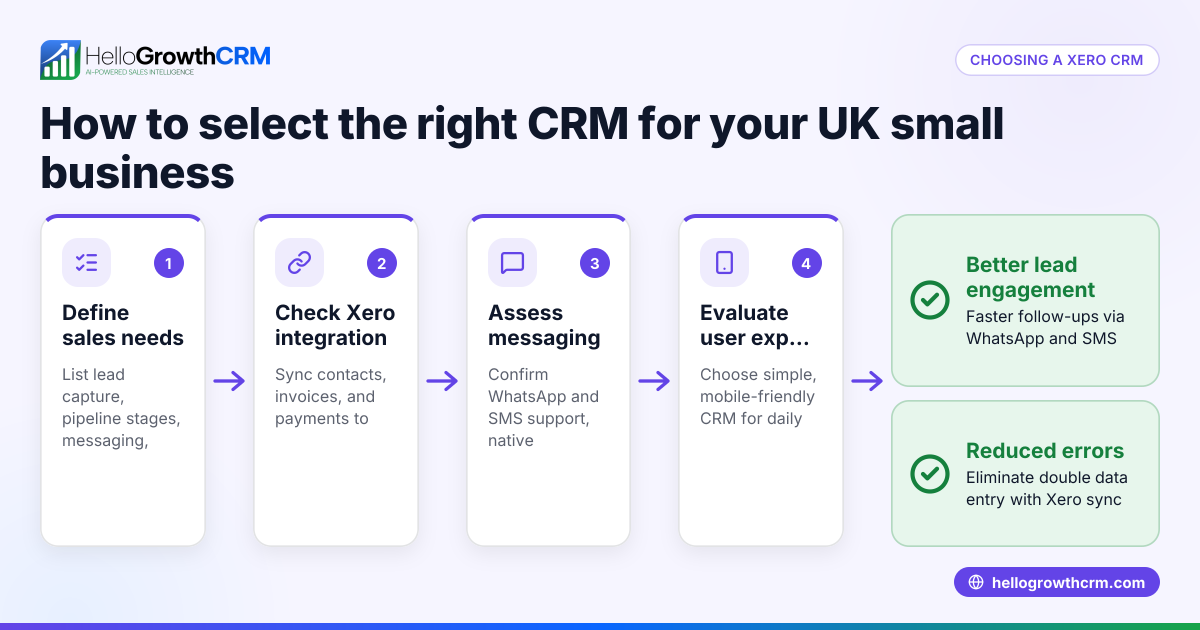
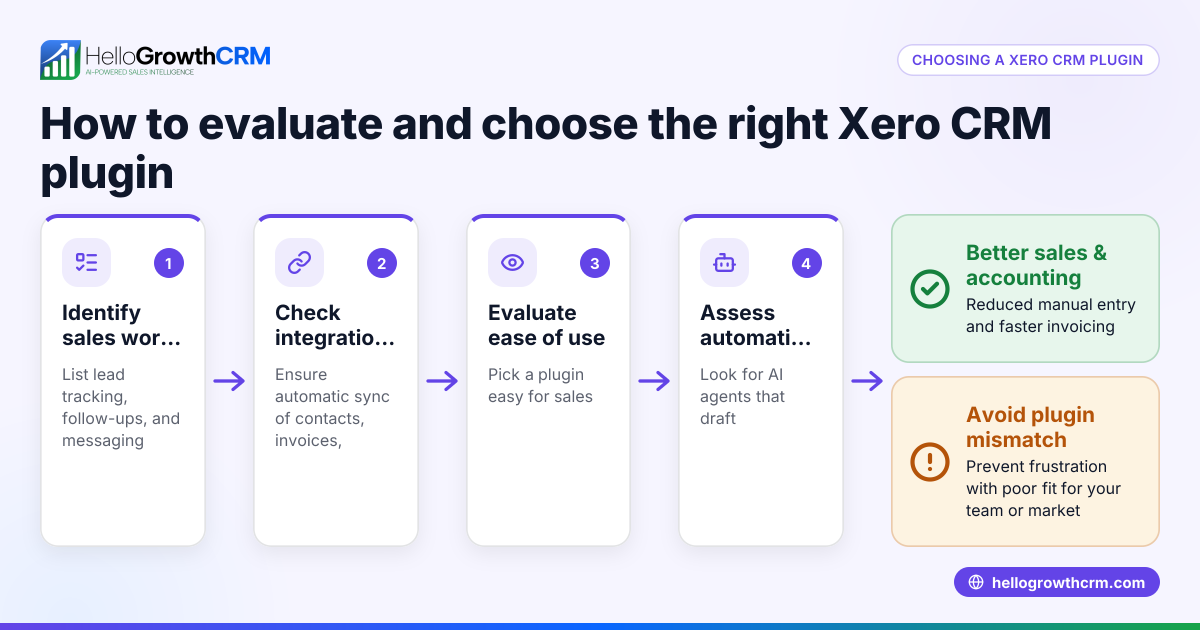
- List your business needs: Identify what your sales team needs from a CRM. Consider lead capture, pipeline visibility, communication channels (email, SMS, WhatsApp), and reporting.
- Check Xero integration options: Verify if the CRM offers direct integration with Xero or via third-party connectors. Check what data syncs—contacts, invoices, payments—and how often.
- Evaluate ease of use: Choose a CRM your team will actually use. Look for simple interfaces, mobile access, and features that match your sales process.
- Assess communication tools: If your team uses WhatsApp or SMS for sales, check if the CRM supports these channels natively or through integrations.
- Consider automation and AI features: Some CRMs offer AI agents that draft follow-ups or automate tasks, reducing manual work.
- Review pricing and scalability: Ensure the CRM pricing fits your budget and can scale as your team grows.
- Test with a trial or free plan: Use a trial or free tier to test the CRM’s fit with your Xero workflows before committing.
Example (fictional figures)
A Brisbane-based solar installer, SolarBright Pty Ltd, wants a CRM that integrates with their Xero accounting. They have 5 sales reps and handle about 1,000 leads a year.
- They need to sync customer contacts and invoice data between the CRM and Xero.
- Their sales reps use WhatsApp heavily for customer communication.
- They want AI assistance to draft follow-up messages after calls.
SolarBright evaluates a CRM with these features:
- 1,000 leads × A$5 per lead management cost = A$5,000 annual CRM cost
- AI agent reduces follow-up time by 20%, saving 2 hours per rep weekly
- WhatsApp conversations logged automatically, improving response time
They test the CRM’s Xero integration and confirm:
- Contacts sync daily from CRM to Xero
- Invoices created in Xero appear in CRM for sales visibility
- WhatsApp messages link to customer records
This saves SolarBright time and reduces lost leads.
Common mistakes
- Choosing a CRM without Xero integration: Prevent by verifying integration options early.
- Ignoring team adoption: Prevent by involving sales reps in testing and choosing user-friendly CRMs.
- Overlooking communication channels: Prevent by checking if WhatsApp or SMS are supported if your team uses them.
- Not testing automation features: Prevent by trialling AI agents or workflow automations to see if they save time.
- Underestimating data syncing delays: Prevent by confirming sync frequency and data accuracy between CRM and Xero.
- Skipping free plans or trials: Prevent by using free tiers to evaluate fit before purchase.
Doing this in HelloGrowthCRM
HelloGrowthCRM supports WhatsApp and SMS messaging with conversations logged on the lead record, making follow-ups easier. Its AI agents draft follow-up messages after calls for quick rep review and sending. Small teams can use the Free Forever plan to manage their pipeline at no cost until advanced calling or WhatsApp automation is needed. Learn more about HelloGrowthCRM’s WhatsApp and SMS CRM features at WhatsApp and SMS CRM and its AI capabilities at /product/ai-crm.
Frequently asked questions
Can I connect any CRM to Xero? Not all CRMs integrate directly with Xero. Some require third-party connectors or manual data export/import. Check the CRM’s integration options and supported data syncs to ensure it fits your workflow.
What are the benefits of a CRM with WhatsApp integration for Xero users? WhatsApp integration lets you communicate with leads on a popular channel while logging conversations in the CRM. This keeps customer data organised and improves follow-up speed, complementing your Xero accounting data.
Is AI important in a CRM for Xero users? AI features can automate routine tasks like drafting follow-up messages, updating records, and scheduling. This saves time and ensures consistent communication, helping sales teams focus on closing deals.
Can I try a CRM before buying to see if it works with Xero? Many CRMs offer free plans or trials. Using these lets you test integration, usability, and features with your Xero accounting before committing financially.
What should I ask vendors about Xero integration? Ask what data syncs (contacts, invoices, payments), sync frequency, setup complexity, and support for your sales channels (WhatsApp, SMS). Also, check if automation features work seamlessly with Xero data.
Key takeaways
- Choose a CRM that integrates well with Xero for seamless sales and accounting data flow.
- Prioritise ease of use and team adoption to ensure the CRM is actually used.
- Support for WhatsApp and SMS channels can improve lead engagement.
- AI agents can automate follow-ups and save sales reps time.
- Test CRMs with free plans or trials before committing.
Start managing your sales pipeline more efficiently with a CRM that complements your Xero accounting. Start on the Free Forever plan (200 leads, no credit card).
Ready to put this into practice?
Set up your pipeline, WhatsApp follow-ups, and AI lead scoring in minutes — free, no credit card.
Try HelloGrowthCRM freeGet CRM tips in your inbox
Join thousands of sales professionals who get weekly insights on CRM strategy, AI automation, and pipeline optimization.

The HelloGrowthCRM team publishes guides on CRM strategy, AI sales tools, and revenue operations for small business sales teams.