HelloGrowthCRM software
Built for real small-business sales teams
HelloGrowthCRM helps reps qualify faster, follow up on time, and close more deals—with practical automation in one place.
- AI lead scoring and pipeline visibility
- Built-in dialer, WhatsApp, and email automation
- Sales forecasting and RevOps-ready reporting
A customer follow up tracker Excel template helps Singapore small businesses organise their leads and ensure timely follow-ups. It typically includes columns for customer details, last contact date, next follow-up date, follow-up status, and notes. This article covers why such a tracker is needed, how to create and maintain one, a realistic example, common pitfalls to watch out for, and an overview of how HelloGrowthCRM can simplify this process.
Why this comes up / what goes wrong
Many small businesses in Singapore rely on WhatsApp, email, or spreadsheets to manage customer leads. Without a structured follow-up tracker, leads can be forgotten or contacted too late, resulting in lost sales opportunities. Business owners often struggle with:
- Keeping track of multiple customers and follow-up dates manually.
- Forgetting to follow up at the right time.
- Losing visibility on the status of each lead.
- Using generic templates that don’t fit their sales process or local context.
A simple Excel template tailored for follow-ups helps keep all information in one place with clear reminders.
Step-by-step
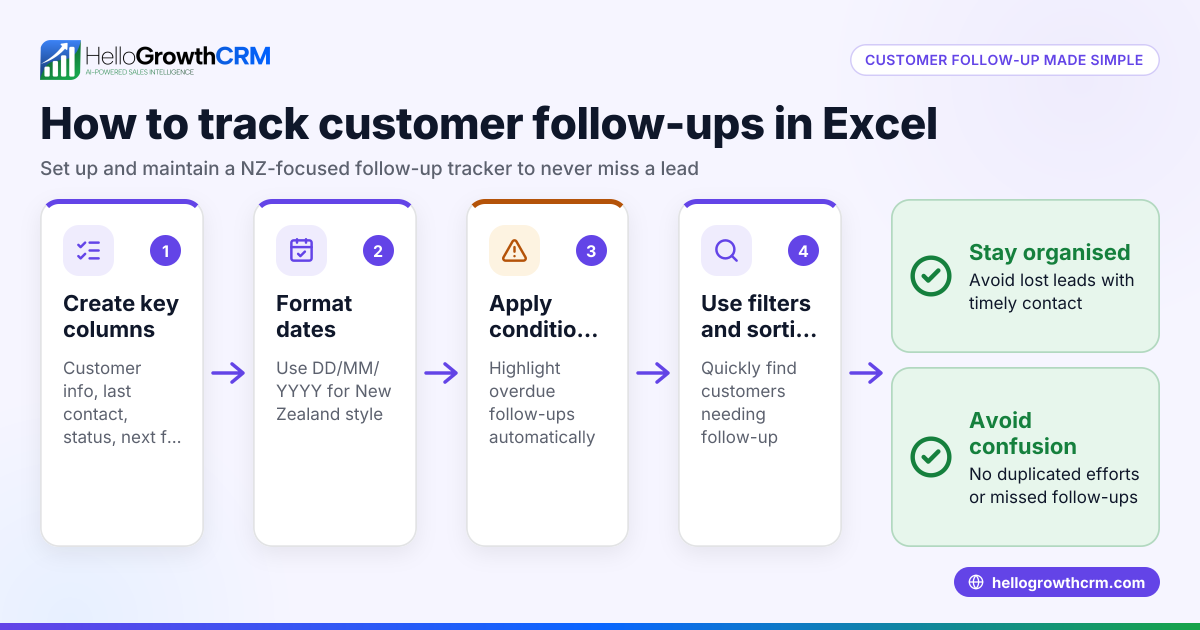
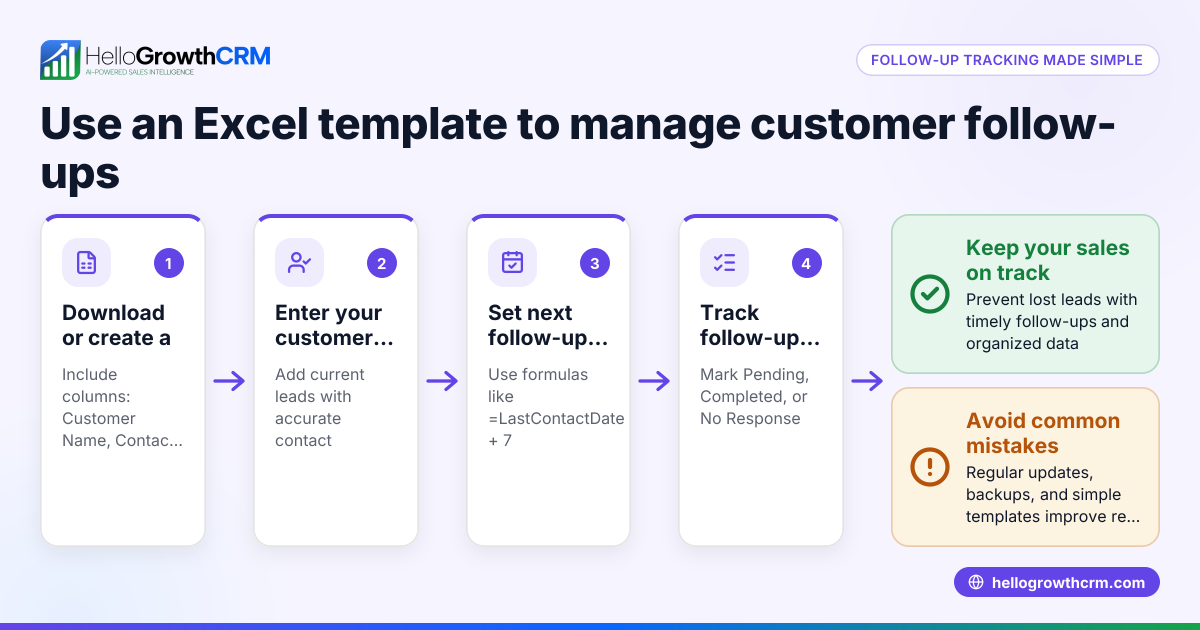
- Set up your Excel columns: Include columns for Customer Name, Contact Details (phone/email), Lead Source, Last Contact Date, Next Follow-Up Date, Follow-Up Status (e.g., Pending, Completed), Outcome, and Notes.
- Format date columns: Use date format DD/MM/YYYY to match Singapore standards. This helps with sorting and filtering.
- Add conditional formatting: Highlight upcoming follow-ups within the next 3 days to prioritise urgent tasks.
- Enter initial data: Fill in existing leads with their details and last contact dates.
- Update regularly: After each contact, update the Last Contact Date, set the Next Follow-Up Date, and note the Outcome.
- Sort and filter: Use Excel’s filter to view only pending follow-ups or sort by next follow-up date to plan your day.
- Backup your file: Save your tracker regularly and keep backups to avoid data loss.
- Review weekly: At the start or end of each week, review the tracker to identify stalled leads or overdue follow-ups.
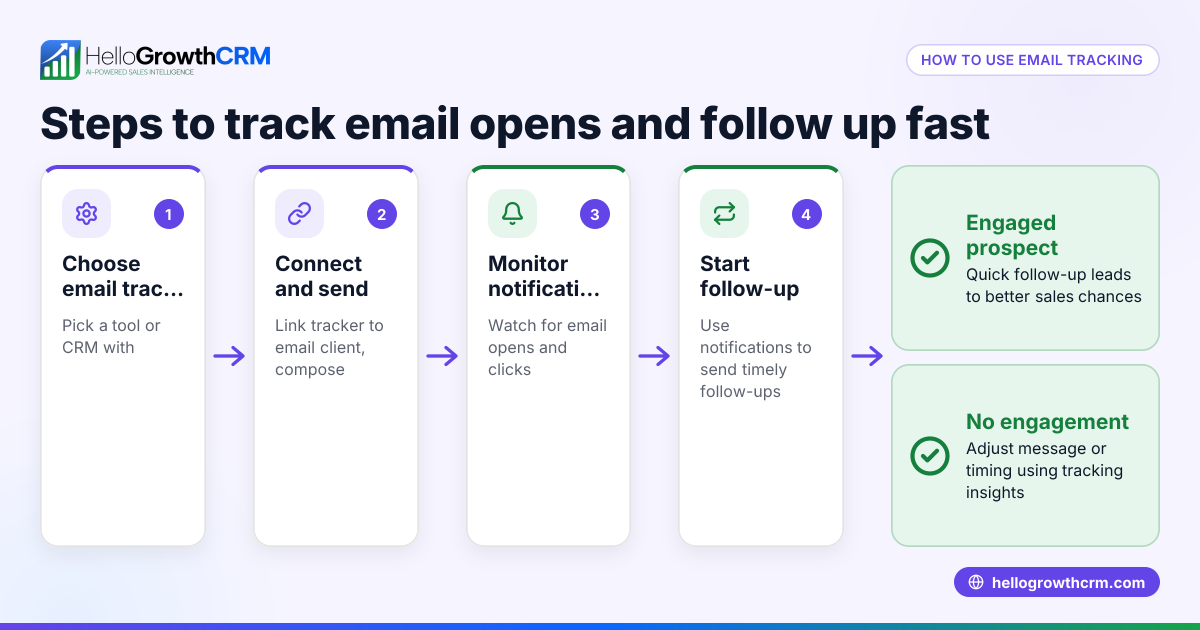
For templates that automate reminders or integrate with email, explore email automation and sequences.
Example (fictional figures)
A property agency in Novena tracks follow-ups with this Excel format:
| Customer Name | Contact | Lead Source | Last Contact Date | Next Follow-Up Date | Status | Outcome | Notes |
|---|---|---|---|---|---|---|---|
| Ms Lim Mei | 9123 4567 | Website | 01/06/2024 | 05/06/2024 | Pending | Interested | Wants to view condo unit |
After contacting Ms Lim on 01/06/2024:
- Last Contact Date = 01/06/2024
- Next Follow-Up Date = 05/06/2024 (set 4 days later)
- Status = Pending
On 05/06/2024, after follow-up call:
- Last Contact Date = 05/06/2024
- Next Follow-Up Date = 12/06/2024 (set 7 days later)
- Status = Pending
- Outcome = Needs financing info
This keeps the agency on schedule and prevents missed calls.
Common mistakes
- Not updating the tracker immediately after contact: Leads to outdated information and missed next steps. Prevent by updating the sheet right after each call or message.
- Ignoring overdue follow-ups: Overdue tasks pile up and reduce sales chances. Prevent by using filters and conditional formatting to highlight overdue dates.
- Using inconsistent date formats: Causes confusion and sorting errors. Prevent by setting date format to DD/MM/YYYY in Excel.
- No backup or version control: Data loss can happen unexpectedly. Prevent by saving copies in cloud storage or regular backups.
- Overloading the tracker with irrelevant data: Makes it hard to find key info. Prevent by keeping columns focused on follow-up essentials.
For better task management and visual tracking, consider sales task boards.
Doing this in HelloGrowthCRM
HelloGrowthCRM offers built-in activities and task boards where each follow-up becomes a task with a due date, so your day’s calls appear as a list rather than relying on memory. Its sequences and campaigns feature can run a five-step follow-up over two weeks automatically, stopping as soon as the prospect replies. Additionally, AI agents can draft follow-up messages after calls for your review and sending. These features help growing sales teams stay organised and responsive without manual Excel updates.
Learn more about HelloGrowthCRM’s sales task boards, email automation and sequences, and AI capabilities at HelloGrowthCRM for Singapore.
Frequently asked questions
Can I customise the Excel template for my business needs? Yes, Excel templates are fully customisable. You can add or remove columns, change follow-up intervals, and format it to fit your sales process. Make sure to maintain key fields like next follow-up date and status.
How often should I update the follow-up tracker? Update the tracker immediately after each customer interaction to keep data current. Regular weekly reviews help catch overdue or stalled leads.
Are there better alternatives to Excel for follow-up tracking? Excel is simple and widely accessible, but CRM software like HelloGrowthCRM automates reminders, sequences, and task management, reducing manual work and errors.
What should I do if I miss a follow-up date? Mark the follow-up as overdue in your tracker and prioritise contacting the customer as soon as possible. Use conditional formatting or alerts to prevent missing future follow-ups.
Can I integrate my Excel tracker with email or WhatsApp? Excel alone cannot automate messaging, but you can import lead lists into CRM tools that support email and WhatsApp sequences, such as HelloGrowthCRM.
Key takeaways
- Use a simple Excel template with key columns: customer info, last contact, next follow-up, status, and notes.
- Update the tracker immediately after each contact and review it weekly.
- Set date formats to DD/MM/YYYY and use conditional formatting to highlight upcoming or overdue follow-ups.
- Avoid common mistakes like ignoring overdue tasks or inconsistent data entry.
- HelloGrowthCRM offers task boards, automated sequences, and AI agents to streamline follow-ups beyond Excel.
Start organising your customer follow-ups more effectively today. For a digital alternative, start on the Free Forever plan (200 leads, no credit card) with HelloGrowthCRM.
Ready to put this into practice?
Set up your pipeline, WhatsApp follow-ups, and AI lead scoring in minutes — free, no credit card.
Try HelloGrowthCRM freeGet CRM tips in your inbox
Join thousands of sales professionals who get weekly insights on CRM strategy, AI automation, and pipeline optimization.

The HelloGrowthCRM team publishes guides on CRM strategy, AI sales tools, and revenue operations for small business sales teams.