HelloGrowthCRM software
Built for real small-business sales teams
HelloGrowthCRM helps reps qualify faster, follow up on time, and close more deals—with practical automation in one place.
- AI lead scoring and pipeline visibility
- Built-in dialer, WhatsApp, and email automation
- Sales forecasting and RevOps-ready reporting
To create a customer feedback form in New Zealand, follow these steps: decide the feedback goals, design your questions, select a tool to build the form, test it, then distribute it to your customers. This article explains why feedback forms are important, provides a detailed step-by-step process, includes a worked example with realistic NZ figures, highlights common mistakes, and shows how HelloGrowthCRM supports customer service after the sale.
Why this comes up / what goes wrong
Many small business owners in New Zealand want to collect customer feedback to improve their products or services but struggle to create an effective form. Often feedback is gathered informally via text messages or emails, making it hard to analyse or follow up. Without a clear process, feedback can be incomplete, confusing, or ignored, leading to lost opportunities to improve customer satisfaction and loyalty.
Step-by-step
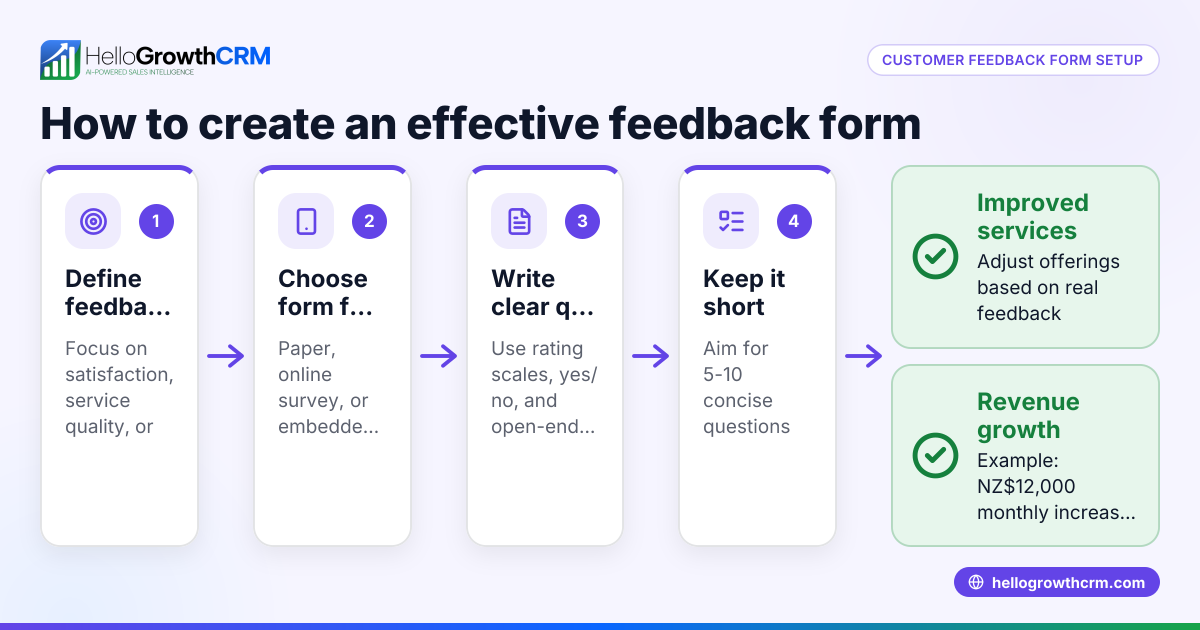
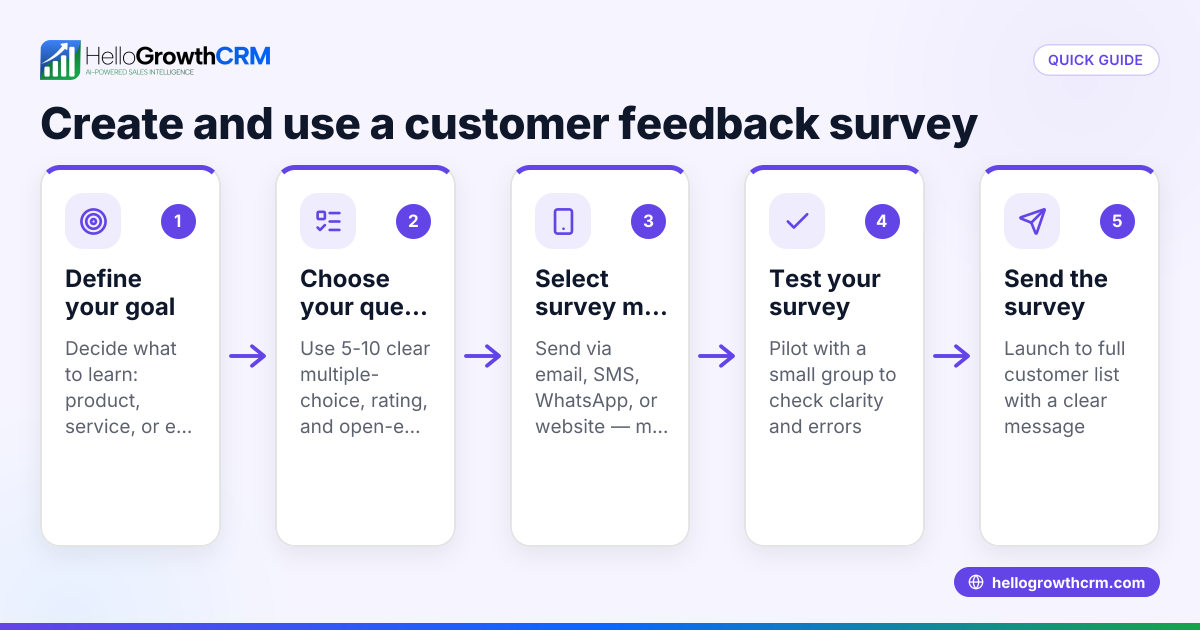
- Define the purpose of your feedback form: Decide what you want to learn—product satisfaction, service quality, or suggestions for improvement. Keep it focused.
- Choose the questions carefully: Use a mix of rating scales (e.g., 1-5), yes/no, and open-ended questions. Avoid jargon and keep questions short.
- Include essential fields: Collect customer name and contact details (email or phone), but keep it optional to encourage responses.
- Select a form-building tool: Use tools like Google Forms, Microsoft Forms, or any online form builder you prefer. Ensure it supports exporting data for analysis.
- Design the form layout: Make it visually simple and mobile-friendly. Group related questions and use progress bars if the form is long.
- Test the form: Send it to a few trusted customers or team members to check for clarity and technical issues.
- Distribute the form: Share via email, social media, or embed it on your website. Consider incentivising responses with discounts or giveaways.
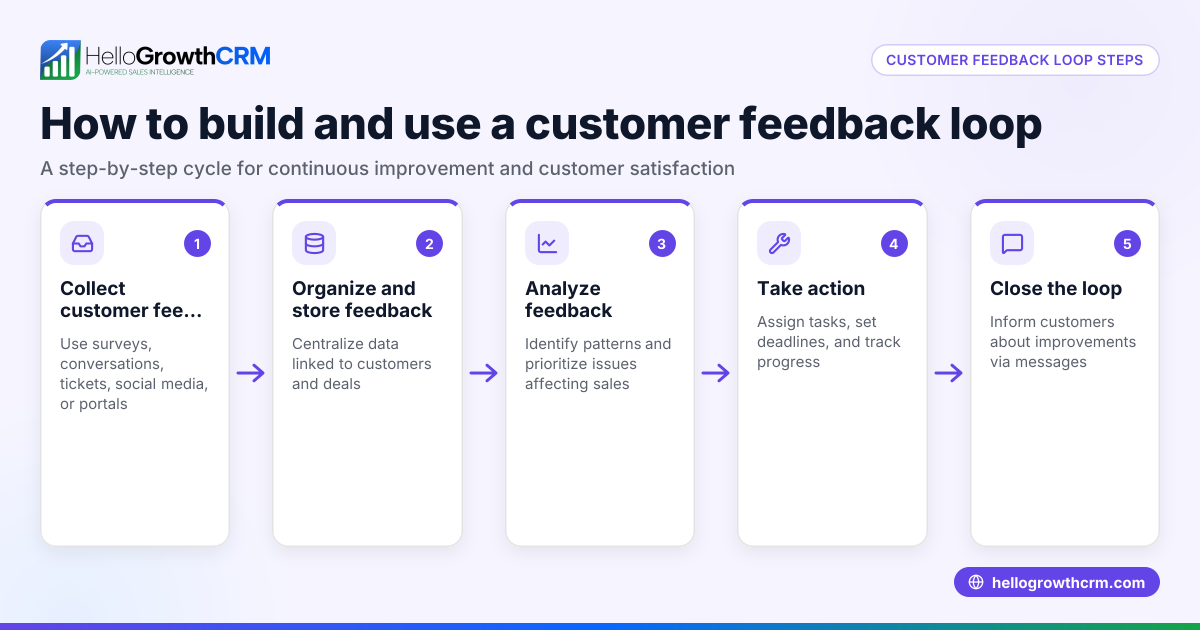
- Collect and analyse responses regularly: Review feedback weekly or monthly to spot trends and act on them.
- Follow up with customers: Thank respondents and address any issues raised, which helps build trust.
- Keep the form updated: Review and revise questions periodically to match your evolving business needs.
Example (fictional figures)
Hamilton Dairy Equipment Ltd wants to create a feedback form to improve its after-sales service. They design a form with 5 questions: product satisfaction (1-5 scale), delivery timeliness (yes/no), service staff friendliness (1-5 scale), any issues faced (open text), and suggestions (open text).
They send the form via email to 100 customers on 01/06/2024 and receive 40 responses.
- Total customers emailed = 100
- Responses received = 40
- Response rate = (40 ÷ 100) × 100 = 40%
Average ratings:
- Product satisfaction = (Sum of all ratings) 160 ÷ 40 = 4.0
- Service staff friendliness = 180 ÷ 40 = 4.5
They note 5 customers reported delivery issues and 10 provided suggestions for faster installation.
This data helps Hamilton Dairy Equipment Ltd focus on improving delivery logistics and training installation teams.
Common mistakes
- Asking too many questions: Keep the form short to encourage completion. Prevent by limiting to 5-10 key questions.
- Using unclear or leading questions: Avoid confusion by testing questions on a small group before launch.
- Not testing the form on mobile devices: Most customers use phones; ensure the form displays and works well on mobiles.
- Ignoring customer privacy: Clearly state how feedback data will be used and keep personal info secure.
- Failing to follow up: Show customers their feedback matters by responding or making improvements.
- Not analysing feedback regularly: Set a schedule to review responses and act on them.
Doing this in HelloGrowthCRM
HelloGrowthCRM supports customer service after the sale by keeping service requests on the same customer record as the deal. Its customer portal allows customers to submit tickets or requests easily, while referrals and a knowledge base help maintain ongoing communication. This centralised approach ensures your team can track feedback and service history together. Learn more about the customer health score and how HelloGrowthCRM is designed for WhatsApp and SMS CRM to keep your team connected. For New Zealand-specific features, see HelloGrowthCRM for New Zealand.
Frequently asked questions
What questions should I include in a customer feedback form? Include a mix of rating scale questions for satisfaction, yes/no for specific checks like delivery, and open-ended questions for detailed comments. Keep it simple and relevant.
How long should a customer feedback form be? Aim for 5 to 10 questions to balance gathering enough information without overwhelming customers. Shorter forms usually get higher completion rates.
How can I encourage customers to complete the feedback form? Make the form easy to access and mobile-friendly. Offer incentives like discounts or entry into a prize draw. Also, communicate how their feedback will help improve your service.
How often should I send out feedback forms? It depends on your business cycle but typically after a sale or service interaction. Regular reviews of collected feedback, such as monthly, help you act on insights promptly.
Can HelloGrowthCRM help manage customer feedback? Yes, with its customer portal and ticket system, HelloGrowthCRM keeps all service requests and feedback linked to the customer record, making it easier to track and respond.
Key takeaways
- Define clear goals before creating your feedback form.
- Use a mix of question types and keep the form concise.
- Test the form on multiple devices before sharing.
- Share the form widely and consider incentives.
- Analyse feedback regularly and follow up with customers.
- Use tools like HelloGrowthCRM to centralise and manage customer feedback and service requests.
Start collecting valuable customer insights today. Start on the Free Forever plan (200 leads, no credit card) to organise your customer interactions and feedback efficiently.
Ready to put this into practice?
Set up your pipeline, WhatsApp follow-ups, and AI lead scoring in minutes — free, no credit card.
Try HelloGrowthCRM freeGet CRM tips in your inbox
Join thousands of sales professionals who get weekly insights on CRM strategy, AI automation, and pipeline optimization.

The HelloGrowthCRM team publishes guides on CRM strategy, AI sales tools, and revenue operations for small business sales teams.