HelloGrowthCRM software
Built for real small-business sales teams
HelloGrowthCRM helps reps qualify faster, follow up on time, and close more deals—with practical automation in one place.
- AI lead scoring and pipeline visibility
- Built-in dialer, WhatsApp, and email automation
- Sales forecasting and RevOps-ready reporting
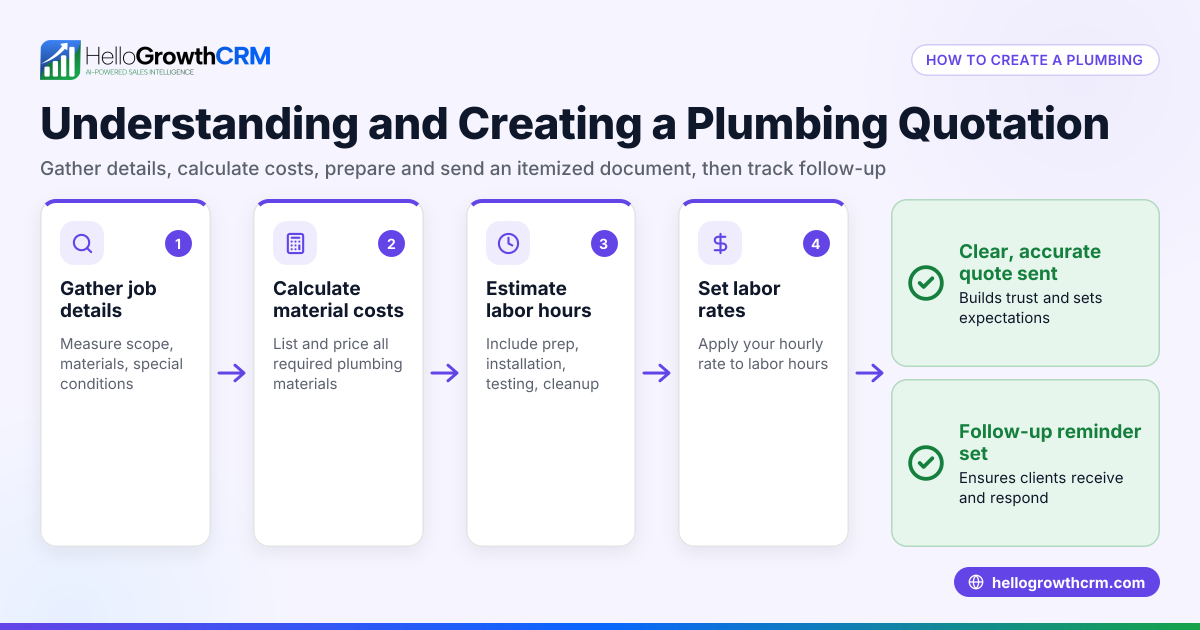
Creating a clear and professional quotation is essential for winning business and setting expectations with customers in the USA. A quotation outlines what you offer, the price, and the terms, helping avoid misunderstandings and speeding up sales.
Why this comes up / what goes wrong
Small business owners often need to send quotations to prospective customers but may struggle with what to include, how to format the document, or how to calculate totals and taxes correctly. Without a clear quotation, customers might hesitate to commit or dispute prices later. Many also lose track of sent quotations, follow-ups, or miss updating terms, which causes lost sales or confusion.
Step-by-step
Follow these steps to create a professional quotation for a US customer:
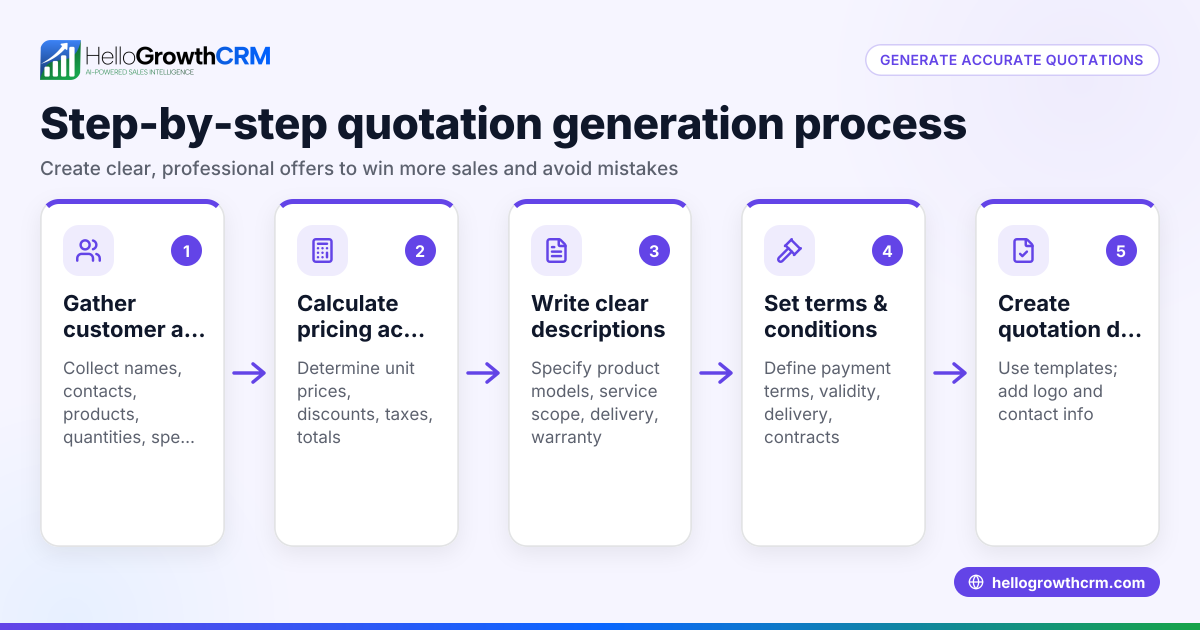
- Prepare your company details: Include your business name, address, phone number, email, and website if available. This identifies you clearly.
- Add customer details: Include the customer's name or company, contact person, address, and contact information.
- Assign a quotation number and date: Use a unique quotation number for tracking and set the date the quotation is issued.
- List products or services: For each item or service, provide a clear description, quantity, unit price, and line total.
- Calculate subtotal: Add the line totals to get the subtotal before taxes.
- Add applicable taxes: If you charge sales tax or other taxes, calculate these based on the customer's location and add them to the subtotal. (NEEDS EXPERT REVIEW)
- Calculate total amount: Add subtotal and taxes to get the total quotation price.
- Specify terms and conditions: Include payment terms (e.g., due in 30 days), quotation validity period (e.g., valid for 30 days), delivery or service timelines, and any other relevant conditions.
- Include a signature or approval line: Optionally, add a place for the customer to sign or accept the quotation.
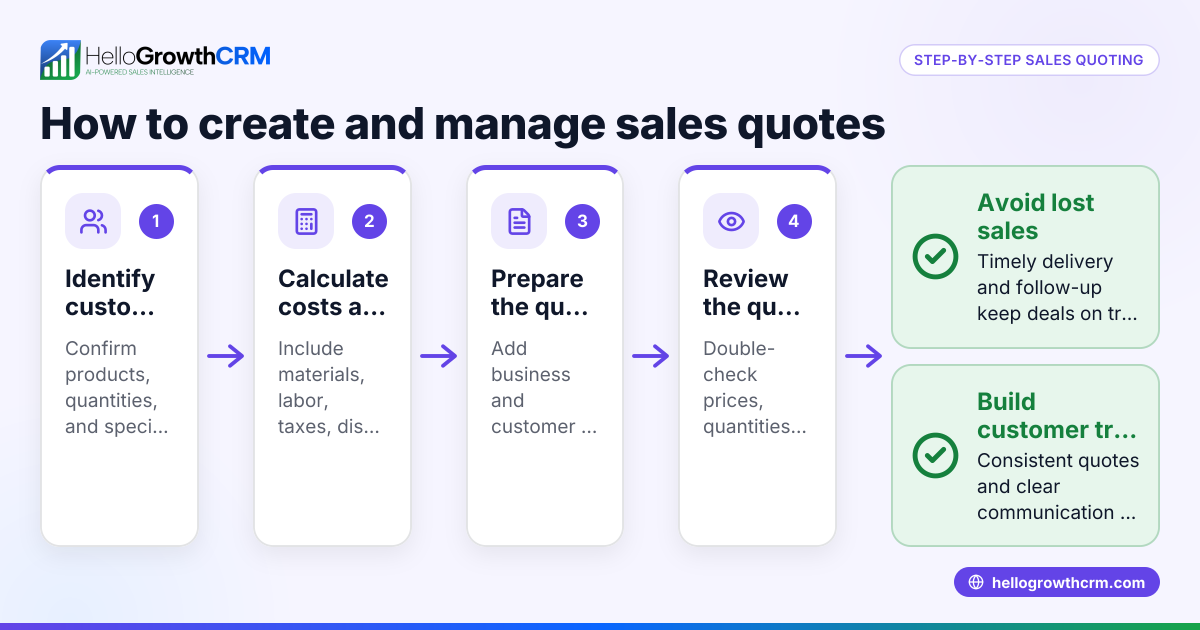
- Review and send: Double-check all details for accuracy and clarity. Send the quotation by email or preferred method.
- Track the quotation status: Follow up with the customer to confirm receipt and answer questions. Keep records of sent quotations for future reference.
For better customer management after the sale, track service requests on the same customer record to keep all information organized, as explained in customer health score.
Example (fictional figures)
A landscaping contractor in Charlotte, North Carolina, creates a quotation on 06/15/2024 for a residential lawn care service.
- Company: GreenScape Lawn Care, 123 Greenway Drive, Charlotte, NC 28202
- Customer: John Smith, 456 Oak Street, Charlotte, NC 28203
- Quotation No.: Q-2024-0615
| Item Description | Quantity | Unit Price | Line Total |
|---|---|---|---|
| Lawn mowing service | 4 visits | $75 | $300 |
| Hedge trimming | 2 visits | $50 | $100 |
| Fertilization treatment | 1 visit | $150 | $150 |
Calculations:
$300 + $100 + $150 = $550 (subtotal)
Assuming an illustrative sales tax rate of 7.25% for Charlotte:
$550 × 7.25% = $39.88 (sales tax)
$550 + $39.88 = $589.88 (total quotation price)
Terms: Payment due within 30 days of invoice; quotation valid for 30 days; services to be completed within 4 weeks after acceptance.
Common mistakes
- Omitting key details: Leaving out customer or company contact info causes confusion. Always include full details.
- Not assigning quotation numbers: Without unique numbers, tracking quotations is difficult. Use a consistent numbering system.
- Ignoring taxes or miscalculating: Incorrect tax calculations can lead to undercharging or legal issues. Verify tax rates for the customer's location (NEEDS EXPERT REVIEW).
- Unclear terms and conditions: Vague payment or delivery terms cause disputes. Be specific and straightforward.
- Failing to follow up: Sending a quotation without follow-up can lose sales. Schedule reminders to check in.
- Using inconsistent formats: A professional, consistent format builds trust. Use templates or CRM tools to standardize.
Doing this in HelloGrowthCRM
HelloGrowthCRM offers a built-in quoting and proposal tool that lets you build, send, and track quotations directly from a deal record. The quotation status (sent, viewed, accepted) appears on the same screen as your follow-up tasks, helping you manage next steps efficiently. After the sale, customer service requests stay on the same customer record as the deal, so you never lose track of ongoing support. For founders without a sales manager, Managed RevOps provides weekly follow-up execution to keep your sales pipeline moving. Learn more about these features at HelloGrowthCRM for the United States and explore the WhatsApp and SMS CRM capabilities that integrate sales communication.
Frequently asked questions
What should be included in a quotation for a US customer? Include your business and customer details, a unique quotation number and date, a detailed list of products or services with prices, subtotal, applicable taxes, total price, and clear terms such as payment and validity period.
Do I have to charge sales tax on my quotation? Sales tax rules vary by state and product/service type. Check the applicable sales tax for your customer's location and include it if required. (NEEDS EXPERT REVIEW)
How long should a quotation be valid? Typically, quotations are valid for 30 days, but this can vary. Clearly state the validity period to avoid confusion.
Can I send quotations by email? Yes, email is the most common and efficient method. Ensure the quotation is in a clear format like PDF and confirm receipt with the customer.
How can I keep track of sent quotations and follow-ups? Use a CRM tool that tracks quotation status and schedules follow-ups to avoid losing leads. HelloGrowthCRM offers these capabilities integrated with your deals.
Key takeaways
- Include complete company and customer details for clarity.
- List items with quantities, unit prices, and calculate subtotal and taxes accurately.
- Specify payment terms, validity period, and other conditions clearly.
- Assign unique quotation numbers and dates for tracking.
- Follow up on sent quotations to improve conversion.
- Use CRM tools like HelloGrowthCRM to manage quotations and sales follow-ups efficiently.
Start creating professional quotations today and streamline your sales process with HelloGrowthCRM. Start on the Free Forever plan (200 leads, no credit card).
Ready to put this into practice?
Set up your pipeline, WhatsApp follow-ups, and AI lead scoring in minutes — free, no credit card.
Try HelloGrowthCRM freeGet CRM tips in your inbox
Join thousands of sales professionals who get weekly insights on CRM strategy, AI automation, and pipeline optimization.

The HelloGrowthCRM team publishes guides on CRM strategy, AI sales tools, and revenue operations for small business sales teams.