HelloGrowthCRM software
Built for real small-business sales teams
HelloGrowthCRM helps reps qualify faster, follow up on time, and close more deals—with practical automation in one place.
- AI lead scoring and pipeline visibility
- Built-in dialer, WhatsApp, and email automation
- Sales forecasting and RevOps-ready reporting
Scheduling WhatsApp messages for customers in India requires using a third-party tool or CRM that supports message scheduling because WhatsApp itself does not have a native scheduling feature. You select the customer contact, write your message, set the exact date and time for sending, then confirm the schedule to automate delivery. This helps ensure timely communication without manual effort.
Why this comes up / what goes wrong
Many Indian small-business owners depend on WhatsApp to communicate with customers, often sending sales offers, payment reminders, or appointment confirmations. Manually sending these messages can lead to delays, missed follow-ups, or messages sent at inconvenient times, which can reduce customer engagement or lose leads. Since WhatsApp’s official app does not support scheduling, business owners look for practical tools that integrate with WhatsApp to automate messaging and improve sales efficiency.
Step-by-step
- Choose a WhatsApp scheduling tool or CRM: Select software that supports WhatsApp message scheduling and suits Indian SMB needs. Look for features like message automation, contact management, and time zone support.
- Add or select your customer contact: Make sure the customer’s WhatsApp number is saved correctly, including the country code (+91 for India).
- Compose your message: Write the message clearly, using personalisation if possible (like customer name or order details).
- Set the date and time for sending: Choose the exact date and 24-hour time when the message should be sent. Confirm the time zone matches your customer’s location to avoid sending at odd hours.
- Review and confirm the schedule: Double-check the message content, timing, and recipient details, then confirm to schedule the message.
- Monitor scheduled messages: Use the tool’s dashboard or logs to track message delivery status and resend if any messages fail.
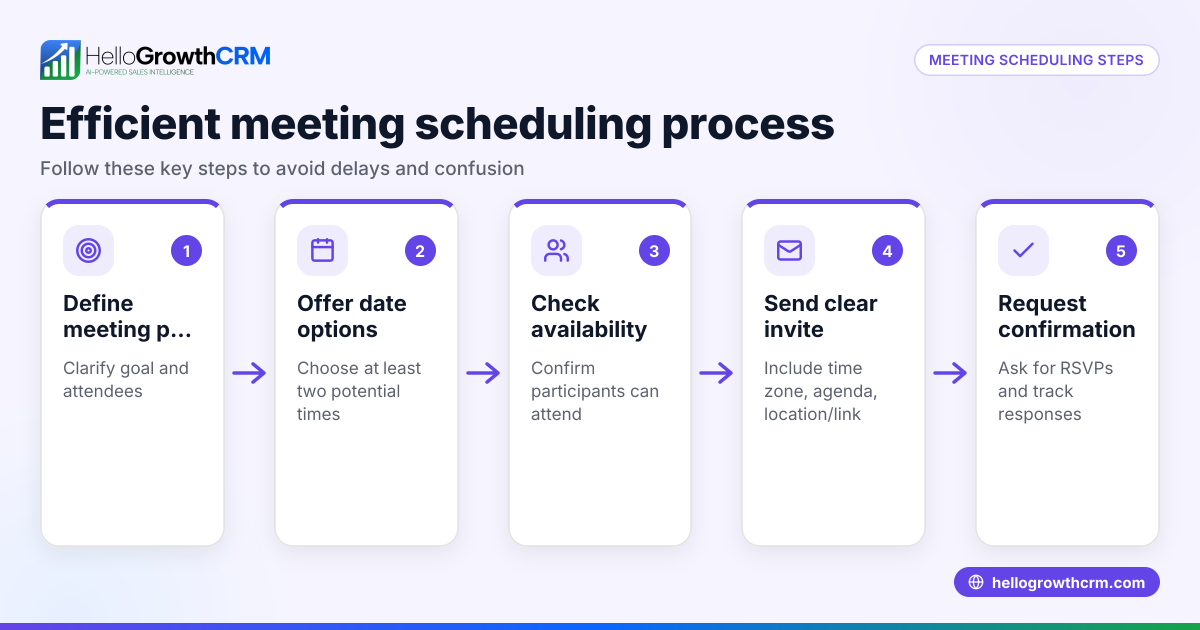
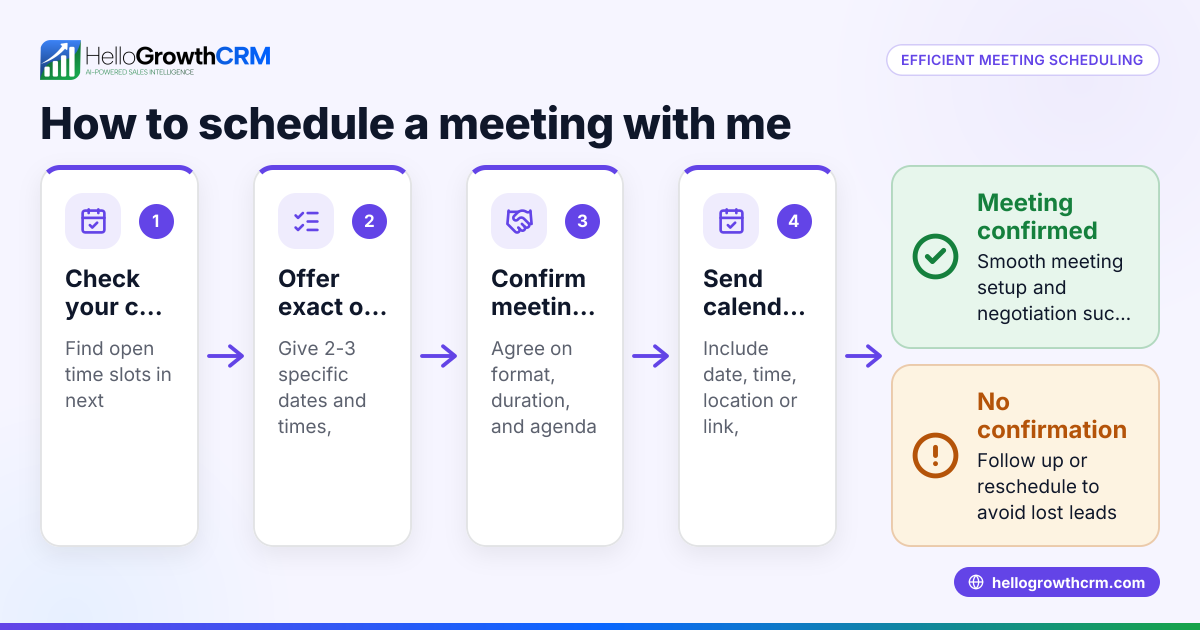
For Indian SMBs, HelloGrowthCRM logs WhatsApp conversations on lead records and enables sending follow-ups as scheduled messages. It also offers a scheduling and booking feature where prospects pick meeting slots via a link, reducing back-and-forth on WhatsApp. Learn more about WhatsApp and SMS CRM and the meeting scheduler.
Example (fictional figures)
A Delhi-based electronics retailer wants to schedule a WhatsApp message to offer a 10% discount on orders above ₹50,000. The message is to be sent on 15/07/2024 at 10:30 AM.
Step 1: Select the customer’s WhatsApp number saved in the CRM. Step 2: Compose the message: "Hello, enjoy 10% off on your next purchase above ₹50,000. Offer valid till 31/07/2024." Step 3: Set the schedule date and time: 15/07/2024, 10:30 AM. Step 4: Confirm the schedule.
This ensures the customer receives the promotional message on time without manual effort.
Calculations for the discount example:
Assuming a customer places an order worth ₹60,000,
₹60,000 × 10% = ₹6,000 (discount amount)
₹60,000 - ₹6,000 = ₹54,000 (final price after discount)
The message informs the customer about the discount to encourage purchase.
Common mistakes
- Not verifying customer WhatsApp numbers: Sending messages to incorrect or inactive numbers wastes effort. Always confirm WhatsApp numbers before scheduling.
- Ignoring time zones: Sending messages at inconvenient times reduces customer engagement. Set schedule times according to your customer’s local time.
- Overloading customers with too many messages: Sending excessive messages can annoy customers and cause opt-outs. Space out communications reasonably.
- Not reviewing message content: Typos or incorrect details harm credibility. Carefully proofread messages before scheduling.
- Failing to monitor message delivery: Messages can fail due to network or app issues. Regularly check delivery logs and resend if needed.
Avoid these mistakes by following good practices and using a CRM like HelloGrowthCRM that logs conversations and tracks follow-ups efficiently. Also consider monitoring engagement with a customer health score.
Doing this in HelloGrowthCRM
HelloGrowthCRM supports WhatsApp and SMS messaging workflows that log all WhatsApp conversations on the lead record, enabling scheduled follow-ups. Its scheduling and booking feature lets prospects pick meeting slots via a link, reducing back-and-forth on WhatsApp. After sales, service requests stay linked to the same customer record, keeping communication organised. For details, visit HelloGrowthCRM for India.
Frequently asked questions
Can I schedule WhatsApp messages directly in the WhatsApp app? No, WhatsApp’s official app does not support message scheduling. You need a third-party tool or CRM with WhatsApp integration to schedule messages.
Is scheduling WhatsApp messages legal in India? Scheduling messages for customer communication is legal, but you must comply with WhatsApp’s policies and obtain customer consent for marketing messages. Always follow opt-in and privacy guidelines. NEEDS EXPERT REVIEW
Can I personalise scheduled WhatsApp messages? Yes, many scheduling tools and CRMs allow you to insert customer-specific details like name, order info, or appointment dates to personalise messages automatically.
Will scheduled messages send if my phone is off? If using WhatsApp Web or a third-party app dependent on your phone, messages may not send if the phone is off. Cloud-based CRMs like HelloGrowthCRM send messages independently, ensuring delivery.
How do I handle message failures or errors? Check your scheduling tool’s delivery reports or logs regularly. Resend failed messages manually or adjust settings to fix errors.
Key takeaways
- WhatsApp does not natively support message scheduling; use a CRM or scheduling tool.
- Schedule messages by selecting the customer, composing the message, setting date/time, and confirming.
- Verify customer WhatsApp numbers and time zones to avoid sending errors.
- Monitor message delivery and review content carefully before scheduling.
- HelloGrowthCRM logs WhatsApp conversations and supports scheduled follow-ups and booking.
Start scheduling your WhatsApp messages efficiently today. Start on the Free Forever plan (200 leads, no credit card).
Ready to put this into practice?
Set up your pipeline, WhatsApp follow-ups, and AI lead scoring in minutes — free, no credit card.
Try HelloGrowthCRM freeGet CRM tips in your inbox
Join thousands of sales professionals who get weekly insights on CRM strategy, AI automation, and pipeline optimization.

The HelloGrowthCRM team publishes guides on CRM strategy, AI sales tools, and revenue operations for small business sales teams.