HelloGrowthCRM software
Built for real small-business sales teams
HelloGrowthCRM helps reps qualify faster, follow up on time, and close more deals—with practical automation in one place.
- AI lead scoring and pipeline visibility
- Built-in dialer, WhatsApp, and email automation
- Sales forecasting and RevOps-ready reporting
To send WhatsApp appointment reminders in India, you need to gather the customer's WhatsApp number and appointment details, then send a clear message with the date, time, and place of the appointment. You can do this manually or use software that supports WhatsApp messaging and scheduling.
Why this comes up / what goes wrong
Many small-business owners in India rely on WhatsApp for customer communication because it is widely used and convenient. However, sending appointment reminders manually can lead to missed follow-ups, forgotten appointments, and lost business. Without a clear process, reminders may be sent late, to the wrong number, or with incomplete information. This causes confusion and reduces customer satisfaction. Business owners want a reliable way to send timely WhatsApp appointment reminders that customers actually read and respond to.
Step-by-step
- Collect accurate WhatsApp numbers: At booking, ask customers for their WhatsApp-enabled phone number. Confirm the number by sending a test message or asking them to confirm.
- Record appointment details clearly: Note the appointment date, time, location, and service to remind the customer precisely what to expect.
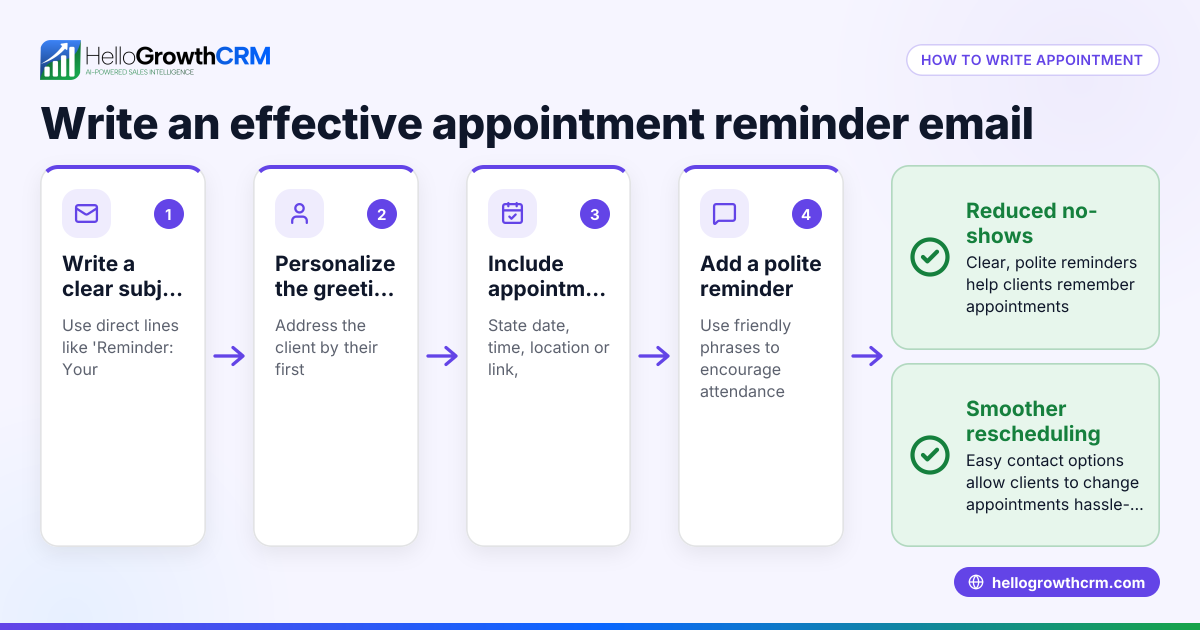
- Prepare a reminder message template: Write a simple message like "Dear [Name], this is a reminder for your appointment on [Date] at [Time] for [Service] at [Location]. Please reply if you need to reschedule."
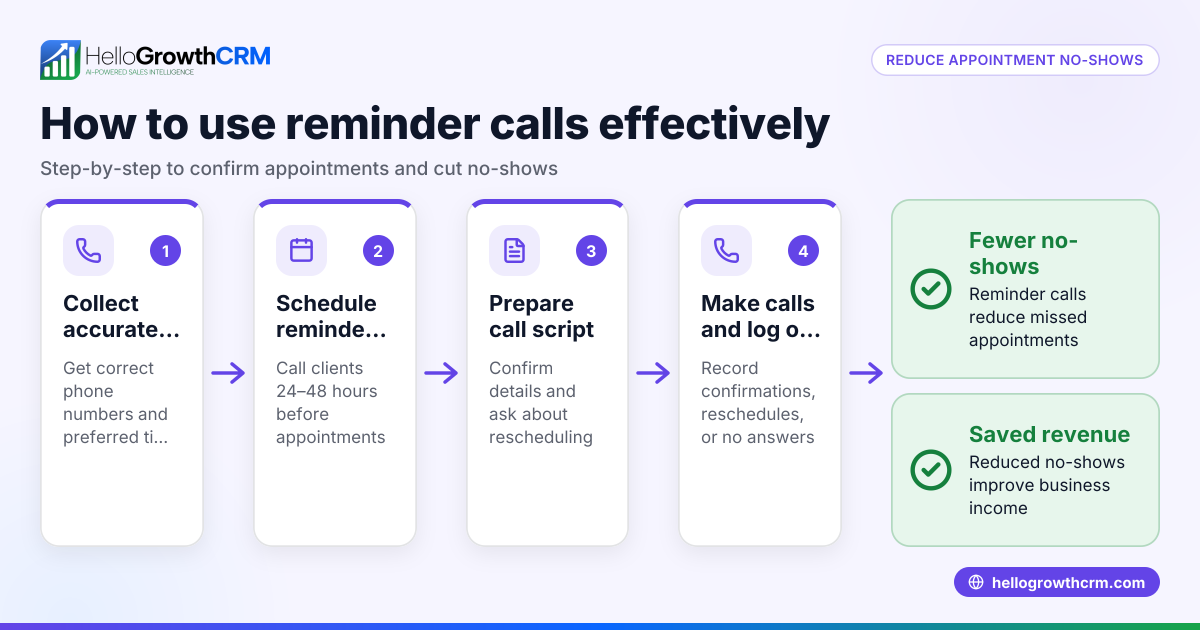
- Schedule the reminder timing: Decide when to send the reminder—commonly 1 day before and 1 hour before the appointment.
- Send the reminder via WhatsApp:
- Manually: Open WhatsApp and send the message to the customer's number.
- Using a CRM or scheduling tool: Upload the details and automate sending.
- Confirm delivery and response: Check if the message was delivered and read. Follow up if no confirmation is received.
- Log the communication: Keep a record of reminders sent and customer replies for future reference.
Check each step carefully to avoid errors in numbers, timing, or message content.
Example (fictional figures)
Rajesh owns a salon in Pune. He has an appointment with customer Priya Sharma on 15/07/2024 at 4:00 PM for a haircut.
- Appointment date: 15/07/2024
- Appointment time: 4:00 PM
- Customer WhatsApp number: +91 98765 43210
Rajesh prepares this message: "Dear Priya Sharma, this is a reminder for your haircut appointment on 15/07/2024 at 4:00 PM at Rajesh's Salon, Pune. Please reply if you need to reschedule."
He plans to send the reminder 1 day before (14/07/2024 at 4:00 PM) and 1 hour before (15/07/2024 at 3:00 PM).
If using a CRM, he inputs:
- Customer name: Priya Sharma
- WhatsApp number: +91 98765 43210
- Appointment date/time: 15/07/2024 4:00 PM
- Reminder message: as above
- Reminder schedule: 14/07/2024 4:00 PM and 15/07/2024 3:00 PM
The CRM sends the messages automatically at these times, logging each sent reminder.
Common mistakes
- Wrong or incomplete WhatsApp numbers: Always verify the number at booking to avoid sending reminders to the wrong contact.
- Sending reminders too late or too early: Schedule reminders at practical times—1 day and 1 hour before—to ensure customers see them in time.
- Unclear messages: Include all relevant appointment details and a call to action (e.g., reply to reschedule) so customers know what to do.
- Not tracking message delivery or replies: Without tracking, you may miss when a customer needs to reschedule or confirm, leading to no-shows.
- Manual sending without logging: Sending reminders manually without recording wastes time and causes confusion later.
Use tools like sales task boards to organise follow-ups and meeting scheduler to let customers pick slots and reduce back-and-forth.
Doing this in HelloGrowthCRM
HelloGrowthCRM helps you send WhatsApp appointment reminders by logging WhatsApp conversations with leads on their records, so every message and follow-up is tracked. You can schedule appointments where prospects pick a slot from a link, avoiding WhatsApp back-and-forth. Then, automated WhatsApp reminders can be sent from the CRM to keep customers informed and reduce no-shows. Learn more about the WhatsApp and SMS CRM and meeting scheduler features to streamline your reminders.
Frequently asked questions
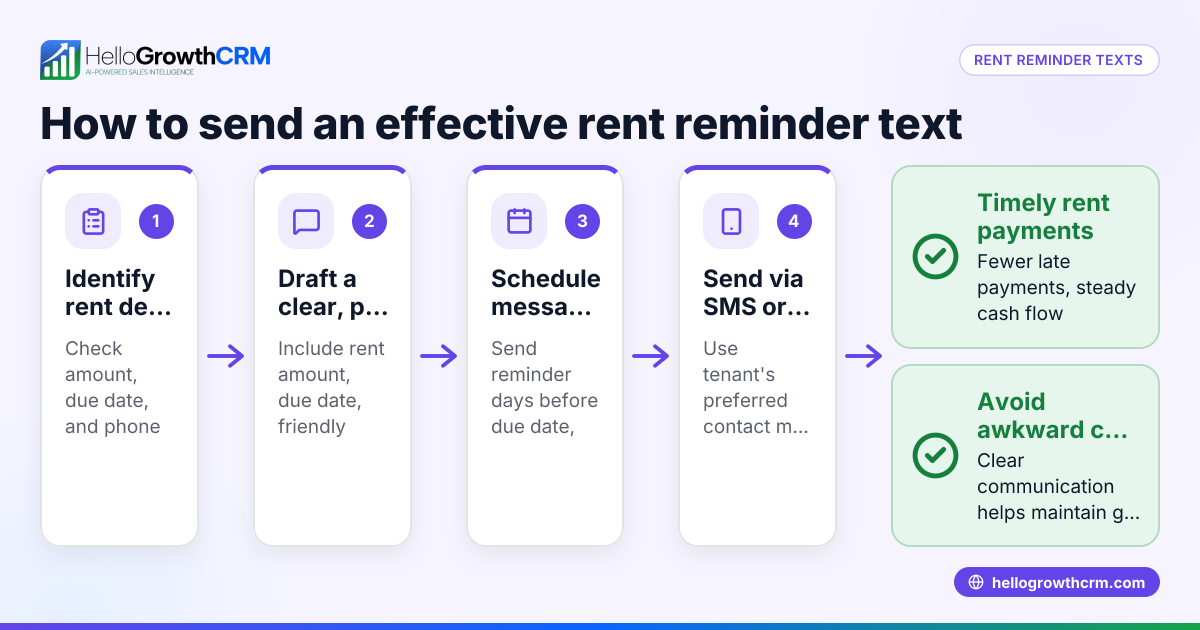
How do I send WhatsApp payment reminders in India? You follow a similar process: collect the customer's WhatsApp number, prepare a clear payment reminder message with amount and due date, and send it manually or via a CRM. Scheduling payment reminders in advance helps improve collections.
Is it legal to send WhatsApp reminders to customers in India? Sending WhatsApp messages to customers who have given their number and consent is generally acceptable. However, rules about unsolicited messages and DND (Do Not Disturb) registrations apply. Check the latest regulations or consult a legal expert. NEEDS EXPERT REVIEW
Can I automate appointment reminders on WhatsApp without a CRM? You can use WhatsApp Business features like broadcast lists or message templates, but these have limitations. A CRM with WhatsApp integration, like HelloGrowthCRM, provides better automation, logging, and scheduling.
What is the best time to send WhatsApp appointment reminders? Common practice is to send reminders 1 day before and 1 hour before the appointment. Avoid very early mornings or late nights to respect customer preferences.
Can customers reschedule via WhatsApp reminders? If you include a call to action in the message asking customers to reply for rescheduling, you can handle reschedules directly on WhatsApp or through your CRM's scheduling features.
Key takeaways
- Collect and verify WhatsApp numbers at booking
- Send clear, detailed appointment reminders including date, time, and location
- Schedule reminders 1 day and 1 hour before the appointment
- Track message delivery and customer responses
- Use tools like HelloGrowthCRM to automate reminders and scheduling
Start sending timely WhatsApp appointment reminders today to reduce no-shows and improve customer satisfaction. You can Start on the Free Forever plan (200 leads, no credit card) with HelloGrowthCRM to try these features.
Ready to put this into practice?
Set up your pipeline, WhatsApp follow-ups, and AI lead scoring in minutes — free, no credit card.
Try HelloGrowthCRM freeGet CRM tips in your inbox
Join thousands of sales professionals who get weekly insights on CRM strategy, AI automation, and pipeline optimization.

The HelloGrowthCRM team publishes guides on CRM strategy, AI sales tools, and revenue operations for small business sales teams.