HelloGrowthCRM software
Built for real small-business sales teams
HelloGrowthCRM helps reps qualify faster, follow up on time, and close more deals—with practical automation in one place.
- AI lead scoring and pipeline visibility
- Built-in dialer, WhatsApp, and email automation
- Sales forecasting and RevOps-ready reporting
If you are searching for the best llc crm setup for a B2B sales team in the United States, start with the workflow, not the software. A strong setup captures every lead, routes it fast, automates follow-ups across email and phone, and gives leaders a forecast they can trust.
For most LLCs, the right CRM setup is simple: connect your lead sources, define clear pipeline stages, automate next steps, and track reporting from first touch to closed revenue. The goal is not more admin. The goal is a system your sales team will actually use.
Key takeaways
- A good llc crm setup starts with lead capture, ownership rules, and a clean pipeline.
- B2B sales teams in the United States need workflows built around email, calling, and buyer response times.
- Automation should reduce manual work, not hide bad process.
- Forecasting only works when stages, deal values, and close dates are updated consistently.
- Compliance matters for outreach, especially CAN-SPAM for email and TCPA for calls and texts.
- An AI CRM can help small and mid-sized LLCs move faster without adding RevOps headcount.
Why LLCs in the United States need a CRM setup built for B2B sales
An LLC structure does not change how selling works. Your sales team still needs a repeatable system. But many LLCs start with spreadsheets, shared inboxes, and notes spread across email threads. That works for a few deals. It breaks when lead volume grows.
A B2B sales team in Chicago, Houston, or Detroit usually deals with longer cycles, multiple stakeholders, and handoffs between marketing, sales, and customer success. Without a CRM, small issues become expensive. Leads sit too long. Reps forget follow-ups. Managers cannot see pipeline risk until the quarter is almost over.
A solid llc crm setup fixes that by putting every contact, company, activity, and deal in one place. It also creates standards. Everyone uses the same stages. Everyone logs the same next steps. Everyone sees the same source of truth.
That matters even more when buyers expect fast follow-up and clean communication. Many U.S. B2B buyers also ask security questions before purchase. They want confidence that their data is handled responsibly. Your internal process should be organized long before a buyer asks about SOC 2, data access, or audit trails.
What should an LLC CRM setup include?
A strong llc crm setup includes lead capture, contact and company records, pipeline stages, activity tracking, task automation, and reporting. It should also support email, calling, follow-up reminders, and clear ownership rules so no lead gets lost.
From there, add the details that fit your sales model. The best setup is not the one with the most fields. It is the one that helps reps respond faster and managers coach better.
Core pieces every B2B LLC should set up
Here are the basics most U.S. B2B sales teams need from day one:
- Lead capture from every source
Bring in website forms, inbound requests, referrals, outbound replies, events, and imported lists. - Contact and company records
Store names, job titles, business emails, phone numbers, company details, and sales notes in one place. - Lead ownership rules
Assign leads by territory, industry, account owner, or round robin. - Pipeline stages
Use simple stages that match your real sales process. For example: New Lead, Qualified, Discovery, Proposal, Negotiation, Closed Won, Closed Lost. - Tasks and reminders
Trigger follow-up tasks after form fills, calls, meetings, and stalled deals. - Communication tracking
Log emails, calls, meeting notes, and outcomes so managers can see what happened. - Forecasting and reporting
Track deal amount, expected close date, stage, and probability with discipline. - Integration with finance and operations tools
Many LLCs use QuickBooks and Stripe. Some manufacturers also need ERP connections. Your CRM should fit the stack, not create another silo.
If you want to review what this looks like in practice, the HelloGrowthCRM features page gives a clear overview of the building blocks.
How do you set up a CRM for an LLC sales team?
Start with your sales process, then map lead sources, ownership, stages, and follow-up rules into the CRM. Keep the first version simple, require only the fields reps truly need, and make reporting depend on clean stage, amount, and close-date updates.
Step 1: Map your real sales process
Do not copy another company’s pipeline. Start with how your team actually sells today.
Ask these questions:
- Where do leads come from?
- Who qualifies them?
- What must happen before a deal becomes real?
- What events usually move a deal forward?
- Why do deals stall or get lost?
- What information does leadership need each week?
Write the process in plain English. If your team cannot explain the path from new lead to closed deal in one page, your CRM will become messy fast.
Step 2: Define your lead sources
Set up clear lead source values before importing or syncing anything. Common sources include:
- Website form
- Demo request
- Referral
- Outbound email reply
- Phone inquiry
- Webinar
- Trade show
- Partner
- Paid search
- Existing customer expansion
This matters because source reporting helps you decide where to spend money. If a source produces pipeline but not revenue, you need to know that early.
Step 3: Build clean contact and company records
Most B2B sales teams need both contact-level and company-level records. That lets you manage multiple people at one account.
Keep required fields short. Start with:
- Contact name
- Work email
- Phone number
- Job title
- Company name
- Website
- Industry
- Employee range or company size
- Owner
- Lead source
- Status
Avoid adding fields because they might be useful later. Every extra field lowers adoption.
Step 4: Create practical pipeline stages
Good pipeline stages reflect buyer progress, not internal wishful thinking. “Quote sent” is not always progress. “Decision maker confirmed” often is.
A simple U.S. B2B pipeline might look like this:
- New Lead
- Contacted
- Qualified
- Discovery Completed
- Solution Fit Confirmed
- Proposal Sent
- Negotiation
- Closed Won
- Closed Lost
Add exit criteria for each stage. For example, a deal enters Qualified only if budget, need, timeline, and buyer role are clear enough to justify rep time.
Step 5: Set lead assignment rules
Fast response time matters. If a lead sits in a shared inbox for six hours, your team loses momentum.
Use assignment rules such as:
- Round robin for inbound demo requests
- Territory-based routing by state
- Named account ownership
- Industry routing for specialized reps
Then create an alert so the assigned rep knows immediately.
Step 6: Automate the first follow-up
The first response is usually the easiest win. Do not depend on memory.
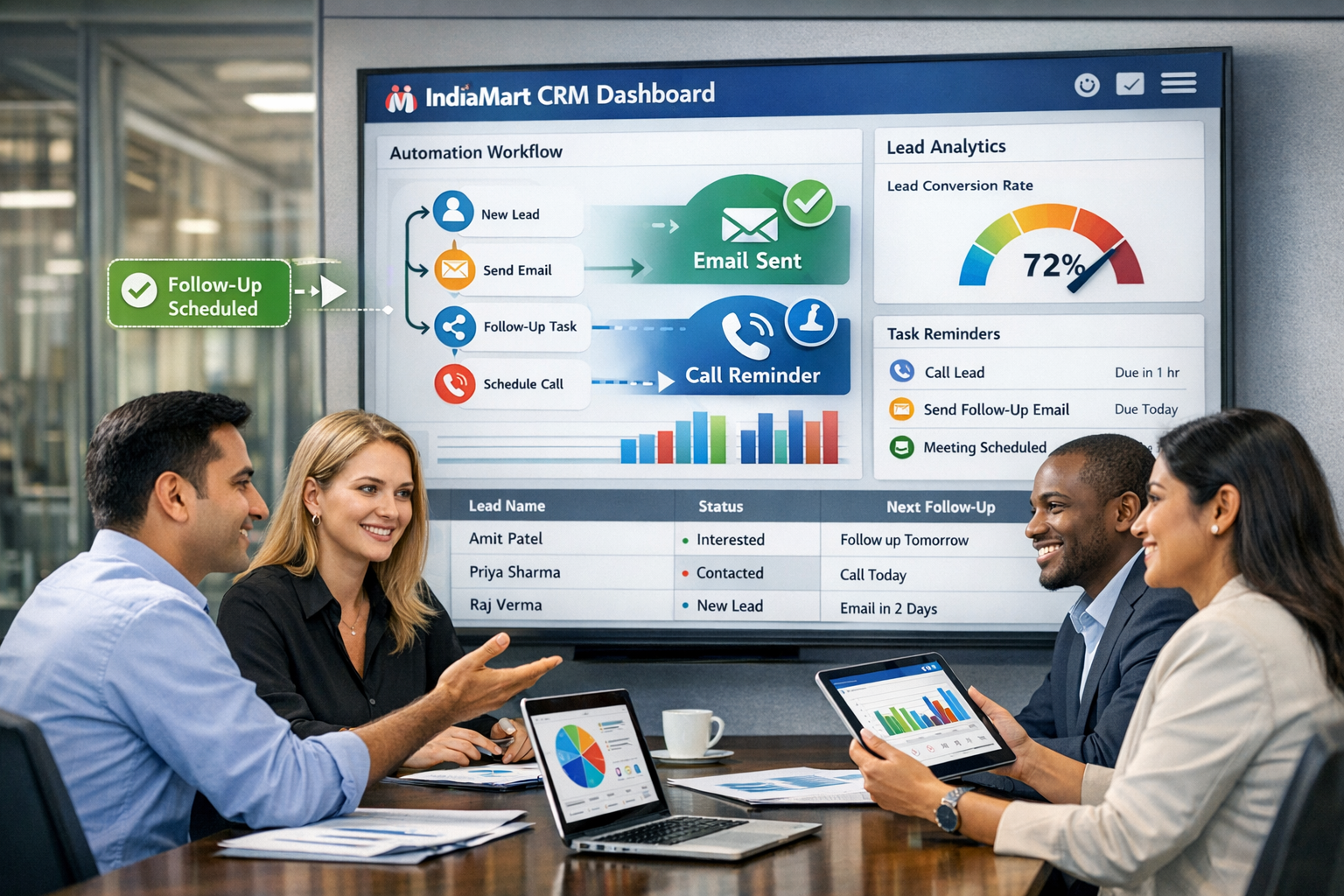
A strong setup uses email automation and task creation together. For example:
- Website form submitted
- Lead is assigned instantly
- Confirmation email is sent
- A follow-up task is created for the rep
- If no activity happens in 24 hours, a manager gets notified
That workflow keeps service levels visible without requiring constant manual checking.
Where does AI help in an LLC CRM setup?
AI helps by ranking leads, spotting deal risk, suggesting next actions, and reducing manual data entry. The best use of AI is practical: it saves reps time and helps managers focus on the right deals, instead of adding another dashboard nobody trusts.
Use AI where it improves decisions
This is where an ai llc crm setup can make a real difference for a small or mid-sized B2B team.
AI lead scoring
Not every inbound lead deserves the same urgency. AI lead scoring can help rank leads based on fit and buying signals. That helps reps prioritize who to call first.
Still, do not treat scoring like magic. Review what “good lead” means for your business. If your best customers are manufacturers with long buying cycles, your model should reflect that.
AI-assisted activity capture
Reps hate admin. If the CRM can log common activities and reduce manual updates, adoption goes up. That matters more than adding flashy features.
Deal risk detection
Some deals look healthy until the end of the quarter. AI can flag patterns like long inactivity, missing next steps, or repeated close-date pushes. Managers can then coach early.
Forecast support
Forecasting becomes stronger when the system looks at stage movement, activity, and historical patterns. Teams that want more reliable rollups should pay close attention to sales forecasting, especially if leadership needs weekly visibility.
How do you automate follow-ups without sounding robotic?
Use automation for timing, task creation, and basic replies, but keep messages short, specific, and human. The system should make reps faster and more consistent. It should not send generic sequences that ignore what the buyer asked for.
Build follow-up automation in layers
The best automation feels invisible to the buyer. Here is a practical way to structure it.
Layer 1: Instant acknowledgment
When a lead fills out a form or requests a demo, send a quick confirmation right away. Set expectations clearly. Tell them when someone will respond.
Layer 2: Rep task creation
Create a task for the assigned rep with a due date. That is still necessary even if an email goes out automatically.
Layer 3: Reminder logic
If no call, email, or note appears after a set window, trigger a reminder. This protects against missed handoffs.
Layer 4: Stage-based follow-up
Once a lead becomes an opportunity, trigger different tasks based on stage. For example:
- After discovery, schedule recap email
- After proposal, set negotiation follow-up
- After a stalled week, create a re-engagement task
Layer 5: Manager visibility
Managers should see unworked leads, overdue tasks, and aging deals in one view. That is often the difference between process that exists on paper and process that actually runs.
Keep outreach compliant in the United States
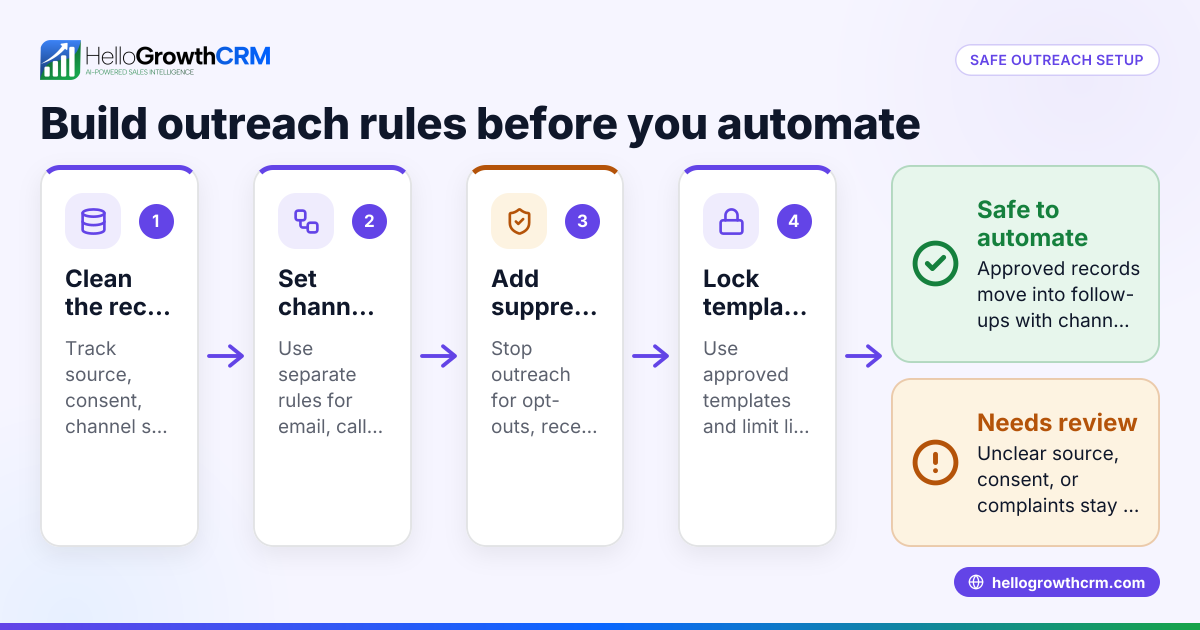
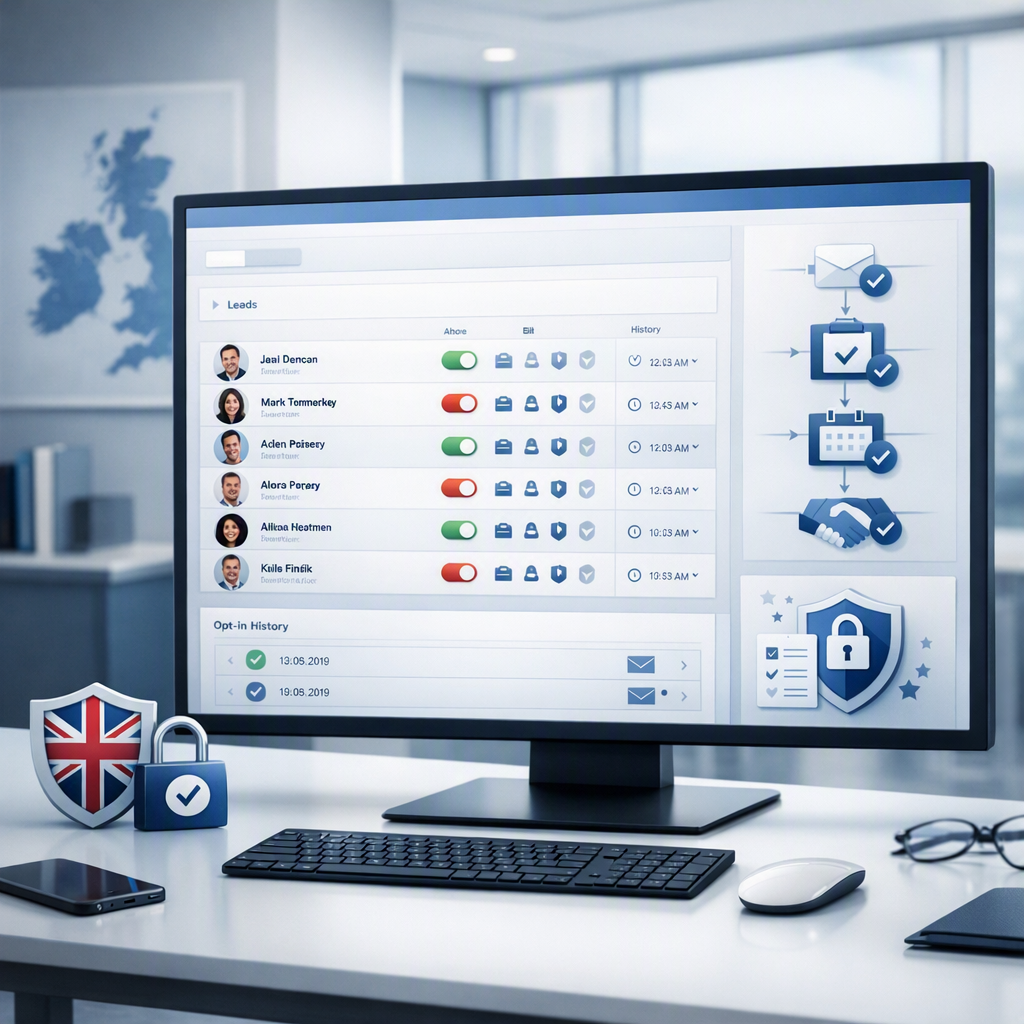
For U.S. B2B teams, follow-up automation should respect communication rules. Email outreach should align with CAN-SPAM requirements. Calls and texts should be handled with care under TCPA considerations, especially if you automate any phone or messaging activity. Your CRM should support process discipline, but your team still needs sound outreach practices.
How should you forecast revenue from your LLC CRM?
Forecast from stage quality, expected close date, and deal value, not gut feel alone. A reliable forecast depends on clean pipeline rules, regular deal reviews, and reps updating next steps before leadership asks for numbers.
Start with three required fields
Every open opportunity should have:
- Deal amount
- Expected close date
- Current stage
If one of those is missing, the forecast is weak. If all three are outdated, the forecast is fiction.
Add stage discipline
Each stage should mean the same thing across the team. If one rep moves deals to Proposal after a short email exchange and another waits for buyer confirmation, your forecast will drift.
Use clear stage definitions and review them in pipeline meetings.
Track next steps and aging
A deal with no next step is a warning sign. So is a deal that sits too long in one stage.
Leaders should review:
- Deals with no scheduled next action
- Deals past expected close date
- Deals with close dates pushed multiple times
- Late-stage deals with low recent activity
This is where simple reporting often matters more than complex dashboards.
Separate pipeline from forecast
Not every deal in pipeline belongs in the committed forecast. Build categories such as:
- Pipeline
- Best case
- Commit
- Closed
This creates a more honest rollup for leaders and investors.
Common mistakes in llc crm setup
Many CRM problems come from bad setup, not bad software. If the system feels heavy on day one, reps will avoid it.
1. Too many required fields
Asking for 20 data points on every lead slows the team down. Start lean. Add only what supports routing, follow-up, or reporting.
2. Vague pipeline stages
Stages like “In Progress” tell you nothing. Every stage should represent a clear sales milestone.
3. No ownership rules
When everyone can work a lead, nobody owns it. Routing should be automatic and visible.
4. Automation before process
If your qualification rules are unclear, automation only spreads confusion faster.
5. Reporting that depends on manual cleanup
A weekly pipeline review should not require hours of spreadsheet work. The CRM should produce usable reports by default.
6. Ignoring integrations
Your CRM does not need to replace every tool. But it should connect to the systems your business already uses. Review available integrations early, especially if finance lives in QuickBooks or Stripe and operations rely on an ERP.
A practical llc crm setup checklist for U.S. B2B teams
Use this checklist to launch a clean first version.
Before launch
- Document your sales process in one page.
- List all lead sources.
- Define lead owner rules.
- Create contact and company fields.
- Build 6 to 9 pipeline stages.
- Write exit criteria for each stage.
- Decide required fields for opportunities.
- Set first-response automation.
- Create overdue task alerts.
- Define core reports for leaders.
In the first 30 days
- Review whether reps are logging activity.
- Check lead response times.
- Audit stage movement for consistency.
- Remove fields nobody uses.
- Fix automations that create noise.
- Review forecast accuracy against actual outcomes.
In the first 90 days
- Tune lead scoring and routing.
- Add role-based dashboards.
- Improve stalled-deal workflows.
- Review handoffs from sales to onboarding or customer success.
- Tighten reporting for quarterly planning.
For teams that want support beyond software, HelloGrowthCRM also offers managed RevOps to help build and maintain the process.
When should an LLC choose HelloGrowthCRM?
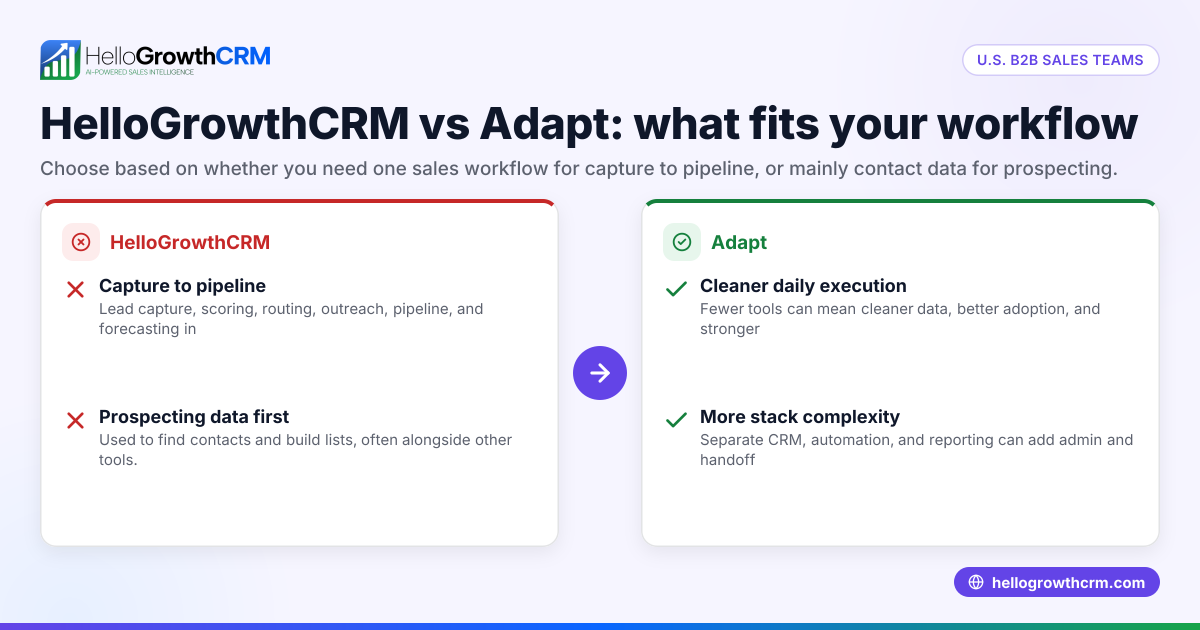
Choose HelloGrowthCRM when your team needs one system for lead capture, pipeline management, outreach, automation, and forecasting, without adding more operational overhead. It is a good fit for growing B2B sales teams that want structure, adoption, and hands-on RevOps support.
HelloGrowthCRM is built for practical use. You can manage lead capture, run follow-ups, track calls and emails, and improve visibility across the funnel. If your current setup lives across inboxes, spreadsheets, and disconnected tools, it may be time to simplify.
If you want to evaluate fit, review the product and pricing based on your team size, process, and reporting needs.
Start your setup with a free account through the free trial or talk through your workflow with the team and book a demo.
Frequently asked questions
Does an LLC need a CRM to sell B2B services in the United States?
No, an LLC does not legally need a CRM. But once you have multiple reps, steady lead flow, or longer sales cycles, a CRM becomes necessary for follow-up, visibility, and forecasting.
What is the best llc crm setup for a small sales team?
The best setup is usually the simplest one. Start with lead capture, ownership rules, a clean pipeline, task automation, and three required opportunity fields: amount, close date, and stage.
Read next
This article covers one part of a bigger topic. For the complete picture, read our guide to soor llc.
Frequently Asked Questions
Ready to put this into practice?
Set up your pipeline, WhatsApp follow-ups, and AI lead scoring in minutes — free, no credit card.
Try HelloGrowthCRM freeGet CRM tips in your inbox
Join thousands of sales professionals who get weekly insights on CRM strategy, AI automation, and pipeline optimization.

The HelloGrowthCRM team publishes guides on CRM strategy, AI sales tools, and revenue operations for small business sales teams.