HelloGrowthCRM software
Built for real small-business sales teams
HelloGrowthCRM helps reps qualify faster, follow up on time, and close more deals—with practical automation in one place.
- AI lead scoring and pipeline visibility
- Built-in dialer, WhatsApp, and email automation
- Sales forecasting and RevOps-ready reporting
Pop up forms are small windows or overlays that appear on your website to collect visitor information such as contact details or preferences. These forms typically show up based on triggers like time spent on a page, scrolling behavior, or when a visitor tries to leave the site. Businesses use pop up forms to quickly capture leads and grow their contact lists.
Why this comes up / what goes wrong
Small business owners often want to grow their customer base but struggle to collect leads efficiently. Without a clear way to capture visitor information, potential customers leave without engaging. Pop up forms solve this by prompting visitors to share their info at the right moment. However, poorly designed or mistimed pop ups can annoy visitors and reduce conversions. Also, capturing leads is only half the battle; following up promptly is essential to turning leads into sales.
Step-by-step
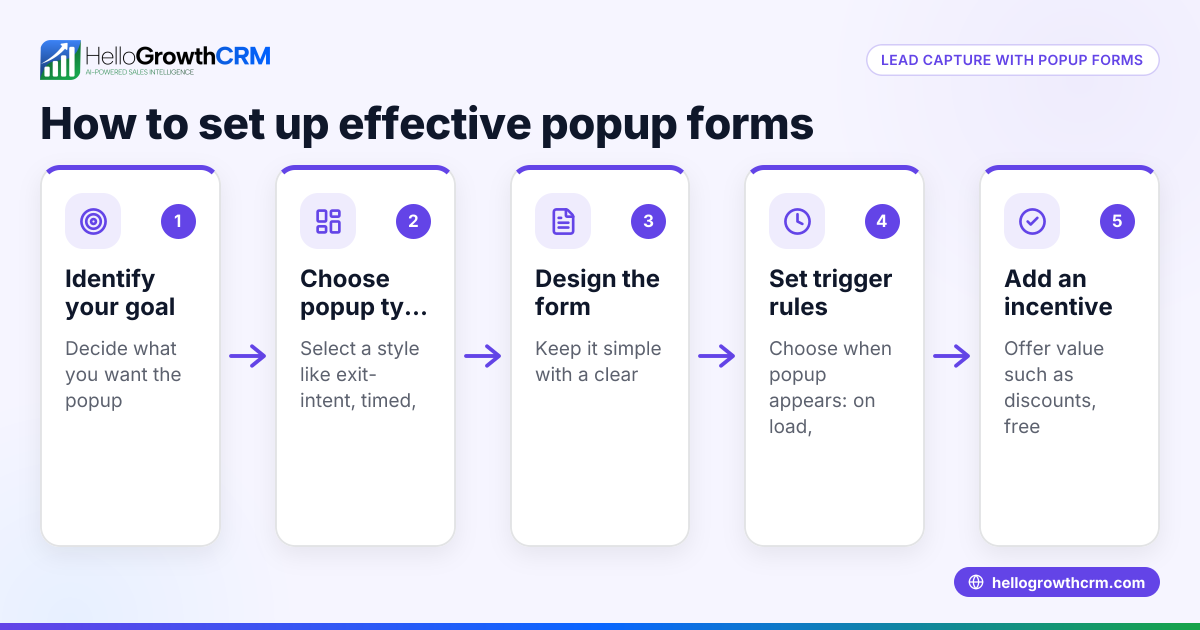
- Choose a pop up form tool or plugin. Check if your website platform supports pop up forms or use a third-party tool.
- Define your goal. Decide what information you want to collect (email, phone, name) and what offer or message will encourage visitors to fill the form.
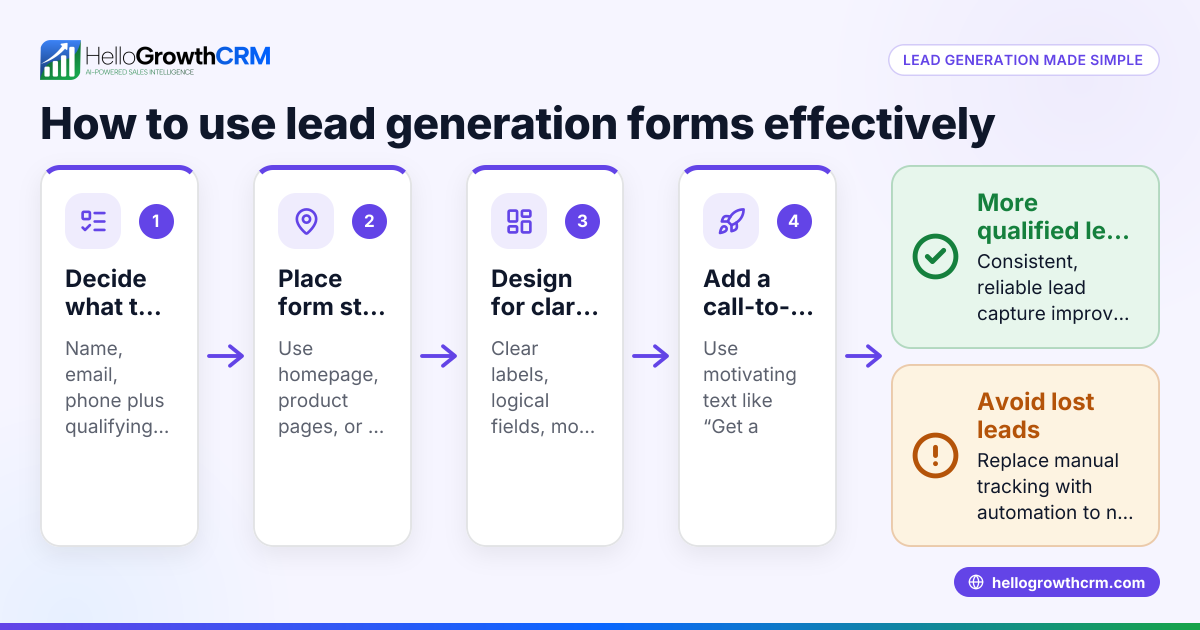
- Design the form. Keep it simple with clear fields and a strong call-to-action. Avoid asking for too much information upfront.
- Set triggers. Decide when the pop up appears: after X seconds, on scroll, or when the visitor tries to leave the page.
- Test the pop up. Preview it on desktop and mobile to ensure it displays correctly and isn’t intrusive.
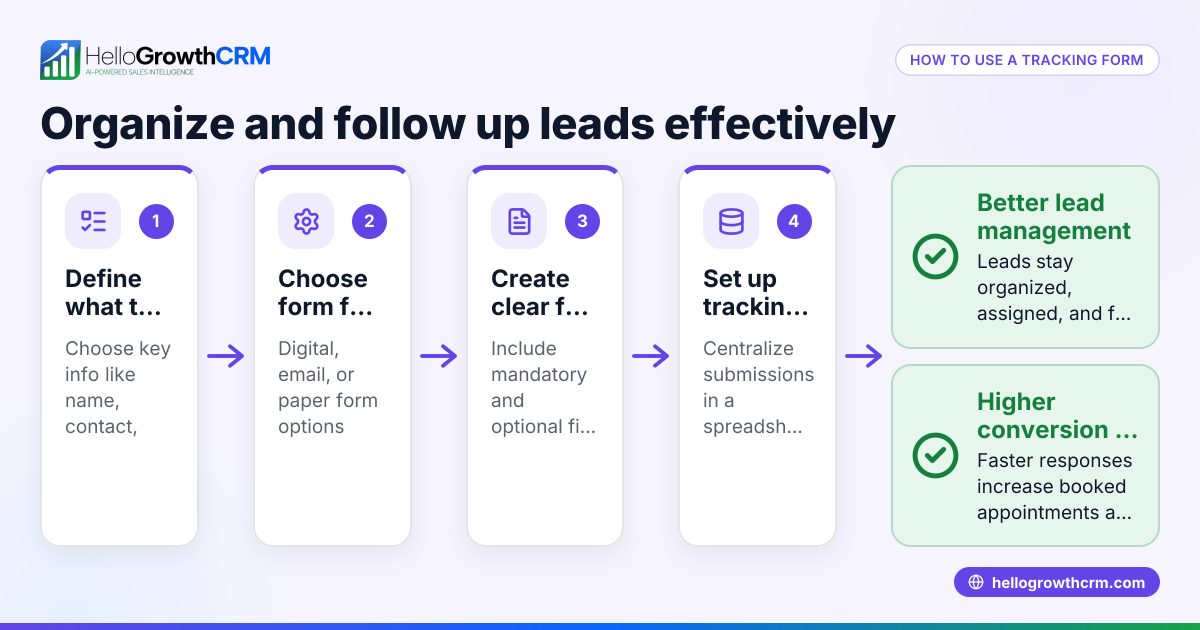
- Integrate with your CRM or email system. Make sure the leads collected go directly to your contact management system for follow-up.
- Monitor performance. Track how many visitors see the pop up, how many submit it, and adjust timing or messaging as needed.
Example (fictional figures)
A two-location dental practice in Columbus, Ohio, wants to increase new patient appointments by capturing website visitors’ contact info.
- They create a pop up form offering a free dental consultation.
- The pop up appears after 15 seconds on the homepage.
- In one month, 500 visitors see the pop up.
- 50 visitors submit their info.
- Conversion rate = 50 ÷ 500 = 0.10 or 10%
If each new patient appointment brings $200 revenue:
$200 × 50 = $10,000 additional revenue
By capturing leads with a pop up form and following up, the practice potentially earns $10,000 more in one month.
Common mistakes
- Triggering pop ups too early: Visitors may leave if interrupted immediately. Prevent by setting a delay or exit intent trigger.
- Asking for too much information: Long forms reduce submissions. Keep fields minimal.
- Poor mobile experience: Pop ups that don’t resize or are hard to close frustrate users. Test on mobile devices.
- Not integrating with CRM: Leads get lost without automatic capture. Always connect your form to your CRM.
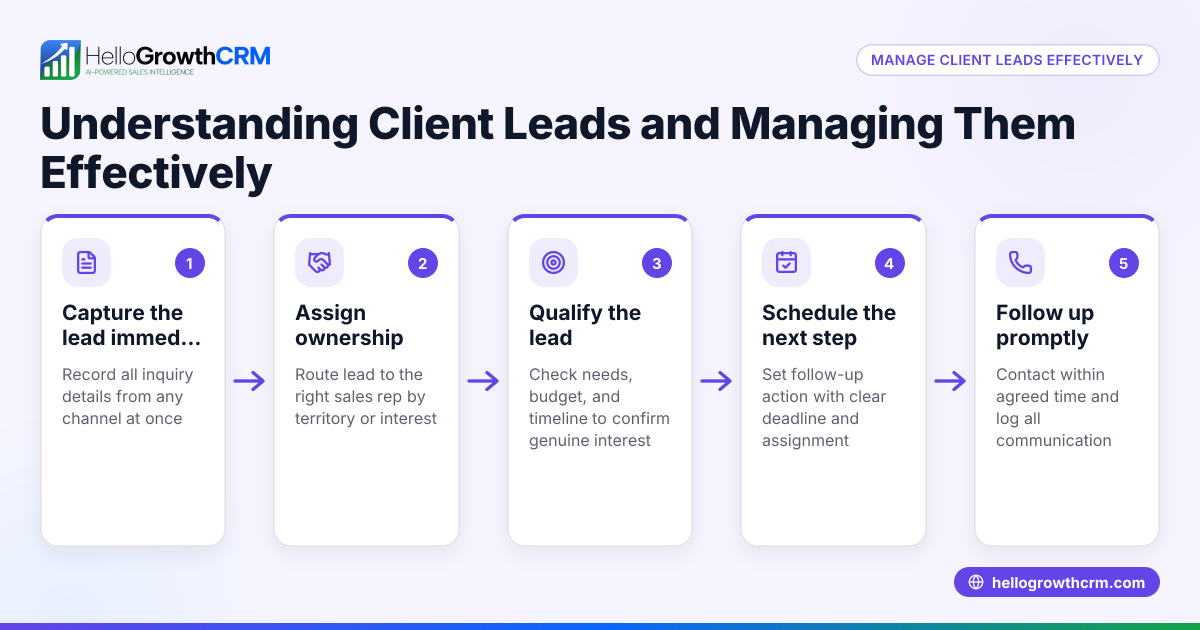
- Ignoring follow-up: Collecting leads without timely follow-up wastes opportunities. Use task boards or sequences to manage outreach.
Doing this in HelloGrowthCRM
HelloGrowthCRM helps you manage leads captured from pop up forms by turning each follow-up into a task with a due date on Activities and task boards. Your sales team sees the day’s calls as a clear list instead of relying on memory. You can set up Sequences and campaigns to automate a five-step follow-up over two weeks that stops as soon as a prospect replies. Additionally, AI agents draft follow-up messages after calls for your reps to review and send, saving time. Learn more about HelloGrowthCRM’s WhatsApp and SMS CRM features and its built-in CRM dialer. Also see how task boards organize follow-ups efficiently on the Activities and task boards page.
Frequently asked questions
What is the best timing to show a pop up form? The best timing depends on your audience and content. Common triggers include after 10-30 seconds on a page, when a visitor scrolls halfway, or when they attempt to leave. Testing different timings helps find what converts best.
How many fields should a pop up form have? Keep it minimal to increase submissions. Usually, asking for just an email or phone number and name is enough. More fields can reduce the conversion rate.
Can pop up forms work on mobile devices? Yes, but they must be mobile-friendly. Use responsive design and ensure the pop up is easy to close. Many tools offer mobile-optimized pop ups.
How do I follow up with leads collected from pop up forms? Integrate your pop up with a CRM to capture leads automatically. Then, use task boards or automated sequences to schedule and send follow-up messages promptly. HelloGrowthCRM’s task boards and sequences support this well.
Are pop up forms annoying to visitors? If overused or badly timed, yes. To avoid annoyance, limit pop up frequency, use clear offers, and choose triggers that respect user experience.
Key takeaways
- Pop up forms capture visitor info by appearing on your website based on triggers.
- Set clear goals, keep forms simple, and test timing to improve conversions.
- Integrate forms with a CRM to avoid losing leads and automate follow-up.
- Avoid common mistakes like early triggers, too many fields, and poor mobile design.
- HelloGrowthCRM supports task boards, sequences, and AI agents to manage and automate follow-ups.
Start capturing and following up on leads effectively. Start on the Free Forever plan (200 leads, no credit card).
Ready to put this into practice?
Set up your pipeline, WhatsApp follow-ups, and AI lead scoring in minutes — free, no credit card.
Try HelloGrowthCRM freeGet CRM tips in your inbox
Join thousands of sales professionals who get weekly insights on CRM strategy, AI automation, and pipeline optimization.

The HelloGrowthCRM team publishes guides on CRM strategy, AI sales tools, and revenue operations for small business sales teams.