HelloGrowthCRM software
Built for real small-business sales teams
HelloGrowthCRM helps reps qualify faster, follow up on time, and close more deals—with practical automation in one place.
- AI lead scoring and pipeline visibility
- Built-in dialer, WhatsApp, and email automation
- Sales forecasting and RevOps-ready reporting
A quotation maker is a tool or process used by businesses to create professional price quotes for products or services offered to potential customers. It helps standardize pricing, clarify terms, and speed up sales communication. This article explains why quotation makers matter, how to create quotes step-by-step, common mistakes to avoid, a practical example, and how HelloGrowthCRM supports quoting within your sales workflow.
Why this comes up / what goes wrong
Small-business owners often struggle with creating and sending accurate price quotes quickly. Without a quotation maker, many rely on text messages, emails, or spreadsheets, which can cause delays, pricing errors, and inconsistent information. This slows down follow-up and can lead to lost sales opportunities. A quotation maker provides a structured way to generate clear, consistent quotes that customers can easily review and accept. It improves professionalism and helps close deals faster.
Step-by-step
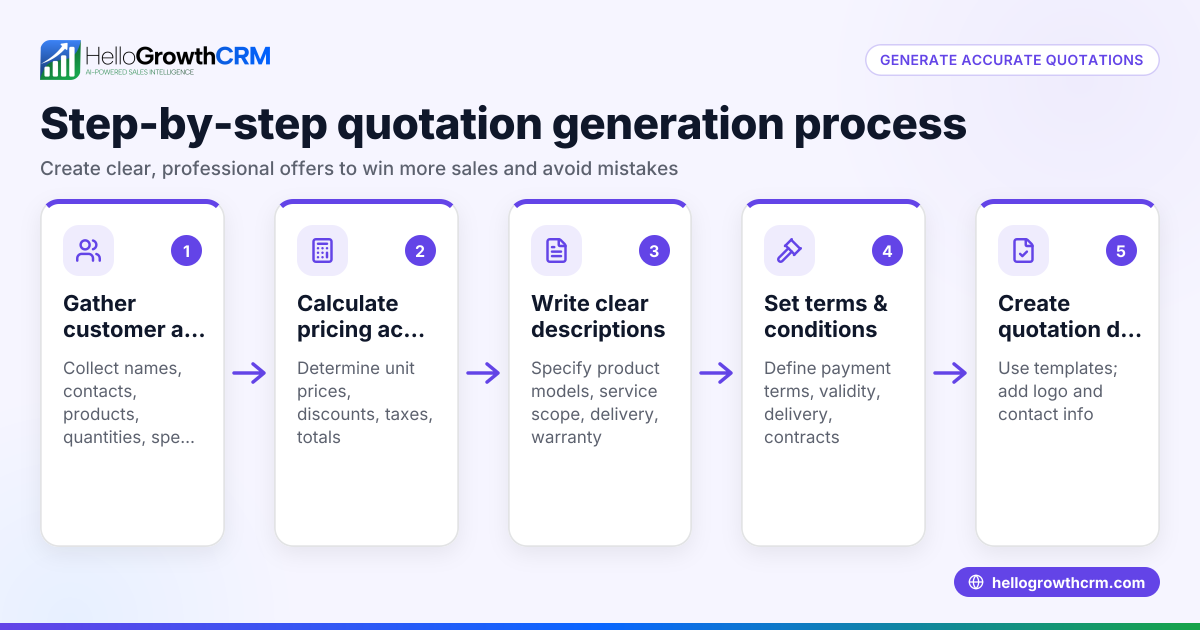
- Gather customer and product/service details: Collect accurate information about the customer’s needs, including product or service specifications, quantities, and any special requirements.
- Calculate prices and discounts: Determine unit prices, apply any discounts or promotions, and calculate taxes if applicable. Double-check all calculations to avoid errors.
- Draft the quote document: Include your business name and contact details, customer information, a clear itemized list of products or services with prices, the total amount, payment terms, and the quote’s validity period.
- Review terms and conditions: Confirm that payment terms, delivery timelines, warranties, and return policies are clearly stated to avoid misunderstandings.
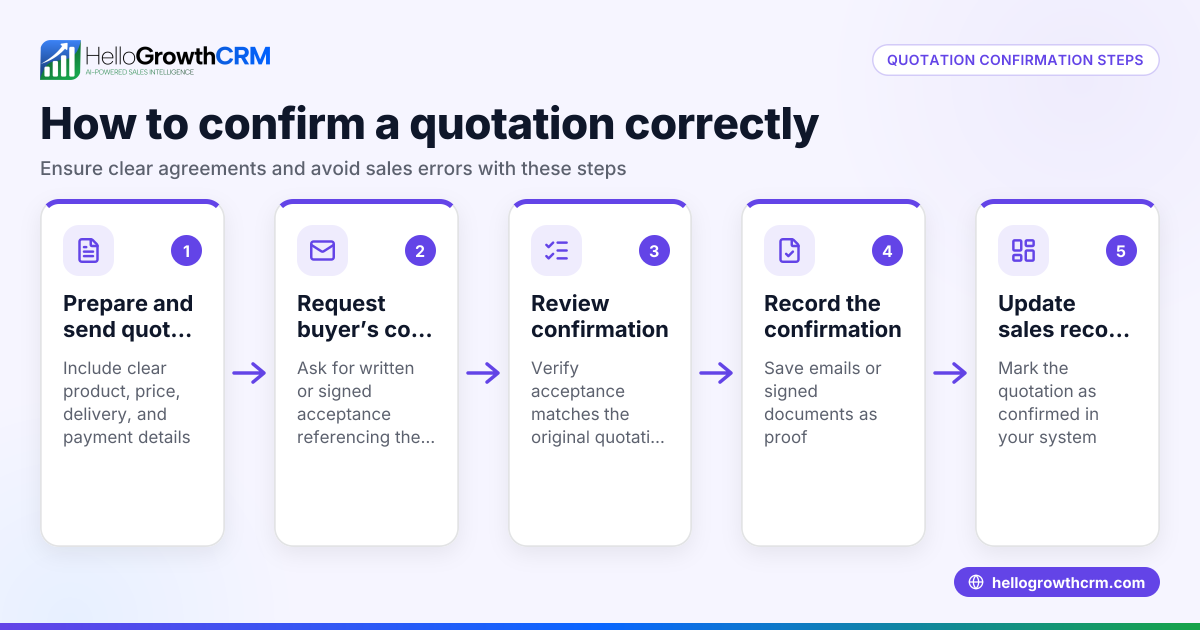
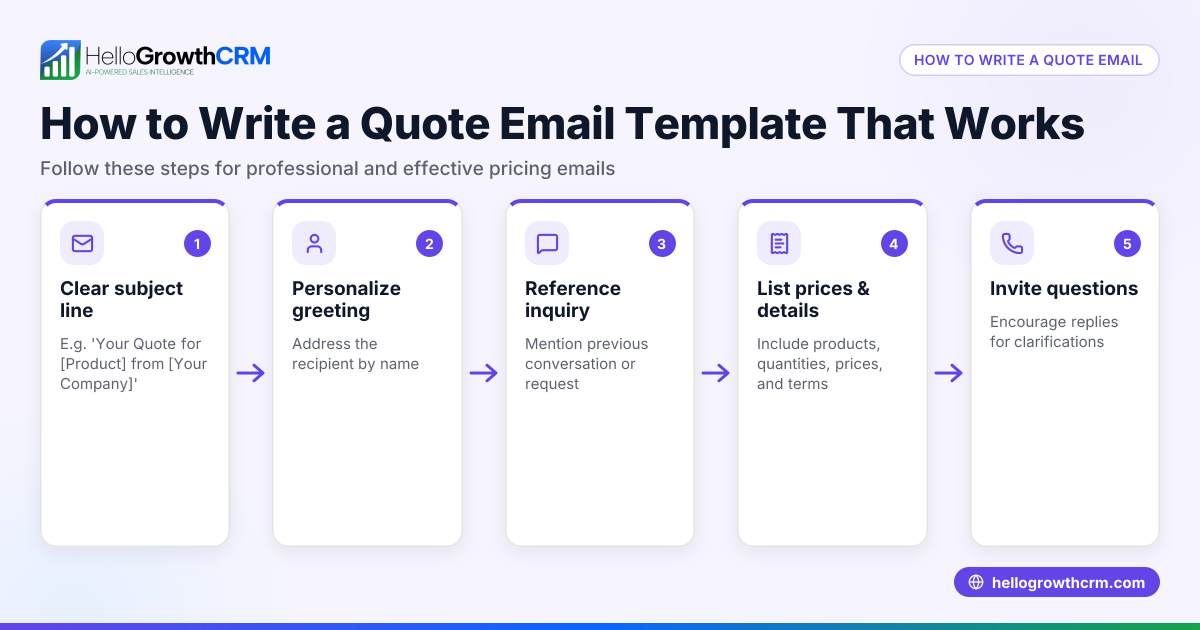
- Send the quotation promptly: Use email or a CRM tool to send the quote quickly, ideally within 24 hours of the request, to maintain customer interest.
- Track quote status and follow up: Monitor whether the customer has viewed or accepted the quote. Set reminders for follow-up tasks to keep the sales process moving.
- Convert accepted quotes to invoices: Once the quote is accepted, generate an invoice to bill the customer and track payments.
Example (fictional figures)
A two-location dental practice in Columbus, Ohio, prepares a quote for a new patient cleaning package.
- Price per cleaning: $120
- Number of cleanings included: 3
- Discount offered: 10%
- Validity of quote: 30 days
Calculations:
$120 × 3 = $360 $360 × 10% = $36 (discount) $360 - $36 = $324 (total quoted price)
The quote document includes the dental practice’s contact info, patient name, itemized services, total price of $324, payment due within 30 days, and instructions for acceptance.
Common mistakes
- Delaying quote delivery: Delays reduce the chance of closing deals. Prevent by preparing templates and responding within 24 hours.
- Omitting key details: Missing pricing or terms causes confusion. Prevent by using a checklist to ensure all necessary information is included.
- Calculating prices manually without verification: Manual errors can lead to incorrect quotes. Prevent by using software or double-checking all calculations.
- Failing to track quote status: Without tracking, follow-up may be missed. Prevent by setting reminders and using tools that show when quotes are viewed.
- Sending quotes without clear payment terms: This can cause payment delays. Prevent by including explicit payment deadlines, methods, and any late fees.
- Not updating quotes after changes: Sending outdated quotes confuses customers. Prevent by notifying customers of changes and resending updated quotes.
Doing this in HelloGrowthCRM
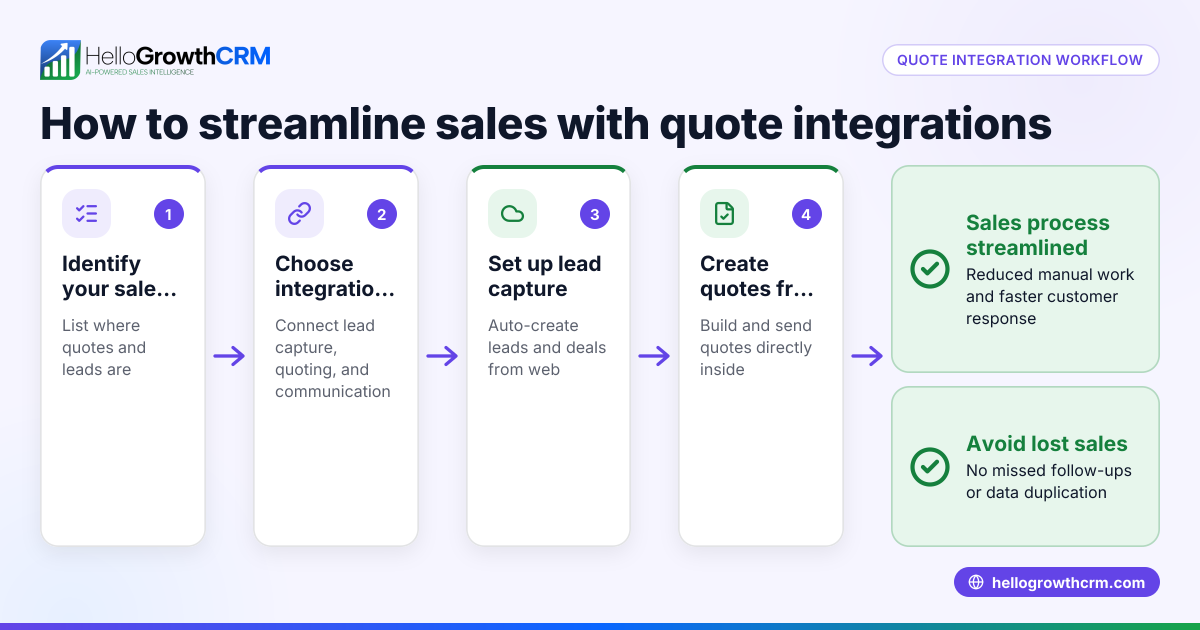
HelloGrowthCRM offers a built-in quoting and proposal tool that lets you build, send, and track commercial documents directly from a deal record. You can see the status of each quote—whether it’s sent, viewed, or accepted—on the same screen as your follow-up tasks. This integration helps you manage quotes alongside calls and messages, making your sales process more efficient and organized. For more about managing calls, see the built-in CRM dialer. To learn how messaging fits into sales, check out WhatsApp and SMS CRM. For availability in your area, visit HelloGrowthCRM for the United States.
Frequently asked questions
What is the difference between a quotation and an invoice? A quotation is a document offering prices and terms before a sale is agreed upon. An invoice is a bill sent after the sale, requesting payment. Quotations help customers decide, while invoices finalize the transaction.
How long should a quotation be valid? Typically, a quotation is valid for 15 to 30 days, giving the customer time to decide. This period should be clearly stated on the quote to avoid confusion.
Can I edit a quotation after sending it? Yes, but it’s best to notify the customer of any changes and resend the updated quote. Using a CRM like HelloGrowthCRM helps track versions and customer views.
Is it necessary to include payment terms in a quotation? Yes, clear payment terms avoid misunderstandings and help ensure timely payment. Include due dates, accepted payment methods, and any late fees.
How can a CRM improve the quotation process? A CRM centralizes quote creation, sending, tracking, and follow-up tasks. It reduces errors, speeds up communication, and provides visibility into sales progress.
Key takeaways
- A quotation maker creates professional price quotes to speed up sales and clarify terms.
- Accurate, timely quotes improve customer trust and increase chances of closing deals.
- Follow a clear step-by-step process to gather info, calculate prices, draft, send, and track quotes.
- Avoid common mistakes like delays, missing details, and poor tracking.
- Using a CRM with quoting tools helps manage quotes alongside communication and follow-ups efficiently.
Start creating and managing your business quotes efficiently with HelloGrowthCRM. Start on the Free Forever plan (200 leads, no credit card).
Ready to put this into practice?
Set up your pipeline, WhatsApp follow-ups, and AI lead scoring in minutes — free, no credit card.
Try HelloGrowthCRM freeGet CRM tips in your inbox
Join thousands of sales professionals who get weekly insights on CRM strategy, AI automation, and pipeline optimization.

The HelloGrowthCRM team publishes guides on CRM strategy, AI sales tools, and revenue operations for small business sales teams.