HelloGrowthCRM software
Built for real small-business sales teams
HelloGrowthCRM helps reps qualify faster, follow up on time, and close more deals—with practical automation in one place.
- AI lead scoring and pipeline visibility
- Built-in dialer, WhatsApp, and email automation
- Sales forecasting and RevOps-ready reporting
A replenishment email is a targeted message sent to customers or prospects encouraging them to reorder products or services before they run out. This type of email helps businesses maintain consistent sales and improves customer retention by reminding buyers to replenish what they have used or consumed. In this article, you'll learn why replenishment emails are important for small businesses, how to create and send them effectively, and how to avoid common pitfalls.
Why this comes up / what goes wrong
Small business owners often face challenges in keeping customers engaged for repeat purchases. Without reminders, customers may forget to reorder consumable products or services, which leads to lost sales and revenue gaps. For example, a business selling cleaning supplies, food products, or subscription services might see irregular reorder patterns without a replenishment email strategy. Managing these reminders manually through text messages, emails, or spreadsheets can be slow and inconsistent, causing missed opportunities and poor customer experience.
Step-by-step
- Identify products or services that require replenishment: Review your sales data to find items customers typically reorder, such as consumables, subscriptions, or seasonal products.
- Determine the typical usage or reorder cycle: Understand how long a customer uses the product before needing more, for example, every 30 or 90 days.
- Segment your customer list: Group customers based on their last purchase date to target those approaching the reorder timeframe.
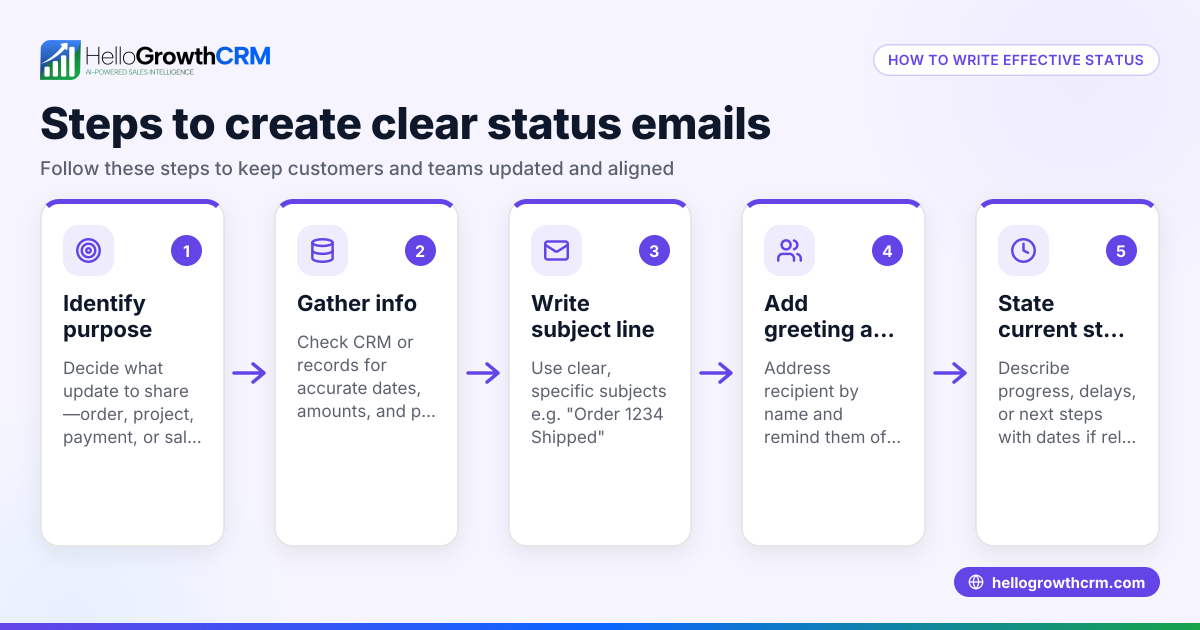
- Craft a clear, polite replenishment email: Include product details, reorder benefits, and a simple call to action, like "Order now to avoid running out."
- Schedule the email to send before the expected depletion date: Timing is key; send the email early enough to allow customers to reorder comfortably.
- Include easy reorder options: Add direct links or buttons to your online store or ordering system.
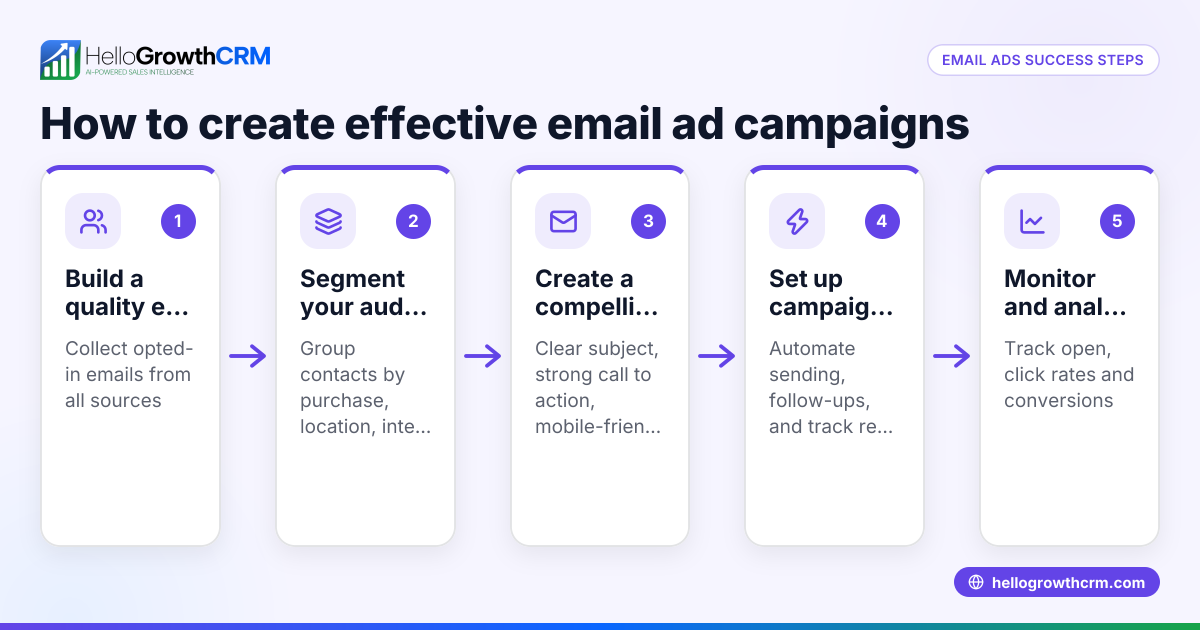
- Set up automated follow-ups: If the customer does not respond, send reminder emails spaced over days or weeks to encourage reorder.
- Track responses and orders: Monitor who reorders and adjust your timing or messaging accordingly.
For more on automating follow-ups, see email automation and sequences.
Example (fictional figures)
A residential real-estate team in Phoenix, Arizona, sells home maintenance kits that customers typically reorder every 90 days.
- Customer John bought a kit on 01/01/2026 for $120.
- The team decides to send a replenishment email 10 days before the 90-day mark, on 03/11/2026.
- Email cost is negligible but tracking shows a 20% reorder rate.
Calculations:
Reorder cycle: 90 days
Email sent: 90 days - 10 days = 80 days after purchase
If 100 customers bought kits on 01/01/2026:
100 × 20% reorder rate = 20 repeat orders
20 orders × $120 = $2,400 additional revenue
This example shows how timely replenishment emails can generate predictable repeat sales and improve cash flow.
Common mistakes
- Sending emails too early or too late: Prevent this by analyzing customer usage patterns carefully and timing emails to match when customers need to reorder.
- Ignoring customer preferences: Avoid spamming uninterested customers by segmenting lists and offering opt-out options.
- Using generic, unclear messages: Personalize emails with product details and benefits to increase engagement and response.
- Failing to automate follow-up: Use tools to send reminders automatically instead of tracking manually to avoid missed opportunities.
- Not tracking email performance: Monitor open rates, clicks, and orders to improve future campaigns and timing.
Learn how to avoid these mistakes with email automation and sequences.
Doing this in HelloGrowthCRM
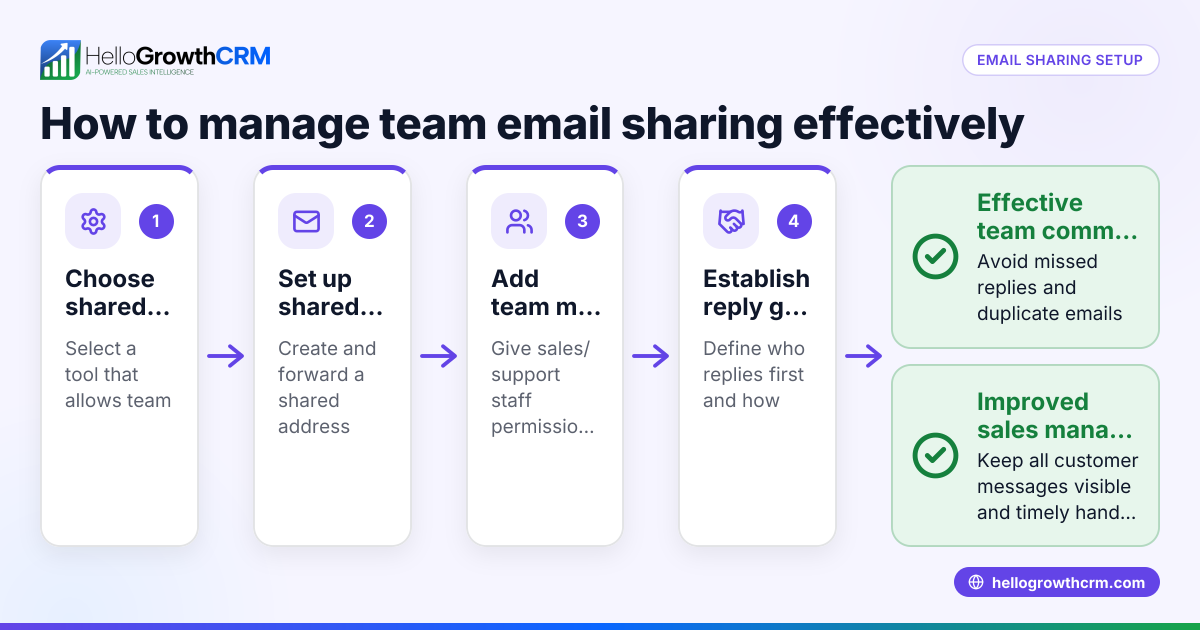
HelloGrowthCRM offers HelloMail, a shared inbox inside the CRM where your team can see all replies to replenishment or quotation emails on the deal, ensuring no response is missed. You can also set up sequences and campaigns to automate a five-step follow-up over two weeks that stops immediately when the prospect replies. This automation saves time and improves follow-up consistency. To learn more, visit email automation and sequences.
Frequently asked questions
What is the best timing for a replenishment email? Timing depends on the product's typical usage cycle. Send the email a few days before the customer is likely to run out, allowing time for them to reorder without rushing.
How often should I send replenishment emails? Send one initial email and follow up with automated reminders if there is no response. Avoid overwhelming customers by limiting follow-ups to a reasonable number, such as three to five messages.
Can replenishment emails work for services, not just products? Yes. Services like subscriptions or maintenance plans can benefit from replenishment emails reminding customers to renew or schedule their next service.
How do I measure the success of replenishment emails? Track metrics like open rates, click-through rates, and repeat purchases linked to the emails. Adjust your strategy based on what works best.
Is it better to send replenishment emails via email, SMS, or WhatsApp? Using multiple channels can increase reach. HelloGrowthCRM supports sequences across email, SMS, and WhatsApp, letting you choose the best method for your customers. See WhatsApp and SMS CRM for details.
Key takeaways
- A replenishment email prompts customers to reorder products or services before they run out.
- Timing and customer segmentation are crucial for effective replenishment emails.
- Automate follow-ups to save time and increase repeat sales.
- Avoid common mistakes like poor timing, generic messages, and lack of tracking.
- HelloGrowthCRM features like HelloMail and sequences help automate and manage replenishment email workflows.
Start using replenishment emails to boost your small business sales. To get started, Start on the Free Forever plan (200 leads, no credit card).
Ready to put this into practice?
Set up your pipeline, WhatsApp follow-ups, and AI lead scoring in minutes — free, no credit card.
Try HelloGrowthCRM freeGet CRM tips in your inbox
Join thousands of sales professionals who get weekly insights on CRM strategy, AI automation, and pipeline optimization.

The HelloGrowthCRM team publishes guides on CRM strategy, AI sales tools, and revenue operations for small business sales teams.