HelloGrowthCRM software
Built for real small-business sales teams
HelloGrowthCRM helps reps qualify faster, follow up on time, and close more deals—with practical automation in one place.
- AI lead scoring and pipeline visibility
- Built-in dialer, WhatsApp, and email automation
- Sales forecasting and RevOps-ready reporting
A sales toolbox is a set of tools and methods designed to help small and mid-sized businesses organize and accelerate their sales process. It typically includes lead capture, communication platforms, pipeline tracking, and task management to ensure no lead is lost due to slow follow-up or disorganization.
Why this comes up / what goes wrong
Many small-business owners rely on scattered methods like text messages, email, and spreadsheets to track sales leads and customer interactions. This approach often leads to lost opportunities because follow-ups slip through the cracks, communication is inconsistent, and there’s no clear visibility into the sales pipeline. Without a dedicated sales toolbox, teams can waste time chasing outdated information and miss sales targets.
Step-by-step
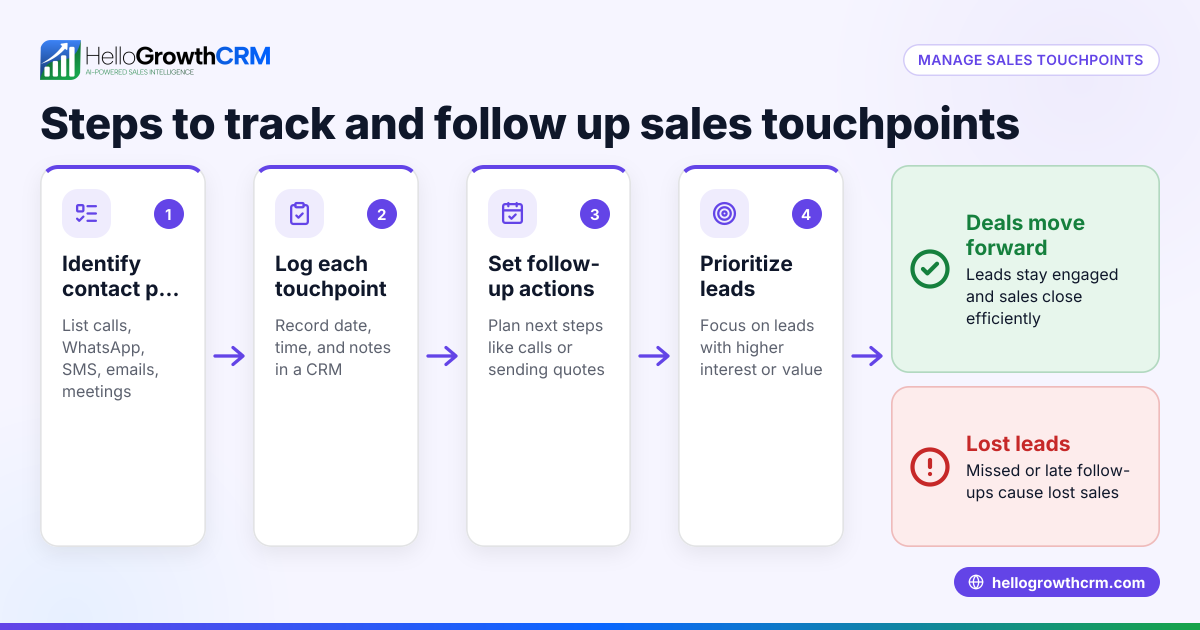
- Identify your sales stages and workflow: Define clear stages such as lead capture, qualification, quote sent, negotiation, and close. Check that each stage has a specific action and owner.
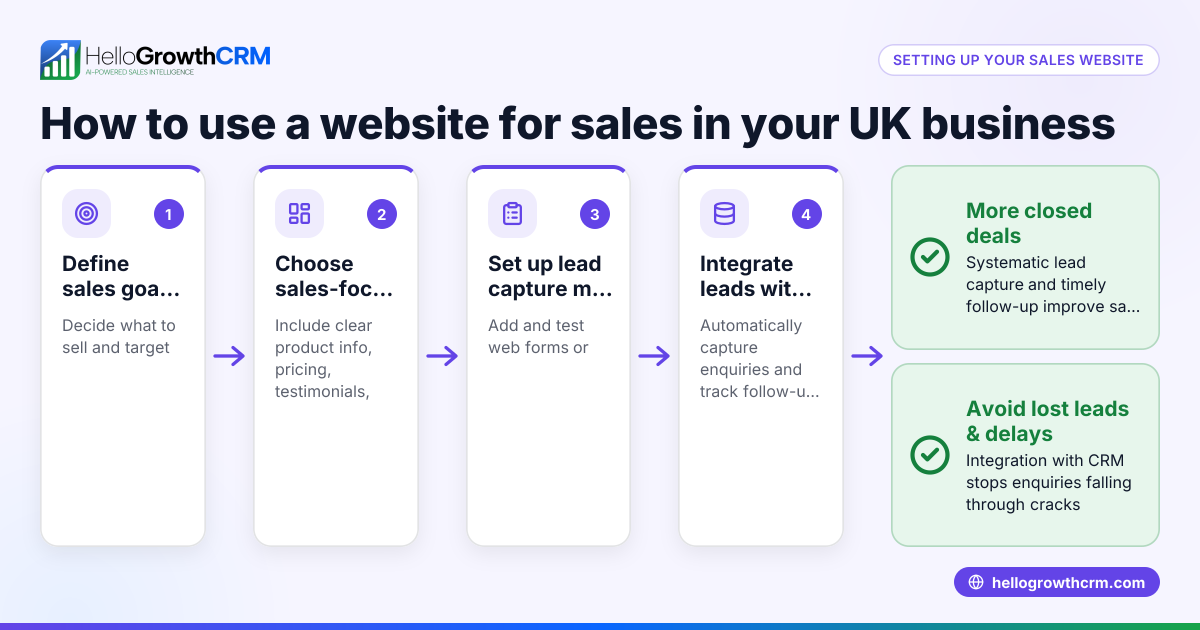
- Choose tools for lead capture and communication: Use web forms, WhatsApp, SMS, or email sequences to capture and engage leads promptly. Check that these tools integrate or centralize lead info.
- Implement pipeline management: Track deals visually through stages with follow-up dates to avoid forgetting prospects. Check that pipeline updates are timely and accessible.
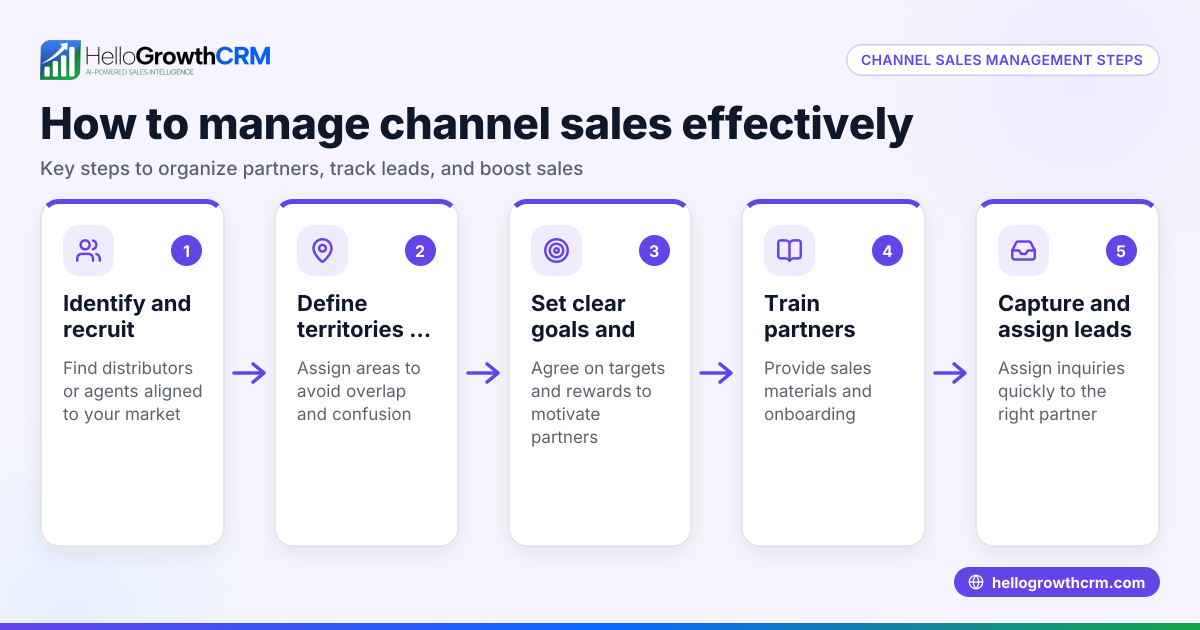
- Assign territories and roles if applicable: For businesses with field reps, define territories and track visits and commissions. Check that reps can log activities from mobile devices.
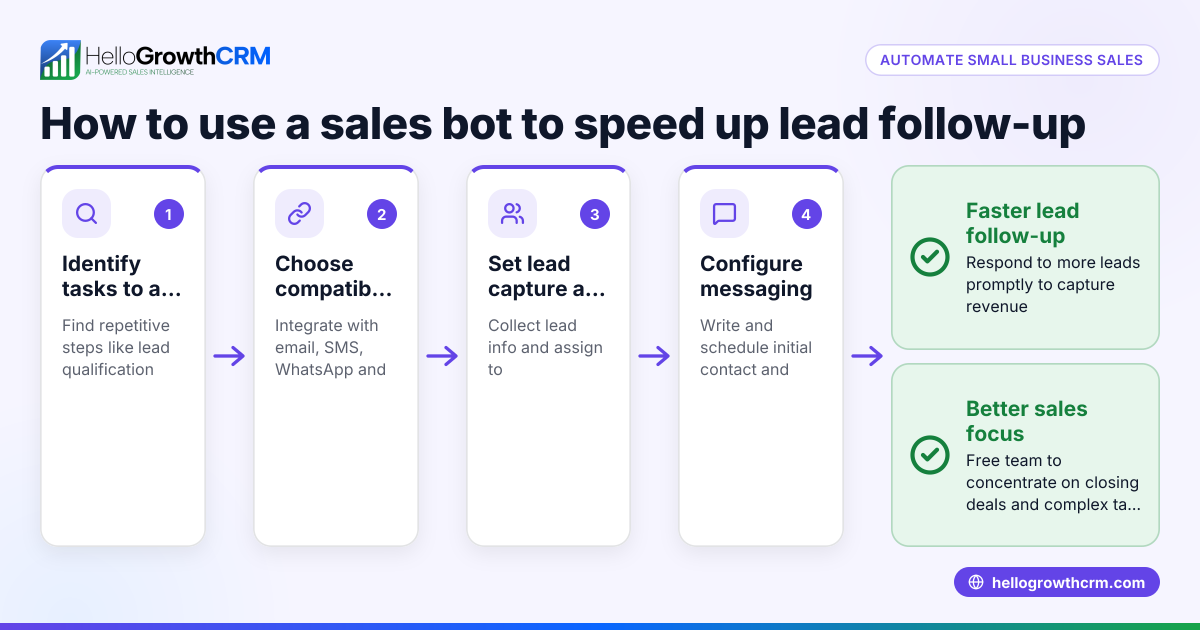
- Automate follow-up tasks and reminders: Set task boards and notifications to keep the sales team on schedule. Check that overdue tasks trigger alerts.
- Review and clean your pipeline regularly: Remove stale leads and update deal statuses. Check for bottlenecks or slow-moving deals.
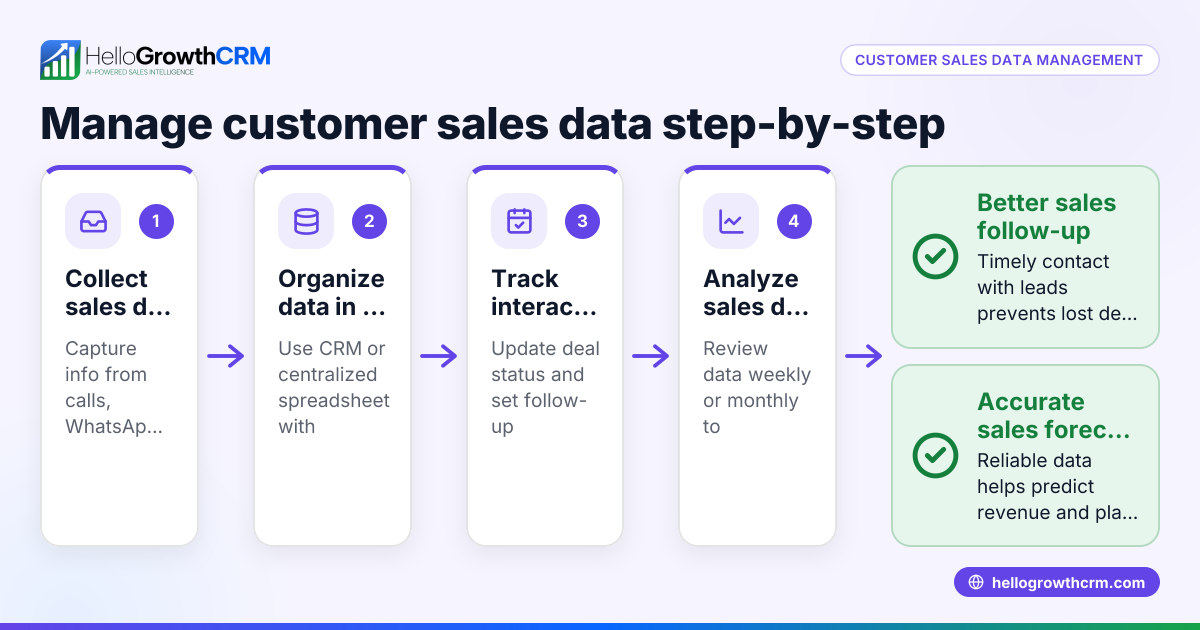
- Analyze sales data and forecast: Use reports to understand trends and set realistic targets. Check that your data sources are accurate and up to date.
For free sales tools and calculators that can help at various stages, see free sales tools and calculators.
Example (fictional figures)
A two-location dental practice in Columbus, Ohio, wants to improve its sales follow-up for new patient inquiries.
- Monthly new inquiries: 150
- Conversion rate without toolbox: 20% = 30 new patients
- Average revenue per patient: $1,200
- Current monthly revenue: 30 × $1,200 = $36,000
By implementing a sales toolbox with pipeline tracking and automated follow-ups, they increase conversion to 30%.
- New patients with toolbox: 150 × 30% = 45
- New monthly revenue: 45 × $1,200 = $54,000
Revenue increase: $54,000 - $36,000 = $18,000 monthly
This example shows how organized sales processes can directly impact revenue.
Common mistakes
- Not defining sales stages clearly: Leads get stuck or lost without clear next steps. Prevent by mapping your sales process upfront.
- Using too many disconnected tools: Leads scattered across email, spreadsheets, and texts cause confusion. Prevent by consolidating tools or integrating them.
- Neglecting follow-up reminders: Without task alerts, leads fall through the cracks. Prevent by setting automated reminders and follow-up dates.
- Ignoring pipeline hygiene: Old or dead leads clutter the pipeline and distort forecasts. Prevent by scheduling regular pipeline reviews.
- Failing to assign ownership: Leads with no clear owner get neglected. Prevent by assigning territories or sales reps.
- Overlooking mobile access for field reps: Field sales without mobile logging lose activity visibility. Prevent by choosing tools with mobile capabilities.
Learn more about managing sales territories and commissions with HelloGrowthCRM for the United States.
Doing this in HelloGrowthCRM
HelloGrowthCRM offers a Deals (pipeline) feature that tracks open opportunities from first contact through close, showing quotations sent with follow-up dates to prevent forgetting prospects. For businesses with field sales, it provides territories, field operations, and commissions tools where reps can log visits from their phones and managers can monitor daily activity. If you lack a sales manager, Managed RevOps support gives you a revenue specialist who works your follow-up queue weekly, cleans pipelines, and provides KPI reports. Explore these features to build your sales toolbox effectively at WhatsApp and SMS CRM.
Frequently asked questions
What is included in a sales toolbox? A sales toolbox includes tools for lead capture, communication (like WhatsApp, SMS, email), pipeline tracking, task management, and often territory and commission management. It helps organize sales activities and improve follow-up.
Why do small businesses need a sales toolbox? Small businesses often lose leads due to slow or inconsistent follow-up. A sales toolbox centralizes information and automates reminders, so no opportunity is missed.
Can I build a sales toolbox without software? Yes, but it’s harder to scale. Spreadsheets and manual tracking can work initially, but software automates tasks, improves accuracy, and provides analytics.
How do I choose the right sales tools? Look for tools that fit your sales stages, integrate with your communication channels, and provide pipeline visibility. Also consider mobile access if you have field reps.
What is pipeline management? Pipeline management is tracking sales opportunities through defined stages with visibility of progress and expected close dates. It helps prioritize follow-ups and forecast revenue.
How does HelloGrowthCRM help with sales follow-up? It shows deals in a pipeline with follow-up dates, offers territory and field sales tracking, and provides Managed RevOps support to keep your sales process active and clean.
Learn more tips and tools in our free sales tools and calculators.
Key takeaways
- A sales toolbox organizes your sales process and tools to prevent lost leads.
- Define clear sales stages and assign ownership for accountability.
- Use integrated communication channels and pipeline tracking to automate follow-ups.
- Regularly clean your sales pipeline to maintain accurate forecasts.
- Mobile access and territory management improve field sales efficiency.
- HelloGrowthCRM provides pipeline, territory, and managed RevOps features to build your sales toolbox.
Start organizing your sales today and improve your follow-up with HelloGrowthCRM. Start on the Free Forever plan (200 leads, no credit card).
Ready to put this into practice?
Set up your pipeline, WhatsApp follow-ups, and AI lead scoring in minutes — free, no credit card.
Try HelloGrowthCRM freeGet CRM tips in your inbox
Join thousands of sales professionals who get weekly insights on CRM strategy, AI automation, and pipeline optimization.

The HelloGrowthCRM team publishes guides on CRM strategy, AI sales tools, and revenue operations for small business sales teams.