Productivity & Work Management
Planning, execution, note-taking, and bulk-action tools that help revenue teams move faster with less repetitive work.
8
Productivity & Work Management features
Featured workspace
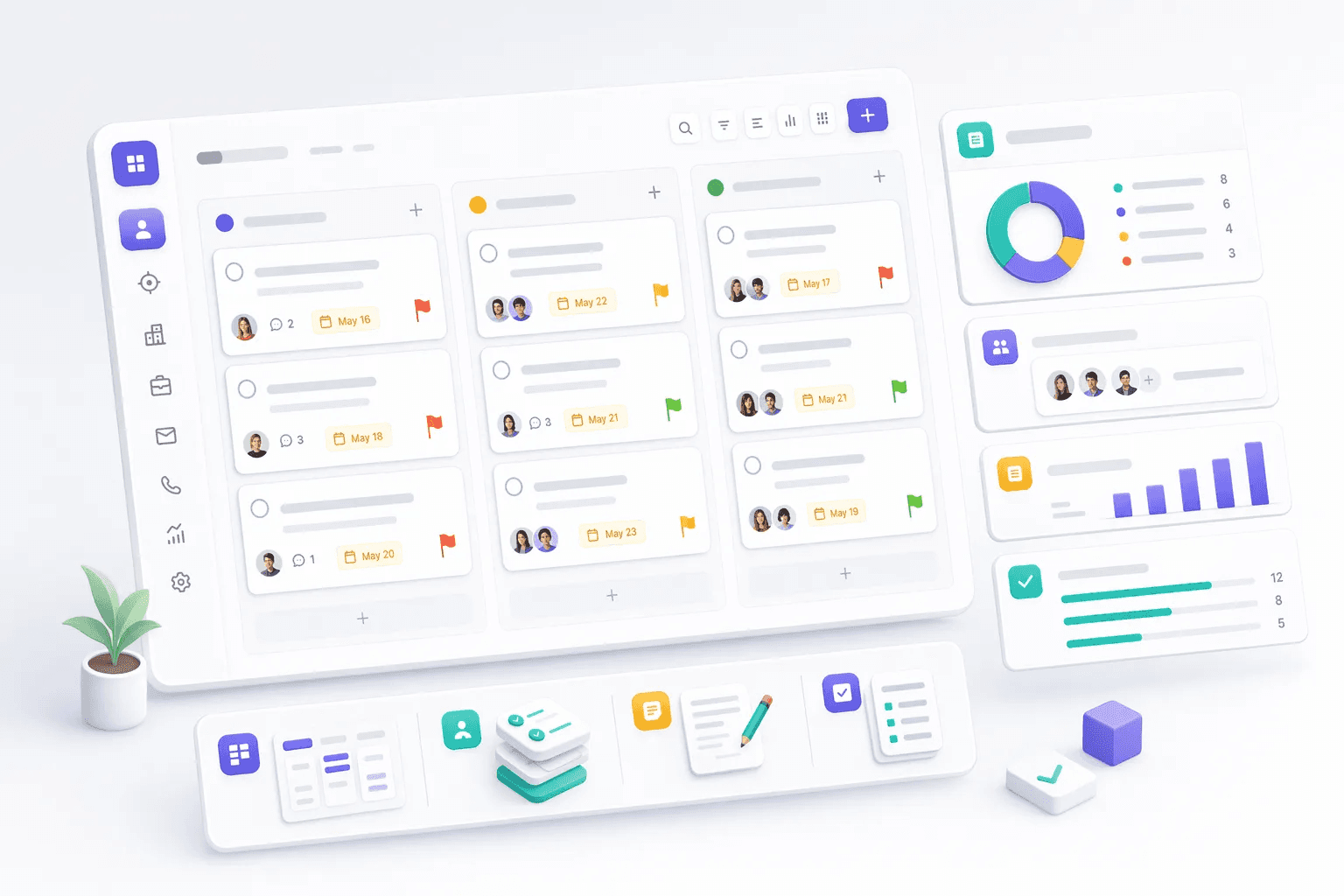
Task Boards
How teams use productivity & work management
Teams usually review productivity & work management when they want to improve a specific operating motion, not just add another isolated feature. In practice, that means turning related capabilities such as Task Boards, Bulk Actions, Quick Notes, Task Management into one clearer workflow that reps, managers, and operators can actually use every day.
For most buyers, the real question is how this category changes execution. Common evaluation paths include run daily follow-up work, coordinate field operations, reduce admin time, where the value comes from cleaner ownership, faster next steps, and better visibility into what should happen after each customer interaction.
A strong rollout usually starts with one high-value use case, then expands into reporting, automation, and team inspection once adoption is consistent. That is why this category page groups related modules together first and then links into deeper feature pages for more specific evaluation.
Sales productivity is determined more by what reps don't do than by what they do. Reps who spend 60 percent of their working day in CRM updates, email triage, internal Slack threads, and meeting prep have only 40 percent of their day available for actual customer conversations. The productivity-and-work-management feature category exists to compress the non-selling portion of the rep's day so the customer-facing portion expands. The mechanics: task lists organized by priority, calendar-integrated meeting prep, voice-to-text notes, AI-drafted email templates, and one-click activity logging.
Task management discipline at the rep level is the differentiator between consistent quota achievement and quarterly hero-or-zero performance. Reps with clean task lists, clear next steps on every deal, and visibility into what's overdue convert at higher rates than reps with chaotic inboxes and reactive workflow. HelloGrowthCRM's task-management features (priority tagging, calendar integration, automated reminders, escalation rules) make this discipline operationally sustainable rather than dependent on rep willpower.
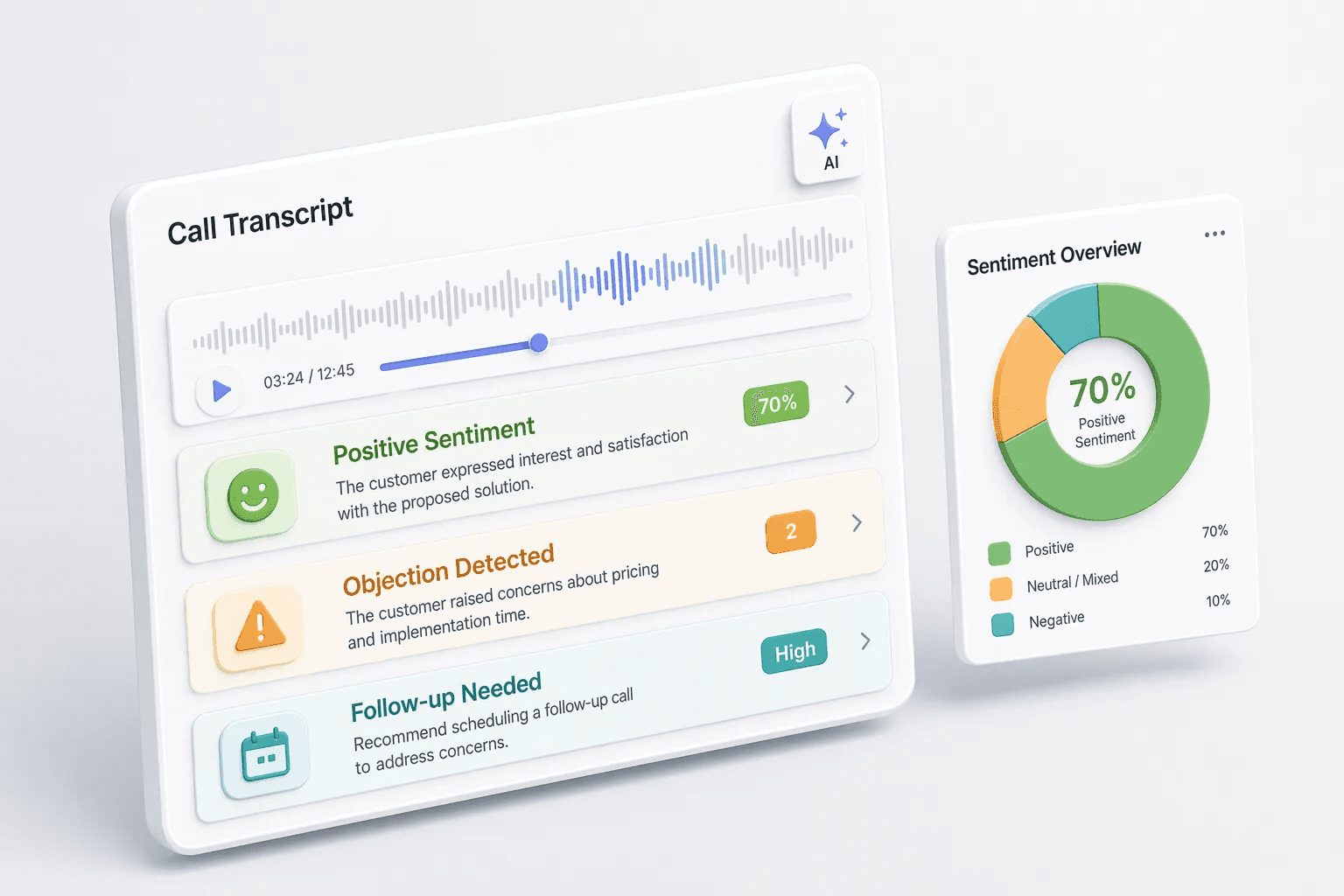
Calendar integration matters more than most CRM evaluators initially appreciate. The rep's calendar is operationally the most-checked surface in their workflow, and a CRM that doesn't surface deal context inside calendar events is one that gets used less. HelloGrowthCRM's calendar integration shows deal-stage, recent activity, and AI-generated meeting prep on every calendar event linked to a CRM contact — so reps walk into meetings prepared rather than scrambling for context in the five minutes before the call.
Explore modules
Productivity & Work Management features
Pick a module to see details, workflows, and how it fits into the CRM.


Common use cases
Where teams use productivity & work management
Practical workflows built from the features in this category, grouped around the outcomes teams usually care about first.
Use these examples to decide whether you need one focused capability or a broader category rollout. In most teams, adoption improves when the first workflow is concrete and tied to a measurable operational problem rather than a broad feature wish list.
Run daily follow-up work
Use boards, tasks, notes, and bulk actions to keep sales execution moving.
See workflowCoordinate field operations
Schedule visits, track outcomes, and connect field execution to the customer record.
See workflowReduce admin time
Use bulk actions and quick notes to update many records without repetitive clicking.
See workflowTrack operational costs
Capture claims, approvals, and reimbursements alongside revenue-team activity.
See workflowSuggested workflow
Turn features into a working motion
Start with a focused setup, connect the next action, and expand once the team has a repeatable rhythm.
Step 1
Start with the core workflow
Use Task Boards as the first workspace so the team has one clear place to begin.
Step 2
Connect the next action
Layer in Bulk Actions to turn the workflow into repeatable daily execution.
Step 3
Scale what works
Use Quick Notes to refine adoption, coaching, and team visibility as usage grows.
CRM Productivity Tools That Eliminate Busywork
HelloGrowthCRM's Productivity and Work Management module gives sales reps and managers the tools to organise their day, manage tasks, collaborate on accounts, and handle operational work — all inside the CRM rather than across a patchwork of separate apps. Task boards, notes, calendar sync, expense tracking, scheduling, and bulk actions are built in and connected to your contact and deal data.
Indian sales teams often operate with high rep-to-manager ratios and lean admin support. The burden of organising follow-ups, tracking expenses, scheduling visits, and reporting falls on reps themselves. HelloGrowthCRM reduces this burden by automating reminders, syncing calendars, and surfacing priority actions automatically — so reps spend more time selling and less time managing their CRM.
Key Capabilities
- Task Boards (Kanban and List): Create, assign, and track tasks linked to contacts, deals, or companies. View tasks as a Kanban board for visual prioritisation or a list for a simple checklist view.
- Activity Reminders and Daily Digest:HelloGrowthCRM sends a morning summary via WhatsApp or push notification showing today's tasks, overdue follow-ups, and deals approaching close date.
- Calendar Scheduling and Sync: Book meetings directly from the CRM linked to deals and contacts. Sync bidirectionally with Google Calendar and Microsoft Outlook. Reps see CRM tasks and calendar meetings in one view.
- Bulk Actions on Records: Update, tag, reassign, export, or delete hundreds of records in one action. Saves hours of repetitive work when updating a territory or cleaning a segment.
- Structured Notes and Templates: Use note templates for meeting summaries, call outcomes, and site visit reports. Notes are tagged to the relevant contact or deal and appear in the activity timeline.
- Expense Tracking for Field Reps: Log travel, entertainment, and demo costs from mobile with receipt photo upload. Approval workflows route expenses to the right manager. See expense management for the full feature set.
- Shared Team Workspace:Pin important notes, documents, and resources to a deal or account record for the whole team to see. Reduces “where is that file?” conversations.
- Mobile-First Design: All productivity features work on the HelloGrowthCRM mobile app. Field reps can log visits, mark tasks complete, and check their schedule from the field without needing a laptop.
How Indian Teams Use It
- Field Sales Daily Planning:A pharmaceutical distributor with 25 medical reps uses HelloGrowthCRM's daily digest WhatsApp message to give each rep their visit schedule, overdue follow-ups, and pending expense claims every morning. Reps arrive at their first call knowing exactly what they need to accomplish that day — without checking in with a manager.
- Key Account Review Preparation:A Pune manufacturing company prepares for quarterly business reviews by using HelloGrowthCRM's bulk note export to compile all interactions with a key account into a single document. The account manager arrives at the review with a 6-month summary generated in minutes.
- Post-Exhibition Follow-Up Management: After a major trade show, a sales leader creates 200 follow-up tasks in bulk from the exhibition lead list — one task per lead, all assigned to the respective rep, all due within 48 hours. Reps see their tasks on the mobile app and work through them systematically.
Frequently Asked Questions
- What productivity features does HelloGrowthCRM include?
- HelloGrowthCRM's productivity module includes task boards (Kanban and list view), calendar scheduling, bulk actions on records, note templates, expense tracking, team collaboration notes, and activity reminders. All features are accessible from mobile, so field reps can manage their work day on the go.
- Can I assign tasks to other team members in HelloGrowthCRM?
- Yes. Tasks can be created and assigned to any team member, linked to a contact, deal, or company, and given a due date and priority. The assignee receives a notification via app and optionally via WhatsApp. Managers see all open tasks across their team in a single dashboard.
- How does HelloGrowthCRM help sales reps prioritise their day?
- HelloGrowthCRM surfaces a daily action list based on overdue tasks, follow-up reminders, and deals with no recent activity. The AI assistant in GrowthOS can suggest which deals to focus on based on close date, deal size, and engagement recency — helping reps spend their time where it matters most.
- Does HelloGrowthCRM integrate with Google Calendar and Outlook Calendar?
- Yes. HelloGrowthCRM syncs with Google Calendar and Microsoft Outlook Calendar bidirectionally. Meetings scheduled in the CRM appear in the rep's calendar, and calendar events are logged to the relevant contact's activity timeline automatically.
Productivity and work management features are included on all HelloGrowthCRM plans. Compare plans. See the full task management feature set or learn how field sales teams use HelloGrowthCRM.