Analytics & Reporting
Reporting, forecasting, dashboards, and intelligence layers that help teams understand pipeline health, activity patterns, and performance trends.
10
Analytics & Reporting features
Featured workspace
Analytics Dashboard
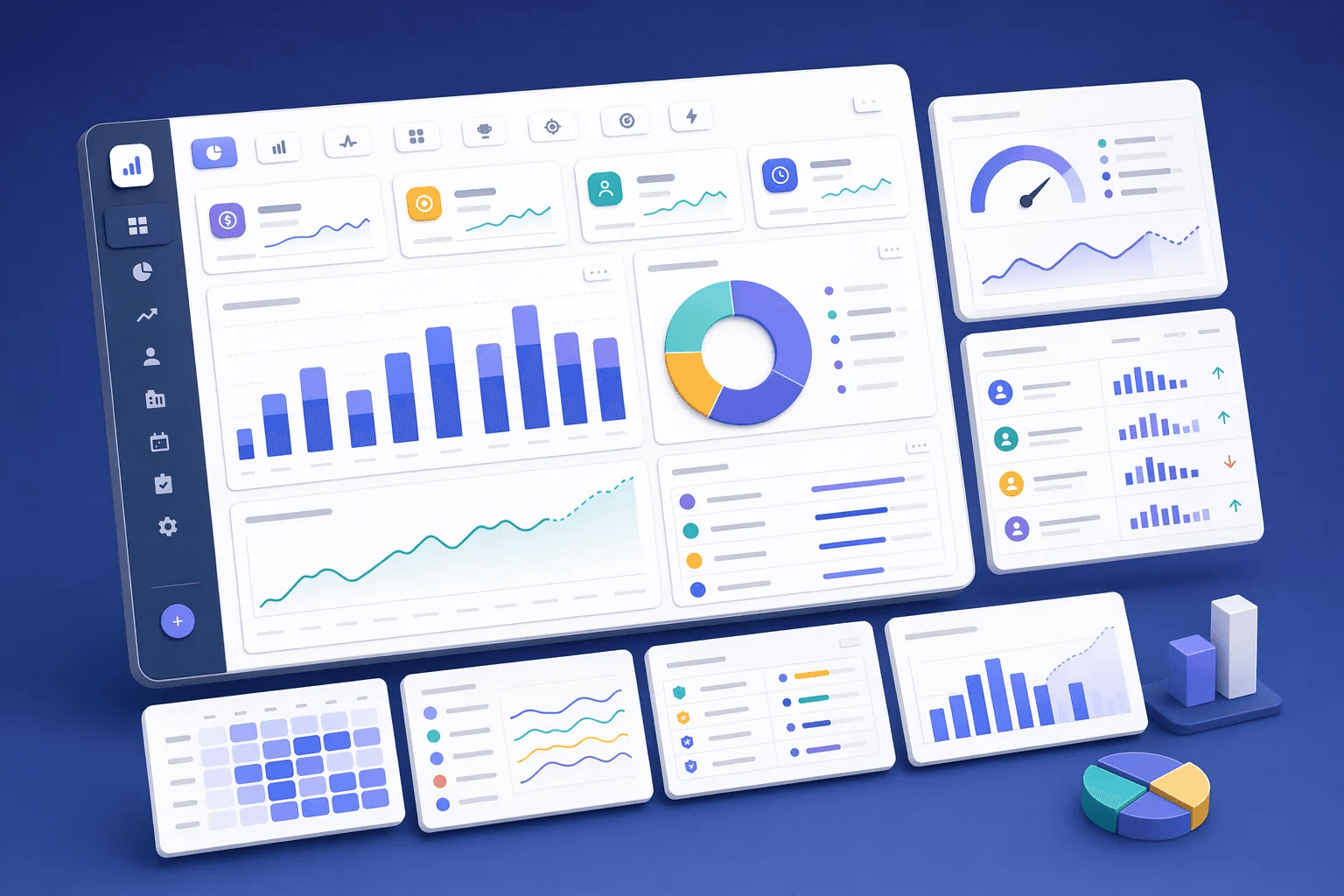


Measure what moves revenue.
Logged every day
- Calls & messages
- Deal stage changes
- Wins & losses
CRM analytics
Live dashboards
- Filter by rep, source, period
- Stage-by-stage conversion
- Trends over time
KPIs
- Win rate & conversion rate
- Sales cycle length
- Activity per rep
- Pipeline coverage & forecast
How teams use analytics & reporting
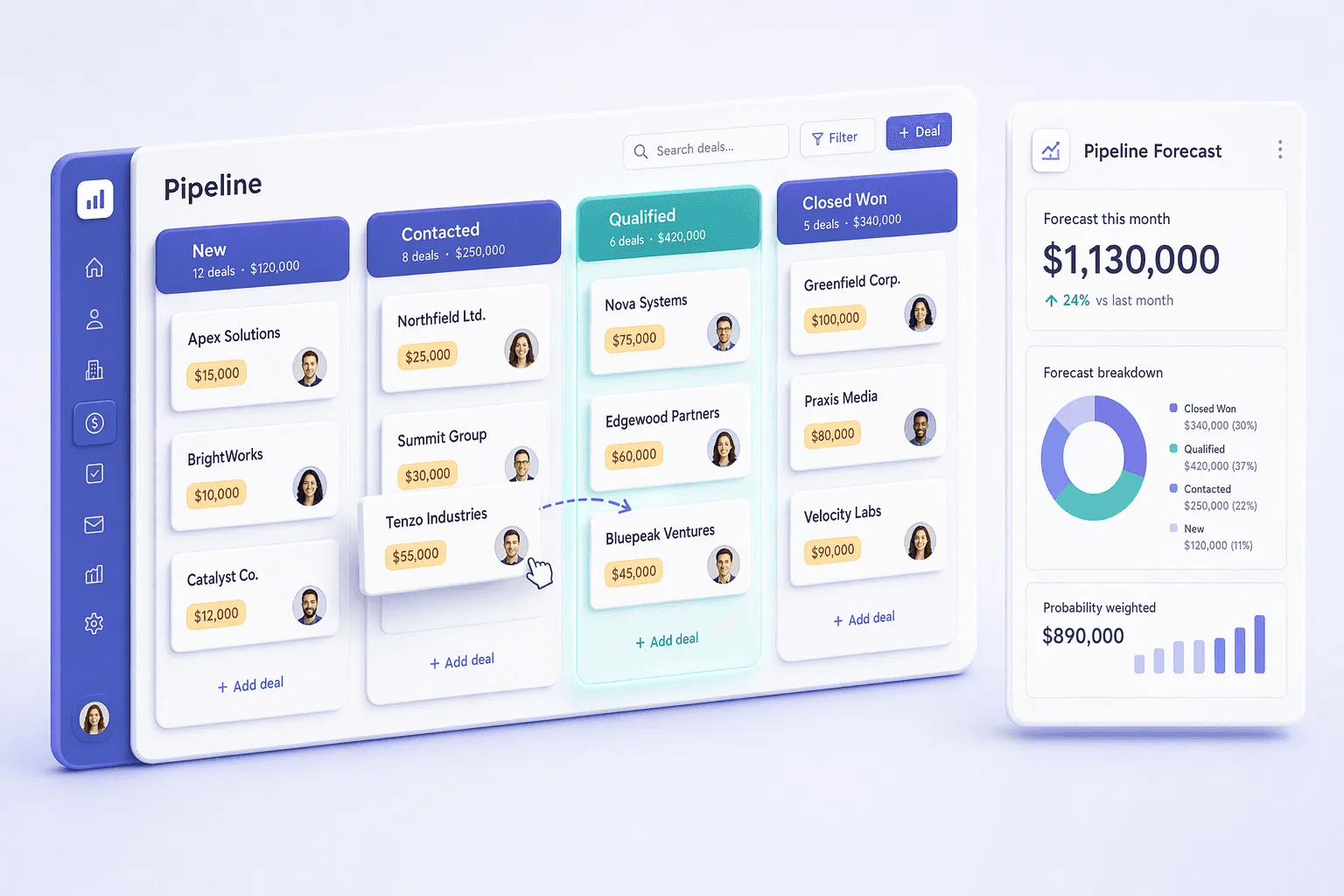
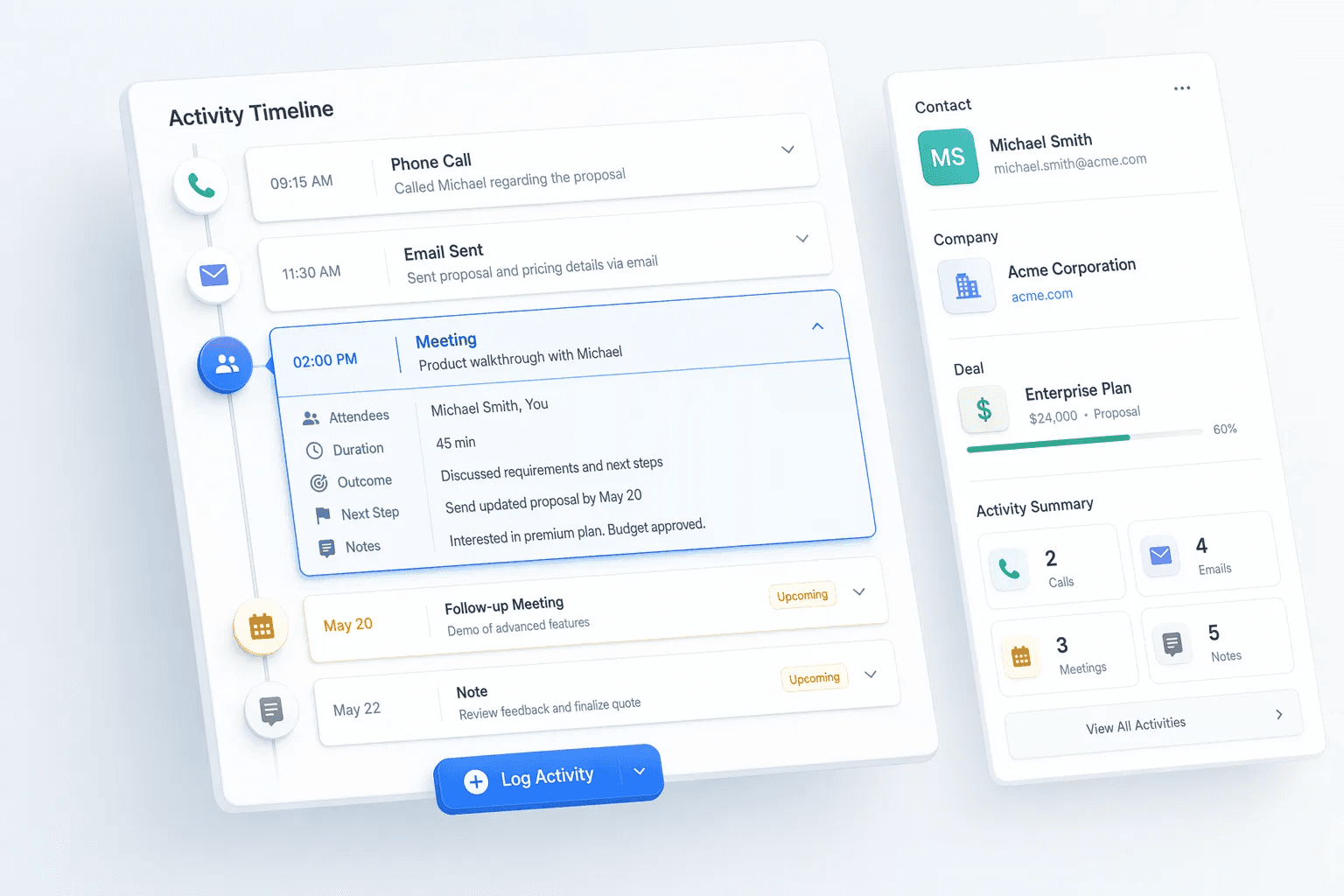
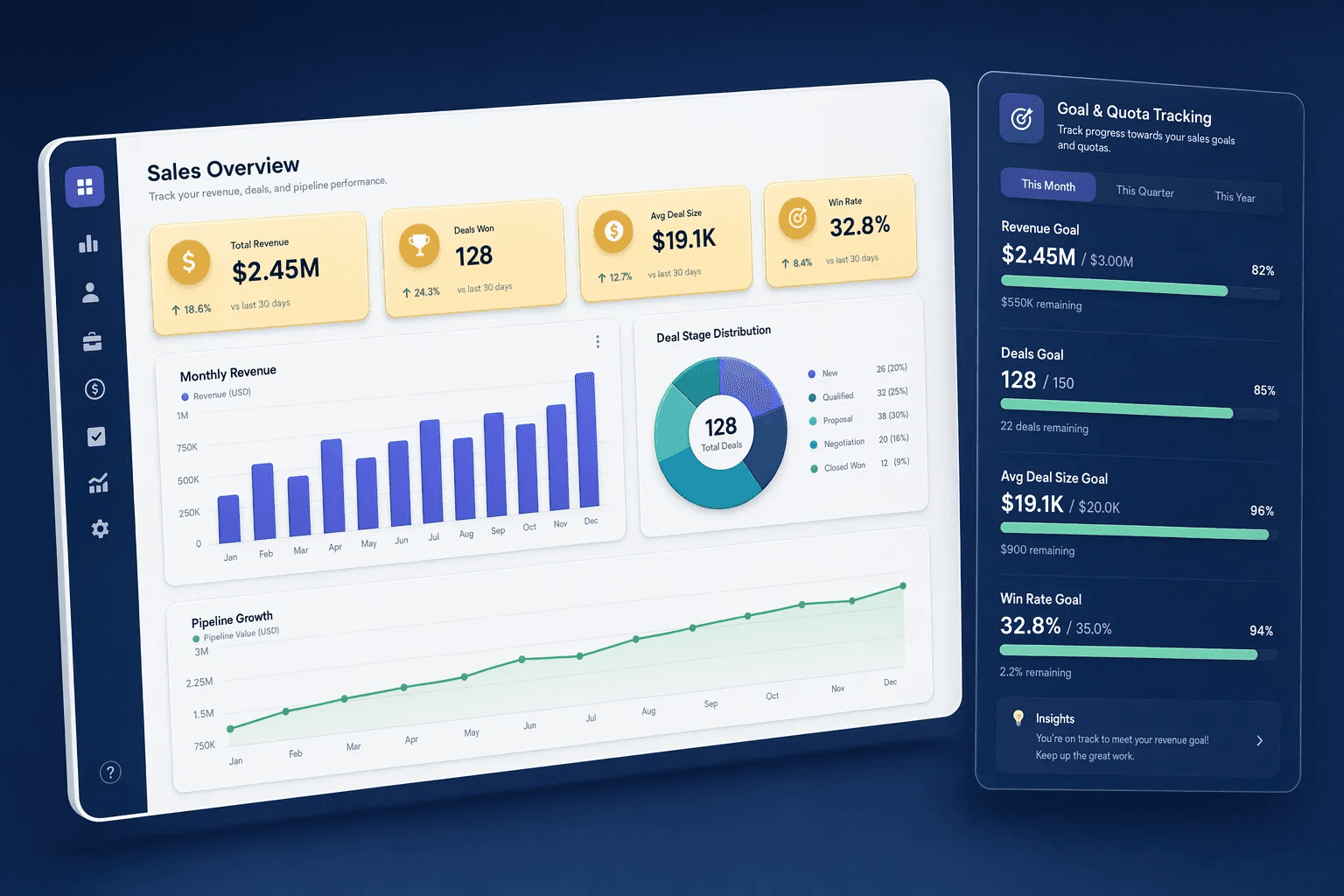
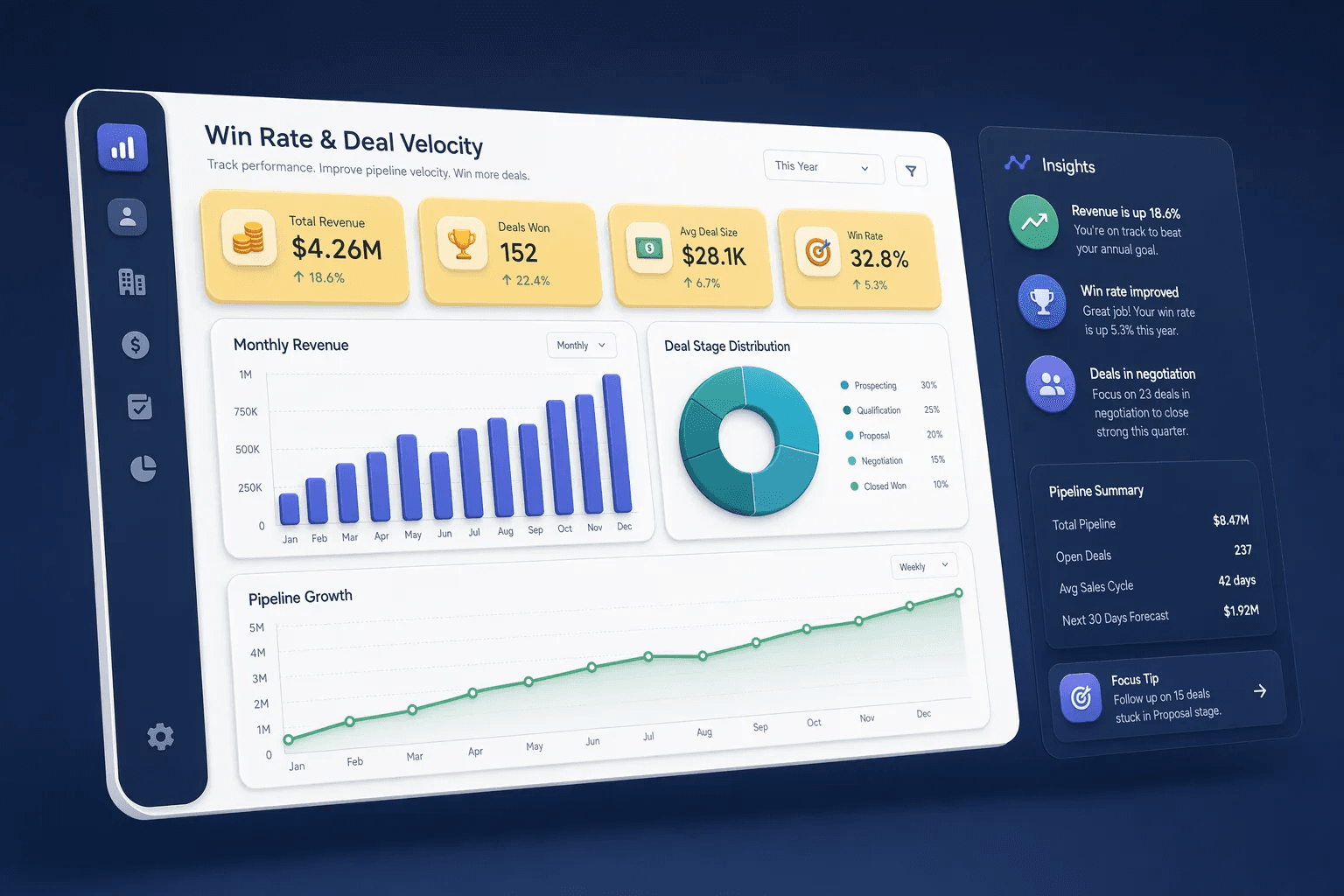
Teams usually review analytics & reporting when they want to improve a specific operating motion, not just add another isolated feature. In practice, that means turning related capabilities such as Analytics Dashboard, Activity Heatmap, Competitor Tracking, Pipeline Forecasting into one clearer workflow that reps, managers, and operators can actually use every day.
For most buyers, the real question is how this category changes execution. Common evaluation paths include run weekly pipeline reviews, coach activity quality, track goals and quota progress, where the value comes from cleaner ownership, faster next steps, and better visibility into what should happen after each customer interaction.
A strong rollout usually starts with one high-value use case, then expands into reporting, automation, and team inspection once adoption is consistent. That is why this category page groups related modules together first and then links into deeper feature pages for more specific evaluation.
Sales analytics has split into two camps over the last 18 months: traditional descriptive reporting (what happened) and predictive analytics (what's likely to happen). The teams winning in 2026 use both — descriptive reporting drives weekly pipeline reviews and quarterly board updates, while predictive analytics drives daily rep prioritization and proactive risk intervention. HelloGrowthCRM's analytics category includes both layers natively, rather than forcing teams to buy a separate BI tool for descriptive reports and a separate predictive layer for forecasting.
The most-misused metric in sales analytics is 'pipeline value' — a number that means different things to different stakeholders depending on stage definitions, weighting methodology, and time horizon. Disciplined analytics teams publish explicit definitions for each metric, version-control them like code, and refuse to allow ad-hoc redefinition. This discipline sounds bureaucratic until the first quarter where leadership trusts the numbers enough to act on them — at which point the value of consistent definitions compounds.
Manager visibility into rep activity is the underrated analytics capability that distinguishes high-performing sales orgs from average ones. Managers who can see, at a glance, which reps are below activity baselines, which deals haven't moved in 30 days, and which forecasts have slipped twice in the last quarter can intervene before problems become crises. HelloGrowthCRM's manager-dashboard view consolidates these signals into one screen rather than requiring managers to navigate seven different reports.
Explore modules
Analytics & Reporting features
Pick a module to see details, workflows, and how it fits into the CRM.
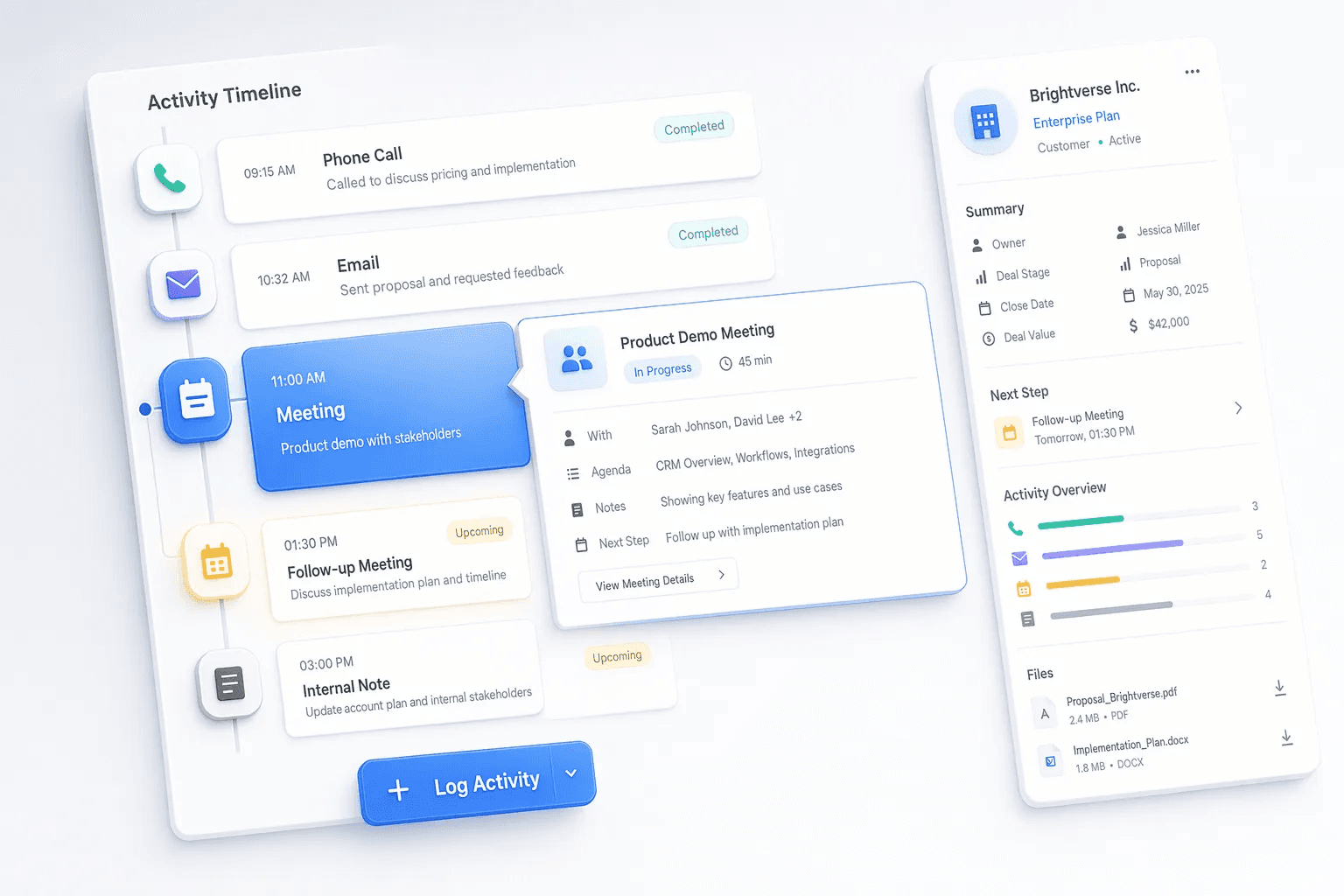
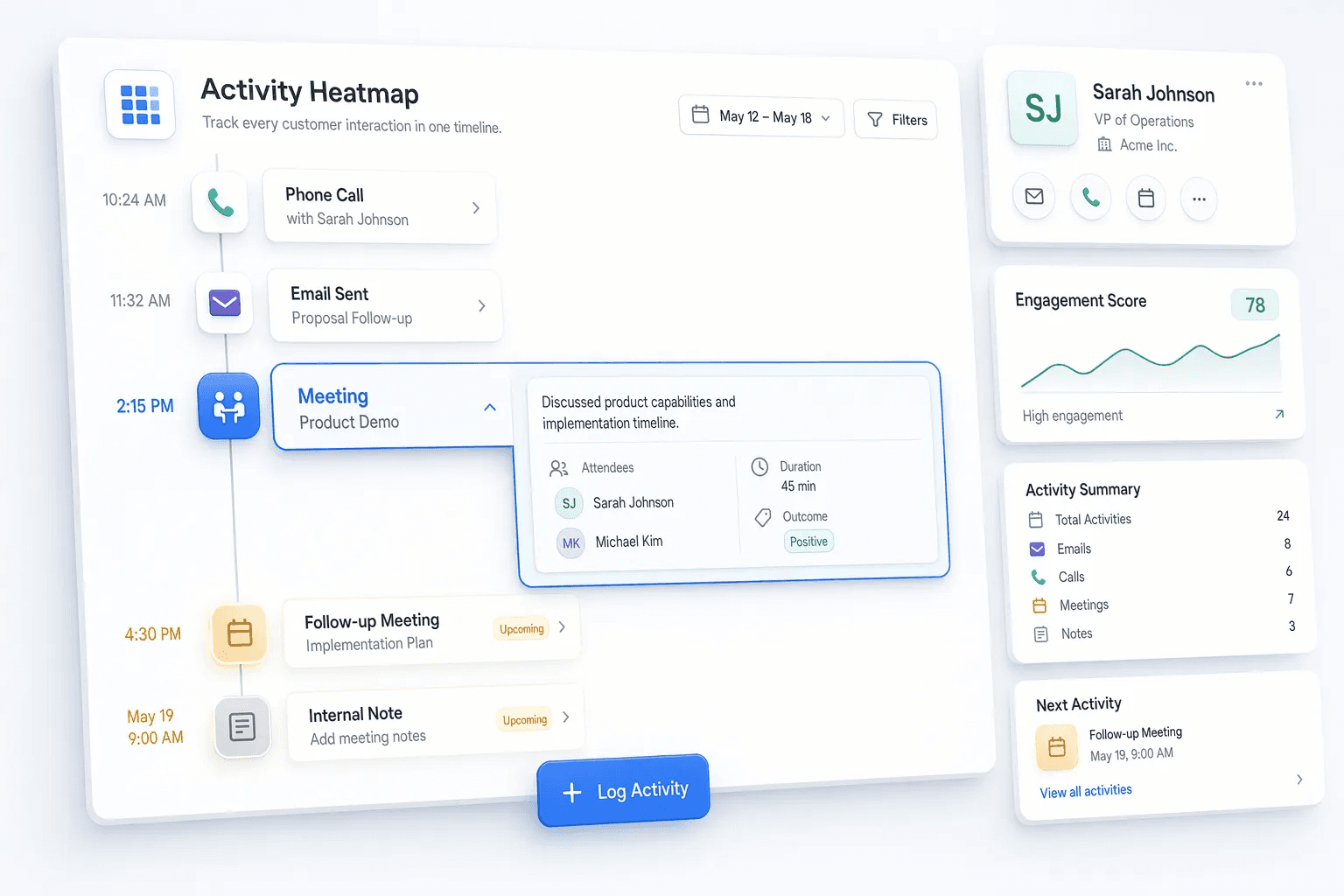
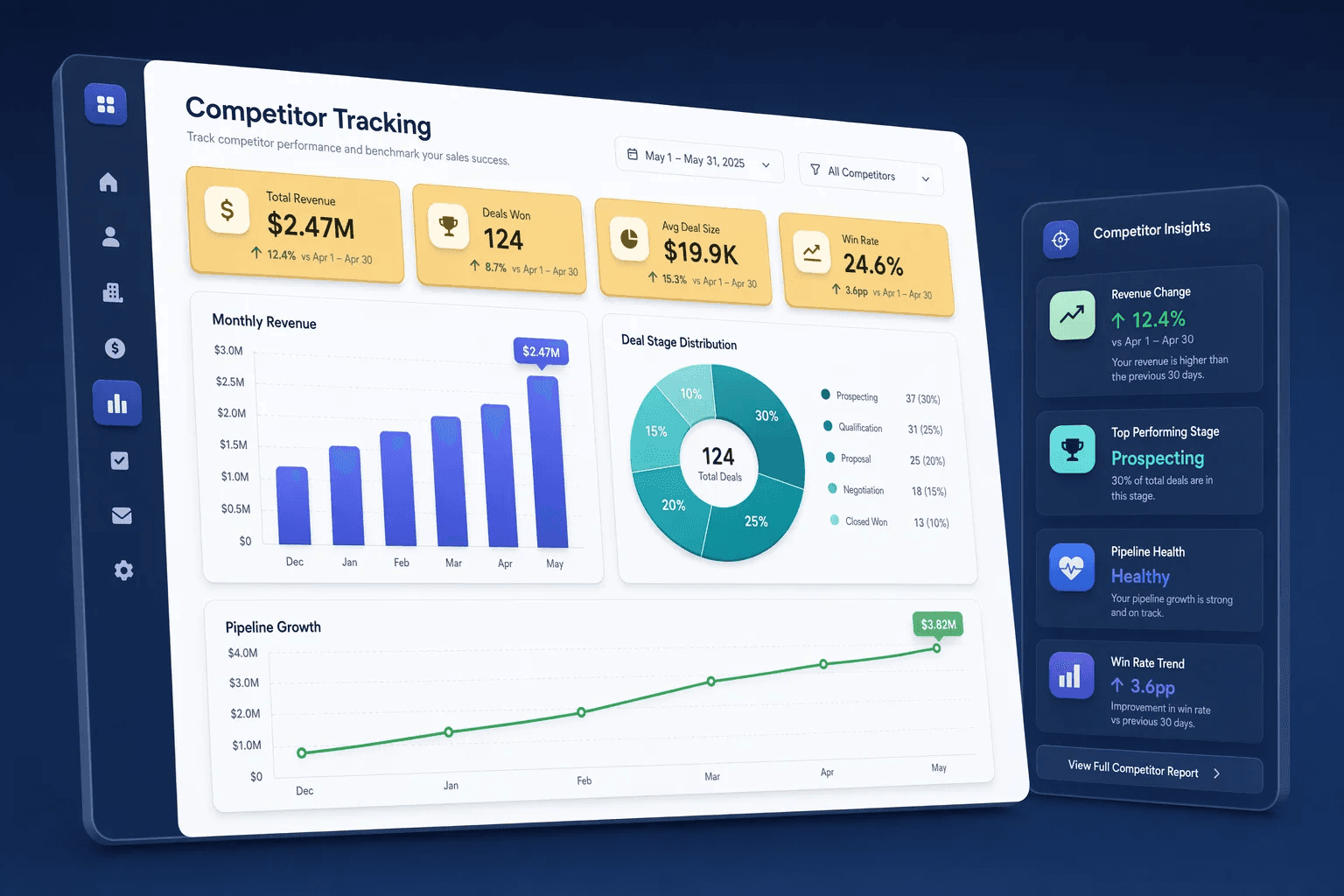


Common use cases
Where teams use analytics & reporting
Practical workflows built from the features in this category, grouped around the outcomes teams usually care about first.
Use these examples to decide whether you need one focused capability or a broader category rollout. In most teams, adoption improves when the first workflow is concrete and tied to a measurable operational problem rather than a broad feature wish list.
Run weekly pipeline reviews
Use dashboards, forecasts, and conversion views to see which stages need coaching or action.
See workflowCoach activity quality
Compare activity patterns, call performance, and heatmaps to find what actually improves outcomes.
See workflowTrack goals and quota progress
Keep team and rep attainment visible before the period is already at risk.
See workflowFind deal bottlenecks
Use win-rate and velocity data to understand where opportunities slow down or drop out.
See workflowSuggested workflow
Turn features into a working motion
Start with a focused setup, connect the next action, and expand once the team has a repeatable rhythm.
Step 1
Start with the core workflow
Use Analytics Dashboard as the first workspace so the team has one clear place to begin.
Step 2
Connect the next action
Layer in Activity Heatmap to turn the workflow into repeatable daily execution.
Step 3
Scale what works
Use Competitor Tracking to refine adoption, coaching, and team visibility as usage grows.
Analytics & Reporting by industry
The same capability, written for the fields, follow-ups and reports each vertical actually runs on.