Automation
Automated reminders, scoring, routing, and lead monitoring workflows that help teams respond faster and prevent pipeline leakage.
7
Automation features
Featured workspace
Follow-up Reminders
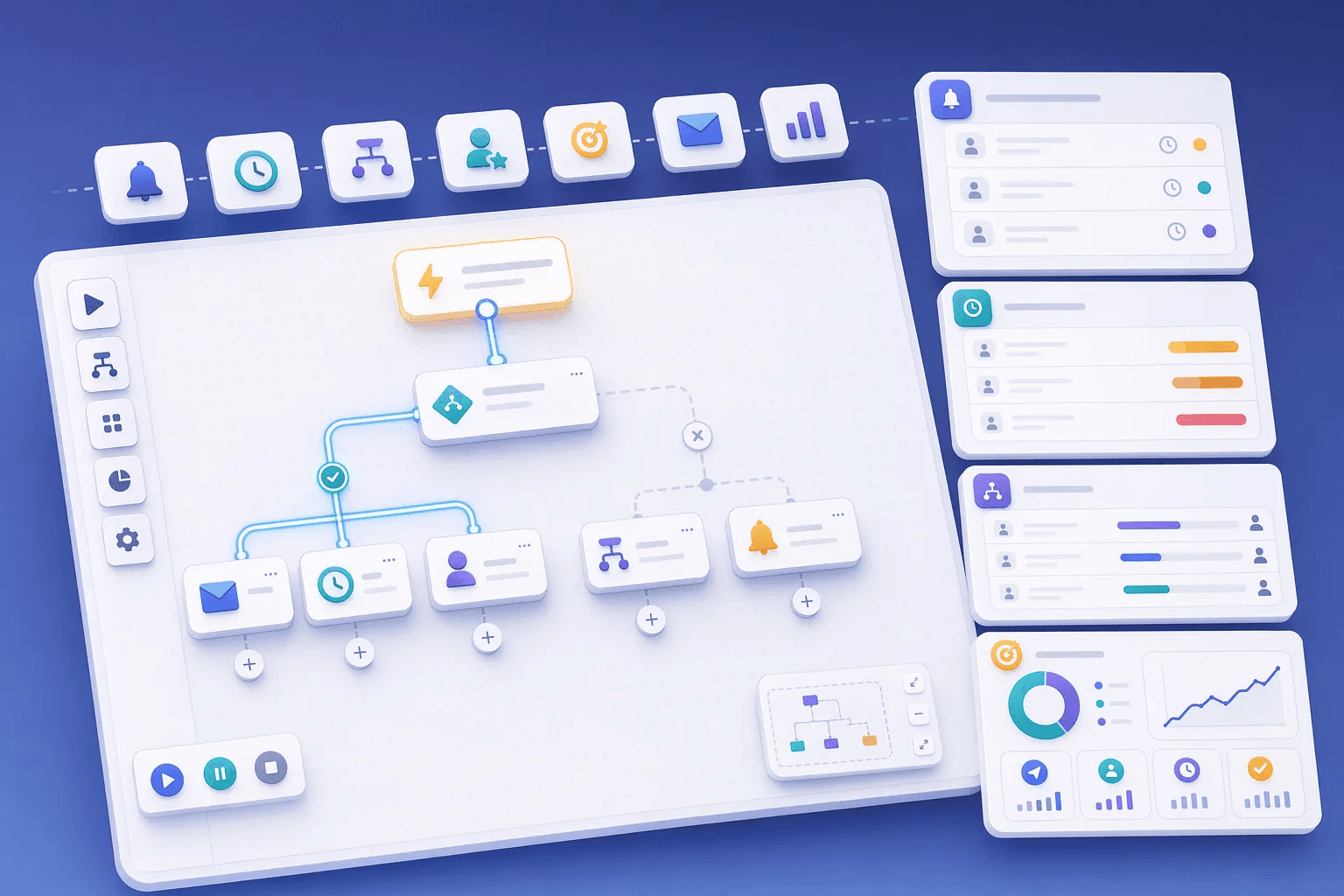


Automate the busywork.
- Step 1
Trigger
New lead, stage change or no reply
When - Step 2
Condition
Source, score, territory or deal value
If - Step 3
Assign
Route to the right rep
Then - Step 4
Remind
Create a follow-up task
- Step 5
Message
Send a WhatsApp or email
Start with one rule, confirm it on real leads for a week, then add the next.
How teams use automation
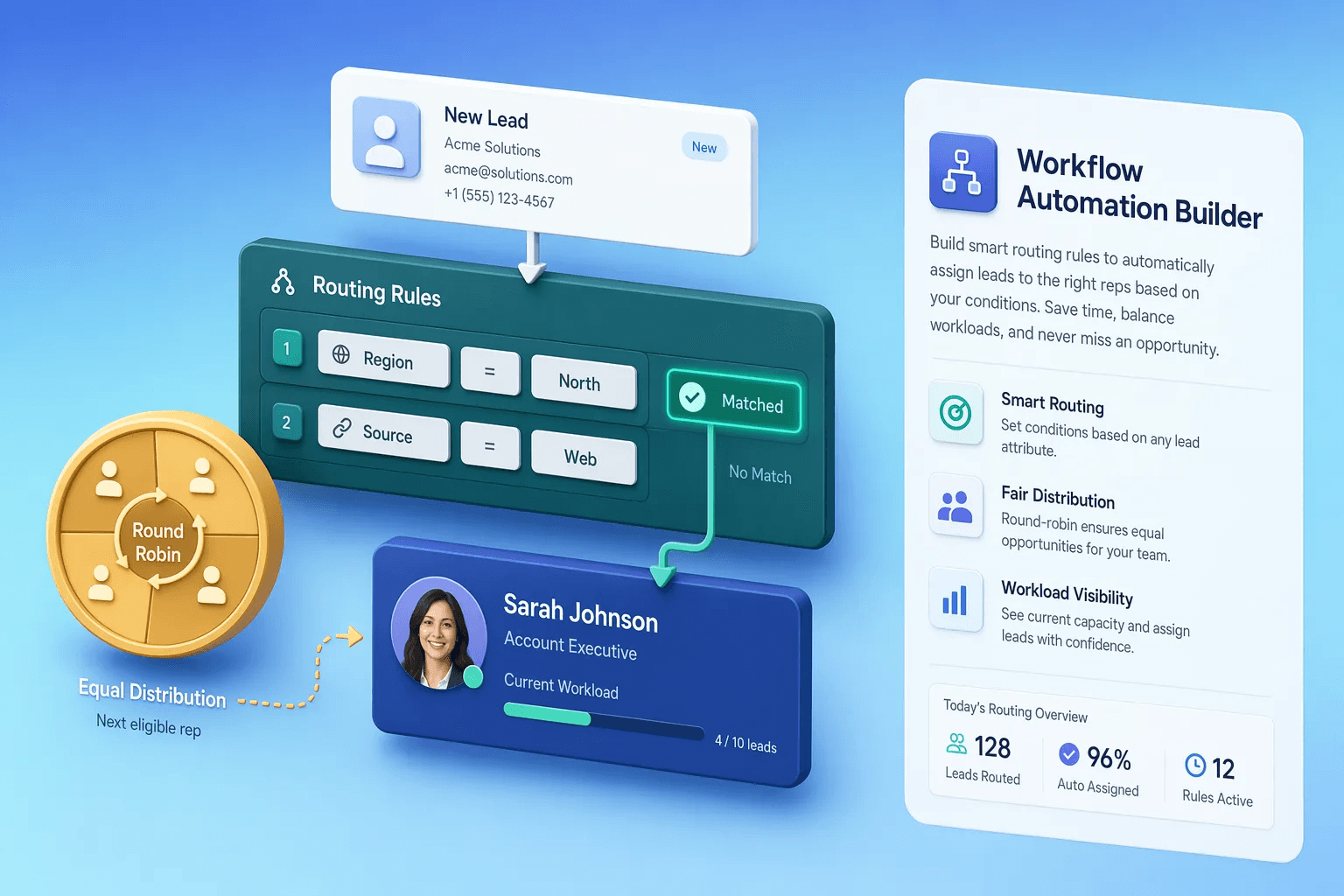
Teams usually review automation when they want to improve a specific operating motion, not just add another isolated feature. In practice, that means turning related capabilities such as Follow-up Reminders, Lead Aging Alerts, Lead Routing Rules, Lead Scoring into one clearer workflow that reps, managers, and operators can actually use every day.
For most buyers, the real question is how this category changes execution. Common evaluation paths include prevent missed follow-ups, route new leads instantly, automate repetitive tasks, where the value comes from cleaner ownership, faster next steps, and better visibility into what should happen after each customer interaction.
A strong rollout usually starts with one high-value use case, then expands into reporting, automation, and team inspection once adoption is consistent. That is why this category page groups related modules together first and then links into deeper feature pages for more specific evaluation.
Sales automation has matured from 'send email when X happens' rule-based triggers to AI-driven decisions about what action to take when X happens. The transition matters because rule-based automation breaks easily — every edge case requires a new rule, and over 18 months the automation graph becomes unmaintainable. AI-driven automation handles edge cases probabilistically, learning from the team's actual decisions about what to do in each context. HelloGrowthCRM's automation category bridges both models so teams can run reliable rule-based flows for clear cases and AI-assisted flows for ambiguous cases.
The biggest mistake teams make with sales automation is automating before understanding the manual workflow they're trying to scale. A team that automates a confused process scales the confusion; a team that first documents and refines the manual process, then automates the validated version, scales the quality. The discipline that works: run the workflow manually for two months, document what produces good outcomes versus bad outcomes, then automate the version that produces good outcomes.
Trigger design, action design, and exception handling are the three operational pillars of robust sales automation. Trigger design picks the right signal to act on (a deal moving to stage three is a trigger; a customer opening an email may or may not be); action design picks the appropriate response (notify, task-create, sequence-enroll, escalate); exception handling defines what happens when the standard flow doesn't fit. Teams that invest in all three pillars build automation that runs reliably for years; teams that skip exception handling produce automation that breaks the first time reality differs from the original assumption.
Explore modules
Automation features
Pick a module to see details, workflows, and how it fits into the CRM.


Common use cases
Where teams use automation
Practical workflows built from the features in this category, grouped around the outcomes teams usually care about first.
Use these examples to decide whether you need one focused capability or a broader category rollout. In most teams, adoption improves when the first workflow is concrete and tied to a measurable operational problem rather than a broad feature wish list.
Prevent missed follow-ups
Trigger reminders and stale-lead alerts when important work is overdue or losing momentum.
See workflowRoute new leads instantly
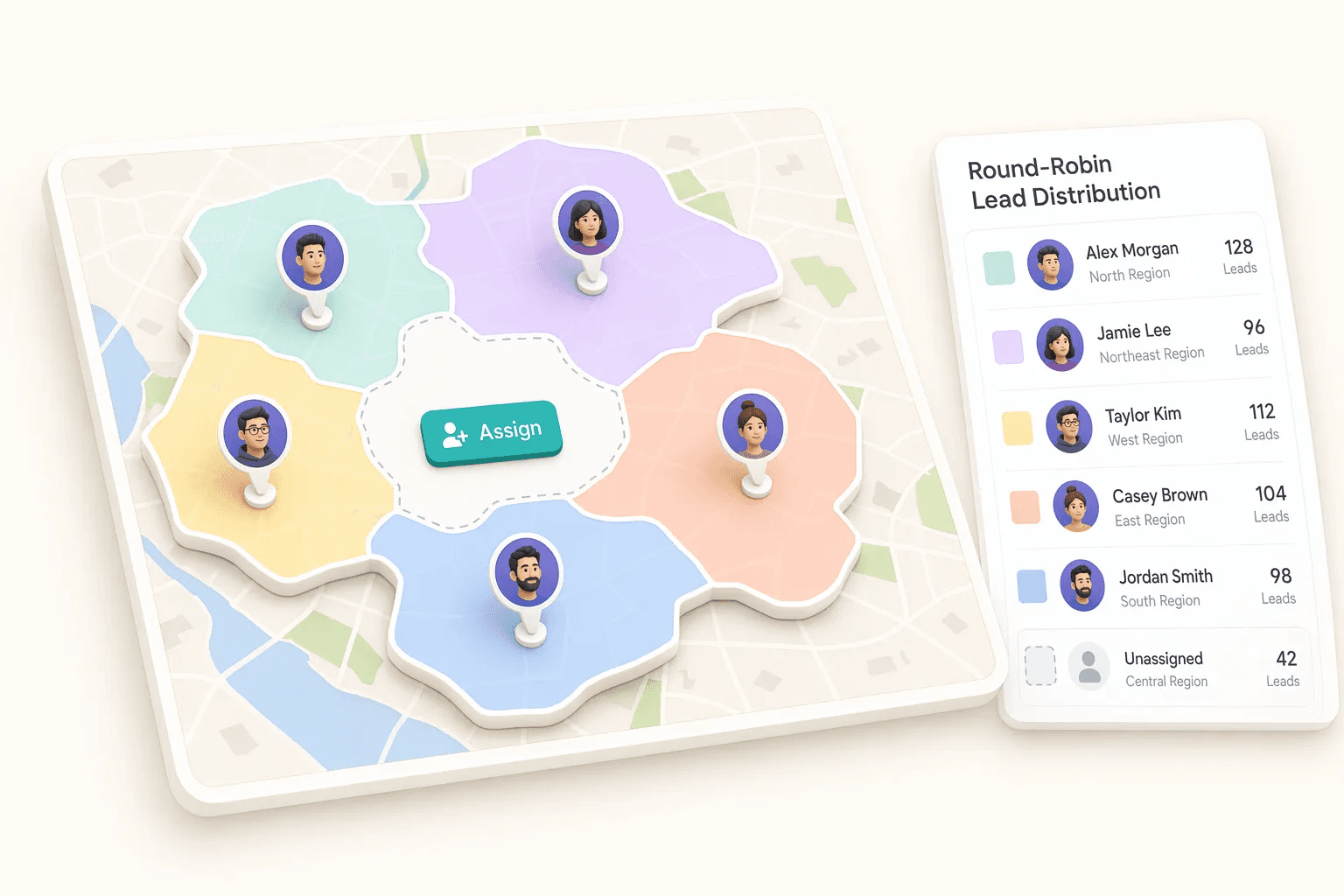
Send incoming leads to the right owner based on territory, source, team, or assignment rules.
See workflowAutomate repetitive tasks
Build workflows that create tasks, send notices, and move work forward after CRM events.
See workflowBalance team workload
Distribute opportunities fairly while keeping response speed high.
See workflowSuggested workflow
Turn features into a working motion
Start with a focused setup, connect the next action, and expand once the team has a repeatable rhythm.
Step 1
Start with the core workflow
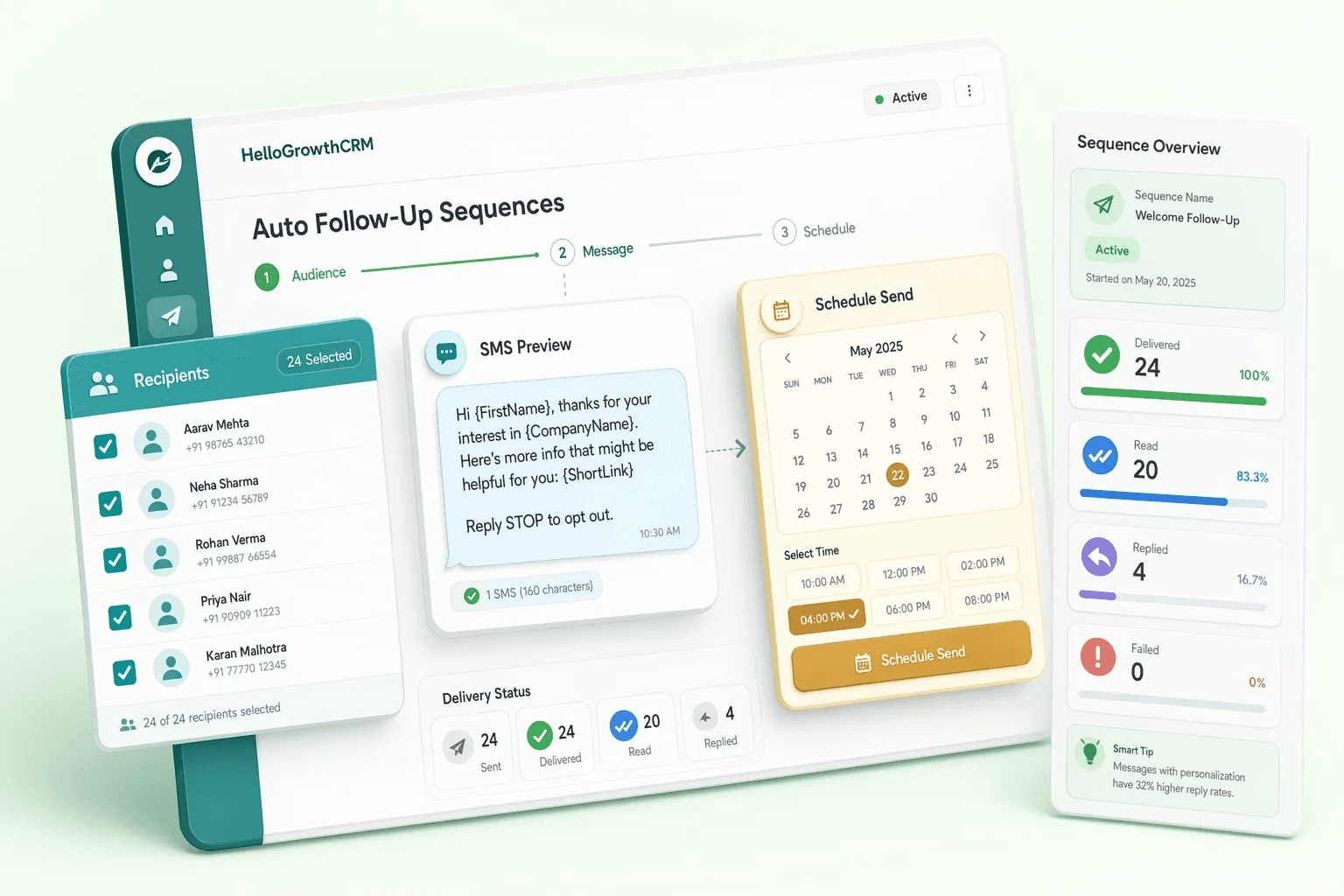
Use Follow-up Reminders as the first workspace so the team has one clear place to begin.
Step 2
Connect the next action
Layer in Lead Aging Alerts to turn the workflow into repeatable daily execution.
Step 3
Scale what works
Use Lead Routing Rules to refine adoption, coaching, and team visibility as usage grows.