AI & Intelligence
AI workflows that help teams enrich records, prioritize follow-up, summarize conversations, generate content, and turn raw data into action.
13
AI & Intelligence features
Featured workspace
AI Lead Enrichment
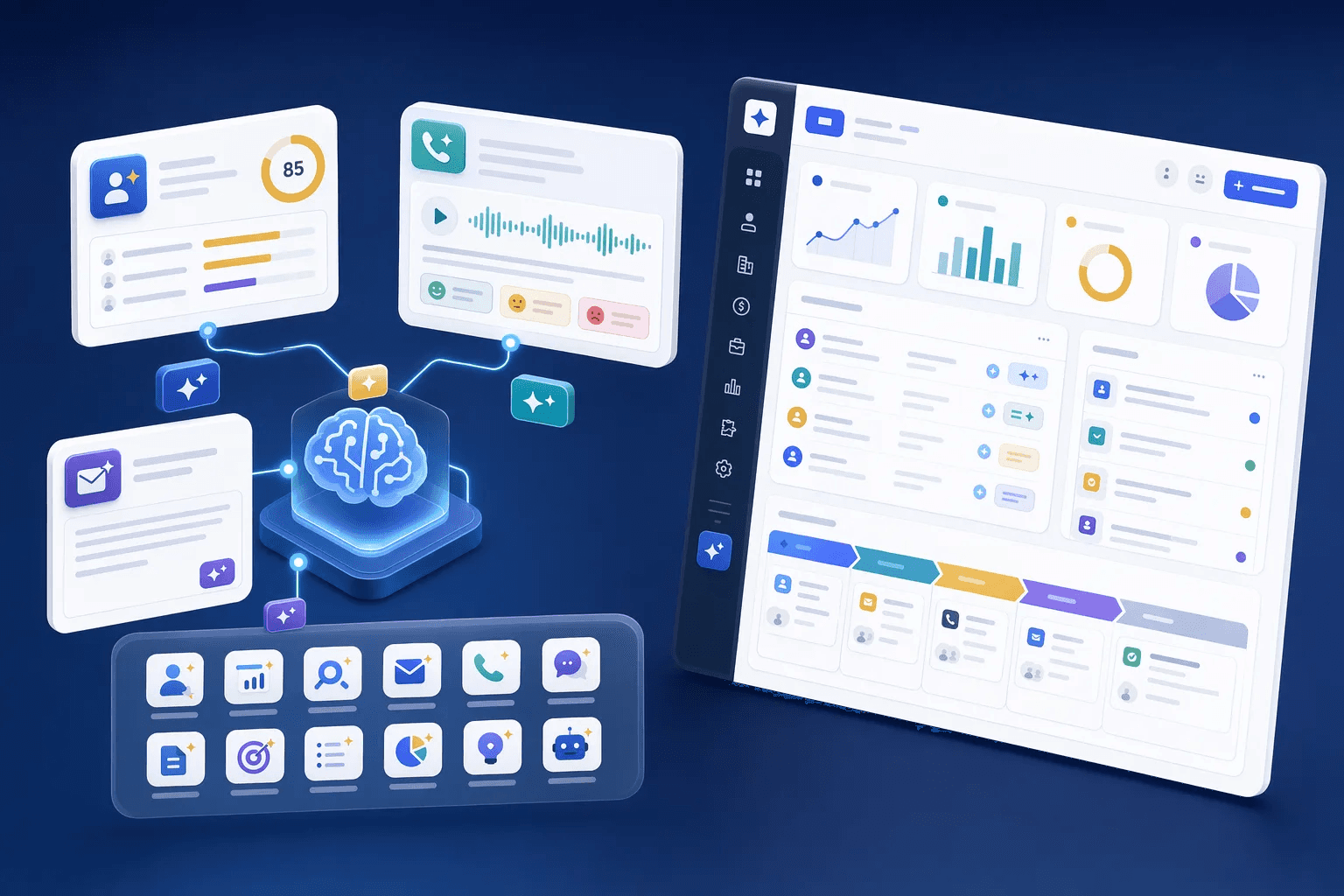


The CRM that acts.
Traditional CRM
A container for data
- Stores contacts and deals
- Shows data when you look
- You decide who to call
- You build the forecast
- Silent when deals go cold
The intelligence is all human
AI CRM
Acts on the data
- Stores contacts and deals
- Scores leads the moment they arrive
- Tells you who to call first
- Drafts and schedules follow-ups
- Alerts you when deals go cold
Suggests the next step
How teams use ai & intelligence
Teams usually review ai & intelligence when they want to improve a specific operating motion, not just add another isolated feature. In practice, that means turning related capabilities such as AI Lead Enrichment, AI Lead Scoring & Recommendations, AI-Powered Call Summaries & Sentiment, AI Email Drafting into one clearer workflow that reps, managers, and operators can actually use every day.
For most buyers, the real question is how this category changes execution. Common evaluation paths include prioritize the best leads first, turn every call into clean actions, create outreach faster, where the value comes from cleaner ownership, faster next steps, and better visibility into what should happen after each customer interaction.
A strong rollout usually starts with one high-value use case, then expands into reporting, automation, and team inspection once adoption is consistent. That is why this category page groups related modules together first and then links into deeper feature pages for more specific evaluation.
AI in CRM has moved decisively from a buzzword feature listed on competitor pricing pages to an operational layer that materially changes sales execution. The teams that capture this advantage are the ones that treat AI not as a single feature but as a workflow layer — lead scoring runs on every new contact, conversation summaries fire after every meaningful interaction, deal-risk signals surface before forecast reviews, and content generation removes the friction that previously kept reps from personalising outreach. HelloGrowthCRM is designed around this layered approach rather than around a single 'AI button' that produces narrow value.
The competitive landscape in 2026 has resolved into two clear AI camps in CRM tooling: vendors offering AI as a paywall-gated higher tier (Salesforce Einstein, HubSpot Breeze) and vendors offering AI as a baseline included capability (HelloGrowthCRM, Bigin, some newer entrants). The economic reality is that AI inference cost has dropped 70-90 percent over the last 18 months, removing the original justification for tiered AI pricing. Vendors still maintaining the gating model are increasingly making margin-protection decisions rather than capability-availability decisions — a pattern buyers should weigh when evaluating long-term partnership.
Implementation pattern for AI-assisted CRM workflows matters more than the underlying model quality. Teams that turn on every AI feature at once typically struggle because reps don't know how to interpret AI signals and managers don't know which signals to trust. The discipline that works: pilot lead scoring for a month, then layer in conversation summaries, then deal-risk flags, then forecast assistance. Each layer compounds on the prior layer's adoption — a sequential rollout that produces durable behaviour change rather than dashboard fatigue.
Explore modules
AI & Intelligence features
Pick a module to see details, workflows, and how it fits into the CRM.


Common use cases
Where teams use ai & intelligence
Practical workflows built from the features in this category, grouped around the outcomes teams usually care about first.
Use these examples to decide whether you need one focused capability or a broader category rollout. In most teams, adoption improves when the first workflow is concrete and tied to a measurable operational problem rather than a broad feature wish list.
Prioritize the best leads first
Use enrichment, scoring, and next-best-action prompts so reps know who deserves fast follow-up.
See workflowTurn every call into clean actions
Capture summaries, sentiment, buying signals, and follow-up tasks without manual note cleanup.
See workflowCreate outreach faster
Draft emails and sales content from CRM context so teams spend less time starting from a blank page.
See workflowSpot market signals earlier
Use content intelligence and market radar workflows to notice trends, competitors, and timing changes.
See workflowSuggested workflow
Turn features into a working motion
Start with a focused setup, connect the next action, and expand once the team has a repeatable rhythm.
Step 1
Start with the core workflow
Use AI Lead Enrichment as the first workspace so the team has one clear place to begin.
Step 2
Connect the next action
Layer in AI Lead Scoring & Recommendations to turn the workflow into repeatable daily execution.
Step 3
Scale what works
Use AI-Powered Call Summaries & Sentiment to refine adoption, coaching, and team visibility as usage grows.
This feature powers the Agentic AI Hub — 12 AI agents with 3 configurable autonomy levels — autonomous, supervised, and assistive
Related AI CRM resources
Guides, use cases, and pricing for AI-powered sales teams.
- AI Lead Scoring — full use case guide
- Lead Management Software — track & convert at scale
- Sales Pipeline Management — AI-powered forecasting
- RevOps for Startups — pipeline visibility without a RevOps team
- CRM for Consulting — proposal pipeline & senior relationship tracking
- How AI lead scoring works — guide
- Set up a sales pipeline from scratch
- B2B sales forecasting with AI CRM
- WhatsApp CRM features
- AI features pricing — from ₹899/user/mo
- Start free — AI features included