HelloGrowthCRM software
Built for real small-business sales teams
HelloGrowthCRM helps reps qualify faster, follow up on time, and close more deals—with practical automation in one place.
- AI lead scoring and pipeline visibility
- Built-in dialer, WhatsApp, and email automation
- Sales forecasting and RevOps-ready reporting
When scheduling an appointment with a patient, asking the right questions is crucial to ensure the booking is accurate and the patient's needs are understood. Essential questions include verifying contact details, confirming the preferred date and time, understanding the reason for the visit, checking insurance information, and noting any special accommodations. Clear communication at this stage reduces errors and improves patient satisfaction.
Why this comes up / what goes wrong
Small-business owners in healthcare often face challenges with appointment scheduling that lead to confusion and lost revenue. For example, if a patient’s contact information is incomplete or incorrect, reminders may not reach them, increasing no-shows. Not knowing the reason for the visit can cause scheduling inefficiencies, such as booking too little or too much time. Insurance information is critical for billing, and missing it can delay payments. Without asking about special needs, patients may arrive unprepared or uncomfortable. These issues often arise because scheduling is rushed or lacks a standardized set of questions.
Step-by-step
- Collect Patient Contact Information: Ask for the patient’s full name, phone number, and email address. Verify the spelling and confirm the best way to reach them.
- Confirm Appointment Date and Time Preferences: Ask the patient for their preferred date and time. Offer available slots and confirm the final choice. Double-check time zones if applicable.
- Understand the Reason for Visit: Ask the patient to briefly describe the purpose of the appointment (e.g., routine check-up, follow-up, specific symptoms). This helps allocate the right amount of time.
- Verify Insurance and Payment Details: Ask if the patient has insurance coverage and request the provider’s name and policy number if applicable. Clarify payment methods and any co-pay requirements.
- Note Special Accommodations or Requirements: Ask if the patient needs any special assistance, such as wheelchair access, language interpretation, or extended appointment time.
- Provide Appointment Policies: Briefly explain cancellation policies, late arrival rules, and any preparation instructions for the appointment.
- Confirm and Summarize the Appointment Details: Repeat the appointment date, time, location, and any instructions to the patient to ensure understanding.
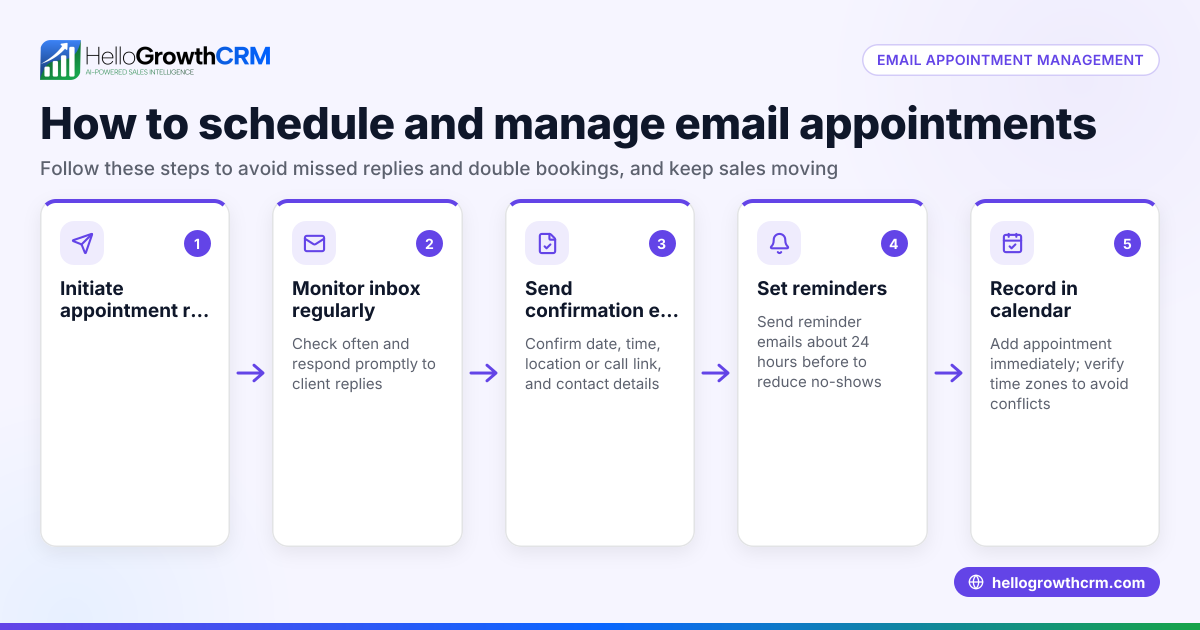
- Send an Appointment Confirmation and Reminder: Use your preferred communication method (phone, email, SMS, WhatsApp) to send confirmation immediately and reminders closer to the appointment date.
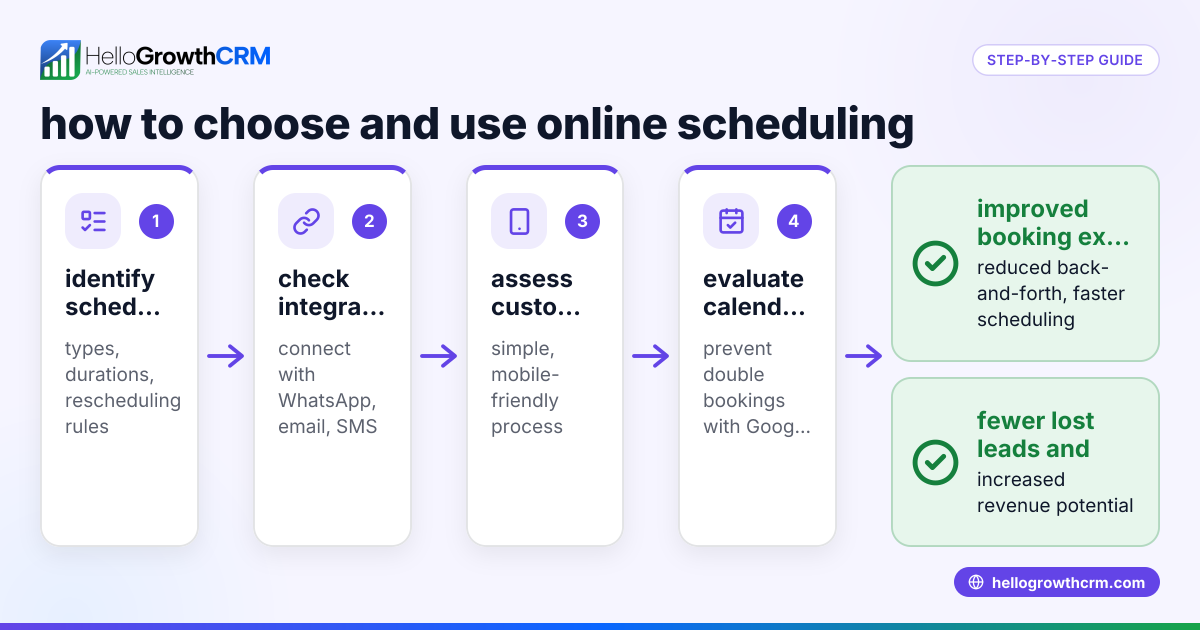
Using a meeting scheduler tool can streamline steps 2 and 8 by letting patients pick a slot directly, reducing back-and-forth messages.
Example (fictional figures)
A two-location dental practice in Columbus, Ohio, schedules an appointment with a new patient, Jane Smith, on 07/15/2026.
- Collect contact info:
- Name: Jane Smith
- Phone: 614-555-1234
- Email: jane.smith@email.com
- Confirm date/time:
- Jane prefers 07/20/2026 at 10:00 AM
- Confirmed slot: 07/20/2026 10:00 AM
- Reason for visit:
- Routine cleaning and exam
- Insurance details:
- Provider: Delta Dental
- Policy #: DD123456789
- Special accommodations:
- None
- Appointment policies explained:
- Cancellation requires 24-hour notice
- Arrive 10 minutes early
- Confirm details with Jane:
- Appointment on 07/20/2026 at 10:00 AM at Main Street location
- Send confirmation SMS and email immediately.
This clear process avoids confusion and prepares the practice for Jane’s visit.
Common mistakes
- Not verifying contact information: Leads to missed reminders. Prevent by always confirming spelling and preferred contact method.
- Skipping the reason for visit: Causes scheduling errors. Always ask to allocate appropriate time.
- Ignoring insurance details: Delays billing and payment. Collect insurance info upfront.
- Not informing patients of policies: Results in last-minute cancellations or late arrivals. Communicate policies clearly.
- Failing to confirm the appointment: Patients may forget. Send immediate confirmations and reminders.
- Back-and-forth scheduling via text or calls: Wastes time and causes errors. Use a meeting scheduler to let patients pick slots.
Doing this in HelloGrowthCRM
HelloGrowthCRM offers scheduling and booking features that let prospects pick appointment slots from a link, eliminating back-and-forth on WhatsApp. This speeds up scheduling and reduces errors. You can manage appointment confirmations and reminders within the CRM, keeping your team organized and your patients informed. Learn more about the meeting scheduler and how the WhatsApp and SMS CRM supports communication.
Frequently asked questions
What is the most important question to ask when scheduling a patient appointment? The most important questions are those that confirm the patient’s contact information and preferred appointment time. Without these, the appointment cannot be reliably scheduled or communicated.
How can I reduce no-shows when scheduling appointments? Ask for the best contact method and send confirmations plus reminders. Clearly communicate cancellation policies and consider using automated reminders via SMS or WhatsApp.
Should I ask about insurance when scheduling? Yes, collecting insurance details upfront helps with billing and reduces delays. It also allows your staff to verify coverage before the appointment.
Can I let patients schedule appointments online? Yes, using a meeting scheduler tool lets patients pick available slots themselves, reducing scheduling errors and saving time for your staff.
What if a patient needs special accommodations? Always ask during scheduling so your team can prepare. This may include wheelchair access, language assistance, or extra time.
Key takeaways
- Always verify patient contact details and preferred communication methods.
- Confirm appointment date and time clearly and offer available slots.
- Understand the reason for the visit to allocate proper time.
- Collect insurance and payment information upfront.
- Communicate appointment policies to avoid misunderstandings.
- Use scheduling tools like HelloGrowthCRM’s meeting scheduler to streamline booking.
Scheduling patient appointments effectively starts with asking the right questions. Using a structured approach reduces errors, improves patient experience, and saves your team time. To simplify this process, consider using HelloGrowthCRM’s scheduling features. Start on the Free Forever plan (200 leads, no credit card) today and see how it can help your business.
Ready to put this into practice?
Set up your pipeline, WhatsApp follow-ups, and AI lead scoring in minutes — free, no credit card.
Try HelloGrowthCRM freeGet CRM tips in your inbox
Join thousands of sales professionals who get weekly insights on CRM strategy, AI automation, and pipeline optimization.

The HelloGrowthCRM team publishes guides on CRM strategy, AI sales tools, and revenue operations for small business sales teams.