Auto Follow-Up Sequences
Build rule-based follow-up sequences that trigger automatically based on lead activity, inactivity, or stage change.
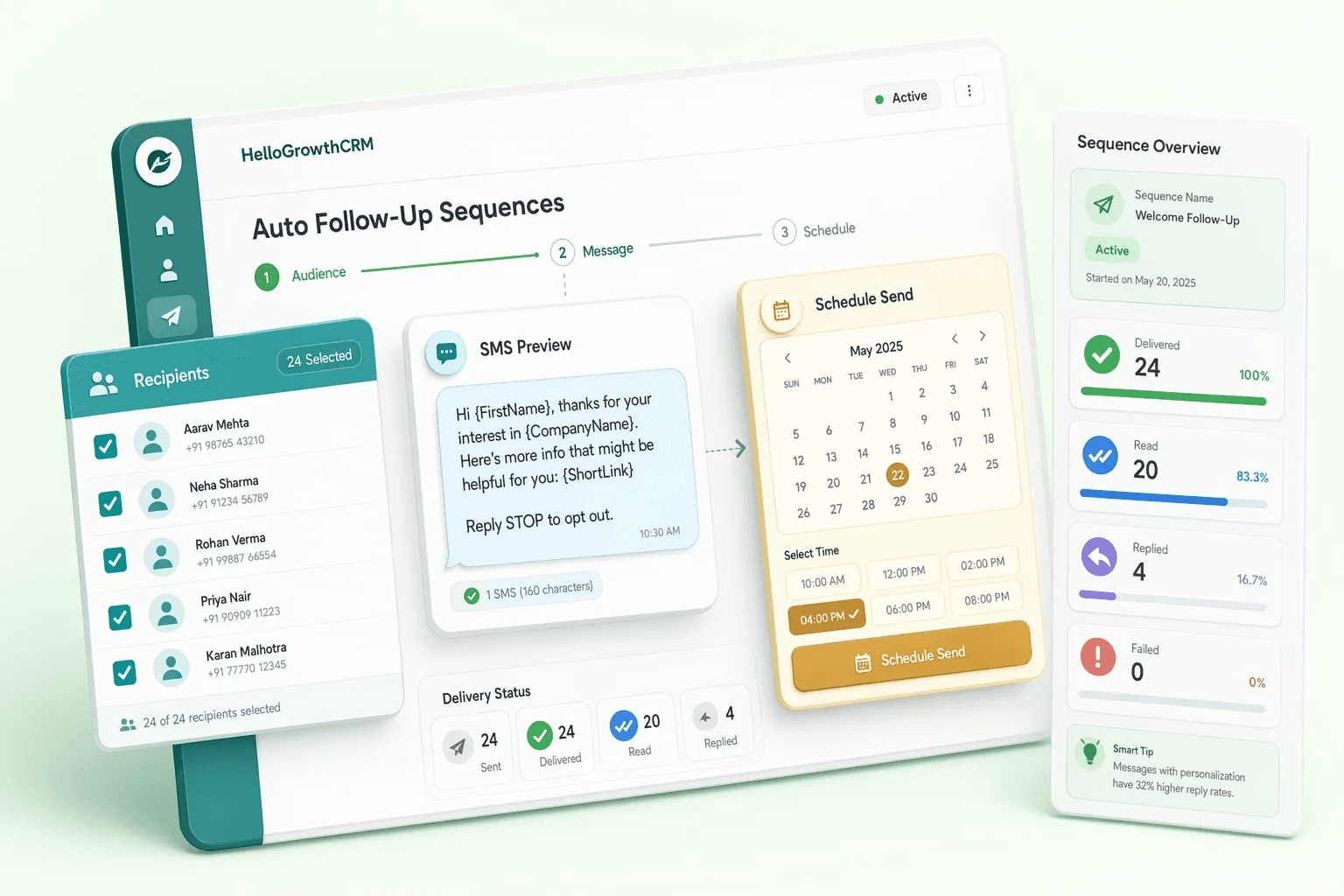
Feature preview
Automation7 related capabilities in this category.

Set it once.
- Step 1
Intro
Personalised first email
Day 0 - Step 2
Follow-up
Short nudge on the first email
Day 2 - Step 3
Value
Case study, guide or offer
Day 5 - Step 4
Ask
Suggest a time to talk
Day 9 - Step 5
Break-up
Polite last email
Day 14
A reply, a booked meeting or an unsubscribe stops the sequence automatically.
Illustrative example — figures are for explanation only.
Quick navigation
Problem this feature solves
Teams usually evaluate Auto Follow-Up Sequences when workflow delays, inconsistent follow-up, or low visibility starts hurting conversion.
Auto Follow-Up Sequences is usually evaluated when teams want to remove friction from a repeated part of the revenue workflow. Instead of handling that step through memory, spreadsheets, or disconnected tools, this capability gives the team a more structured way to complete the work inside the CRM.
Build rule-based follow-up sequences that trigger automatically based on lead activity, inactivity, or stage change. In most cases, the real value appears when this feature is used together with the rest of automation, because that is what keeps ownership, follow-up, and reporting connected to the same record.
Teams rarely adopt Auto Follow-Up Sequences completely on its own. It usually works best alongside related capabilities such as Follow-up Reminders, Lead Aging Alerts, Lead Routing Rules, which provide the surrounding workflow, visibility, or automation needed to make the feature operationally useful.
- Trigger on stage change, score, inactivity, or webhook
- Multi-step: email + task + WhatsApp + SMS
- Pause automatically on reply
- Per-rep sequence customisation
- Full sequence analytics: step drop-off and reply rate
Feature interaction and workflow impact
Build rule-based follow-up sequences that trigger automatically based on lead activity, inactivity, or stage change. This capability is part of the Automation category — automated reminders, scoring, routing, and lead monitoring workflows that help teams respond faster and prevent pipeline leakage.
Buyers should look at whether this feature reduces admin overhead for the frontline team while also improving inspection for managers. A feature is only truly useful when it helps the next action happen faster and leaves cleaner context behind for the person who reviews, approves, or follows up after it.
Category
Automation
7 capabilities
More in Automation
Explore the other 6 capabilities in this category.
This is useful when your team is deciding whether the current feature is enough on its own or whether the broader category is the real buying unit. In many CRM rollouts, the surrounding workflow matters as much as the individual capability.
Follow-up Reminders
Browser notifications for upcoming and overdue follow-ups help prevent drop-off and missed tasks.
Lead Aging Alerts
Warn teams when leads become stale so they can re-engage, escalate, or close out quickly.
Lead Routing Rules
Automatically route leads based on rules and ownership logic to improve speed-to-lead.
Lead Scoring
Automatically score leads based on engagement and fit signals so reps focus effort where it matters most.
Workflow Automation Builder
Build multi-step automated workflows triggered by CRM events to eliminate manual repetition across the funnel.
Round-Robin Lead Distribution
Automatically distribute incoming leads evenly across reps to improve fairness and speed-to-first-contact.
Explore all feature categories
HelloGrowthCRM includes 121 capabilities across 14 categories.
Ready to use Auto Follow-Up Sequences?
Get started free — no credit card required.