Zapier & Third-Party Automations
Connect the CRM to thousands of third-party apps via Zapier to automate data sync and cross-tool workflows.
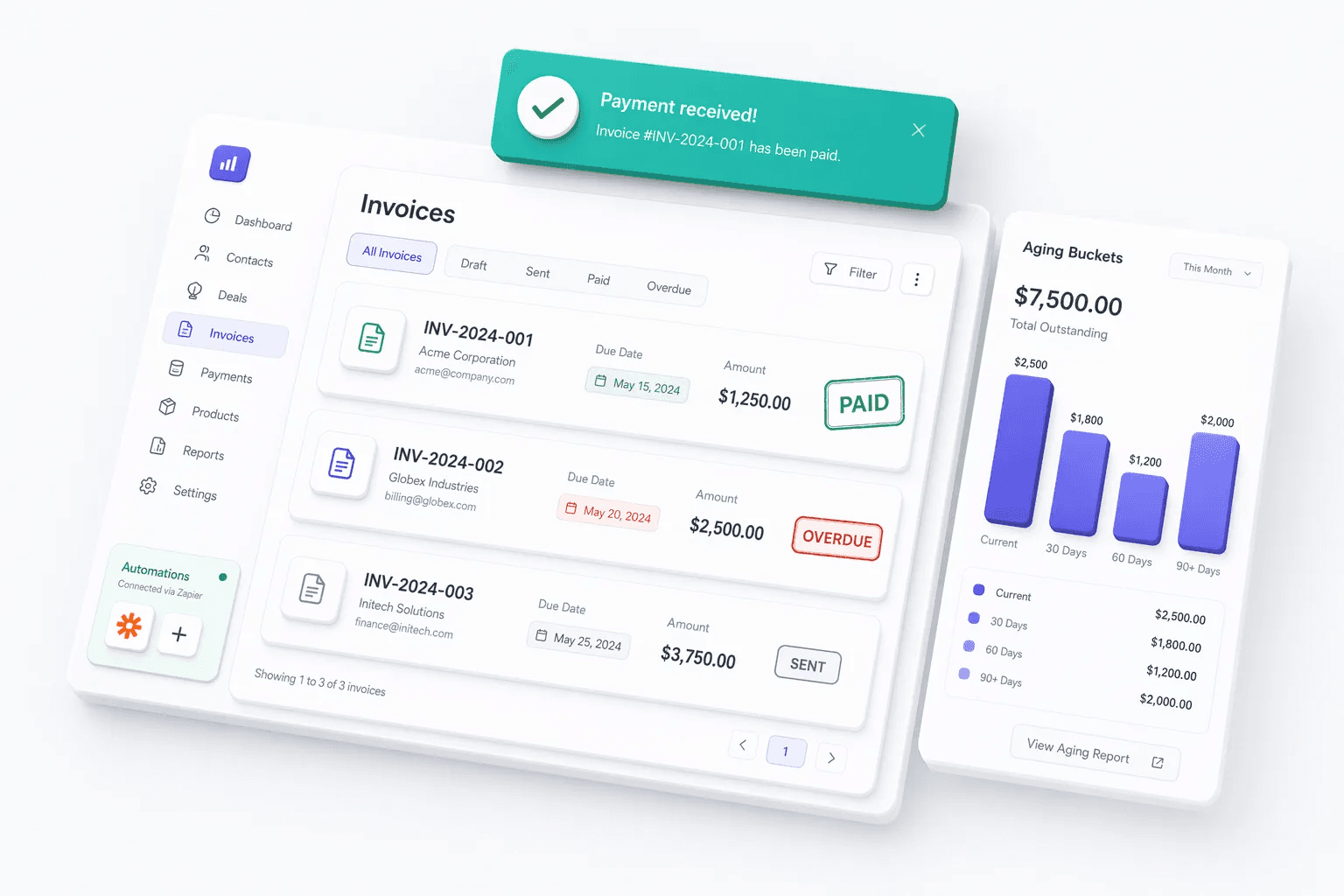
Feature preview
Integrations6 related capabilities in this category.

Automate the busywork.
- Step 1
Trigger
New lead, stage change or no reply
When - Step 2
Condition
Source, score, territory or deal value
If - Step 3
Assign
Route to the right rep
Then - Step 4
Remind
Create a follow-up task
- Step 5
Message
Send a WhatsApp or email
Start with one rule, confirm it on real leads for a week, then add the next.
Quick navigation
Problem this feature solves
Teams usually evaluate Zapier & Third-Party Automations when workflow delays, inconsistent follow-up, or low visibility starts hurting conversion.
Zapier & Third-Party Automations is usually evaluated when teams want to remove friction from a repeated part of the revenue workflow. Instead of handling that step through memory, spreadsheets, or disconnected tools, this capability gives the team a more structured way to complete the work inside the CRM.
Connect the CRM to thousands of third-party apps via Zapier to automate data sync and cross-tool workflows. In most cases, the real value appears when this feature is used together with the rest of integrations, because that is what keeps ownership, follow-up, and reporting connected to the same record.
Teams rarely adopt Zapier & Third-Party Automations completely on its own. It usually works best alongside related capabilities such as API Webhooks, Excel Import/Export, Google Calendar & Outlook Sync, which provide the surrounding workflow, visibility, or automation needed to make the feature operationally useful.
- Trigger Zaps on lead creation, update, or status change
- Sync with marketing tools, billing systems, and helpdesks
- No-code setup for common cross-platform automations
- Expand CRM capabilities without custom development
Feature interaction and workflow impact
Connect the CRM to thousands of third-party apps via Zapier to automate data sync and cross-tool workflows. This capability is part of the Integrations category — data movement and connectivity tools that help teams sync systems, automate actions, and handle migration or cleanup work faster.
Buyers should look at whether this feature reduces admin overhead for the frontline team while also improving inspection for managers. A feature is only truly useful when it helps the next action happen faster and leaves cleaner context behind for the person who reviews, approves, or follows up after it.
Category
Integrations
6 capabilities
More in Integrations
Explore the other 5 capabilities in this category.
This is useful when your team is deciding whether the current feature is enough on its own or whether the broader category is the real buying unit. In many CRM rollouts, the surrounding workflow matters as much as the individual capability.
API Webhooks
Trigger external automations and integrations whenever key CRM events happen.
Excel Import/Export
Import and export CRM data via Excel for migration, cleanup, bulk updates, and offline analysis.
Google Calendar & Outlook Sync
Sync meetings and events between the CRM and your calendar so scheduling context stays connected to deals.
Slack & Team Notifications
Get real-time Slack alerts for deal updates, assigned leads, and important CRM events without leaving your workspace.
Booking API
Scoped credentials so your own bot, voice agent, or website can read live availability and book meetings straight into the CRM. Available on request.
Explore all feature categories
HelloGrowthCRM includes 121 capabilities across 14 categories.
Ready to use Zapier & Third-Party Automations?
Get started free — no credit card required.