HelloGrowthCRM software
Built for real small-business sales teams
HelloGrowthCRM helps reps qualify faster, follow up on time, and close more deals—with practical automation in one place.
- AI lead scoring and pipeline visibility
- Built-in dialer, WhatsApp, and email automation
- Sales forecasting and RevOps-ready reporting
For HelloGrowthCRM vs Copper CRM for US mid-market RevOps teams, the better fit depends on whether your team needs a Google Workspace-first CRM with lightweight administration and relationship workflows, or a broader RevOps system with stronger automation, forecasting, outbound orchestration, and cross-functional visibility for sales, marketing, and customer success.
Key Takeaways
- Copper CRM is often attractive for teams that live deeply in Google Workspace and want a familiar, low-friction user experience.
- HelloGrowthCRM is usually the better fit for US mid-market RevOps teams that need pipeline control, forecasting, attribution, AI-assisted workflows, and multi-channel execution in one platform.
- If your stack includes Stripe, QuickBooks, sales automation, and structured RevOps reporting, compare implementation depth and admin overhead closely.
- US buyers should assess outbound compliance carefully, especially around CAN-SPAM email rules and TCPA-related calling and texting expectations.
- SOC 2 expectations matter in New York, Austin, and San Francisco mid-market buying cycles, especially when procurement and IT security are involved.
- Total cost in USD is rarely just license price. It also includes admin time, integration work, reporting gaps, and the need for extra tools.
HelloGrowthCRM vs Copper CRM: which fits US mid-market RevOps teams on Google Workspace?
HelloGrowthCRM vs Copper CRM for US mid-market RevOps teams comes down to operational depth versus Google-native simplicity. Copper tends to suit teams that want a lighter CRM centered on Gmail and Google Calendar, while HelloGrowthCRM fits revenue teams that need stronger automation, forecasting, attribution, and cross-functional RevOps control without stitching together many tools.
This comparison is written for US mid-market buyers. Think SaaS, agencies, IT services, fintech, and B2B teams with 20 to 250 employees. These are often teams in New York, Austin, and San Francisco that already feel pressure from Salesforce and HubSpot incumbency but do not want enterprise complexity or bloated costs.
I will be direct about one thing. HelloGrowthCRM is our product, so this comparison is informed but not detached. I am keeping competitor points factual and focused on buyer fit.
From a RevOps perspective, the core question is not only "Which CRM works with Google Workspace?" The real question is "Which system helps us run pipeline, outbound, forecasting, attribution, and handoffs with fewer gaps?"
Where Copper CRM is often strongest
Copper is well known for its Google Workspace alignment. For teams that live in Gmail and want CRM data close to inbox, calendar, and contact workflows, that can reduce friction. This matters when adoption is your top problem.
Copper may fit better if your team:
- Works almost entirely inside Gmail and Google Calendar
- Wants a lighter CRM learning curve
- Has a smaller sales process with fewer stage controls
- Does not need advanced RevOps orchestration on day one
Where HelloGrowthCRM is often stronger
HelloGrowthCRM is usually stronger when your RevOps team needs one operating layer across lead capture, routing, follow-up, forecasting, and reporting. That is where tools like AI CRM, AI Pipeline Management, and Revenue Attribution become more important than inbox convenience alone.
In one rollout we did with a 12-person sales team moving off a lighter CRM, the biggest issue was not contact management. It was inconsistent follow-up, no reliable forecast category logic, and weak visibility into why deals slipped. Once we standardized stage exit criteria, next-step SLAs, and rep task queues inside Sales Task Boards, forecast accuracy improved and manager reviews got shorter.
Comparison table: HelloGrowthCRM vs Copper CRM for US mid-market RevOps buyers
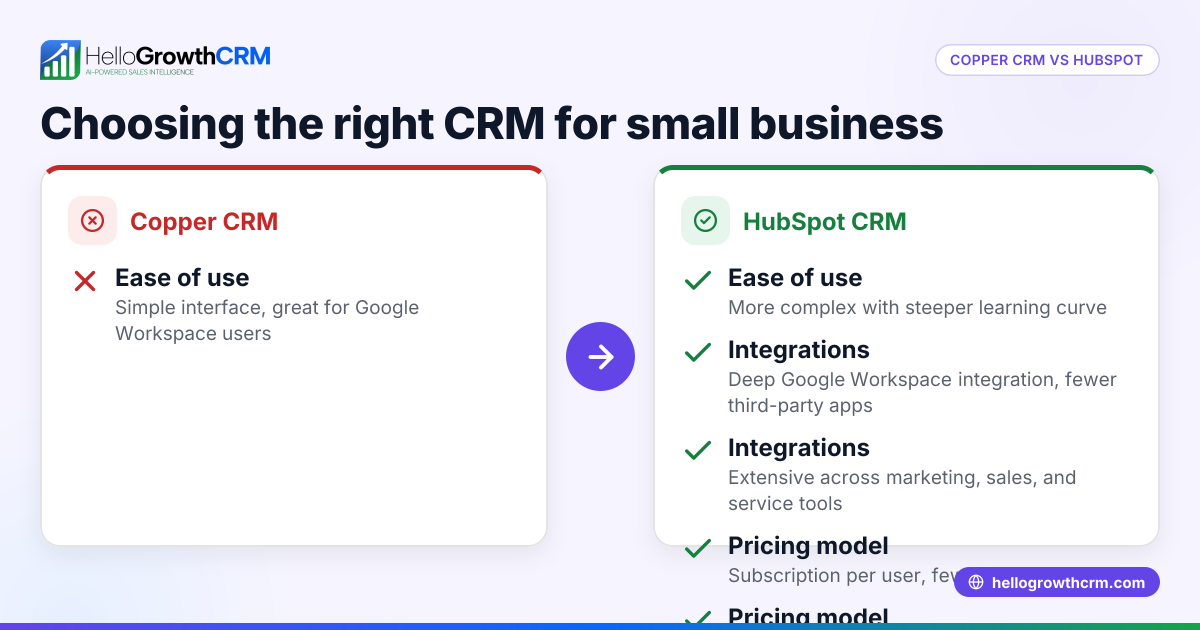
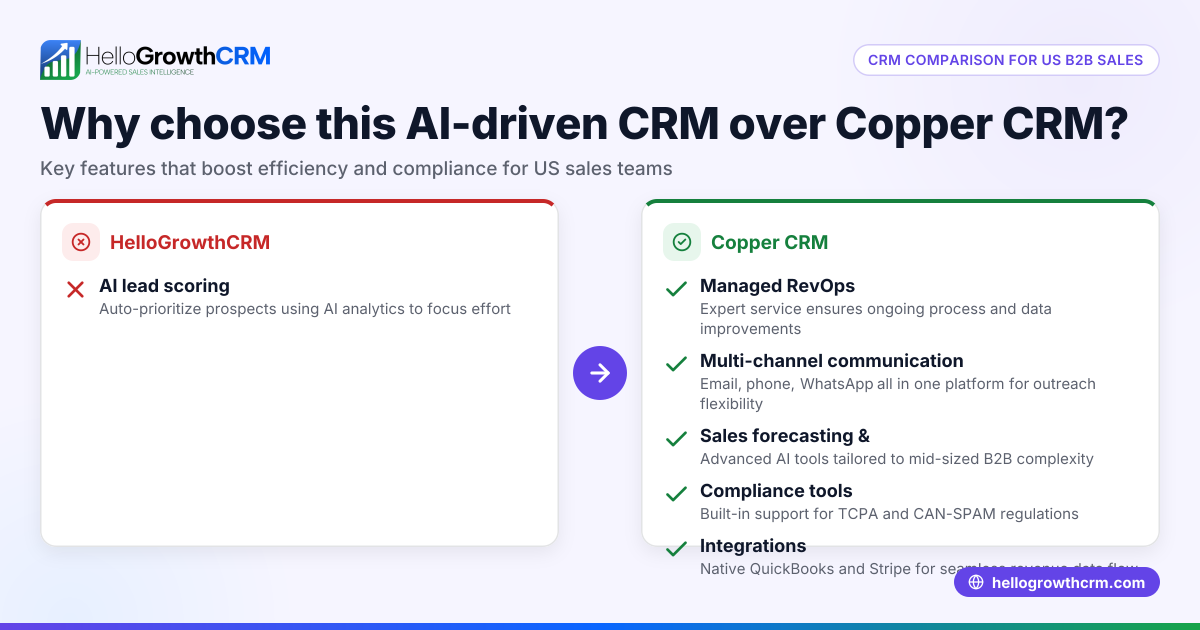
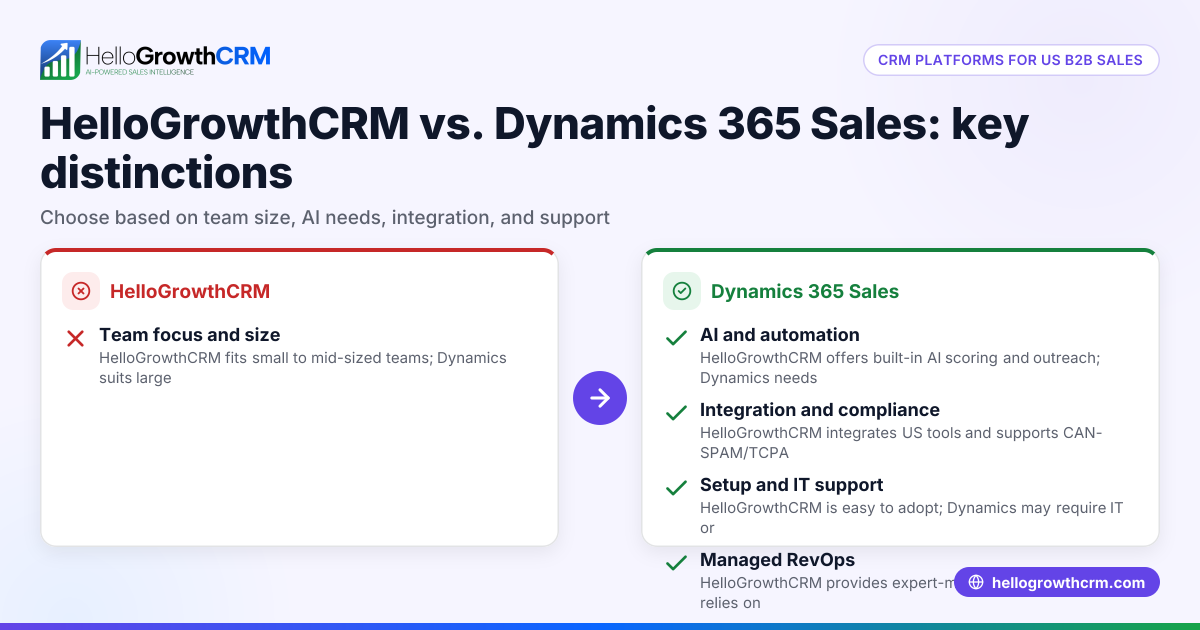
A side-by-side comparison of HelloGrowthCRM and Copper CRM shows that both support Google Workspace-oriented teams, but they differ in depth, admin model, and RevOps breadth. Copper is often easier to adopt for basic relationship management, while HelloGrowthCRM better supports structured pipeline operations, AI-guided workflows, and revenue reporting.
| Criteria | HelloGrowthCRM | Copper CRM |
|---|---|---|
| Best fit | Mid-market RevOps teams needing full-funnel control | Google Workspace-centric teams wanting lighter CRM workflows |
| Google Workspace workflow | Strong, with broader RevOps and automation layers | Native-feeling Google Workspace experience is a core strength |
| Sales automation | Strong, including Email Automation, tasking, and AI-assisted workflows | Available, but usually compared as simpler than broader RevOps platforms |
| Forecasting | Built for structured Sales Forecasting and pipeline visibility | May fit simpler forecasting needs |
| Multi-channel outbound | Includes options like CRM Dialer and WhatsApp & SMS CRM | More limited if you need broad outbound orchestration |
| AI support | Includes AI Sales Copilot and related agents | Less centered on AI-led RevOps workflows |
| Attribution and finance workflows | Stronger fit for revenue reporting and Revenue Attribution | May need more external tools for deeper attribution |
| Stripe / QuickBooks alignment | Better fit if finance visibility matters and you need Stripe or QuickBooks connections | Compare specific integration depth for your use case |
| SOC 2 / security review posture | Important for US mid-market evaluations; validate directly during procurement | Also validate directly during procurement |
| Implementation style | More operational setup, but more control | Faster for lighter teams, but may leave gaps as complexity grows |
| Best for replacing tool sprawl | Stronger | Moderate |
What should US RevOps teams evaluate first?
US RevOps teams should evaluate process complexity first, not feature count. If your sales motion includes structured qualification, manager inspection, outbound compliance, finance reporting, and handoffs between SDRs, AEs, and CS, then the CRM must support those workflows natively or through low-friction integrations.
Start with your operating model. Many mid-market teams say they need a "better CRM," but what they really need is:
- Clean lifecycle stages
- Lead routing rules
- Forecast categories
- SLA-based follow-up
- Attribution visibility
- Integration reliability
When I have audited pipelines like this, the breakpoints are almost always operational. Reps skip fields. Managers use spreadsheets outside the CRM. Marketing measures leads, while sales measures meetings. Finance looks at Stripe or QuickBooks data separately. The result is no shared source of truth.
The Google Workspace question buyers ask too narrowly
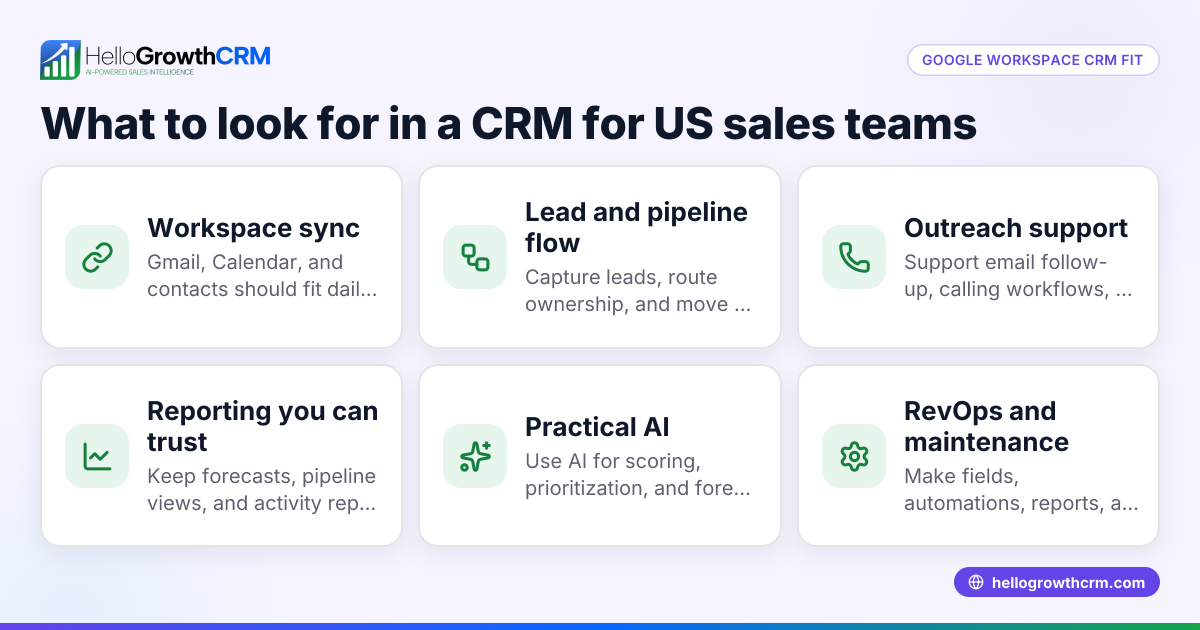
Google Workspace matters, especially for companies that live in Gmail, Google Meet, and Calendar. But if that becomes the only buying lens, teams often underweight reporting, forecasting, and workflow controls.
A stronger buying question is this: "Can the CRM support Google-native rep behavior while still giving RevOps enough structure to manage the whole revenue engine?" For many teams, that means testing Gmail, Google Meet, and Calendly workflows alongside pipeline inspection and handoff reporting.
A sourced benchmark worth noting
Google Workspace has more than 9 million paying businesses using the platform, according to Google Workspace's official product page: https://workspace.google.com/.
That matters because CRMs that align well with Gmail and Calendar can reduce training friction. But adoption alone is not enough for RevOps. Mid-market operators still need data discipline and measurable process control.
How do implementation tradeoffs differ between HelloGrowthCRM and Copper CRM?
Implementation tradeoffs between HelloGrowthCRM and Copper CRM usually reflect simplicity versus operational completeness. Copper can be quicker to roll out for teams with basic pipeline needs, while HelloGrowthCRM may take more setup time because it supports deeper forecasting, automation, and cross-functional RevOps workflows from the start.
This is the section many buyers skip. They compare license cost, then get surprised six months later by admin debt.
Copper implementation pattern
Copper may be faster if you need:
- Contact and account tracking
- Simple pipelines
- Gmail-centered workflows
- Lower initial change management
This can work well for founder-led sales or lean account management teams.
HelloGrowthCRM implementation pattern
HelloGrowthCRM is often the better long-term fit if your team needs:
- Structured lead scoring with AI Lead Scoring
- Revenue visibility tied to Sales Forecasting
- Omnichannel follow-up with Smart Inbox
- Finance and reporting connections through All Integrations
- Optional support from Managed RevOps
That does mean more design choices upfront. You need to define stages, ownership, SLA rules, qualification logic, and reporting views. For teams under 20 sellers, that is manageable. Above 50 reps, expect stronger governance needs and likely a more formal admin owner.
What about compliance, security, and SOC 2 expectations in the United States?
Compliance, security, and SOC 2 expectations are critical in US mid-market CRM decisions because outbound automation and buyer security reviews affect both deal velocity and risk. Teams should validate each vendor’s controls, data handling, and consent-supporting workflows before rolling out email, calling, or SMS at scale.
For US buyers, this is not a side topic. It directly affects vendor approval and outbound execution.
Outbound compliance matters in practice
The FTC’s CAN-SPAM guidance is the baseline for commercial email practices in the US: https://www.ftc.gov/business-guidance/resources/can-spam-act-compliance-guide-business.
The FCC also provides consumer guidance around robocalls and robotexts that shapes how teams think about calling and texting compliance: https://www.fcc.gov/consumers/guides/stop-unwanted-robocalls-and-texts.
For RevOps, that means your CRM should help teams manage:
- Consent and suppression logic
- Clear ownership of sequences
- Opt-out handling
- Calling and texting workflows with guardrails
- Auditability of outreach steps
If you plan to use CRM Dialer, WhatsApp, or Twilio, review your legal and compliance posture with counsel. The platform can support process, but your company still owns lawful use.
Security review expectations
In New York fintech, Austin SaaS, and enterprise-facing software deals in San Francisco, buyers often ask security questions earlier than they used to. SOC 2 expectations are common, even for smaller contracts. If your procurement team cares about this, ask for documentation directly during the sales process.
The NIST Cybersecurity Framework is also a useful reference point for internal evaluation, even when it is not a procurement requirement.
Which platform handles reporting, forecasting, and revenue visibility better?
HelloGrowthCRM usually handles reporting, forecasting, and revenue visibility better for mid-market RevOps teams because it is designed for operational management, not just rep activity capture. Copper can work for simpler reporting needs, but teams with board reporting, commit forecasting, and attribution demands often need more structured controls.
This is where many US mid-market teams outgrow lighter CRMs.
Forecasting depth matters more than dashboard count
A real forecasting system should support:
- Stage-weighted pipeline logic
- Commit, best case, and upside categories
- Stage-velocity in days
- Slippage tracking
- Rep and manager rollups
With AI Deal Insights and Pipeline Health Score, HelloGrowthCRM is better positioned for inspection-based forecasting. That matters when your CRO asks why Q3 commit dropped in the second week of the month.
In one pipeline rebuild for a B2B services firm in Austin, the issue was not too little data. It was too much unstructured data. Reps logged activity, but nobody could tell whether late-stage deals had legal blockers, pricing issues, or no next meeting. Once we standardized MEDDPICC-related checkpoints and next-step dates, forecast calls became evidence-based instead of opinion-based.
Revenue reporting beyond sales
Mid-market RevOps also needs finance and marketing alignment. If your team uses Stripe, QuickBooks, Shopify, or ad data from Meta Ads, compare how easily each platform supports revenue and attribution analysis.
HelloGrowthCRM is generally stronger if you want CRM plus attribution plus execution in one system, especially when paired with tools like the CRM ROI Calculator or RevOps Maturity Assessment.
How to choose between HelloGrowthCRM and Copper CRM: Step-by-Step
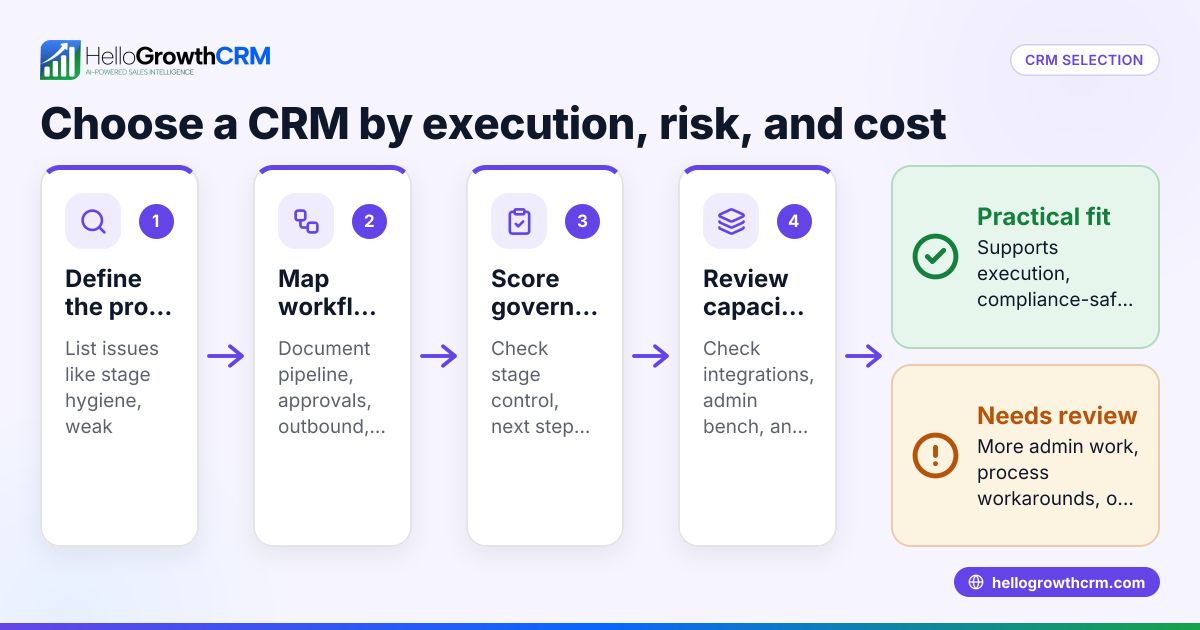
To choose between HelloGrowthCRM and Copper CRM, map your real sales process, test your Google Workspace workflows, review compliance and security needs, and compare total cost beyond license price. The right decision comes from workflow fit, reporting depth, and admin burden over 12 to 24 months.
- Map your revenue motion
Document your lead sources, handoffs, qualification framework, pipeline stages, and forecast process. Include marketing, sales, and customer success. - List your must-have Google Workspace workflows
Check Gmail, Google Calendar, and meeting workflows first. Then test whether those workflows still support reporting discipline. - Review outbound compliance needs
If you send sequences, make calls, or text leads, define suppression, consent, and opt-out rules before rollout. - Audit your finance and billing stack
If revenue reporting depends on Stripe or QuickBooks, verify integration depth early. Do not assume every connection is equal. - Compare operational control, not just ease of use
Ask whether managers can inspect deals, forecast accurately, and enforce process without spreadsheets. - Estimate true total cost in USD
Include license fees, admin time, onboarding, consulting, and extra tools. A cheaper CRM can become more expensive if it creates tool sprawl. - Run a live pilot with real reps
Test with one manager, several reps, and one RevOps owner. Use current deals, not sample records. - Choose based on next-year complexity
Buy for the team you expect to be in 12 months. If growth is coming, favor a system that can absorb complexity.
Final recommendation for US mid-market teams
The best final recommendation for US mid-market teams is to choose Copper if Google-native simplicity is your main goal, and choose HelloGrowthCRM if your RevOps team needs stronger pipeline control, automation, forecasting, and cross-functional visibility. The right choice depends on whether ease today or operational scale tomorrow matters more.
If your company is still early, has a lean sales motion, and mostly wants CRM inside Gmail, Copper may be enough.
If your team is under pressure to improve conversion, enforce SLAs, forecast accurately, and connect sales to finance and marketing outcomes, HelloGrowthCRM is usually the better long-term operating system. That is especially true if you want Features that go beyond basic CRM and need a practical path to rollout through Demo support or a guided Free Trial.
For American RevOps teams that need less tool sprawl and more control, try HelloGrowthCRM and see how it fits your Google Workspace workflow.
About the author
Marcus Hale is a Revenue Operations Lead at HelloGrowthCRM with 11 years of experience in B2B SaaS sales operations, CRM administration, and forecasting design. He has led CRM migrations, pipeline audits, and routing redesigns for US mid-market teams across New York, Austin, and San Francisco. One project that informed this article was a multi-team CRM rebuild for a 12-person sales org that needed Google Workspace-friendly workflows, cleaner forecasting, and tighter Stripe-to-CRM reporting.
Frequently Asked Questions
Q: Is HelloGrowthCRM or Copper CRM better for Google Workspace users?
A: HelloGrowthCRM or Copper CRM can both work for Google Workspace users, but Copper is often better for lighter Gmail-centered workflows, while HelloGrowthCRM is usually better for teams that need Google Workspace compatibility plus stronger RevOps structure. The difference is depth, not just inbox convenience.
Q: Which CRM is better for mid-market RevOps teams in the United States?
A: HelloGrowthCRM is usually better for US mid-market RevOps teams because it supports forecasting, automation, attribution, and cross-functional process control more fully. Copper can still be a good fit for simpler sales motions with lower reporting and governance demands.
Q: Does Copper CRM work well for teams with Salesforce or HubSpot pressure?
Frequently Asked Questions
Ready to put this into practice?
Set up your pipeline, WhatsApp follow-ups, and AI lead scoring in minutes — free, no credit card.
Try HelloGrowthCRM freeGet CRM tips in your inbox
Join thousands of sales professionals who get weekly insights on CRM strategy, AI automation, and pipeline optimization.

The HelloGrowthCRM team publishes guides on CRM strategy, AI sales tools, and revenue operations for small business sales teams.