CRM With Built-In Dialer, Call Tracking, and AI Summaries
Click-to-call from the pipeline. Auto-log calls and outcomes. Watch call summaries populate without leaving your CRM with built-in dialer functionality. Built for teams comparing CRM dialer software and sales dialer software.
By Rushabh Shah, Founder, HelloGrowthCRM · Reviewed by HelloGrowthCRM RevOps Team, Revenue Operations · Last updated July 2026
Key takeaways
- A CRM dialer is click-to-call built into the record, so every call is placed, logged, and summarized without leaving the pipeline.
- Auto-logging removes the end-of-call data entry that reps skip, keeping the pipeline accurate for forecasting and coaching.
- AI call summaries capture key points and action items, turning a conversation into next steps without manual notes.
- Because it is native, there is no separate softphone subscription and no integration to break — calling is included in the CRM seat price.
- Call quality and compliance still depend on your connection and consent setup, so both need attention before high-volume calling.
Try the dialer workflow - click to call and log every conversation
Why teams evaluate crm dialer
CRM Dialer usually becomes important when a repeated part of the revenue workflow is creating too much manual work, too little visibility, or too much tool-switching. Teams are rarely shopping for a feature in isolation. They are usually trying to make one meaningful workflow cleaner, faster, and easier to inspect.
That is why buyers usually look beyond the headline capability and inspect the surrounding details: Click-to-call from pipeline, lead, or deal view, Automatic call logging and recording, AI call summaries with action items, Call outcome tracking and disposition codes. Those details determine whether the feature actually improves day-to-day execution or simply adds another surface area to manage.
Where crm dialer fits in the workflow
Most teams adopt this capability as part of practical motions such as outbound prospecting, discovery calls, follow-up calls. The value tends to show up fastest when the workflow is tied to a clear owner, a clear next action, and a visible outcome that managers can review later.
It also matters how this page connects to the rest of the stack. For many teams, tools such as Twilio, Google Calendar, Slack, WhatsApp are what make the feature operational instead of theoretical because they keep data, communication, and handoffs in sync.
What a strong rollout looks like for crm dialer
The best rollout usually starts small: one high-value workflow, one clear ownership model, and one review rhythm for adoption. Once the team is consistently using the feature, managers can expand into deeper automation, reporting, or cross-functional handoffs without rebuilding the foundation.
In practice, that means evaluating not only what the feature can do, but also whether the team can maintain the process around it. Ease of use, reporting trust, and manager visibility matter just as much as the feature checklist itself.
- Use it first for outbound prospecting if that is the workflow creating the most friction today.
- Use it first for discovery calls if that is the workflow creating the most friction today.
- Use it first for follow-up calls if that is the workflow creating the most friction today.
- Use it first for sales coaching if that is the workflow creating the most friction today.
How It Works
Get started in three simple steps
Key Features
Use Cases
Outbound Prospecting
Power through call lists with one-click dialing and automatic logging.
What teams care about
- Fast adoption with less manual cleanup for managers and reps.
- Clear visibility into workflow execution, outcomes, and accountability.
- Reliable handoffs into the CRM record so downstream teams keep full context.
Deep dive
Open the sections that matter most instead of scrolling through a long uninterrupted text block.
What Is a CRM Dialer?
A CRM dialer is a calling tool built directly into your CRM, so reps can click a number on a lead or deal record and place the call without opening a separate softphone. Because the call happens inside the record, the CRM already knows who is being called and can log the duration, outcome, recording, and an AI summary automatically when the call ends.
The alternative most teams start with is a standalone calling app — Aircall, RingCentral, or similar — connected to the CRM through an integration. That works until the integration lags or breaks, calls stop logging, and reps quietly go back to typing notes by hand. A native dialer removes that failure point entirely: there is nothing to sync because the call and the record are the same system.
The table below compares the two approaches on the factors that actually affect a small sales team's day.
| Factor | Standalone dialer + integration | Built-in CRM dialer |
|---|---|---|
| Call logging | Depends on integration staying healthy | Automatic, native |
| Extra subscription | Yes (often $20-$40/user/mo) | Included in CRM seat price |
| AI call summary | Add-on or separate tool | Built in |
| Setup | Two systems + connector | One system |
| Failure point | The sync between apps | None to sync |
How Click-to-Call and Auto-Logging Work — A Worked Example
The value of a native dialer is easiest to see in a single call. The rep never leaves the record, and everything that used to be manual afterward happens on its own. The illustrative example below traces one outbound follow-up from click to documented next step.
| Moment | Rep action | What the CRM does |
|---|---|---|
| Open deal | Reads history on the record | Shows past calls, notes, and stage |
| Click to call | Clicks the number | Dials via Twilio in the browser |
| Conversation | Talks, takes light notes | Records the call with consent |
| Hang up | Nothing | Logs duration and outcome automatically |
| After | Skims the summary | AI summary + action item task created |
Auto-Dialer and Power Dialer Modes for High-Volume Outreach
Inside sales teams making 60–100 calls per day waste significant time on manual dialing, voicemails, and disconnected numbers. Power dialer mode automates the dialing process: when one call ends, the next number in the list dials automatically without the rep touching the keyboard. Reps only engage when a live person answers — dropped calls, voicemails, and busy signals are handled automatically.
For Indian inside sales teams running high-volume outreach to IndiaMART or JustDial leads — where contact quality varies and many numbers are disconnected or go unanswered — power dialing can increase daily productive conversations from 30–40 to 60–80 without adding rep headcount. The efficiency gain compounds: more conversations, more qualified prospects, more pipeline created per rep per day.
CRM Dialer for Indian Sales Teams: India VoIP and Calling Compliance
Calling in India requires understanding TRAI (Telecom Regulatory Authority of India) regulations for commercial communications. The National Do Not Call (DNC) registry lists numbers that cannot receive promotional calls. HelloGrowthCRM's dialer integrates DNC registry checks before outbound calls — flagging registered numbers before the rep dials, protecting your organization from compliance penalties.
For outbound sales teams making 50–200 calls per day to Indian numbers, VoIP call quality through Twilio's India-specific infrastructure provides clear audio without the echo, latency, and drops that affect lower-quality VoIP providers. Twilio maintains direct connections with Indian telecom carriers (Jio, Airtel, Vodafone-Idea, BSNL), which improves call completion rates and audio quality compared to routing through international VoIP hubs.
How the CRM Dialer Fits Into the Complete Sales Workflow
The CRM dialer works best as one part of a complete sales workflow, not a standalone tool. A rep's morning starts with a prioritized call list generated by AI lead scoring — highest-intent accounts first. Power dialer mode runs through the list efficiently. After each call, the AI-generated summary populates the deal record, and the rep makes a quick stage update. Voicemail drops go out automatically for no-answers. Follow-up tasks and email sequences trigger based on call outcome.
This end-to-end workflow — from call list generation to post-call documentation to next-step automation — is what separates a CRM-native dialer from a standalone calling tool. The calling data feeds pipeline reporting, coaching analytics, and forecasting. Managers can see call volume, connect rate, and conversation outcomes by rep in the same dashboard as pipeline health and quota attainment.
Best Practices for Getting the Most From a CRM Dialer
A dialer only pays off if the calling routine around it is disciplined. These habits turn a click-to-call button into consistently higher connect and conversion rates.
Call from a prioritized CRM view so reps reach the highest-intent leads first, not a random list.
Use a consistent local caller ID and keep numbers clean to protect connect rates.
Trust auto-logging for the mechanics, but review AI summaries and confirm the action items.
Switch to power dialer only for genuinely high-volume lists; use click-to-call for named accounts.
Use voicemail drop for no-answers so reps keep momentum instead of repeating the same message.
Review recordings weekly for coaching and to spot which openers and objections actually work.
Common Mistakes With Sales Dialers
The issues teams hit with dialers are usually about process and setup, not the software. Watching for these keeps calling productive and compliant.
Dialing an unsegmented list instead of a scored, prioritized view.
Running power or predictive dialing on small lists, causing dropped calls and number-reputation damage.
Skipping recording consent messaging where it is legally required.
Ignoring AI summaries and letting the pipeline drift out of date anyway.
Blaming call quality on the dialer when the real cause is a weak or unstable internet connection.
Never reviewing recordings, so the coaching value of every logged call goes unused.
Drawbacks & Limits (Honest View)
A CRM-native dialer is built for sales teams, not for full contact-center operations. If you need hundreds of concurrent agents, advanced workforce management, or specialized telephony features, a dedicated platform will go deeper than a dialer embedded in a CRM. Call quality also depends on things the software does not control — a rep on weak Wi-Fi will have poor calls no matter how good the infrastructure behind them is — and browser-based calling assumes a reliable connection and a decent headset.
Compliance is a real responsibility, not a checkbox. Call recording is subject to consent and data-protection rules: India's DPDPA 2023 and TRAI regulations require informing people that calls are recorded, and other regions have their own two-party consent laws. HelloGrowthCRM plays a configurable consent message, stores consent status, and encrypts recordings, but you still own targeting, DNC handling, and retention decisions. AI summaries are accurate but not infallible on noisy or heavily accented calls, and carrier usage charges apply on top of the seat price. These are manageable trade-offs for most small teams, but they are worth knowing before you scale calling.
Click-to-call from any lead, contact, or deal record in the CRM
Power dialer mode for high-volume calling lists from IndiaMART, JustDial, or inbound leads
India VoIP via Twilio with direct carrier connections to Jio, Airtel, and Vodafone-Idea
TRAI DNC check before every outbound call
DPDPA-compliant consent recording and call record storage
AI call summaries populate deal records without manual note entry
Voicemail drop for common messages on no-answers
Connects with Call Transcription for searchable transcripts of every call
A CRM dialer is a calling tool built directly into your CRM, so reps can click a number on a lead or deal record and place the call without opening a separate softphone. Because the call happens inside the record, the CRM already knows who is being called and can log the duration, outcome, recording, and an AI summary automatically when the call ends.
The alternative most teams start with is a standalone calling app — Aircall, RingCentral, or similar — connected to the CRM through an integration. That works until the integration lags or breaks, calls stop logging, and reps quietly go back to typing notes by hand. A native dialer removes that failure point entirely: there is nothing to sync because the call and the record are the same system.
The table below compares the two approaches on the factors that actually affect a small sales team's day.
Standalone calling app vs. built-in CRM dialer
| Factor | Standalone dialer + integration | Built-in CRM dialer |
|---|---|---|
| Call logging | Depends on integration staying healthy | Automatic, native |
| Extra subscription | Yes (often $20-$40/user/mo) | Included in CRM seat price |
| AI call summary | Add-on or separate tool | Built in |
| Setup | Two systems + connector | One system |
| Failure point | The sync between apps | None to sync |
Buyer playbook
Compare, launch, and govern the workflow with an interactive overview instead of four long generic essays.
How teams evaluate crm dialer
The best pages help buyers understand fit quickly instead of forcing them through long walls of copy.
Check whether the product covers the capabilities you actually care about, such as Click-to-call from pipeline, lead, or deal view, Automatic call logging and recording, AI call summaries with action items, Call outcome tracking and disposition codes.
Test if it supports real execution scenarios like Outbound Prospecting, Discovery Calls, Follow-Up Calls.
Confirm the workflow stays connected to Twilio, Google Calendar, Slack, WhatsApp so reporting and handoffs remain reliable.
Frequently Asked Questions
Explore More
Related Articles
Related Products
Free Tools & Calculators
Competitor Comparisons
Quick answer
What is a CRM with a built-in dialer?
Key facts
- Click-to-call from the lead record, with no separate telephony app and no number copying
- Calls log to the contact timeline automatically, with recording where consent applies
- An AI call summary and a suggested next action are generated shortly after each call ends
- Calling is available in 100+ countries via Twilio, billed at carrier rates
Inside the Dialer Workflow
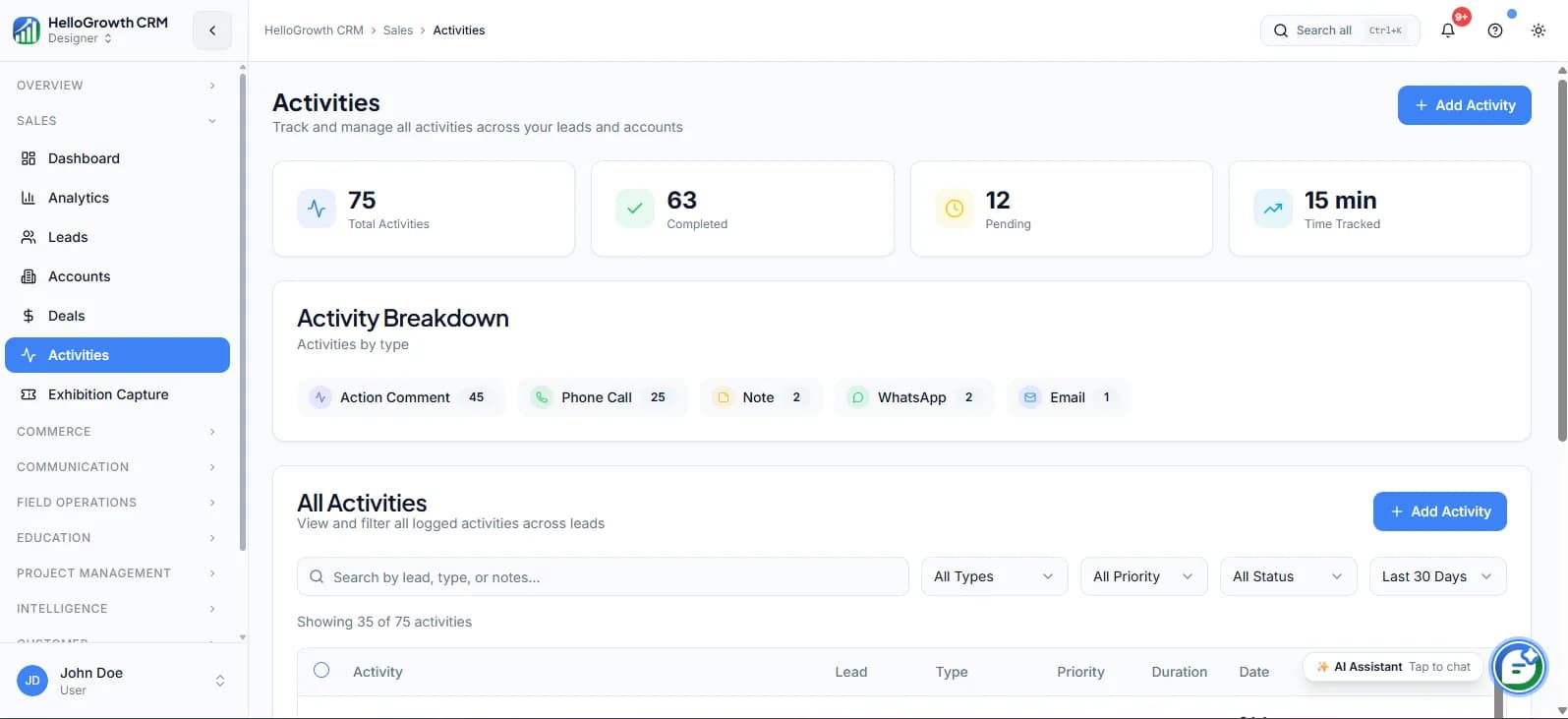
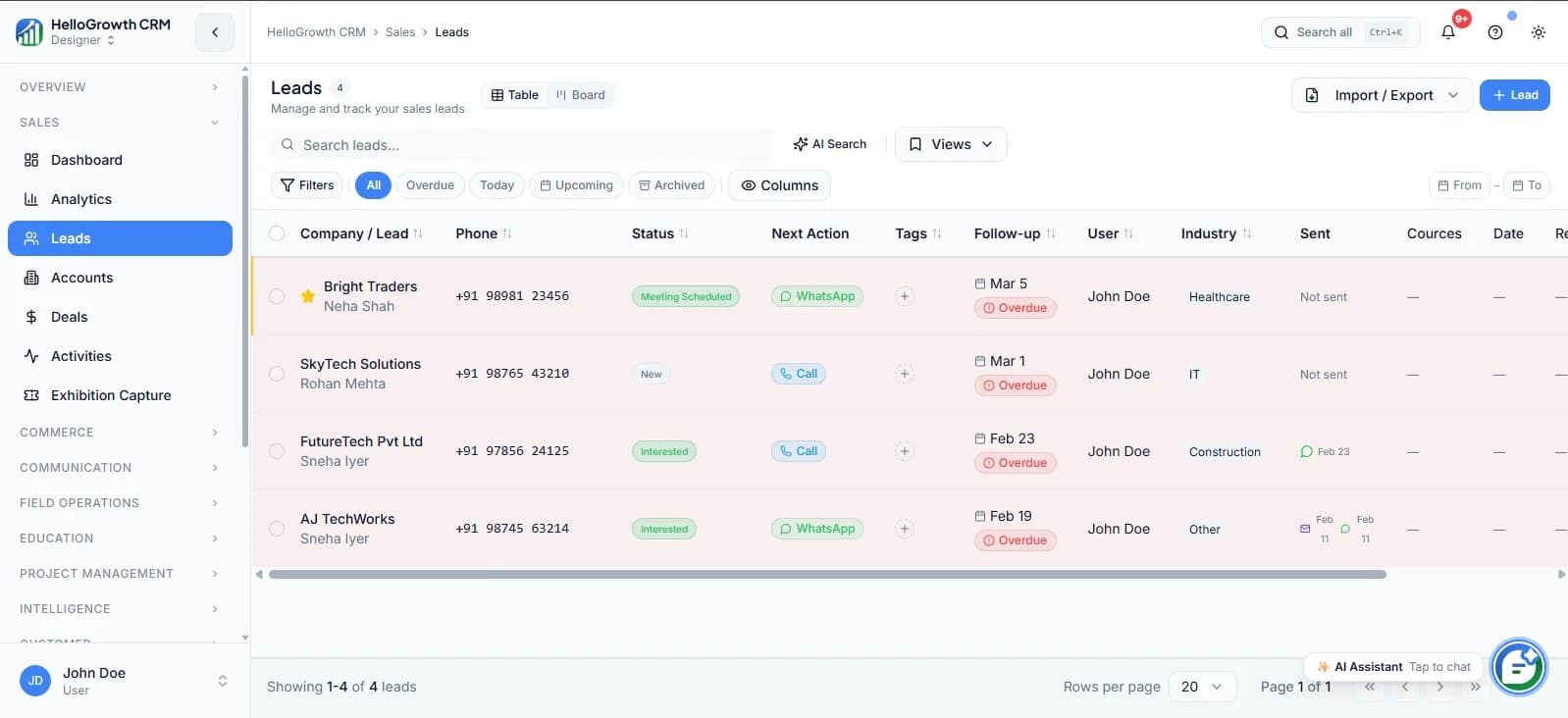
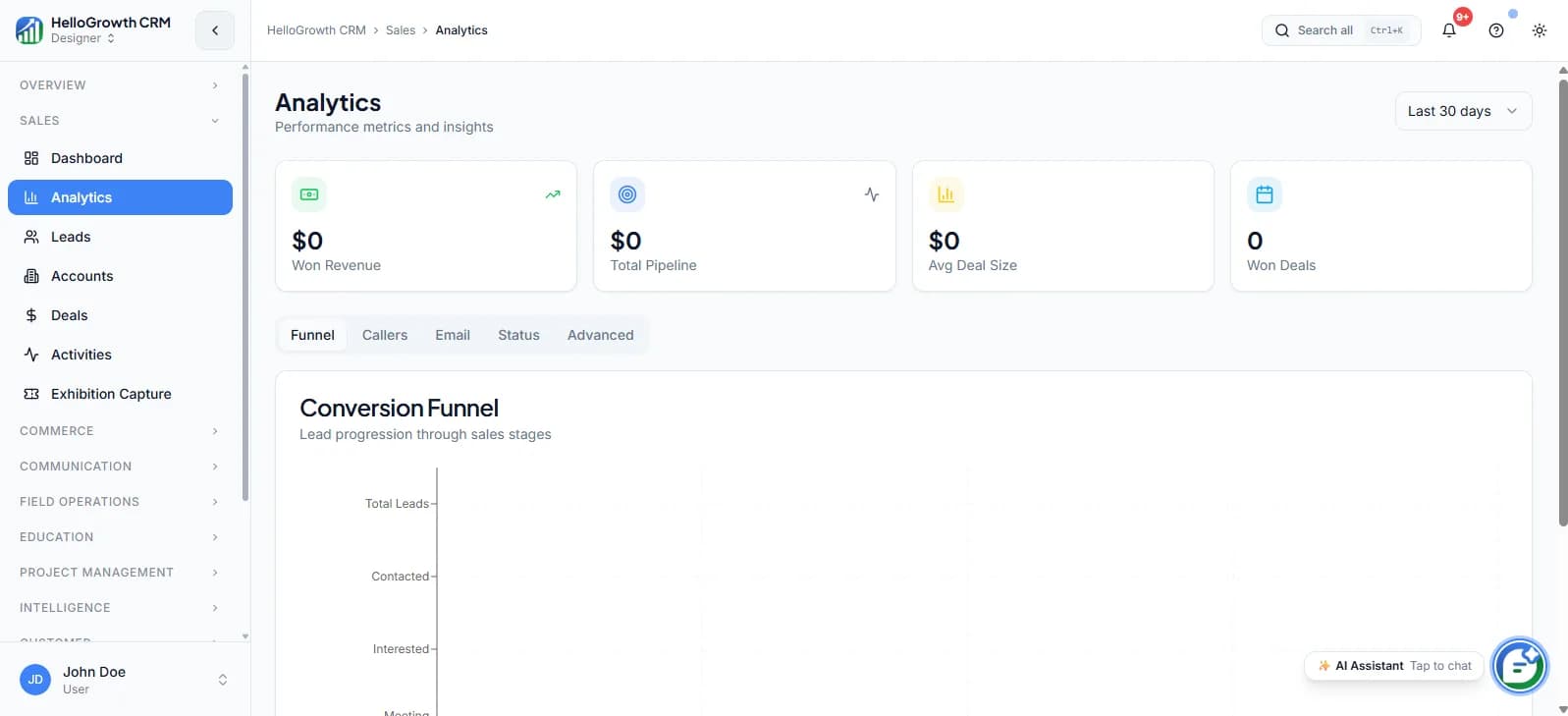
Calls, outcomes, and follow-ups live on the same lead record the rest of the pipeline uses — so a completed call updates the activity timeline, the deal stage, and the next task without any copying between tools.
Watch: The Built-In Dialer in Action
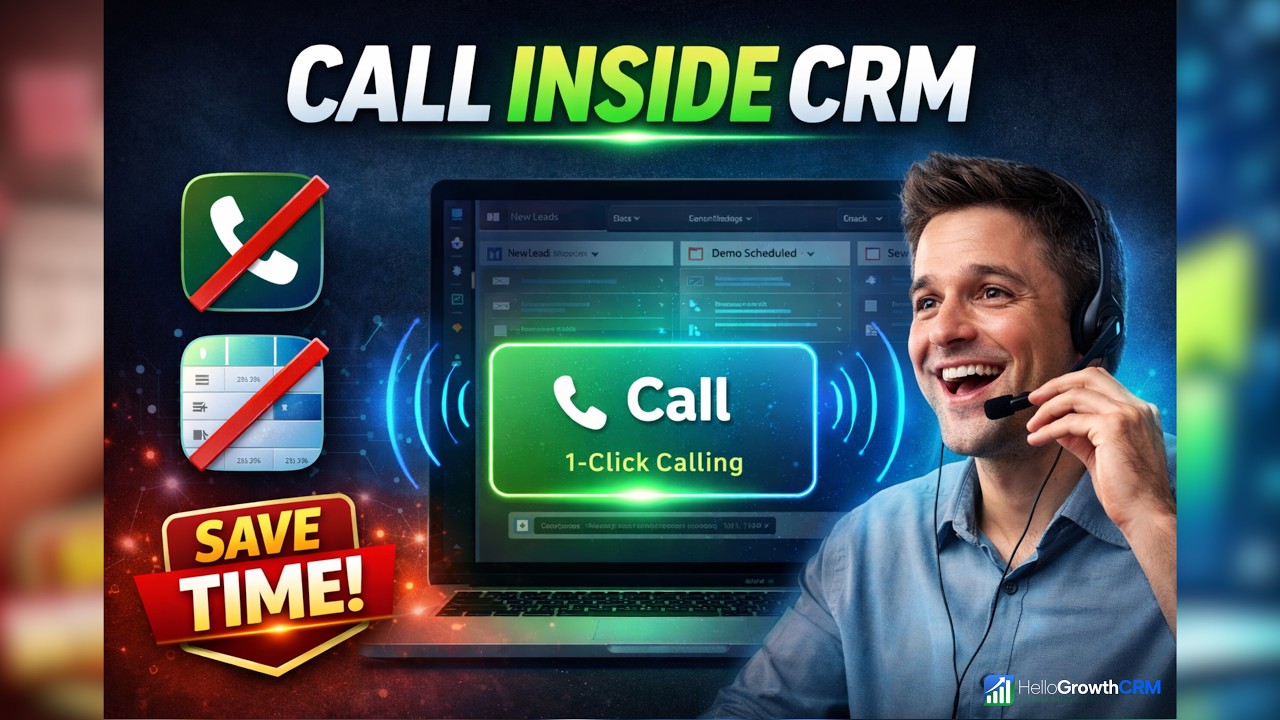
Key takeaways from this video
- Reps click to call directly from the lead record — no separate telephony app or number copying.
- Every call is logged to the contact timeline automatically, with recording where consent applies.
- AI generates a call summary and suggested next action shortly after each call ends.
- Unanswered calls can trigger WhatsApp/SMS fallback and a scheduled call-back task.
- Calling works in 100+ countries via Twilio, billed transparently at carrier rates.