Enterprise Sales Pipeline(Free Download)
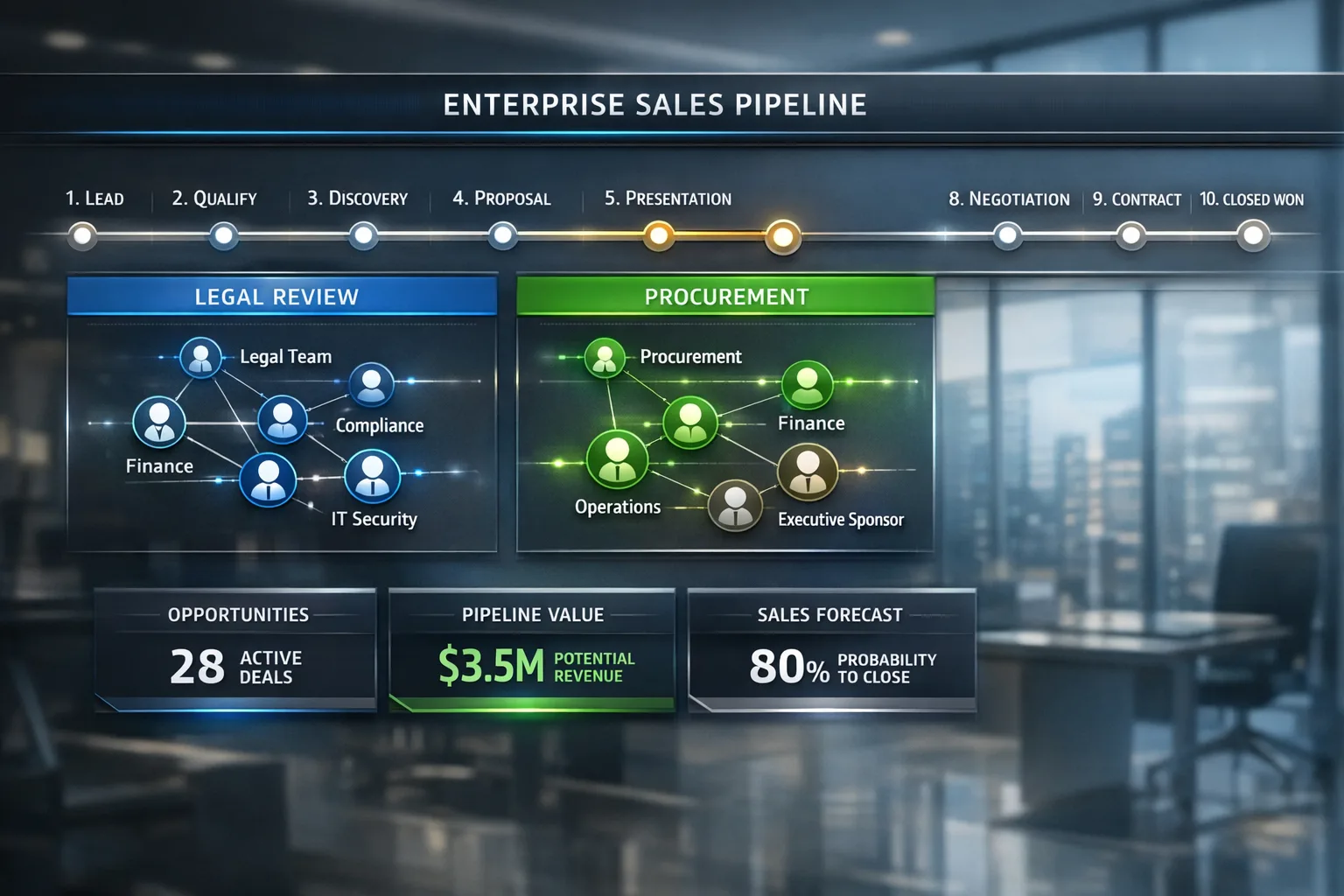
10-stage enterprise pipeline for complex B2B sales cycles of 3-12 months with legal review and procurement stages.
Template preview
Pipeline board view
What's included
10-stage enterprise pipeline for complex B2B sales cycles of 3-12 months with legal review and procurement stages.
Template specs
Updated 2026-02-12
No credit card · Free forever
10-stage enterprise pipeline: Discovery → Qualification → Demo → Technical Evaluation → Proposal → Negotiation → Legal Review → Procurement → Signature → Onboarding. Built for complex B2B sales cycles of 3-12 months. What makes enterprise deals different is not just the longer timeline — it is the number of approval gates that sit outside your champion's control. This template treats Technical Evaluation, Legal Review, and Procurement as first-class stages with their own owners, exit criteria, and SLA timers, because that is where most six-figure deals quietly die. Stakeholder fields track your Champion, Economic Buyer, and Technical Evaluator on every opportunity, and the deal review scorecard forces a MEDDICC-style health check before any deal advances past Proposal. Sales directors use the stage-duration report to spot deals stuck in procurement limbo and decide when to bring in executive air cover.
The Problem This Solves
Enterprise deals involve multiple stakeholders, long timelines, and complex approval processes that generic pipelines can't handle.
Who It's For
Enterprise AEs, sales directors, and deal desk teams selling to companies with 500+ employees.
Use Cases
- Manage multi-threaded enterprise deals with 5+ stakeholders
- Track deals through legal and procurement approval stages
- Forecast complex deals with longer sales cycles accurately
How to Use This Template
- 1
Import the template and customize stage definitions for your sales motion
- 2
Add stakeholder tracking fields (Champion, Economic Buyer, Technical Evaluator)
- 3
Configure stage-specific required fields (e.g., MEDDICC criteria)
- 4
Set up executive review alerts for deals above your threshold
- 5
Use the built-in deal review scorecard for pipeline reviews
Inside the template: sample data
The exact rows that ship with the Enterprise Sales Pipeline download — replace them with your own records after import.
| Stage | Probability | Typical Owner | Exit Criteria |
|---|---|---|---|
| Discovery | 5% | AE | Pain confirmed, next meeting booked |
| Qualification | 15% | AE | MEDDICC fields complete |
| Demo | 25% | AE + SE | Technical fit validated by evaluator |
| Technical Evaluation | 40% | Sales Engineer | Security / POC sign-off received |
| Proposal | 55% | AE | Pricing presented to economic buyer |
| Negotiation | 70% | AE + Deal Desk | Commercial terms agreed |
| Legal Review | 85% | Legal | Redlines resolved |
| Procurement | 90% | Buyer Procurement | PO raised |
| Signature | 95% | AE | Contract executed |
| Onboarding | 100% | CS | Kickoff scheduled, handoff complete |
Frequently Asked Questions
Ready to use this template?
Deploy Enterprise Sales Pipeline in HelloGrowthCRM with one click. Get started free — no credit card · free forever.
Free forever · No credit card required · Set up in minutes