Lead Journeys (Journey Automation)
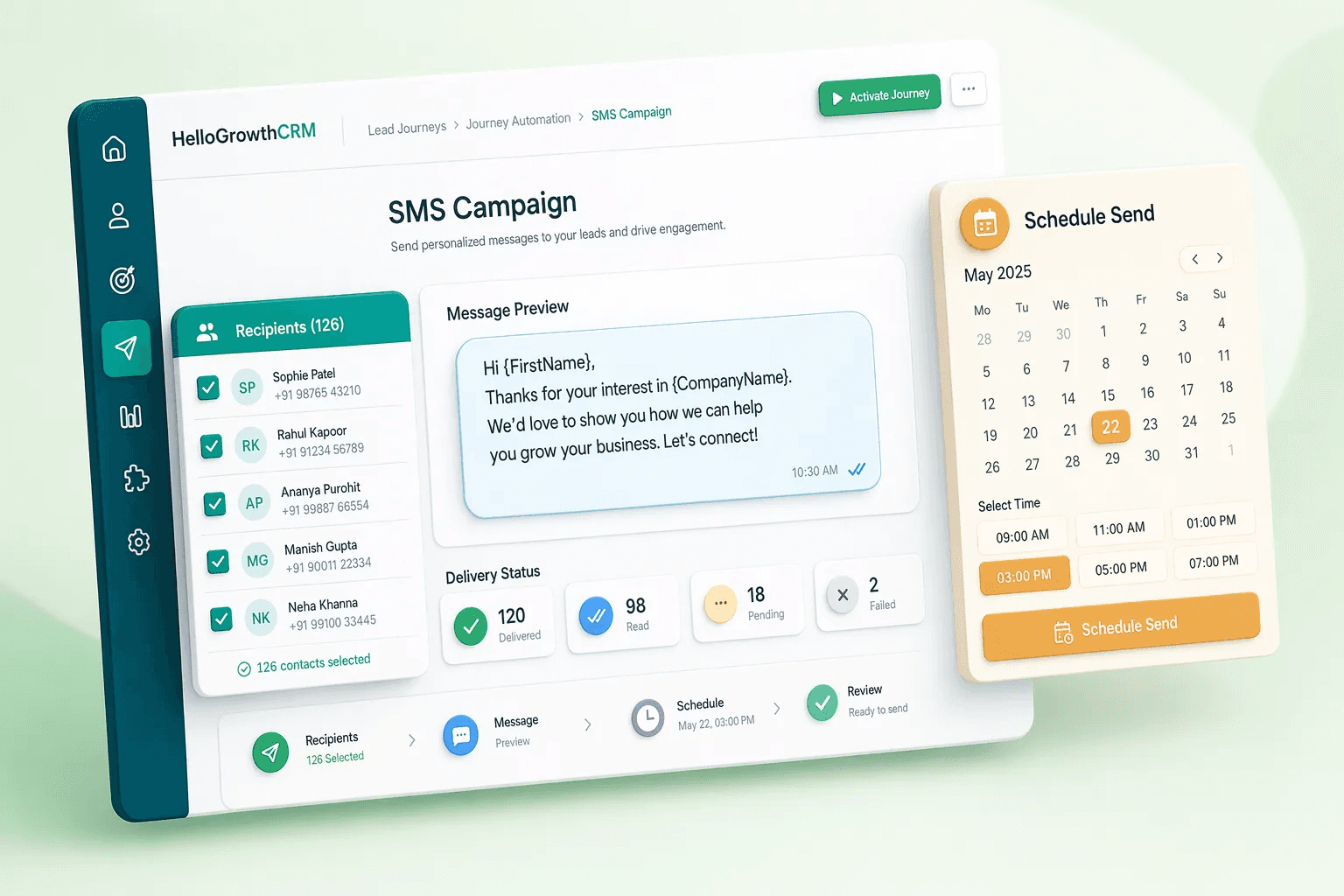
Build and run multi-step automated lead journeys across email, SMS, WhatsApp, and tasks — no rep involvement required.
Feature preview
Lead Management16 related capabilities in this category.

No lead left behind.
Sources
- Website & landing pages
- WhatsApp enquiries
- Facebook & Google ads
- Inbound calls
- CSV & event lists
Lead inbox
Inside HelloGrowthCRM
- Duplicates merged
- Source tagged
- AI lead score
- Routing rules applied
Then
- Owner assignedBy territory, score or round-robin
- Follow-up task createdWith a due time
- Deal in the pipelineStage, value, next step
From first enquiry to assigned owner in seconds, not days.
Quick navigation
Problem this feature solves
Teams usually evaluate Lead Journeys (Journey Automation) when workflow delays, inconsistent follow-up, or low visibility starts hurting conversion.
Lead Journeys (Journey Automation) is usually evaluated when teams want to remove friction from a repeated part of the revenue workflow. Instead of handling that step through memory, spreadsheets, or disconnected tools, this capability gives the team a more structured way to complete the work inside the CRM.
Build and run multi-step automated lead journeys across email, SMS, WhatsApp, and tasks — no rep involvement required. In most cases, the real value appears when this feature is used together with the rest of lead management, because that is what keeps ownership, follow-up, and reporting connected to the same record.
Teams rarely adopt Lead Journeys (Journey Automation) completely on its own. It usually works best alongside related capabilities such as Leads Table View, Leads Kanban View, Lead Finder, which provide the surrounding workflow, visibility, or automation needed to make the feature operationally useful.
- Multi-channel: email + SMS + WhatsApp + task + call
- Event-triggered: stage change, score threshold, inactivity
- Branch logic for different qualification paths
- Pause on reply, advance on click
- Audience builder to target journeys by segment
- Autopilot mode with a dry-run preview before anything sends
- Full journey analytics: step-level conversion rates and drop-off points
Feature interaction and workflow impact
Build and run multi-step automated lead journeys across email, SMS, WhatsApp, and tasks — no rep involvement required. This capability is part of the Lead Management category — core lead operations tools for capturing, organizing, routing, cleaning, and progressing pipeline work across your crm.
Buyers should look at whether this feature reduces admin overhead for the frontline team while also improving inspection for managers. A feature is only truly useful when it helps the next action happen faster and leaves cleaner context behind for the person who reviews, approves, or follows up after it.
Category
Lead Management
16 capabilities
More in Lead Management
Explore the other 15 capabilities in this category.
This is useful when your team is deciding whether the current feature is enough on its own or whether the broader category is the real buying unit. In many CRM rollouts, the surrounding workflow matters as much as the individual capability.
Leads Table View
Spreadsheet-like lead management for fast filtering, sorting, inline review, and daily sales execution.
Leads Kanban View
Kanban view to visualize lead stages and move work forward with a drag-and-drop workflow.
Lead Finder
Search and discover new leads to keep the pipeline full with better-fit prospects.
Lead Source Attribution
Track where leads come from so teams can improve channel performance and spending decisions.
Territory Management
Assign geographic ownership to ensure coverage, balance workload, and reduce rep conflict.
Duplicate Detection
Detect and merge duplicate leads to keep CRM data clean and reporting trustworthy.
Lead Assignment Rules
Automatically assign leads based on rules to improve speed, fairness, and SLA adherence.
Accounts
Manage companies and parent accounts to organize contacts, opportunities, and account context.
Activities
Track calls, meetings, notes, and tasks to maintain a complete relationship timeline.
Campaigns
Manage outreach campaigns and connect marketing execution to pipeline and revenue outcomes.
Market Radar
Use market intelligence and signal tracking to identify opportunities, threats, and timing faster.
Smart Lead Routing
Routing rules assign every inbound lead to the right rep in real time — by territory, score, product fit, and capacity.
Lead Enrichment (Apollo/Clearbit/ZoomInfo)
Auto-enrich every inbound lead with company data, LinkedIn profile, and tech stack from Apollo, Clearbit, and ZoomInfo.
Smart Lists (Dynamic Saved Views)
Create saved, dynamic filter views that update automatically as CRM data changes — no manual re-filtering.
Lifecycle Stages
Define and automate lifecycle stages from first touch to customer — with rules that advance contacts automatically.
Explore all feature categories
HelloGrowthCRM includes 121 capabilities across 14 categories.
Ready to use Lead Journeys (Journey Automation)?
Get started free — no credit card required.
← Back to Lead Management · All feature categories · Pricing