AI CRM Implementation Guide(Free Download)
Checklist-driven AI CRM rollout guide with readiness reviews, feature prioritization, pilot planning, impact tracking, calibration, and governance.
Template preview
GTM workspace
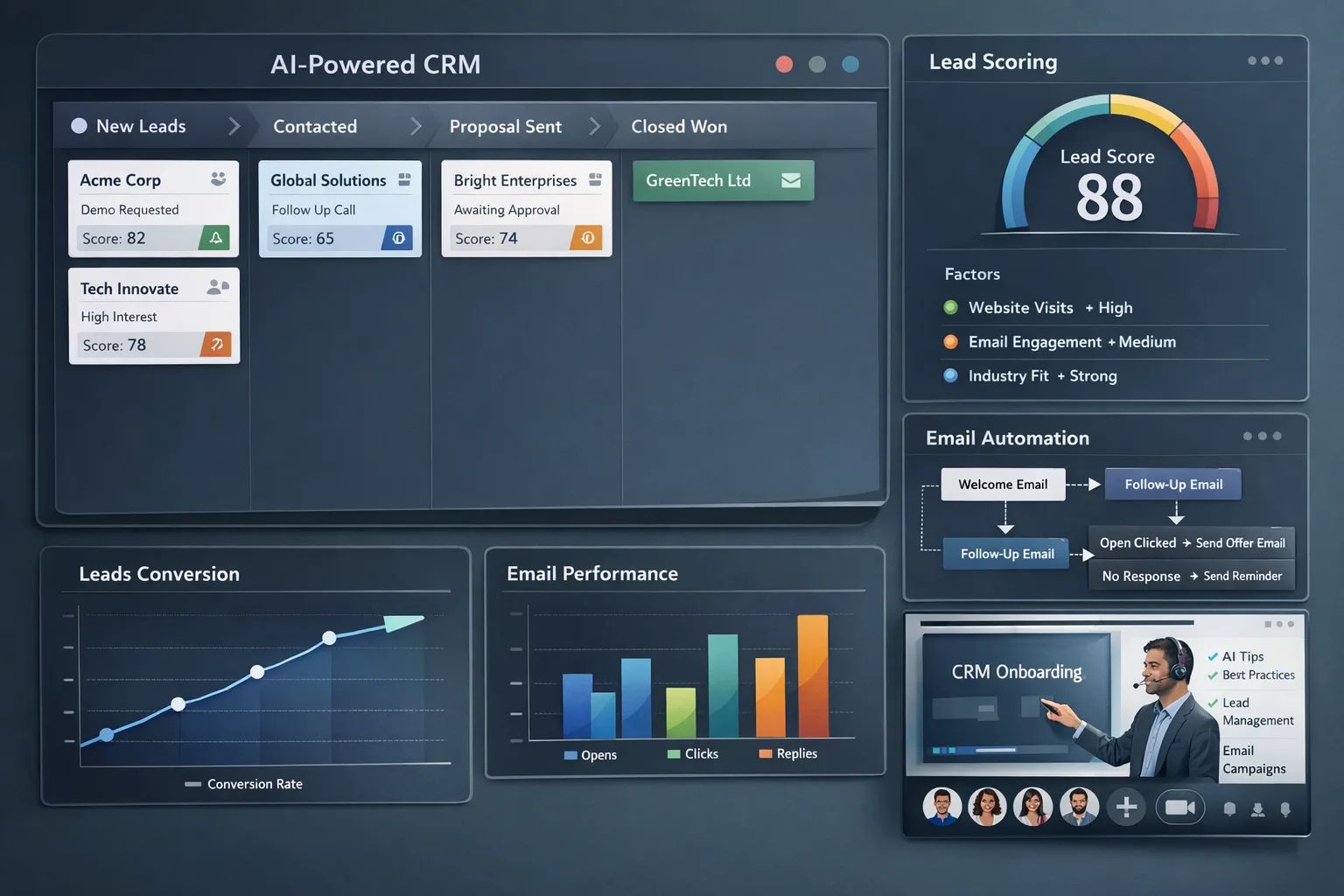
What's included
Seven AI capability readiness checklists, feature prioritization matrix, 30-day pilot plan, baseline vs post metrics, monthly calibration reviews, rollout gate, and governance ownership fields.
Automation rules
- Assess readiness per capability before activation
- Use pilot success criteria and rollout checks as deployment gates
- Track calibration actions and data gaps monthly after launch
Custom fields
Template specs
2.0Updated 2026-04-25
No credit card · Free forever
A practical, low-risk AI CRM implementation template for teams assessing readiness, piloting features, measuring business impact, and scaling AI safely inside sales, marketing, and customer success workflows. It covers readiness assessments for multiple AI capabilities, feature prioritization, a 30-day pilot plan, before-and-after impact metrics, monthly calibration reviews, rollout gating, and governance ownership so teams can adopt AI in phases instead of turning everything on at once.
The Problem This Solves
Teams often enable AI CRM features without verifying data quality, privacy readiness, user trust, or workflow fit. That leads to inaccurate outputs, low adoption, avoidable risk, and skepticism that slows down future AI initiatives.
Who It's For
RevOps leaders, CRM administrators, Sales Ops, Marketing Ops, customer success leaders, and GTM teams implementing AI capabilities inside the CRM.
Use Cases
- Assess whether specific AI CRM capabilities are ready for rollout based on data, risk, and integration maturity
- Pilot one AI feature at a time with success criteria, power users, and feedback loops
- Measure accuracy, adoption, and business impact before scaling AI across the full GTM team
How to Use This Template
- 1
Assess readiness for each AI capability using required fields, data completeness, data quality, integration readiness, and privacy review
- 2
Prioritize features based on business impact, implementation complexity, risk, expected ROI, and data requirements
- 3
Run a 30-day pilot with 2-3 power users before approving broad rollout
- 4
Track baseline and post-implementation metrics to measure operational impact and adoption
- 5
Review accuracy, corrections, data gaps, and workflow issues monthly before expanding AI usage
Inside the template: sample data
The exact rows that ship with the AI CRM Implementation Guide download — replace them with your own records after import.
| AI Capability | Risk Level | Readiness Status | Recommendation | Pilot Candidate |
|---|---|---|---|---|
| AI email drafting | Low | Pilot Ready | Start with lowest data requirement | Yes |
| AI meeting summaries | Low | Pilot Ready | Start with lowest data requirement | Yes |
| AI lead scoring | Medium | Pilot Ready | Pilot next | Next wave |
| AI churn prediction | High | Needs Work | Defer for later | No |
Results you can expect
- Identify which AI capabilities are genuinely ready versus risky to launch early.
- Create a phased rollout path instead of enabling every AI feature at once.
- Run a controlled pilot with measurable adoption, quality, and workflow feedback.
- Establish governance habits around calibration, privacy review, and user trust.
- Scale AI features with stronger accuracy, clearer ownership, and better internal confidence.
- Use impact metrics and calibration history to decide which capabilities expand next.
Pairs well with
Customization guide
Frequently Asked Questions
Ready to use this template?
Deploy AI CRM Implementation Guide in HelloGrowthCRM with one click. Get started free — no credit card · free forever.
Free forever · No credit card required · Set up in minutes
Related resources
Related Templates
RevOps Maturity Assessment
Consulting-grade RevOps scorecard with 50 criteria across People (12), Process (13), Technology (12), and Data (13), using a 0–5 scale with automated 0–100 normalization.
CRM Health Scorecard
Professional 30-criteria CRM Health Scorecard for SaaS/B2B RevOps teams across Data Quality (8), User Adoption (7), Automation Utilization (7), and Reporting Accuracy (8).
Sales Forecasting Model
Multi-method forecasting model combining weighted pipeline, historical trends, and rep-level predictions for accurate revenue forecasts.