HelloGrowthCRM software
Built for real small-business sales teams
HelloGrowthCRM helps reps qualify faster, follow up on time, and close more deals—with practical automation in one place.
- AI lead scoring and pipeline visibility
- Built-in dialer, WhatsApp, and email automation
- Sales forecasting and RevOps-ready reporting
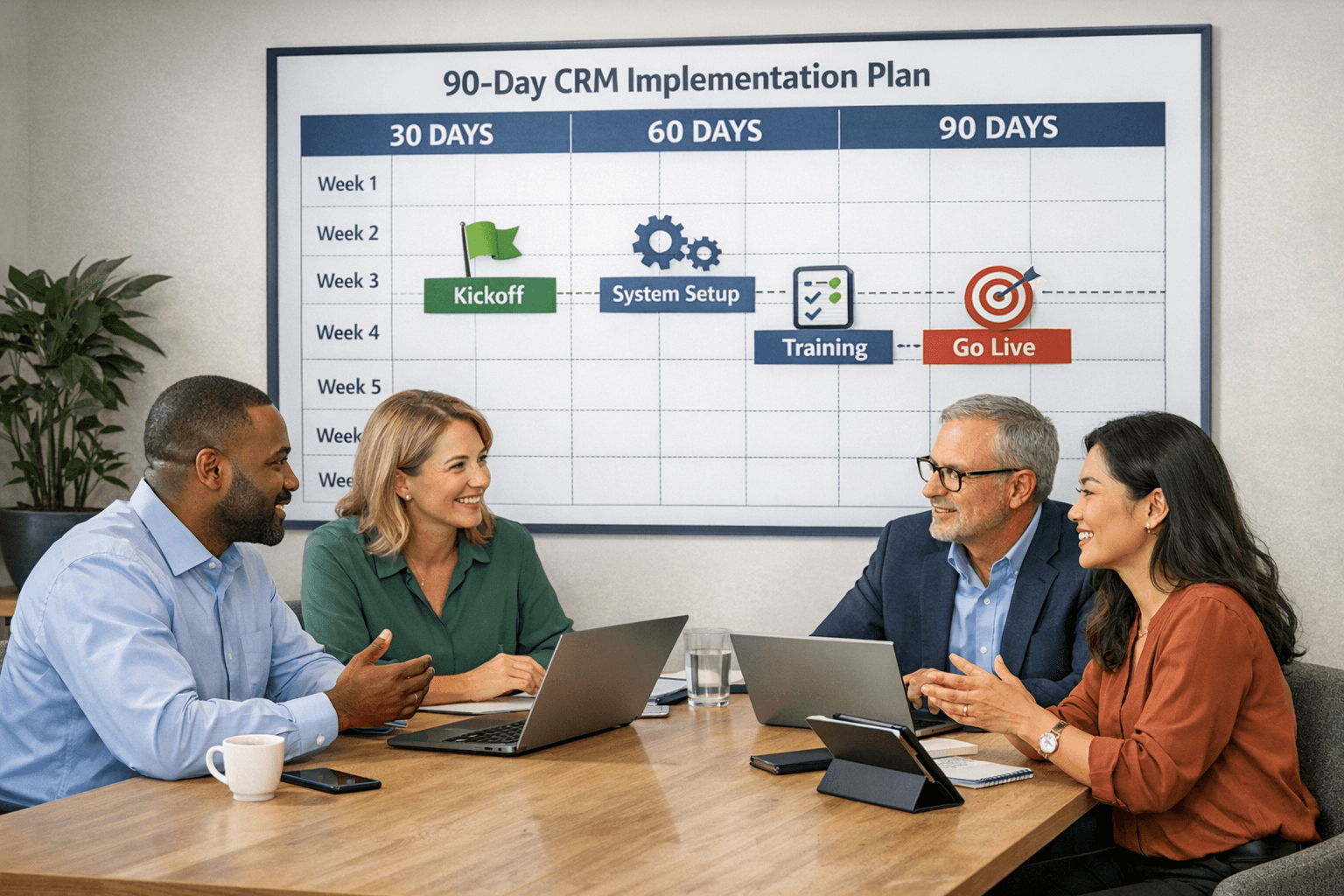
CRM Implementation Timeline: What to Expect in the First 90 Days
Implementing a Customer Relationship Management (CRM) system is a significant step for any small business aiming to streamline operations and enhance customer engagement. The best CRM for small business should not only simplify processes but also provide a clear roadmap for implementation. The first 90 days are critical as they lay the foundation for the successful adoption of the system. This article will guide you through what to expect during this period, ensuring you maximize the benefits of your new CRM.
In the first month of your CRM implementation, the primary focus should be on planning and preparation. This involves understanding your business needs, defining your goals, and selecting the right CRM solution. For small businesses, this is particularly crucial as resources may be limited. Begin by gathering input from your sales team, marketing department, and customer service representatives. Their insights will help you identify the features that are most important for your operations.
- Identify key stakeholders who will be involved in the implementation process.
- Define clear objectives for what you want to achieve with the CRM.
- Assess your current processes and determine how the CRM can improve them.
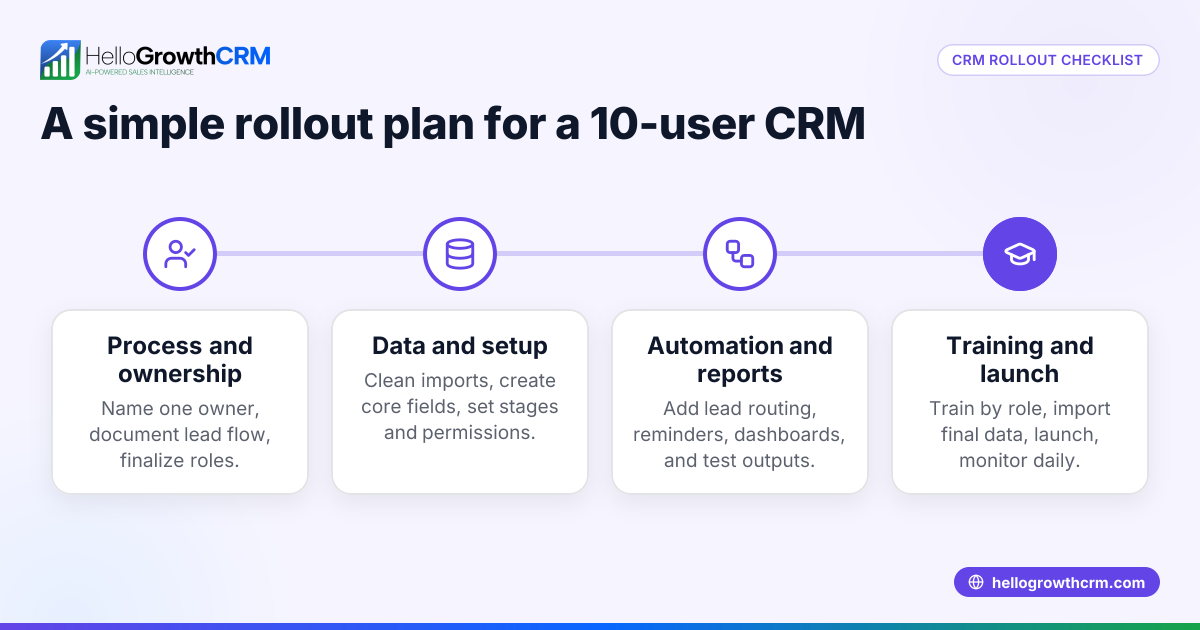
Once you have a clear plan in place, the next step is data migration. This is often a daunting task, but it is essential for ensuring that your CRM is populated with accurate and relevant information. During this phase, you should focus on cleaning your existing data, removing duplicates, and ensuring that all customer information is up-to-date. Depending on the size of your database, this can take a significant amount of time, so it's wise to allocate sufficient resources to this task.
- Clean and organize your existing customer data.
- Determine which data fields are necessary for your CRM.
- Plan for ongoing data management to keep your CRM updated.
After data migration, the next phase involves configuring your CRM system to suit your business needs. This includes setting up user accounts, customizing dashboards, and integrating with other tools that your team uses. Choosing the best CRM for small business means you should look for one that allows for easy customization and integration. HelloGrowthCRM, for instance, offers various features that can be tailored to fit your unique business processes.
- Set up user permissions based on roles within your organization.
- Customize the dashboard to highlight key performance indicators.
- Integrate with existing tools such as email, marketing platforms, and accounting software.
Once your CRM is set up and configured, it’s time to train your team. Training is a critical step that often gets overlooked, but it can make or break your CRM implementation. A well-trained team will be more likely to adopt the new system and utilize it effectively. Schedule training sessions that cover both the basics and advanced features of the CRM. Encourage questions and provide resources that team members can refer to after the training is complete.
- Conduct training sessions tailored to different user groups.
- Provide ongoing support and resources for team members.
- Encourage feedback to continually improve the training process.
As you move into the second month, it’s essential to focus on monitoring and optimizing the use of your CRM. This involves tracking how well the system is being utilized and whether it is meeting your initial objectives. Establish metrics to evaluate CRM performance, such as user adoption rates, data accuracy, and customer satisfaction scores. Regular check-ins with your team will help you identify any challenges they are facing and allow you to address them promptly.
- Track user engagement and adoption rates.
- Assess the quality of data being entered into the system.
- Gather feedback from the team on usability and features.
By the end of the 90-day implementation period, you should have a functioning CRM that is fully integrated into your daily operations. However, the journey doesn’t end here. Continuous improvement is key to maximizing the value of your CRM. Schedule regular reviews to assess the CRM’s effectiveness and make adjustments as necessary. This could involve additional training sessions, refining processes, or even exploring new features that may benefit your business.
- Establish a regular review schedule for assessing CRM performance.
- Stay updated on new features and updates from your CRM provider.
- Encourage a culture of continuous learning within your sales team.
In conclusion, implementing a CRM system is an essential step for small businesses looking to enhance their sales processes and customer relationships. By understanding the implementation timeline and what to expect in the first 90 days, you can ensure a smooth transition and set your business up for long-term success. Remember to choose a CRM that fits your specific needs, like HelloGrowthCRM, which is designed to empower small business sales teams. With careful planning and execution, your CRM can become a powerful tool in driving growth and efficiency.
HelloGrowthCRM makes it easy to take the next step. You can Explore the features of HelloGrowthCRM that can help your business thrive. and see how it fits your team's workflow within minutes.
You can also explore Access helpful resources for CRM implementation and best practices., Read more articles on optimizing your sales processes., See how other small businesses have benefited from HelloGrowthCRM., Get in touch with us for personalized support and guidance. to connect the tools and resources your team already relies on.
Ready to put this into practice?
Set up your pipeline, WhatsApp follow-ups, and AI lead scoring in minutes — free, no credit card.
Try HelloGrowthCRM freeGet CRM tips in your inbox
Join thousands of sales professionals who get weekly insights on CRM strategy, AI automation, and pipeline optimization.

The HelloGrowthCRM team publishes guides on CRM strategy, AI sales tools, and revenue operations for small business sales teams.