QBR Presentation Template — Quarterly Business Review(Free Download)
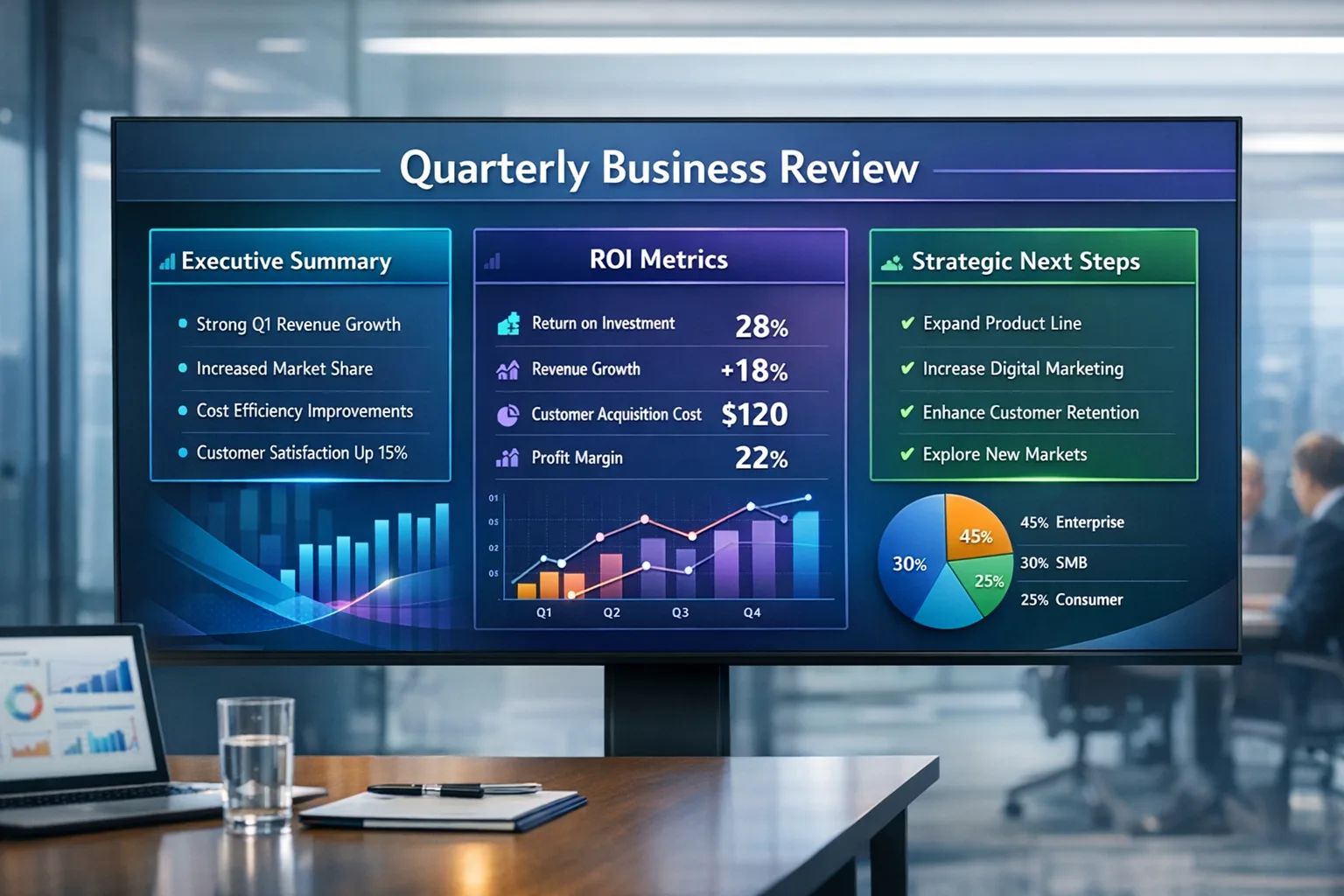
QBR presentation framework: executive summary, usage & ROI, support & adoption, risk & expansion, next-quarter MAP — deck order, statuses, and automation-ready fields.
Template preview
QBR deck
What's included
10-slide narrative order, 8 detailed sections with include lists and field hints, status/priority enums, owner roles, demo metrics grid, risk factor model, expansion signals, tier pickers, and automation checklist.
Automation rules
- Quarter-end prep reminders
- Scheduled QBR record creation per account tier
- Incomplete-section alerts to CSM
- Tasks when status → Presented
- Overdue action-item notifications
Dashboards & views
- QBR completion rate
- Risk vs expansion matrix
- MAP follow-through
Template specs
Updated 2026-03-21
No credit card · Free forever
A complete Quarterly Business Review template with eight sections: Executive Summary; Usage Metrics Dashboard; ROI / Value Realization; Support & Service Trends; Feature Adoption; Competitive Risk Indicators; Expansion Assessment; and Next-Quarter Goals & Action Items. Includes presentation slide order (title through action close), per-section owner/status/priority/notes, suggested CRM fields, demo KPI placeholders, configurable risk pressure and expansion signal views (Healthy / Watchlist / At Risk / Critical and expansion tiers), and optional automation (prep reminders, recurring QBR records, incomplete-section alerts, post-present tasks, overdue action-item nudges). Works as both internal working QBR and executive-facing review.
The Problem This Solves
Without a standard structure, QBRs become status chats — weak on ROI proof, risk visibility, expansion, and mutual accountability.
Who It's For
CSMs, AMs, CS Ops, support leads, product specialists, AEs, and executive sponsors preparing customer QBRs.
Use Cases
- Deliver one executive-ready storyline: usage → value → service → adoption → risk → expansion → next quarter
- Align internal prep and customer deck from the same source of truth
- Trigger follow-through with statuses, MAP rows, and automation hooks
How to Use This Template
- 1
Open “Use This Template” to walk slide order, fill section owners and statuses, and paste draft notes
- 2
Drop in live metrics from analytics, support, and finance; replace demo tiles
- 3
Set risk and health classifications; tune factor weights after deploy
- 4
Score expansion readiness from signals; assign commercial next step
- 5
Export CSV/PDF for stakeholders; deploy to CRM for recurring QBR records and alerts
Inside the template: sample data
The exact rows that ship with the QBR Presentation Template — Quarterly Business Review download — replace them with your own records after import.
| Section | Include (example) | Owner |
|---|---|---|
| 1 — Executive Summary | Strategic summary, achievements, risks, health, takeaway | CSM |
| 2 — Usage Metrics | Active users, license util, login freq, QoQ change | CS Ops |
| 3 — ROI / Value | Outcomes, time saved, revenue impact, KPI vs success criteria | CSM |
| 4 — Support Trends | Volume, resolution time, severity, sentiment | Support Lead |
| 5 — Feature Adoption | Core vs underused features, training gaps | Product Specialist |
| 6 — Risk Indicators | Competitors, renewal hesitation, champion engagement | CSM |
| 7 — Expansion | Upsell/cross-sell, seats, readiness score, blockers | AM / AE |
| 8 — Next Quarter | Goals, MAP, owners, due dates | CSM |
Frequently Asked Questions
Ready to use this template?
Deploy QBR Presentation Template — Quarterly Business Review in HelloGrowthCRM with one click. Get started free — no credit card · free forever.
Free forever · No credit card required · Set up in minutes
Related resources
Related Templates
Customer Success Health Check
Quarterly recurring health check workflow: six milestone stages from usage and NPS through renewal risk, expansion, and automated CSM follow-up.
Agency Client Onboarding Checklist
22-step agency onboarding checklist across 5 milestones: kickoff, access & assets, CRM setup, automation, and launch readiness.
Deal Lost Re-engagement Workflow
Full win-back playbook: enroll on Closed Lost, 30/60/90-day value emails, re-engagement scoring (0–100), tiered sales alerts, tasks, and clear outcomes.