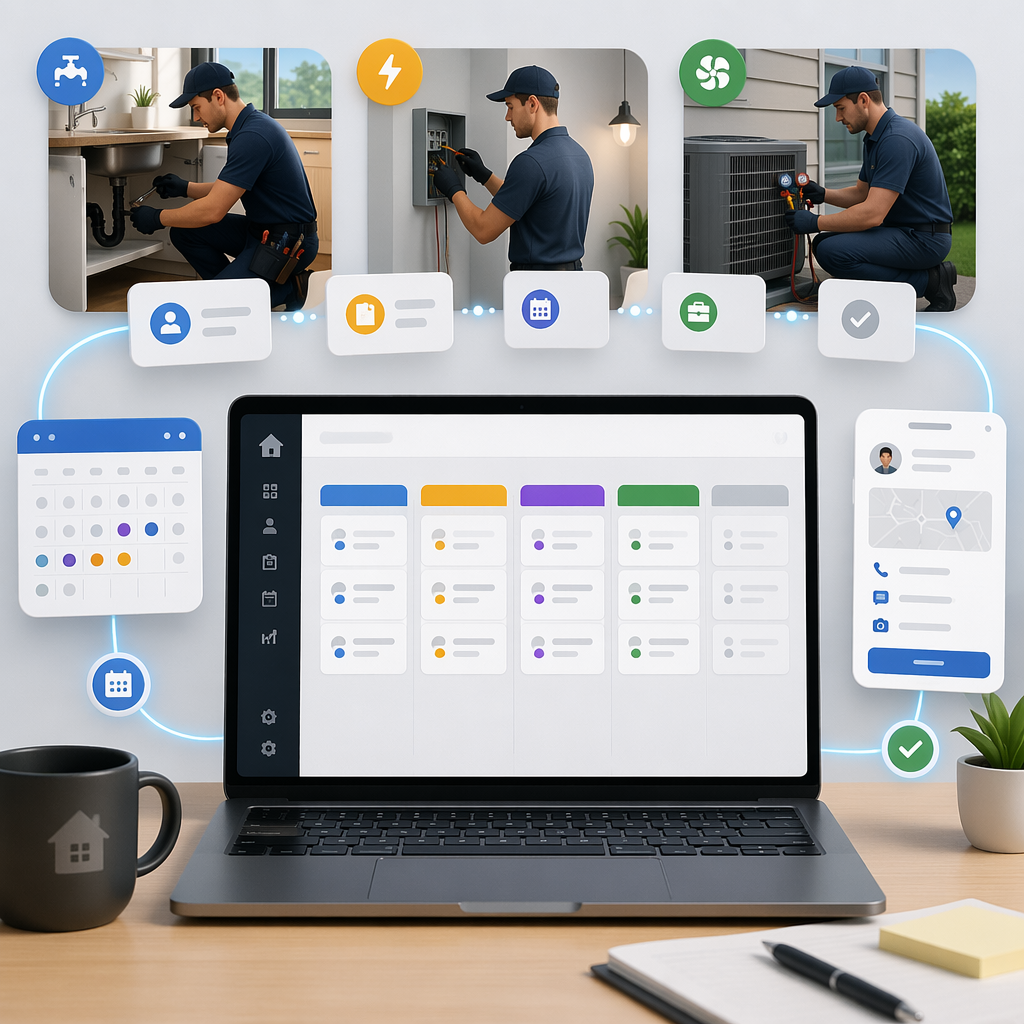
HelloGrowthCRM software
Built for real small-business sales teams
HelloGrowthCRM helps reps qualify faster, follow up on time, and close more deals—with practical automation in one place.
- AI lead scoring and pipeline visibility
- Built-in dialer, WhatsApp, and email automation
- Sales forecasting and RevOps-ready reporting
A CRM for NDIS providers in Australia is a customer relationship management system designed to track participant enquiries, referrals, service agreements, and ongoing support interactions while meeting strict privacy and communication rules. Instead of juggling spreadsheets, email threads, and disconnected booking systems, an NDIS-focused CRM keeps the entire participant journey in one pipeline—from first enquiry through intake, service delivery, and billing—while helping providers comply with the Privacy Act 1988, the Australian Privacy Principles (APPs), and the Spam Act 2003.
Key Takeaways
- NDIS providers handle complex participant journeys that benefit from a structured CRM pipeline.
- A CRM helps track enquiries, referrals, assessments, service agreements, and ongoing support in one system.
- Automation tools can help providers follow the Spam Act 2003 rules while still responding quickly to enquiries.
- Integrations with finance systems like Xero or MYOB reduce admin work and billing delays.
- AI-powered CRM features help teams prioritise urgent participant needs and track service delivery across locations like Sydney, Melbourne, and Brisbane.
Why NDIS Providers Need a Purpose-Built CRM
NDIS providers often start with email inboxes, spreadsheets, and scattered documents to manage participant enquiries. This approach works when the organisation has five or ten clients. It breaks down quickly once enquiries increase.
Many disability service providers in cities like Sydney and Melbourne receive:
- participant enquiries from families
- referrals from hospitals and support coordinators
- intake requests through their website
- follow-ups about service availability
- requests for service agreement updates
Without a central system, information spreads across staff members. This creates risk.
A CRM built for this workflow gives teams a structured participant pipeline. With an AI CRM, staff can see:
- where each participant sits in the intake process
- which enquiries still need responses
- whether a service agreement is pending
- when the next support interaction should happen
I have audited intake processes for service providers where over 30% of enquiries were lost simply because they sat in personal email inboxes. After moving the process into a shared pipeline with clear stages, response times dropped from several days to under 24 hours.
For disability services, this improvement is not just operational. Faster responses can mean faster support for participants who urgently need assistance.
The Typical Participant Journey (and Where CRMs Help)
NDIS participant journeys usually follow a predictable structure, even though each case is unique.
A CRM helps providers track each stage.
1. Participant Enquiry
This may arrive through:
- website forms
- phone calls
- referral partners
- support coordinators
- hospital discharge teams
Using a shared inbox such as the Smart Inbox keeps enquiries visible across the team instead of locked inside personal emails.
2. Eligibility and Intake
Providers must check whether they can deliver the requested support. Staff may collect:
- NDIS number
- support category
- location
- plan manager details
A structured pipeline ensures these checks happen consistently.
3. Assessment and Scheduling
Once the intake is confirmed, coordinators schedule assessments or consultations. Tools like the Meeting Scheduler reduce manual back-and-forth emails.
4. Service Agreement Creation
NDIS service agreements outline:
- services to be delivered
- pricing aligned with NDIS price guides
- participant responsibilities
- provider obligations
Many providers manage these agreements in separate documents. Connecting them inside the CRM improves tracking and compliance.
5. Service Delivery and Ongoing Support
Once a participant becomes active, the CRM tracks:
- appointment history
- service notes
- follow-ups
- billing triggers
Using features such as Sales Task Boards ensures support coordinators and admin staff know exactly what needs to happen next.
Managing Compliance with the Privacy Act and APPs
NDIS providers handle sensitive personal and health information. Australian law requires strong safeguards.
The Privacy Act 1988 and the Australian Privacy Principles (APPs) define how organisations collect, store, and use personal data. Providers must ensure participant information is handled securely and only used for authorised purposes. The official guidance from the Office of the Australian Information Commissioner explains these obligations in detail:
https://www.oaic.gov.au/privacy/the-privacy-act
A well-configured CRM helps with several compliance areas:
- Access control – limit participant records to authorised staff
- Audit logs – track who viewed or edited sensitive data
- Secure document storage – keep service agreements attached to participant records
- Consent tracking – record when participants approve communications
In one rollout I helped implement for a Brisbane-based therapy provider, we mapped every field in the CRM against APP requirements. Intake staff could only view fields needed for intake. Finance staff saw billing details but not clinical notes.
This simple access model dramatically reduced the risk of accidental data exposure.
Staying Compliant with the Spam Act 2003
NDIS providers often send appointment reminders, updates, or newsletters to participants and families. These communications must comply with the Spam Act 2003, which is enforced by the Australian Communications and Media Authority (ACMA).
The law requires organisations to:
- obtain consent before sending electronic messages
- identify the sender clearly
- provide a working unsubscribe option
ACMA outlines these rules here:
https://www.acma.gov.au/spam
A CRM helps enforce these rules automatically.
For example, tools like Email Automation and the WhatsApp & SMS CRM can include built‑in consent tracking and unsubscribe management.
That means staff can send reminders or updates without manually checking spreadsheets.
The system records:
- when consent was captured
- which messages were sent
- whether the participant opted out
For organisations sending hundreds of appointment reminders per week, automation dramatically reduces compliance risk.
Connecting Participant Data with Billing Systems
Administrative work is a major cost driver for NDIS providers.
After services are delivered, teams must generate invoices and claim payments through plan managers or self-managed participants.
Connecting the CRM with finance systems removes manual data entry.
Through integrations available via All Integrations, providers can link the CRM with accounting platforms widely used by Australian businesses.
Examples include:
- Xero
- MYOB
- payment platforms used for participant billing
For providers that use Xero, the QuickBooks or Stripe style integration model gives a good idea of how financial syncing works in modern CRM systems.
When a service session is marked as complete in the CRM:
- the billing record is created
- participant details are already attached
- the finance system receives the invoice automatically
This reduces double entry and prevents billing delays.
How AI Helps NDIS Teams Prioritise Participant Support
Many providers now handle hundreds of active participants. Teams need help identifying which cases need attention first.
AI-driven CRM features provide that visibility.
For example, AI Pipeline Management can highlight participants who have:
- waited too long for follow-up
- incomplete intake forms
- pending service agreements
- missed appointments
Meanwhile, AI Deal Insights can surface patterns such as referral sources that produce the highest-quality participants.
When I implemented a pipeline review process for a Melbourne-based support coordination team, we discovered that hospital referrals converted nearly twice as often as website enquiries. Once we tracked that inside the CRM, the organisation invested more effort in hospital partnerships.
That insight alone increased new participant intake by roughly 28% over six months.
How to Set Up a CRM for NDIS Providers: Step-by-Step
1. Define Your Participant Pipeline
Create stages such as Enquiry, Intake Review, Assessment Scheduled, Service Agreement Sent, and Active Participant.
2. Centralise All Enquiries
Route website forms, emails, and referrals into a shared system like the Smart Inbox.
3. Capture Required Participant Data
Record NDIS number, support category, location, and consent preferences during intake.
4. Automate Communication Workflows
Use tools such as Email Automation to send appointment reminders and follow-ups.
5. Integrate Finance and Billing
Connect your CRM to accounting systems so service completion triggers invoice generation.
6. Track Ongoing Support Tasks
Use task boards and reminders so support coordinators never miss follow-ups.
7. Monitor Compliance and Reporting
Use audit logs and data controls to align with the Privacy Act and communication regulations.
Why HelloGrowthCRM Works Well for Australian NDIS Teams
Most CRM platforms are built for traditional sales teams. NDIS providers operate differently.
They need tools designed around participant journeys rather than sales deals.
HelloGrowthCRM brings these workflows together in a single platform.
Providers can:
- track participant enquiries in a visual pipeline
- automate compliant communication
- coordinate support tasks across teams
- integrate with finance tools used by Australian SMBs
- analyse referral sources and service demand
Unlike generic CRMs, HelloGrowthCRM also includes AI features such as AI Lead Scoring to help teams prioritise urgent participant requests.
This article obviously discusses our own product, so consider it one option among several. But for disability service providers managing growing enquiry volumes, a dedicated CRM often replaces several disconnected tools.
Australian providers interested in modernising intake and participant management can explore the platform through the Features page or start a Free Trial to see how the pipeline works with real enquiries.
About the author
Daniel Reeves is a Sales Operations Lead at HelloGrowthCRM with over 9 years of experience implementing CRM and revenue operations systems for service organisations. He has led CRM rollouts across healthcare, education, and community services. In one recent project, he helped a Brisbane-based disability services provider migrate 6,000 participant records from spreadsheets into a structured CRM pipeline, reducing enquiry response times by 40%.
Frequently Asked Questions
Q: What is the best CRM for NDIS providers in Australia?
A: The best CRM is one that tracks the full participant journey, from enquiry to service delivery and billing. Systems like HelloGrowthCRM are designed to manage pipelines, automate communications, and integrate with accounting tools commonly used by Australian providers.
Q: Can a CRM help with NDIS compliance?
A: Yes. A CRM can help track consent, store service agreements securely, and limit access to participant data. These controls help organisations align with the Privacy Act 1988 and the Australian Privacy Principles.
Q: How does a CRM help manage participant enquiries?
A: A CRM collects enquiries from forms, emails, calls, and referrals into a single pipeline. Staff can see each participant's status, assign tasks, and schedule assessments without losing information across multiple systems.
Q: Is automated messaging allowed under Australian spam laws?
A: Yes, but organisations must follow the Spam Act 2003. Messages must have consent, identify the sender, and include an unsubscribe option. Regulators like ACMA oversee these rules.
Q: Can NDIS providers integrate CRM systems with Xero or MYOB?
A: Many modern CRMs offer integrations with finance platforms. This allows service delivery records to trigger invoices automatically, reducing manual data entry and speeding up billing.
Q: Do small disability service providers need a CRM?
A: Even small teams benefit from structured participant tracking. A CRM prevents missed enquiries, improves response times, and helps staff manage participant records securely as the organisation grows.
Q: How long does it take to implement a CRM for an NDIS provider?
A: Small providers can usually set up a basic pipeline within a few days. More complex organisations with multiple service lines or locations may take several weeks to configure workflows and integrations.
Frequently Asked Questions
Ready to put this into practice?
Set up your pipeline, WhatsApp follow-ups, and AI lead scoring in minutes — free, no credit card.
Try HelloGrowthCRM freeGet CRM tips in your inbox
Join thousands of sales professionals who get weekly insights on CRM strategy, AI automation, and pipeline optimization.

The HelloGrowthCRM team publishes guides on CRM strategy, AI sales tools, and revenue operations for small business sales teams.