HelloGrowthCRM software
Built for real small-business sales teams
HelloGrowthCRM helps reps qualify faster, follow up on time, and close more deals—with practical automation in one place.
- AI lead scoring and pipeline visibility
- Built-in dialer, WhatsApp, and email automation
- Sales forecasting and RevOps-ready reporting
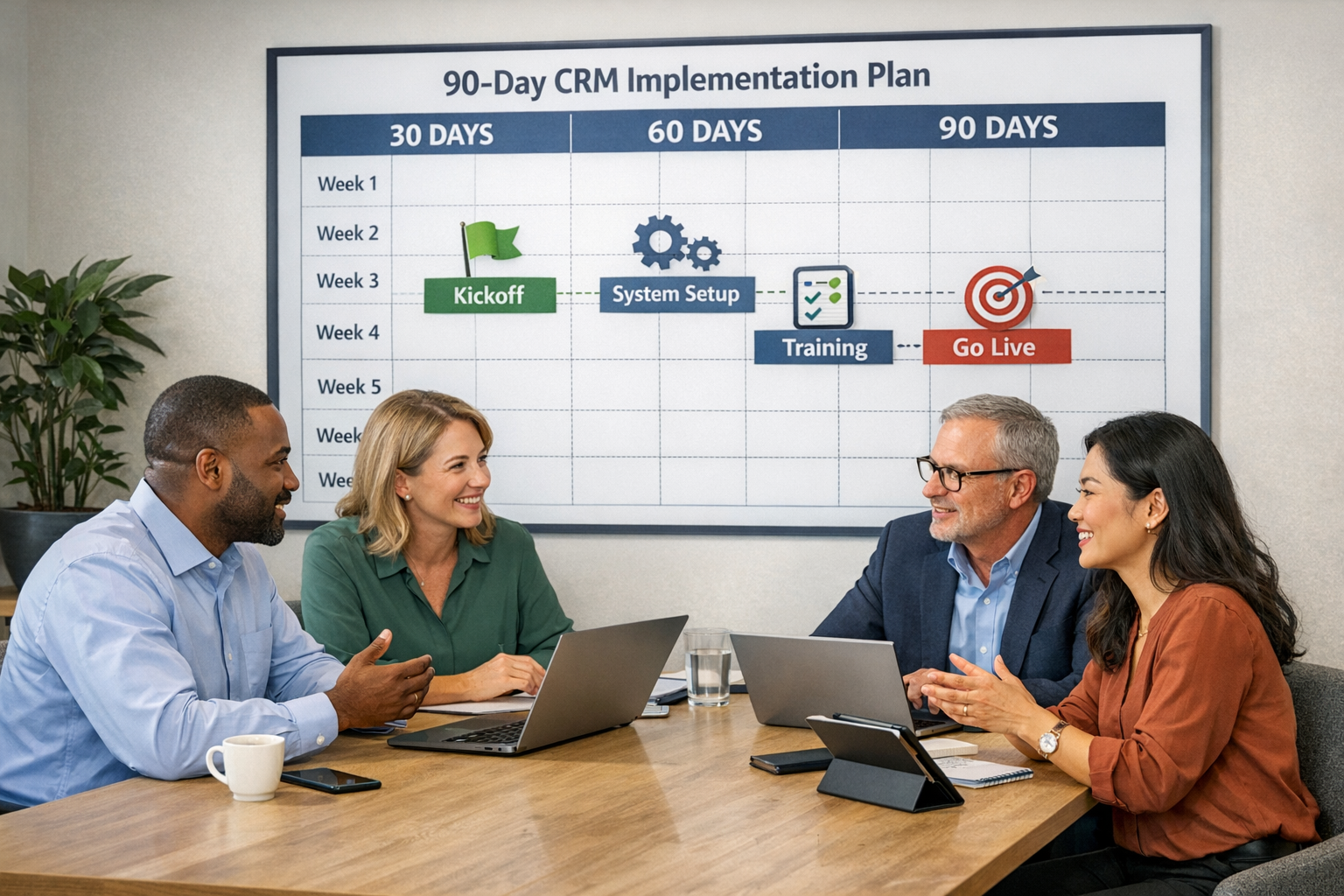
CRM implementation has a reputation problem. Enterprise rollouts take six months, consultants talk in quarters, and half the small-business owners who buy a CRM are still "getting around to setting it up" ninety days later — while leads keep leaking through the same cracks the CRM was supposed to fix.
Here is the honest truth for small teams: if you have fifteen people or fewer and a reasonably simple sales process, a working CRM implementation is a one-week project. Not a perfect implementation — a working one, where every lead is captured, every deal has a next step, and the basic follow-ups run themselves. Perfection comes later, in small weekly improvements, once the system is alive.
This is the day-by-day plan. It assumes roughly two to three focused hours per day from one person (the owner of the rollout), plus one hour from the whole team on Friday.
Before Day 1: three decisions that prevent chaos
- Name one owner. One person runs the implementation and makes the small calls without a committee. In a small business this is usually the owner, sales lead, or the most process-minded rep.
- Pick a go-live date and tell the team. "We start working out of the CRM next Monday" creates useful pressure. Open-ended implementations are the ones that die.
- Choose the one metric that matters. For most small teams it is either speed to first response or quote follow-up rate. You will build the week around improving that number, not around configuring every feature.
Day 1 (Monday): design the pipeline on paper first
Do not open the software yet. Take 30 minutes with whoever sells and write down the stages a deal actually moves through, from first contact to won or lost. Five to seven stages is right for almost everyone — for example: New lead → Contacted → Qualified → Quote sent → Negotiation → Won / Lost.
Two rules keep this honest:
- Each stage is a fact, not a feeling. "Quote sent" is verifiable; "interested" is not. If you can't say what event moves a deal into a stage, the stage isn't real.
- Decide the required fields — and keep them under eight. Name, company, phone, email, source, deal value, expected close date. Every extra required field cuts adoption. You can add fields later; you cannot easily recover a team that gave up on data entry in week one.
Then set it up in the CRM. In HelloGrowthCRM this is under an hour: create the pipeline, name the stages, set the fields, invite the team (accounts only — training comes Friday).
Day 2 (Tuesday): clean and import your data
This is the least glamorous day and the most important one. Whatever you migrate into the CRM becomes the foundation — and importing a mess produces an expensive mess.
- Export contacts and deals from wherever they live today: spreadsheets, phone contacts, inbox, an old CRM.
- Deduplicate ruthlessly. Same person twice with two phone numbers? Merge before import, not after.
- Drop the dead weight. Leads that went cold two years ago do not need to come along. A useful rule: import anything active in the last 12 months, archive the rest in a spreadsheet you keep but don't load.
- Map every open deal to one of your new stages, and give each one a next step and an owner. An open deal with no next step is where pipelines go to rot.
If you are coming from a spreadsheet, our switch from Excel guide covers the column-mapping details, and there are equivalent guides if you are migrating from another CRM. Budget the full two to three hours today — data cleanup always takes longer than expected, and it is the one step you cannot skip.
Day 3 (Wednesday): connect the channels
A CRM only works if leads and conversations flow into it automatically. Today you plug in the pipes:
- Email — connect each rep's inbox so customer emails log against the right contact.
- Website forms — every form submission should create a lead in the pipeline, instantly.
- Phone — set up the built-in dialer so calls are made, logged, and recorded from the lead record, and missed calls create follow-up tasks.
- WhatsApp and SMS — if your customers message you (and in most industries they do), connect these natively so threads live on the contact record instead of on someone's personal phone.
- Calendar — so booked meetings appear on deals and no-shows are visible.
With HelloGrowthCRM the dialer, WhatsApp, and SMS are native rather than third-party bolt-ons, so this is configuration, not procurement — the features page lists what's included, along with the 90+ integrations for everything else in your stack.
Day 4 (Thursday): automate exactly three things
Automation is where implementations either compound or collapse. The mistake is building ten clever workflows nobody understands. Build three boring ones that fix real leaks:
- Lead assignment. Every new lead gets an owner within one minute — round-robin, by territory, or all to one person. Unowned leads are unanswered leads.
- Speed-to-lead acknowledgment. New inquiry → instant email or WhatsApp reply → task for the owner to make contact. This alone usually moves the metric you chose before Day 1.
- Quote follow-up. Deal enters "Quote sent" → follow-up task and reminder message scheduled for day 3 automatically. This is the highest-ROI automation in small-business sales.
Optionally, turn on AI lead scoring today so the team wakes up Friday with leads already ranked — but treat it as a bonus, not a requirement. Resist everything else until week two.
Day 5 (Friday): train the team and go live
One hour, everyone together, hands on keyboards — not a slideshow. Cover exactly four things:
- Where new leads appear and how to take ownership of one.
- How to log a call or message and set the next step (make this muscle memory: every deal, every touch, next step set).
- How to move a deal between stages, and what each stage means (from your Day 1 definitions).
- The one rule: if it isn't in the CRM, it didn't happen. Quotes, calls, promises — all of it.
Then go live for real: today's new leads get worked in the system, not alongside it. Expect grumbling. Adoption is a habit problem, not a software problem, and the fix is the manager working out of the CRM too — pipeline questions get answered from the screen, not from memory.
The following Monday: your first pipeline review
Fifteen minutes, standing, weekly from now on: walk the pipeline stage by stage, and for every deal ask only "what's the next step, and when?" Fix data as you go. This meeting — not any feature — is what keeps a CRM alive after week one.
What to deliberately postpone
A one-week implementation works because of what it leaves out. Schedule these for weeks 2–6, one at a time: custom dashboards and reports, multi-step nurture sequences, quotes-invoices-payments workflows, the customer portal, additional integrations, and any second pipeline. Each is worth doing; none is worth delaying go-live for.
Where it goes wrong (and the fix)
- Dirty data imported "to save time." Costs you the team's trust in the system. Fix: Day 2 is non-negotiable.
- Ten required fields. Reps stop entering leads. Fix: cut to seven or fewer.
- The manager keeps asking for updates on WhatsApp. The team learns the CRM doesn't matter. Fix: all pipeline questions answered from the CRM, starting Friday.
- No weekly review. The pipeline silts up in a month. Fix: the Monday fifteen minutes, permanently.
If you'd rather have it done for you
Some teams have the volume to justify skipping the DIY route entirely. HelloGrowthCRM offers managed RevOps services: Growth Engine at $1,500/month, where our team builds and runs your CRM, automations, and reporting; and RevOps Partner at $4,000/month for full revenue-operations ownership — process design, forecasting, and ongoing optimization. That path makes sense when your pipeline is worth more than your spare time; for everyone else, the week above is genuinely enough.
Either way, starting costs nothing: the Free Forever plan (200 leads, 1 pipeline, 500 tasks, no credit card) covers this entire one-week plan, and the Professional plan is $12/user/month ($10 annual) with everything included — details on the pricing page.
Frequently Asked Questions
How long does CRM implementation take for a small business?
For teams under fifteen with a straightforward sales process, one focused week gets you to a working go-live: clean data, connected channels, three core automations, and a trained team. Refinement continues weekly after that.
What is the biggest cause of failed CRM implementations?
Adoption, not technology — usually caused by dirty imported data, too many required fields, and managers who keep working outside the system.
Should I migrate all my historical data?
No. Import contacts and deals active in the last 12 months; archive the rest. Old, dead records clutter the pipeline and slow the team down without adding value.
When does managed CRM implementation make sense?
When the revenue at stake outweighs the cost of your time — typically teams with real lead volume and nobody free to own operations. Managed RevOps starts at $1,500/month with Growth Engine.
Ready to put this into practice?
Set up your pipeline, WhatsApp follow-ups, and AI lead scoring in minutes — free, no credit card.
Try HelloGrowthCRM freeGet CRM tips in your inbox
Join thousands of sales professionals who get weekly insights on CRM strategy, AI automation, and pipeline optimization.

The HelloGrowthCRM team publishes guides on CRM strategy, AI sales tools, and revenue operations for small business sales teams.