CRM With Built-In Phone Dialer, Click to Call CRM, and CRM Call Recording Software
Call directly from lead and deal records, record conversations, and keep every activity tied to the pipeline. Built for teams comparing a CRM with built-in phone dialer, click to call CRM software, and CRM call recording software.

Why teams evaluate crm dialer
CRM Dialer usually becomes important when a repeated part of the revenue workflow is creating too much manual work, too little visibility, or too much tool-switching. Teams are rarely shopping for a feature in isolation. They are usually trying to make one meaningful workflow cleaner, faster, and easier to inspect.
That is why buyers usually look beyond the headline capability and inspect the surrounding details: Built-in phone dialer inside the CRM, One-click click-to-call from lead and deal records, Automatic call logging and outcome tracking, CRM call recording software with playback history. Those details determine whether the feature actually improves day-to-day execution or simply adds another surface area to manage.
Where crm dialer fits in the workflow
Most teams adopt this capability as part of practical motions such as outbound prospecting, discovery calls, follow-up calling. The value tends to show up fastest when the workflow is tied to a clear owner, a clear next action, and a visible outcome that managers can review later.
It also matters how this page connects to the rest of the stack. For many teams, tools such as Twilio, Google Calendar, Slack, WhatsApp are what make the feature operational instead of theoretical because they keep data, communication, and handoffs in sync.
What a strong rollout looks like for crm dialer
The best rollout usually starts small: one high-value workflow, one clear ownership model, and one review rhythm for adoption. Once the team is consistently using the feature, managers can expand into deeper automation, reporting, or cross-functional handoffs without rebuilding the foundation.
In practice, that means evaluating not only what the feature can do, but also whether the team can maintain the process around it. Ease of use, reporting trust, and manager visibility matter just as much as the feature checklist itself.
- Use it first for outbound prospecting if that is the workflow creating the most friction today.
- Use it first for discovery calls if that is the workflow creating the most friction today.
- Use it first for follow-up calling if that is the workflow creating the most friction today.
- Use it first for sales coaching if that is the workflow creating the most friction today.
How It Works
Get started in three simple steps
Key Features
Use Cases
Outbound prospecting
Move through call lists faster with a click to call CRM workflow that keeps activity inside the pipeline.
What teams care about
- Fast adoption with less manual cleanup for managers and reps.
- Clear visibility into workflow execution, outcomes, and accountability.
- Reliable handoffs into the CRM record so downstream teams keep full context.
Deep dive
Open the sections that matter most instead of scrolling through a long uninterrupted text block.
Why teams want a CRM with built-in phone dialer
Teams usually move to a CRM with built-in phone dialer when separate calling software creates too much friction. Reps waste time switching tabs, managers lose visibility into conversation quality, and activity logs become incomplete because calls are not automatically attached to the record.
A better workflow keeps dialing, logging, call outcomes, and notes in one place. That improves speed for reps and makes the data more useful for coaching, reporting, and forecast reviews.
What a click to call CRM should actually solve
A real click to call CRM should reduce manual dialing, remove duplicate data entry, and keep every call tied to the lead or deal. If reps still need to copy numbers, add notes in another tool, or update the CRM later, the system is not solving the workflow problem.
HelloGrowthCRM makes click-to-call part of the daily record workflow so the conversation, outcome, and next task stay connected from the moment the call starts.
Why CRM call recording software matters for managers
CRM call recording software matters because revenue leaders need more than activity counts. They need to hear how discovery, objection handling, and follow-up quality show up in real conversations. Recordings make coaching more specific and reduce the guesswork behind rep performance reviews.
When recordings are attached directly to the CRM record, managers can review them alongside deal stage, notes, and previous interactions. That gives much stronger context than a standalone dialer can provide.
Choosing between separate dialers and one CRM dialer workflow
Standalone dialers can work for narrow use cases, but they often create more integration overhead as the team grows. The bigger the calling motion gets, the more costly it becomes to keep phone activity, notes, recordings, and pipeline stages aligned across systems.
For many small and mid-size teams, the better long-term option is a CRM with built-in phone dialer that keeps calling workflows directly inside the system of record. That is where execution speed and reporting quality start to reinforce each other.
Teams usually move to a CRM with built-in phone dialer when separate calling software creates too much friction. Reps waste time switching tabs, managers lose visibility into conversation quality, and activity logs become incomplete because calls are not automatically attached to the record.
A better workflow keeps dialing, logging, call outcomes, and notes in one place. That improves speed for reps and makes the data more useful for coaching, reporting, and forecast reviews.
Buyer playbook
Compare, launch, and govern the workflow with an interactive overview instead of four long generic essays.
How teams evaluate crm dialer
The best pages help buyers understand fit quickly instead of forcing them through long walls of copy.
Check whether the product covers the capabilities you actually care about, such as Built-in phone dialer inside the CRM, One-click click-to-call from lead and deal records, Automatic call logging and outcome tracking, CRM call recording software with playback history.
Test if it supports real execution scenarios like Outbound prospecting, Discovery calls, Follow-up calling.
Confirm the workflow stays connected to Twilio, Google Calendar, Slack, WhatsApp so reporting and handoffs remain reliable.
Frequently Asked Questions
Explore More
What is a CRM with Built-In Dialer?
HelloGrowthCRM's built-in sales dialer lets reps make and receive calls directly from any contact or deal record — with no external phone app, no copy-pasting numbers, and no separate call log. Every call is automatically recorded, transcribed, and summarised by AI. Outcome tags and follow-up tasks are created with one tap at the end of each call. The dialer includes power dialer mode for high-volume outbound teams and click-to-call for one-off contacts.
Indian outbound sales teams — in insurance, real estate, fintech, and inside sales — need to make 50 to 150 calls per day to hit their targets. Using a separate dialer means manually copying numbers, switching screens, re-entering notes into the CRM, and reconciling call logs at the end of the day. HelloGrowthCRM's dialer eliminates all of this. Reps work entirely within the CRM; every call auto-logs with zero admin effort.
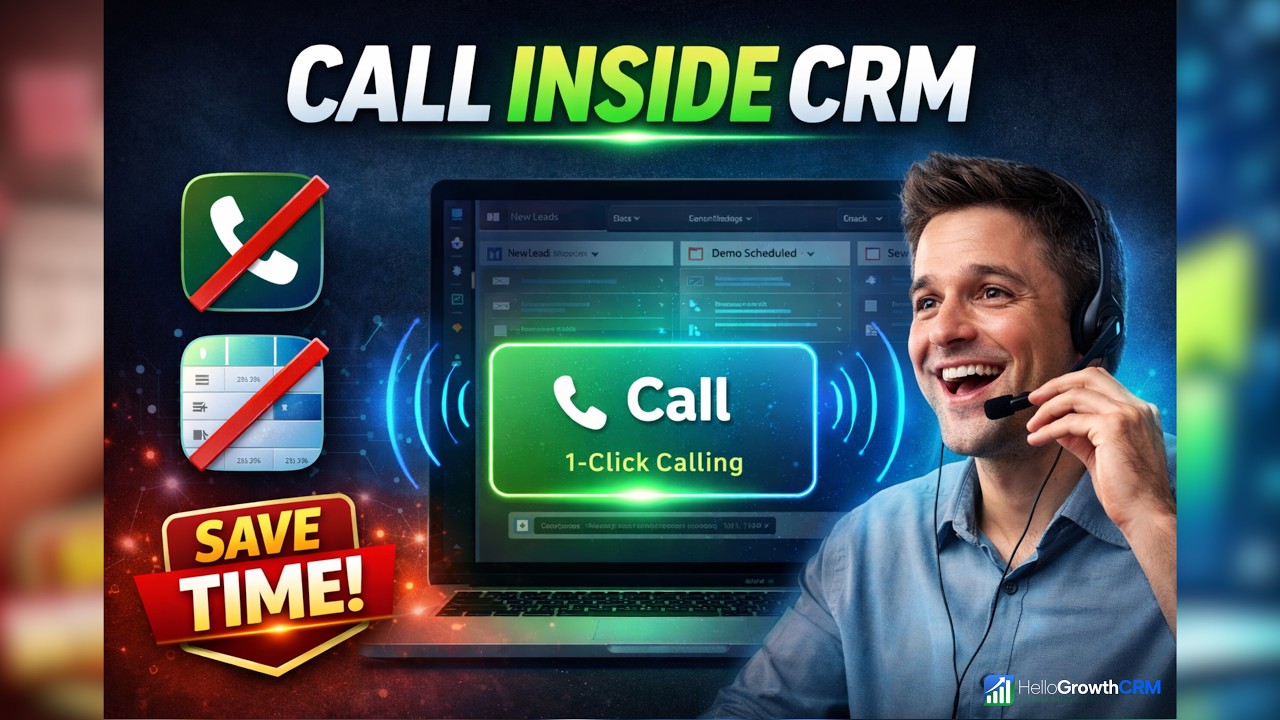
Watch: Calling Leads Without Leaving Your CRM
A short walkthrough of the HelloGrowthCRM built-in dialer — placing a call from the deal card, automatic recording, and the AI summary that writes your call notes for you.
Key Capabilities
- Click-to-Call from Any Record: Click any phone number in HelloGrowthCRM to initiate a call immediately. The call is logged to the contact record the moment it connects.
- Power Dialer for High-Volume Outbound: Queue a list of leads and HelloGrowthCRM dials them sequentially. When a call connects, the rep's screen shows the contact record and script. Unanswered calls move to the next lead automatically.
- Automatic Call Recording: All calls are recorded with consent-compliant announcement. Recordings are stored against the contact record — accessible to reps and managers indefinitely.
- AI Call Summary: Within 30 seconds of a call ending, HelloGrowthCRM generates an AI summary of what was discussed and a suggested next action — so reps never forget what was said and managers can review without listening to the full recording.
- One-Tap Outcome Tagging: After each call, reps tap their outcome (interested, callback, not interested, voicemail) and a follow-up date. The log is complete in under 10 seconds.
- Inbound Call Screen Pop: When a known contact calls in, HelloGrowthCRM pops their record on screen before the call connects — showing recent interactions, open deals, and pending tasks.
- SIP Trunk Integration: Use HelloGrowthCRM's built-in calling lines or connect your own SIP provider (Knowlarity, Ozonetel, MyOperator) to keep your existing business numbers.
How Indian Sales Teams Use It
- Insurance Outbound Teams: A Mumbai life insurance company's 30 outbound agents use HelloGrowthCRM's power dialer to work through daily call lists. Daily call volume increased from 45 to 80 calls per rep after eliminating manual dialling, copy-pasting, and note-taking — all of which now happen automatically.
- Real Estate Sales Centre: A Pune developer's inbound inquiry team uses screen pop to greet callers by name and immediately see which project they previously enquired about. Call handling time dropped from 8 minutes to 5 minutes — 37% efficiency improvement — because reps no longer ask repetitive qualifying questions already captured in the CRM.
- SaaS Inside Sales: A Bengaluru SaaS company's inside sales team uses AI call summaries for post-call CRM updates — reps review the auto-generated summary, make minor edits, and move on. CRM update time dropped from 5 minutes to under 1 minute per call — saving the team over 2 hours per day collectively.
HelloGrowthCRM as Outbound Calling Software
Most outbound calling software is a standalone dialer that sits outside your CRM — forcing reps to switch between two tools, manually paste call outcomes back into the CRM, and reconcile records at end-of-day. HelloGrowthCRM is outbound calling software built directly into the CRM. There is no switching: leads, call queue, recording, notes, and next-step tasks all live in the same screen.
For high-volume outbound teams in India — insurance, real estate, fintech, EdTech — HelloGrowthCRM replaces standalone tools like Exotel, Knowlarity, or CallHippo used alongside a separate CRM. The combined monthly cost of a standalone dialer (₹2,000–4,000) plus a separate CRM (₹3,000–6,000) often runs ₹5,000–10,000/month per team. HelloGrowthCRM covers both for ₹899/user/month on the Growth plan, with Indian billing in INR and no USD conversion overhead.
The built-in auto-dialer supports SIP trunks (Exotel, Ozonetel, MyOperator) so teams can port their existing DID numbers and retain their customer-facing caller ID while switching to HelloGrowthCRM.
Outbound Dialer vs Standalone Calling Software — What to Choose
Standalone outbound calling software tracks dials and call duration, but cannot update deal stages, trigger follow-up sequences, or score leads based on call outcomes. You need a CRM for all of that — and the integration between the two tools is always imperfect.
An integrated outbound dialer inside a full CRM eliminates the integration layer entirely. Call dispositions update the lead record in real time. A "Not Interested" outcome automatically removes the lead from the active pipeline and pauses follow-up sequences. A "Call Back" disposition auto-creates a task and schedules the next dial in the queue. These workflows cannot be replicated reliably with a standalone dialer and a separate CRM because the two systems do not share the same data model.
The CRM dialer and outbound calling tools are available from HelloGrowthCRM's Starter plan. Compare plans. Explore call routing for inbound management, call coaching for real-time rep guidance, or call insights for conversation analytics across your outbound team.
CRM Dialer by industry
The same capability, written for the fields, follow-ups and reports each vertical actually runs on.