HelloGrowthCRM software
Built for real small-business sales teams
HelloGrowthCRM helps reps qualify faster, follow up on time, and close more deals—with practical automation in one place.
- AI lead scoring and pipeline visibility
- Built-in dialer, WhatsApp, and email automation
- Sales forecasting and RevOps-ready reporting
A unified lead inbox CRM is a customer relationship management system feature that captures leads from multiple channels—such as WhatsApp, website forms, chat widgets, and ad forms—and routes them into a single, organized inbox where sales teams can respond, qualify, assign, and track every conversation without switching tools or losing leads.
Key Takeaways
- A unified lead inbox CRM centralizes leads from WhatsApp, forms, chat, and ads into one workspace.
- Sales teams respond faster because conversations, lead data, and tasks live in a single view.
- Automation can auto-assign leads, trigger follow-ups, and update pipeline stages instantly.
- HelloGrowthCRM connects messaging channels with CRM data using tools like WhatsApp & SMS CRM and Smart Inbox.
- A unified inbox reduces lead leakage and improves pipeline visibility for revenue teams.
What Is a Unified Lead Inbox CRM?
A unified lead inbox CRM is a centralized communication and lead management workspace where incoming leads from channels like WhatsApp, website forms, email, and ads appear in one organized feed so sales teams can respond quickly, track conversations, and convert opportunities without jumping between disconnected tools.
Traditional sales stacks scatter lead conversations across platforms. Website forms live in marketing automation. WhatsApp messages sit on phones. Email responses stay buried in personal inboxes.
That fragmentation slows down response time and increases the chance that a lead disappears unnoticed.
A unified lead inbox fixes this by bringing every inbound lead into a single operational view. Inside HelloGrowthCRM, this happens through the Unified Lead Inbox, which connects channels and automatically attaches conversations to CRM records.
The moment a new lead arrives, the system can:
- Create a contact record automatically
- Assign the lead to the right sales rep
- Trigger a follow‑up sequence using Email Automation
- Schedule tasks inside Sales Task Boards
This turns inbound interest into an actionable workflow instead of a scattered message.
Why Response Speed Matters
Responding quickly is not just good practice—it has measurable revenue impact.
Companies that contact a lead within one hour are nearly seven times more likely to qualify the lead than those that wait longer, according to research referenced by Harvard Business Review.
https://hbr.org/2011/03/the-short-life-of-online-sales-leads
When leads arrive across multiple tools, teams simply cannot react that fast. A unified inbox makes that speed possible.
Why Sales Teams Lose Leads Without a Unified Inbox
Sales teams lose leads without a unified inbox because messages and form submissions arrive in disconnected tools—email inboxes, WhatsApp phones, ad dashboards, and CRM notifications—making it easy for leads to be missed, delayed, or handled twice, which directly reduces conversion rates.
In many companies I have audited, the real issue was not lead volume. It was lead visibility.
In one rollout with a 12‑person sales team, we discovered that:
- Website leads were routed to a shared Gmail inbox
- WhatsApp inquiries went to two sales reps’ phones
- Paid ads created leads inside a marketing tool
- None of these systems synced with the CRM in real time
As a result:
- Sales reps responded hours later
- Two reps occasionally contacted the same lead
- Some leads were never contacted at all
Once we implemented a centralized inbox and automated routing, response time dropped from several hours to under ten minutes.
Common Lead Leakage Points
Fragmented communication creates predictable operational failures:
- Leads assigned manually instead of automatically
- Missed WhatsApp messages outside working hours
- Website forms arriving without CRM contact records
- Conversations disconnected from the sales pipeline
A unified inbox addresses all of these issues by tying communication directly to pipeline management.
Tools like AI Pipeline Management and AI Deal Insights inside HelloGrowthCRM can then analyze those conversations to identify deal progress or risk.
Why Modern Revenue Teams Need Centralization
Modern sales teams operate across more channels than ever.
Buyers frequently start conversations through messaging apps or web chat rather than traditional email. Analyst research from Forrester notes that buyers increasingly expect real‑time digital engagement across channels.
https://www.forrester.com/blogs/category/sales/
A unified lead inbox aligns sales infrastructure with how buyers actually communicate.
How HelloGrowthCRM’s Unified Lead Inbox Works
HelloGrowthCRM’s Unified Lead Inbox works by capturing inbound leads from channels like WhatsApp, website forms, and messaging tools, automatically creating CRM records, and displaying every conversation in a single interface where sales reps can reply, assign, qualify, and move leads through the pipeline without switching applications.
The system acts as a central command center for inbound lead engagement.
Instead of juggling tools, reps open one workspace that shows:
- New leads
- Active conversations
- Assigned tasks
- Pipeline stage updates
The inbox connects directly with core CRM features such as AI CRM, Meeting Scheduler, and Revenue Attribution.
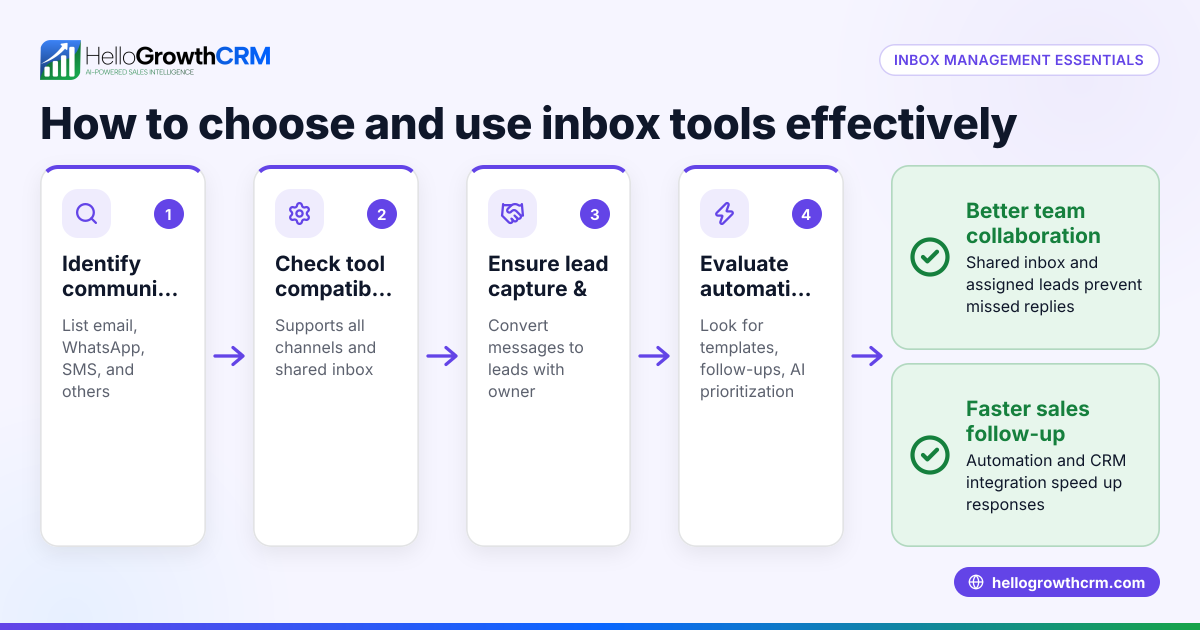
Channel Integrations
The inbox supports multiple lead sources simultaneously.
Common inputs include:
- WhatsApp conversations through WhatsApp Integration
- Website form submissions
- Chat widgets
- Email leads through Gmail Integration
- Paid ad leads from platforms like Meta Ads
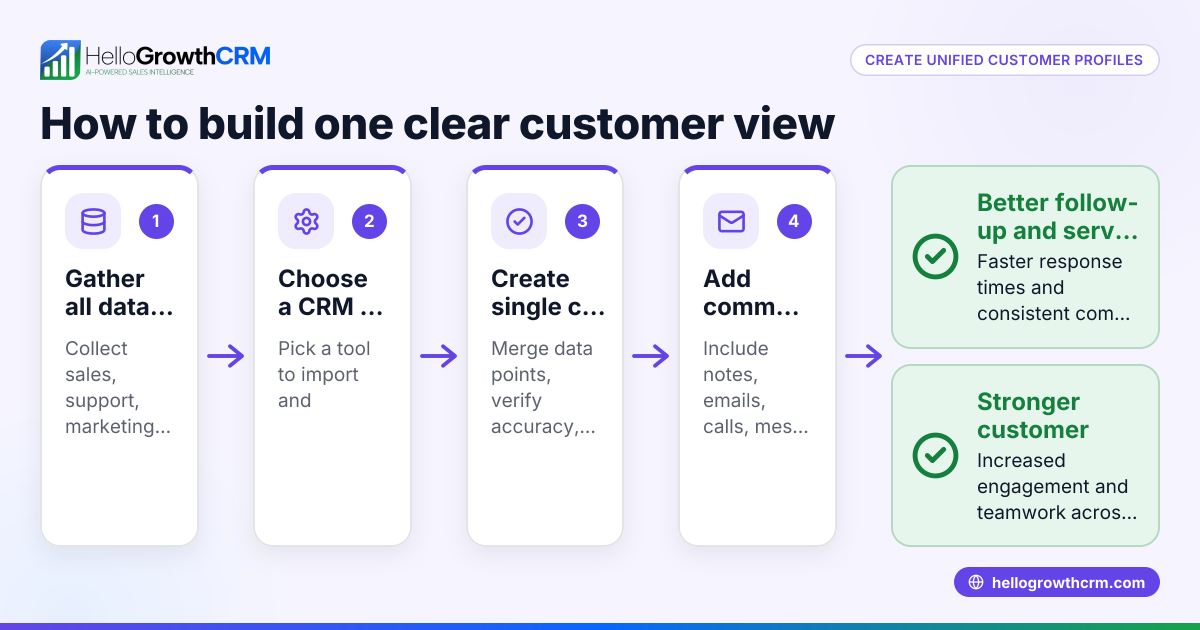
All messages and metadata appear in one timeline attached to the contact.
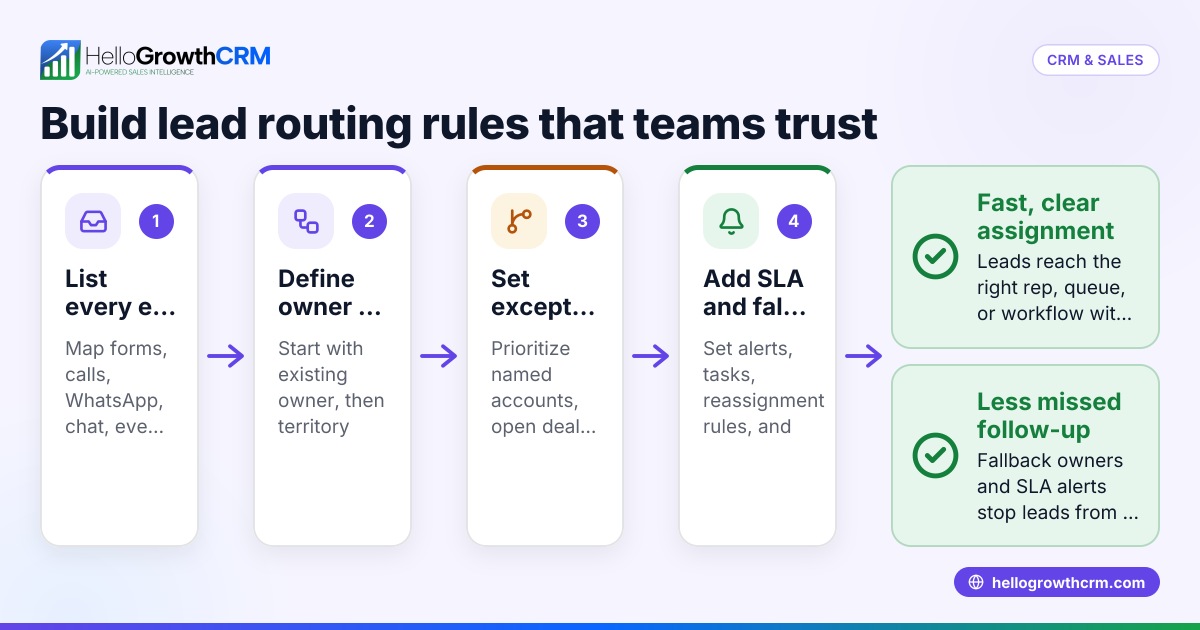
Automated Lead Routing
Once a lead enters the inbox, automation rules determine what happens next.
Typical routing logic includes:
- Territory-based routing via Territory Management
- Round-robin assignment
- Qualification rules based on form data
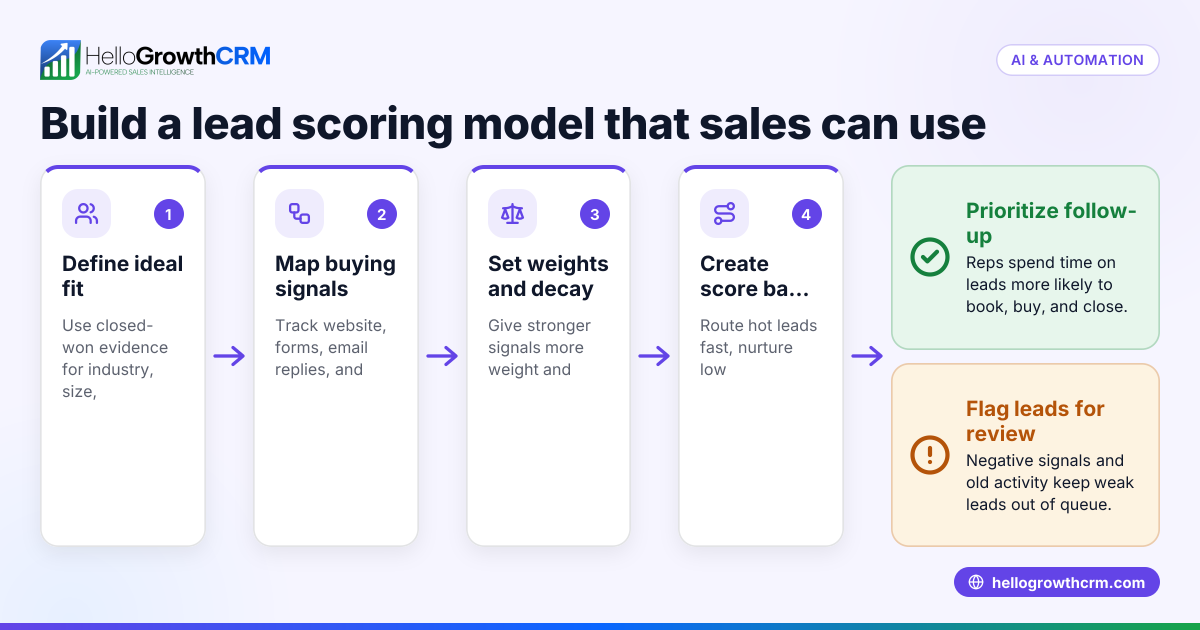
- Priority scoring using AI Lead Scoring
This removes the manual work normally required to assign leads.
Conversation Intelligence
Every conversation becomes part of the CRM record.
Sales teams can use:
- AI Sales Copilot to draft responses
- CRM Dialer for follow-up calls
- Post-Call Agent to summarize meetings
This tight integration between messaging and CRM data is what transforms a basic inbox into a revenue workflow system.
Unified Lead Inbox vs Fragmented Communication Tools
A unified lead inbox CRM differs from fragmented communication tools because it centralizes lead capture, conversations, and CRM workflows into one system, while fragmented setups rely on separate apps for messaging, forms, and pipeline tracking, which increases response delays, duplicate work, and lost leads.
| Feature | Unified Lead Inbox CRM | Fragmented Tools |
|---|---|---|
| Lead capture | Centralized from all channels | Separate apps and inboxes |
| Response workflow | Managed in CRM | Manual copying between tools |
| Lead assignment | Automated routing rules | Manual handoffs |
| Conversation history | Stored with CRM contact | Spread across apps |
| Automation | Built-in CRM automation | Requires integrations |
| Sales visibility | Full pipeline + conversations | Partial visibility |
From a RevOps perspective, the biggest benefit is data continuity.
When communication lives outside the CRM, forecasting becomes unreliable. Systems like Sales Forecasting depend on accurate interaction data.
Practical Example from a Sales Rollout
During one CRM migration I led for a SaaS company, sales reps were using:
- WhatsApp on personal phones
- Gmail threads
- A separate help desk chat system
After moving all inbound communication into a single inbox tied to the CRM, leadership could finally measure:
- Average lead response time
- Conversation-to-meeting rate
- Meeting-to-opportunity conversion
Those metrics are impossible to track accurately when conversations are scattered.
How to Set Up a Unified Lead Inbox in HelloGrowthCRM: Step-by-Step
Setting up a unified lead inbox in HelloGrowthCRM involves connecting messaging channels, routing incoming leads into the CRM, defining assignment rules, and enabling automation so every new conversation automatically becomes a trackable lead that sales teams can respond to instantly from one centralized workspace.
- Connect Communication Channels
Integrate messaging platforms like WhatsApp, email via Gmail, and other tools from the All Integrations directory. - Enable Website Lead Capture
Add HelloGrowthCRM forms or connect existing website forms so submissions automatically create CRM contacts. - Configure Lead Routing Rules
Use round-robin, territory rules, or qualification filters using Territory Management and AI Lead Scoring. - Activate Inbox Automation
Trigger automated responses, follow-up tasks, or nurturing workflows through Email Automation. - Connect the Sales Pipeline
Ensure every conversation links to pipeline stages managed through AI Pipeline Management. - Monitor Performance Metrics
Track response time, engagement rate, and pipeline conversion using dashboards and tools like the Pipeline Health Score.
Best Practices for Inbox Workflows
A few operational habits dramatically improve results.
- Assign new leads within minutes
- Use templates for first responses
- Track follow-ups with task boards
- Analyze conversation data weekly
In teams under 50 reps, these workflows are easy to maintain. Larger organizations may require additional routing layers or RevOps support through services like Managed RevOps.
Using Automation to Prevent Lead Leakage
Automation prevents lead leakage in a unified lead inbox by automatically assigning leads, triggering follow-up actions, and monitoring inactivity so no incoming inquiry sits unanswered, which protects revenue opportunities and keeps pipelines moving without relying on manual monitoring.
Lead leakage often happens quietly.
A lead arrives Friday evening. No one responds until Monday. By then, the buyer has already moved on.
Automation solves this with rules like:
- Instant auto-replies confirming receipt
- Task creation for the assigned rep
- Escalation alerts if a lead waits too long
HelloGrowthCRM can also trigger proactive actions through AI agents.
For example:
- A Deal Risk Agent can flag inactive conversations
- An AI Voice Agent can place automated follow-up calls
These features help sales teams maintain responsiveness even when inbound volume spikes.
Tracking Revenue Impact
Because the unified inbox connects to the CRM pipeline, revenue leaders can measure exactly how inbound conversations turn into revenue.
Typical metrics include:
- Lead response time
- Conversation-to-meeting rate
- Pipeline creation from inbound leads
- Revenue attribution via Revenue Attribution
This level of visibility is one of the biggest operational advantages of a unified system.
Start Managing Leads from One Inbox with HelloGrowthCRM
If your sales team handles leads from WhatsApp, website forms, ads, and email, switching between tools wastes time and causes missed opportunities.
HelloGrowthCRM’s Unified Lead Inbox brings every conversation into one organized workspace. Sales reps can respond instantly, automate follow-ups, and move deals forward without leaving the CRM.
Explore the full platform features on the Features page, review plans on Pricing, or start a hands-on evaluation with a Free Trial or guided Demo.
About the author
Arjun Mehta is the Head of Revenue Operations at HelloGrowthCRM with 11 years of experience designing CRM and sales automation systems for B2B SaaS companies. He has led CRM rollouts for startups and scale-ups across North America and Asia. One project involved consolidating five disconnected sales tools into a unified CRM workflow for a 40‑person SaaS sales team, which informed many of the operational practices shared in this article.
Frequently Asked Questions
Q: What is a unified lead inbox in CRM?
A: A unified lead inbox in CRM is a centralized workspace where leads and conversations from channels like WhatsApp, website forms, chat, and email appear in one interface so sales teams can respond, assign, and track every interaction without switching tools. This improves response speed and visibility.
Q: Why do businesses need a unified lead inbox?
A: Businesses need a unified lead inbox because leads often arrive from multiple channels, and scattered communication tools cause missed responses, duplicate outreach, and poor tracking. Centralizing conversations inside the CRM ensures every lead receives timely follow-up and becomes part of the sales pipeline.
Q: Can WhatsApp leads go directly into a CRM inbox?
A: Yes, WhatsApp leads can go directly into a CRM inbox when the CRM integrates with WhatsApp APIs. In HelloGrowthCRM, the WhatsApp & SMS CRM integration automatically captures conversations and attaches them to contact records inside the unified inbox.
Q: How does a unified lead inbox improve sales response time?
A: A unified lead inbox improves sales response time by consolidating all inbound messages into a single queue where reps receive real-time alerts and can reply immediately. Automation rules can also assign leads instantly and trigger follow-up tasks.
Q: Does a unified inbox replace email and messaging apps?
A: A unified inbox does not replace email or messaging platforms; instead, it connects them to the CRM. Sales teams can send and receive messages from channels like Gmail or WhatsApp while managing conversations and lead records inside the CRM system.
Q: How do leads get assigned in a unified CRM inbox?
A: Leads get assigned in a unified CRM inbox through routing rules such as round-robin assignment, territory mapping, or AI-based lead scoring. These rules automatically distribute leads to the appropriate sales rep without manual intervention.
Q: Is a unified lead inbox useful for small sales teams?
A: Yes, a unified lead inbox is extremely useful for small sales teams because it removes the need for multiple tools and prevents missed leads. Even teams with fewer than ten reps benefit from centralized visibility and automated lead routing.
Q: How quickly can a unified lead inbox be set up?
A: A unified lead inbox can usually be set up within a few hours by connecting communication channels, configuring routing rules, and activating automation workflows. Most teams start seeing improved response times within the first week of use.
Frequently Asked Questions
Ready to put this into practice?
Set up your pipeline, WhatsApp follow-ups, and AI lead scoring in minutes — free, no credit card.
Try HelloGrowthCRM freeGet CRM tips in your inbox
Join thousands of sales professionals who get weekly insights on CRM strategy, AI automation, and pipeline optimization.

The HelloGrowthCRM team publishes guides on CRM strategy, AI sales tools, and revenue operations for small business sales teams.