HelloGrowthCRM software
Built for real small-business sales teams
HelloGrowthCRM helps reps qualify faster, follow up on time, and close more deals—with practical automation in one place.
- AI lead scoring and pipeline visibility
- Built-in dialer, WhatsApp, and email automation
- Sales forecasting and RevOps-ready reporting
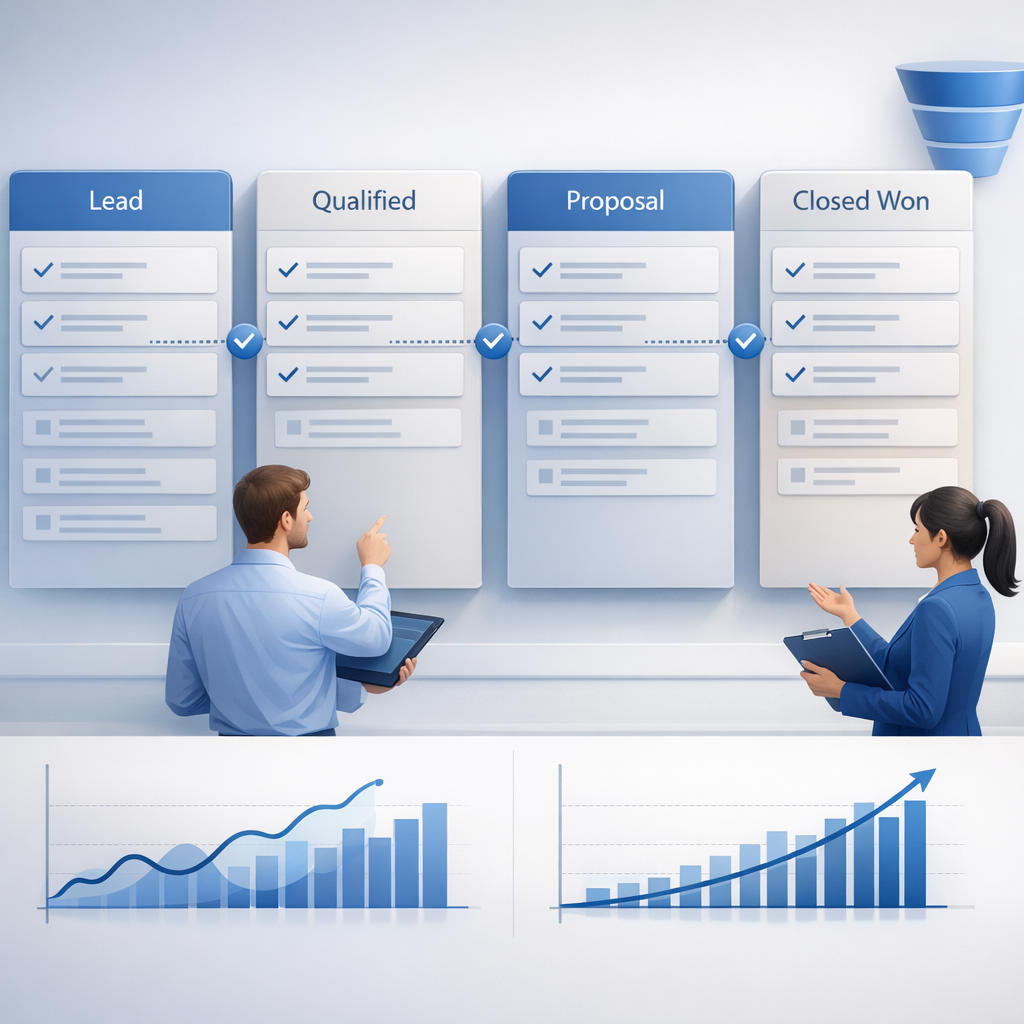
CRM forecast categories are standardized deal labels inside a CRM—typically pipeline, best case, commit, and closed—that tell sales leaders how likely revenue is to land in a given period, improve manager visibility, and reduce forecast error by replacing vague rep judgment with clear entry and exit rules.
Key Takeaways
- CRM forecast categories work best when each category has strict, observable rules tied to deal evidence.
- The four most practical categories for B2B teams are pipeline, best case, commit, and closed.
- Forecast accuracy improves when category assignment is tied to stage hygiene, next-step discipline, and close-date realism.
- Managers should inspect category movement weekly, not just total pipeline value.
- HelloGrowthCRM helps teams enforce category rules with AI Pipeline Management, Sales Forecasting, and Managed RevOps.
- Smaller B2B teams can usually start with four categories. Larger teams may add upside or omitted only after the basics are stable.
What are CRM forecast categories?
CRM forecast categories are labels that group open opportunities by confidence level so teams can forecast revenue in a consistent way. Instead of asking every rep for a subjective number, forecast categories define what counts as pipeline, best case, commit, and closed using shared rules inside the CRM.
At a practical level, forecast categories answer one question: “How likely is this deal to close in the forecast period?”
That sounds simple, but many teams make it messy. One rep marks a shaky deal as commit because the buyer sounded positive. Another leaves a near-signed deal in pipeline because they forgot to update the record. The result is a forecast that looks precise in the dashboard and falls apart in the board meeting.
In my experience auditing B2B sales motions, the issue is rarely the forecast report itself. The issue is category discipline. If the categories are vague, the number is vague.
A workable forecast model usually has these traits:
- Each category has a plain-language definition
- Every category has required deal evidence
- Category changes are reviewed by managers
- Close dates are tied to buying process milestones
- Stale opportunities are pushed out or removed quickly
This matters because forecast quality depends on data quality. Gartner’s CRM topic coverage consistently emphasizes that CRM value comes from process adoption, not just software deployment.
Within HelloGrowthCRM, teams usually pair category definitions with Features like mandatory fields, task discipline, and activity tracking. That is how categories become operational, not aspirational.
Why do forecast categories improve pipeline accuracy?
Forecast categories improve pipeline accuracy because they force reps and managers to classify deals using a common confidence framework, which makes close probability, timing, and inspection more consistent. When category rules are enforced in the CRM, bad close dates, weak qualification, and unsupported optimism become easier to spot early.
Without forecast categories, most teams rely on raw stage totals. That is not enough. Stages describe where a deal is in the process. Categories describe confidence that it will close in the current period. Those are different signals.
Stage is not the same as forecast confidence
A deal can be in proposal stage and still belong in pipeline, not commit. Why? Because the champion may be weak, legal may not be started, or budget approval may be pending.
I usually explain it this way:
- Stage = process progress
- Forecast category = confidence for the period
- Amount = expected contract value
- Close date = timing assumption
When I have audited pipelines like this, the biggest miss is reps treating late stage as automatic commit. That shortcut destroys forecast reliability.
Categories create inspection points for managers
Managers need a way to coach forecast quality, not just chase updates. Forecast categories create a weekly inspection rhythm:
- Why did this deal move from best case to commit?
- What proof supports the current close date?
- What is the next customer action?
- Has procurement or legal started?
- Is the economic buyer engaged?
This is where AI Deal Insights and AI Sales Copilot can help surface missing evidence before the call.
According to Harvard Business Review’s sales topic coverage, disciplined sales management systems improve consistency by turning judgment into repeatable operating habits. Forecast categories are one of the clearest examples of that principle in day-to-day pipeline management.
Which CRM forecast categories should sales teams actually use?
The CRM forecast categories sales teams should actually use are pipeline, best case, commit, and closed because they are simple enough for reps to apply consistently and detailed enough for managers to separate early-period coverage from likely revenue. Most B2B teams do not need more categories until adoption is stable.
Too many categories create more debate than clarity. The goal is not taxonomy. The goal is forecast signal.
Recommended category definitions
| Forecast Category | What it means | Minimum evidence | Manager view |
|---|---|---|---|
| Pipeline | Real opportunity, but not reliable for this period yet | Qualified deal, active next step, realistic amount | Coverage, not count-on revenue |
| Best Case | Could close this period if remaining steps go well | Strong champion, mutual action plan, close date validated | Watch closely, coach risks |
| Commit | Expected to close this period with high confidence | Decision process confirmed, commercial terms aligned, no major blockers | Included in forecast call number |
| Closed | Deal is won or lost and no longer forecasted as open | Signed agreement or closed-lost reason captured | Final outcome for analysis |
These four categories work well for most B2B motions because they map to how leaders think:
- What is in play?
- What might land?
- What should land?
- What did land?
When to add or avoid extra categories
Some organizations use “omitted,” “upside,” or “most likely.” That can work, but only if managers can coach the difference.
Add more categories only when:
- You have more than one segment or sales motion
- Managers apply the rules the same way
- Forecast inspections are already disciplined
- CRM field completion is consistently high
Avoid extra categories when:
- Reps still skip next steps
- Close dates slip every week
- Qualification standards vary by manager
- Forecast calls are still anecdotal
For many teams evaluating Pricing or testing a new Free Trial, simpler is better. Four categories are enough to build trust in the process.
How should you define rules for pipeline, best case, commit, and closed?
You should define rules for pipeline, best case, commit, and closed by tying each category to observable buyer evidence, not seller opinion. Good rules use qualification criteria, activity recency, next-step dates, and buying-process milestones so deals move categories only when facts change inside the CRM.
Here is a practical operating model.
Pipeline rules
Pipeline is for real deals that are still too early or too uncertain for the period forecast.
Use pipeline when:
- The deal is qualified using your method, such as MEDDPICC or BANT
- There is an active next meeting or documented next step
- The close date is plausible but not yet well-supported
- Buying committee access is incomplete
- Commercial review has not started
Do not use pipeline for dead deals. If there has been no buyer response for weeks, move the close date or close it out.
Best case rules
Best case is for deals that have a credible path to close in the period but still carry visible risk.
Use best case when:
- The champion is active and responsive
- The business problem is agreed
- The mutual plan is documented
- Pricing has been discussed
- One or two material blockers remain
This category is where coaching matters most. In one rollout we did with a 12-person sales team, we cut “false commits” by moving uncertain proposal-stage deals back into best case unless legal or procurement was actually engaged.
Commit rules
Commit should be reserved for high-confidence deals with strong evidence, not for deals reps simply want to win.
Use commit when:
- Decision criteria are confirmed
- Decision process and timeline are verified
- Economic buyer access exists or is strongly mediated
- Redlines, procurement, or final approval are underway
- The close date matches the buyer’s process
A useful test is this: if the deal slips, can the rep explain which external event changed? If not, it probably was not commit.
Closed rules
Closed is not just “won.” It should include accurate outcome data for future forecast learning.
Require:
- Signed contract for closed-won
- Closed-lost reason and competitor or no-decision code
- Final amount and term
- Actual close date
- Handoff details where relevant
This is where Revenue Attribution and post-sale data become valuable. Closed data should sharpen next quarter’s forecast logic.
What makes forecast categories fail in real sales teams?
Forecast categories fail in real sales teams when definitions are loose, managers coach by opinion instead of evidence, and reps are allowed to keep stale deals in late categories. The failure is usually operational, not technical, because the CRM reflects weak process habits rather than fixing them automatically.
I see five common breakdowns.
1. Category rules are too subjective
If “best case” means “feels good,” every rep will interpret it differently.
Fix it with required evidence fields, such as:
- Decision date
- Next meeting date
- Champion status
- Commercial stage
- Risk notes
2. Close dates are not policed
A forecast category is only as good as its close date. If close dates linger in the current month without buyer-backed proof, the forecast is inflated.
3. Managers skip hygiene reviews
Forecast calls should inspect movement and evidence, not just ask, “Are you still good for this?”
HelloGrowthCRM teams often use Pipeline Health Score alongside Sales Forecasting to catch stale deals before forecast meetings.
4. Activity data is disconnected
If meetings, calls, and email threads are missing, managers cannot verify momentum. Connecting tools like Gmail, Slack, and Google Meet helps keep opportunity context current.
5. RevOps is not enforcing the system
Rules need ownership. If no one audits field usage, stage aging, or category drift, teams revert to opinion.
According to Salesforce’s official research, poor data quality remains a major barrier to effective selling and reporting in many organizations, which directly affects forecast reliability (State of Sales).
How to set up CRM forecast categories: Step-by-Step
To set up CRM forecast categories, define simple category rules, map them to buyer evidence, enforce required fields and review cadences, then monitor category movement against actual outcomes. The process works best when sales leadership, frontline managers, and RevOps agree on definitions before building dashboards or automation.
- Choose four default categories
Start with pipeline, best case, commit, and closed. Avoid extra labels until managers are using the core four consistently. - Write one-sentence definitions
Keep each category definition short and testable. If a new manager cannot explain it in ten seconds, it is too vague. - Set required evidence for each category
Define the exact fields or milestones needed. Examples include next-step date, decision process, champion status, and commercial review status. - Map categories to stage rules
Some stages can support multiple categories, but not all categories should be allowed in all stages. This is where AI Pipeline Management helps enforce cleaner logic. - Add CRM validation and automation
Require updates before a rep can mark a deal as commit. Use reminders, task triggers, and Email Automation where follow-up consistency affects stage hygiene. - Run weekly manager inspections
Review category changes, slipped close dates, and stale deals. Managers should ask for evidence, not opinions. - Compare forecast vs actual every period
Measure commit conversion, best-case conversion, and slip rates. Those three metrics show whether your definitions are working. - Refine with RevOps support
If adoption is uneven, bring in Managed RevOps to tighten fields, dashboards, and meeting cadence.
How does HelloGrowthCRM help teams enforce forecast category discipline?
HelloGrowthCRM helps teams enforce forecast category discipline by combining forecast views, pipeline hygiene controls, activity capture, and RevOps support in one workflow. That lets managers coach from live deal evidence, not scattered updates, while giving leadership a cleaner view of commits, risk, and likely revenue.
The product fit is strongest for B2B teams that want tighter execution, not just another static forecast report.
Practical ways HelloGrowthCRM supports forecasting
- Sales Forecasting gives leaders category-based visibility by rep, team, and period
- AI Pipeline Management highlights stale opportunities, stage drift, and close-date risk
- AI Deal Insights surfaces missing deal evidence before review calls
- Smart Inbox and CRM Dialer help keep activity history attached to opportunities
- Meeting Scheduler makes next-step discipline easier to enforce
- Managed RevOps helps teams define fields, dashboards, review cadences, and manager rules
This is also where limitations matter. If you run a highly customized enterprise motion with dozens of product lines and regional forecast overlays, expect a more complex design process. For teams under 50 reps, though, a four-category model usually goes live much faster.
If you are migrating from a legacy setup, HelloGrowthCRM can also connect with systems like HubSpot, Salesforce, and All Integrations to preserve reporting continuity while you improve process quality.
If your team wants to move from subjective rep updates to a forecast process managers can trust, HelloGrowthCRM is built for that shift. Explore the platform through a Demo or start a Free Trial to see how category rules, cleaner pipeline data, and hands-on RevOps support can improve forecast accuracy.
About the author
Riya Malhotra is a Revenue Operations Lead at HelloGrowthCRM with 10 years of experience in B2B SaaS sales ops, forecasting, and CRM process design. She has led forecasting and pipeline-governance projects across SMB and mid-market sales teams. One project that informed this article was a quarter-long forecast cleanup for a global 12-rep SaaS team, where she redesigned category rules, stage aging alerts, and manager inspection cadences to reduce last-week commit slippage.
Frequently Asked Questions
Q: What are the standard CRM forecast categories?
A: The standard CRM forecast categories are usually pipeline, best case, commit, and closed. Some companies add upside or omitted, but most B2B teams get better consistency by starting with four categories and enforcing them well.
Q: What is the difference between sales stages and forecast categories?
A: The difference between sales stages and forecast categories is that stages show process progress, while forecast categories show confidence of closing in a period. A deal can be in a late stage and still belong in best case instead of commit.
Q: How do you decide if a deal belongs in commit?
A: A deal belongs in commit when the buyer’s decision process, timing, and commercial path are confirmed with strong evidence. Reps should not use commit based on optimism alone. There should be clear proof that remaining steps are limited and active.
Q: Should every CRM use the same forecast categories?
Frequently Asked Questions
Ready to put this into practice?
Set up your pipeline, WhatsApp follow-ups, and AI lead scoring in minutes — free, no credit card.
Try HelloGrowthCRM freeGet CRM tips in your inbox
Join thousands of sales professionals who get weekly insights on CRM strategy, AI automation, and pipeline optimization.

The HelloGrowthCRM team publishes guides on CRM strategy, AI sales tools, and revenue operations for small business sales teams.